

Your Browsing History
- In Stock
- Sold by Newegg
- Make an Offer
- New

Any questions? Our AI mode will help you find out quickly.
Try me now
Quick View
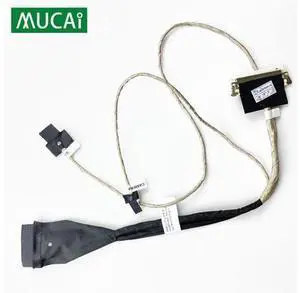
Video screen Flex cable For Lenovo AIO C255 C260 desktop LCD LED Display Ribbon cable DC02001VR00
Limited time offer, ends 08/31
- Model #: YLJGZMC7AZ-0722-3457
- $37.91 –
- Free Shipping
Quick View
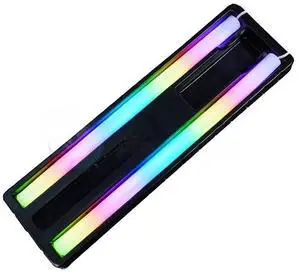
Generic For 120/240/360 CPU AIO Water Cooler Tubing RGB Soft Luminous Neon Water Cooling Tube Cover 5V 3Pin ARGB
- Model #: 3256810305374403
- $43.78 –
- Free Shipping
Quick View
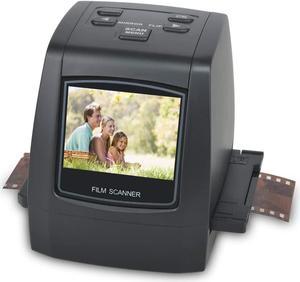
DIGITNOW Film Scanners with 22MP Converts 126KPK/135/110/Super 8 Films, Slides & Negatives All in One into Digital Photos, 2.4" LCD Screen, Impressive 128MB Built-in Memory
- Scan Size: 35mm negatives, 126KPK film, 135 film, 110 film, Super 8 film, slides and negatives
- USB Ports: Yes
- Operating Systems Supported: Mac & PC
- Windows Vista: Works with Windows Vista
- Model #: M126

Quick View
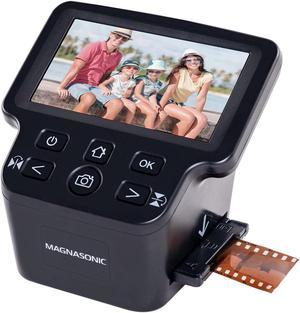
Magnasonic All-In-One 24MP Film Scanner with Large 5" Display & HDMI, Converts 35mm/126/110/Super 8 Film & 135/126/110 Slides into Digital Photos, Built-in Memory (FS71)
- Part Number: FS71
- Dimensions: 5.50 in H x 6.25 in W x 6.00 in L
- Weight: .84 lbs
- Color: Black
- Model #: FS71
Quick View
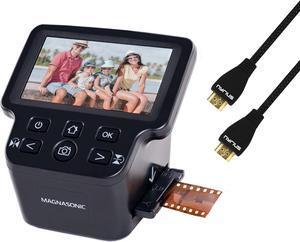
Magnasonic All-In-One 24MP Film Scanner with Large 5" Display & HDMI, Converts 35mm/126/110/Super 8 Film & 135/126/110 Slides into Digital Photos, Built-in Memory with a HDMI Cable
- Part Number: FS71HC06
- Dimensions: 6.00 in H x 6.00 in W x 8.00 in L
- Weight: .84 lbs
- Color: Black
- Model #: FS71HC06
Quick View
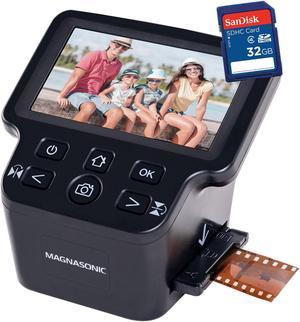
Magnasonic All-In-One 24MP Film Scanner with Large 5" Display & HDMI, Converts 35mm/126/110/Super 8 Film & 135/126/110 Slides into Digital Photos, Built-in Memory with bonus 32GB SD Card (FS71)
- Part Number: FS71-SDSDB032G-KIT
- Dimensions: 6.00 in H x 6.00 in W x 8.00 in L
- Weight: 1.2 lbs
- Color: Black
- Model #: FS71-SDSDB032G-KIT
Quick View
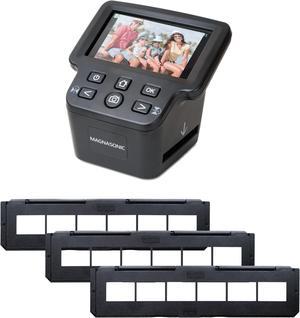
Magnasonic All-In-One 24MP Film Scanner with Large 5" Display & HDMI, Long Tray 35mm Negative Film Holders, Converts 35mm/126/110/Super 8 Film & 135/126/110 Slides into Digital Photos, Built-in Memory
- Part Number: FS71NT01
- Dimensions: 6.00 in H x 6.00 in W x 8.00 in L
- Weight: 1.26 lbs
- Color: Black
- Model #: FS71NT01
Quick View
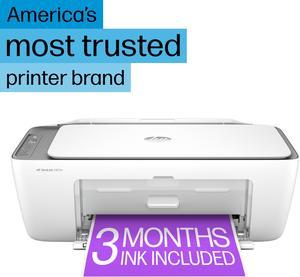
HP DeskJet 2855e All-in-One Wireless Color Printer

- Color Print Speed: Up to 5.5 ppm
- Input Capacity, max.: 60-sheet input
- Output Capacity, max.: 25-sheet output
- Model #: 588S5A#B1H
- $89.99 –
- More options from $89.99 - $92.44
- Free Shipping
Quick View
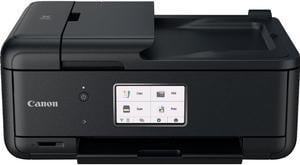
Canon PIXMA TR8620a Wireless All-In-One Inkjet Printer #4451C032AA
- Model #: 4451C032AA
- $244.99 –
- More options from $199.00 - $244.99
- Free Shipping
Quick View
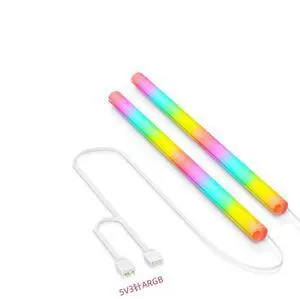
ARGB LED Tube Sleeve, 5V 3Pin RGB LED, 360° Panoramic Soft Light Water Cooling Tube with Programmable 16.8 Million Colors for PC Water Cooling System - 34.5cm
- Color: White
- Model #: ARGB-35
- $35.99
- See price in cart
- $1.99 Shipping
Quick View
Open Box Canon PIXMA TR8620a Wireless All-In-One Inkjet Printer #4451C032AA
- Model #: 4451C032AA
- $179.99 –
- Free Shipping
Quick View
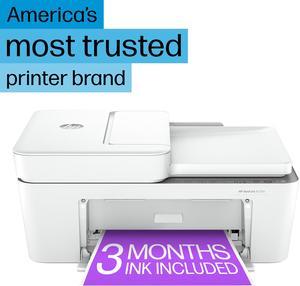
HP DeskJet 4255e All-in-One Wireless Color Printer 588S6A#B1H
- Black Print Speed: Up to 8.5 ppm
- Black Print Quality: Up to 1200X 1200 rendered dpi (when Printing from a computer)
- Brand: HP
- Series: Deskjet
- Model #: 588S6A#B1H
- $109.99
- See price in cart
- More options from $109.89 - $129.99
- Free Shipping
Quick View
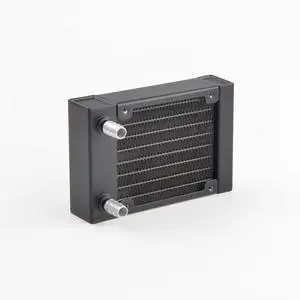
Water cooling radiator 80mm size aluminum material radiator for PC water cooling G1/4 thread install 80mm fans
- Model #: 2261800187890136
- $49.62 –
- Free Shipping
Quick View
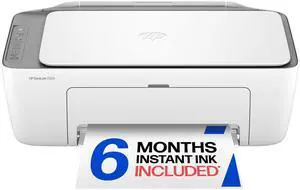
DeskJet 2923 Wireless All-in-One Color Inkjet Printer, Scanner, Copier, 6 Month Trial of Instant Ink Included, AI-Capable (B18JWA)
- Model #: 522272057464
- $97.99 –
- Free Shipping
Quick View
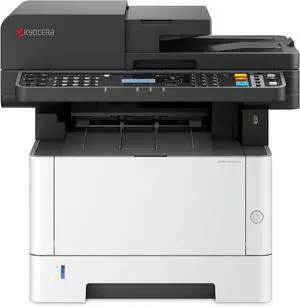
KYOCERA ECOSYS MA3500wfx Monochrome All-in-One Wireless Laser Printer (Print/Copy/Scan/Fax), up to 37ppm, Automatic Document Processor and & Mobile Utilities
- Model #: ENGEB0FVMCFWWR
- $935.99 –
- Free Shipping
Quick View
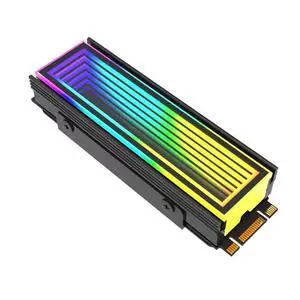
5V/3Pin ARGB AURA Sync Computer 2280 SSD M2 Radiator Aluminum PC RGB M.2 Nvme Cooler Heatsink Solid State Drive Heat Sink Cooler
- Model #: 3256812358262613
- $24.12 –
- Free Shipping
Quick View
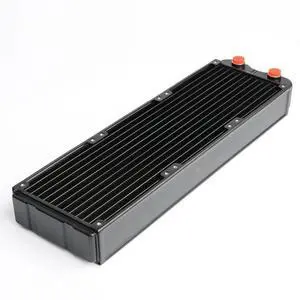
Generic For PC Water Cooling 360mm Aluminum Radiator Double-layer G1/4 45mm Thickness Heat Sink PC Gamer DIY Gamer Cabinet Part
- Model #: 3256808416784166
- $132.10 –
- Free Shipping
Quick View
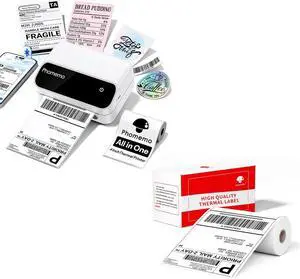
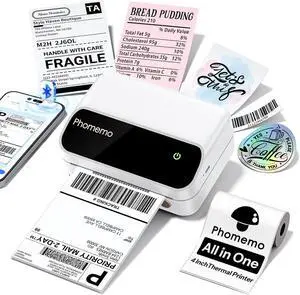
Phomemo Portable 4 Inch Thermal Label Printer with 55PCS White 4"x6" Thermal Labels
- Model #: CHIDB0GJCY5YFX
- $159.99 –
- Free Shipping
Quick View
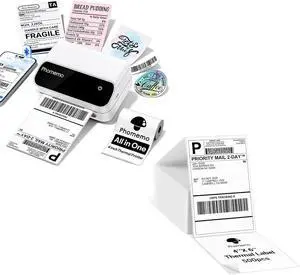
Phomemo Potable 4x6 Shipping Label Printer with 500PCS Fan-Fold 4x6 Thermal Direct Shipping Labels
- Model #: CHIDB0GJCL6DPL
- $168.99 –
- Free Shipping
Quick View
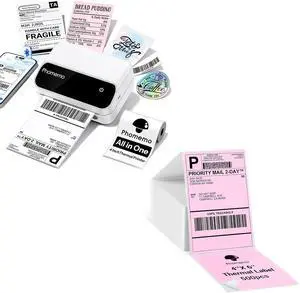
Phomemo Portable 4 Inch Label Printer with Pink 4X6'' Thermal Shipping Labels 500PCS
- Model #: CHIDB0GJCT5WRX
- $171.99 –
- Free Shipping
Quick View
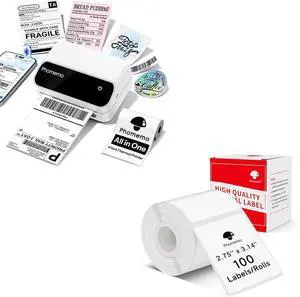
Phomemo Portable 4 Inch Thermal Label Printer with 2.75''x3.14''(70x80mm) Thermal Label for Barcode/Address/Mailing/Logo/Business/Home Tag
- Model #: CHIDB0GJDDC6GR
- $158.99 –
- Free Shipping
Quick View
Generic MV195WGM-N10 All-In-One LCD Panel 19.5 Inch Screen Compatible with MV195WGM-N10
- Model #: 3256809278830904
- $75.62 –
- Free Shipping
Quick View
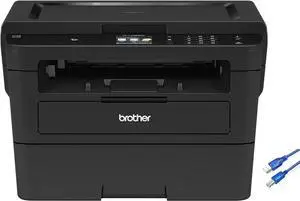
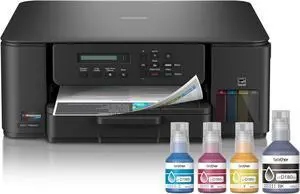
Brother INKvestment Tank 580 Wireless Color Inkjet All-in-One Printer | Includes up to 3 Years of Ink in-Box(1) and 3-Year Limited Warranty(2) (MFC-T580DW)
- Model #: ENGEB0FGBNCR52
- $450.99 –
- Free Shipping

Quick View
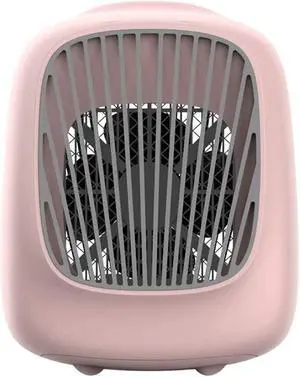
Portable Air Cooler,7 Colors LED USB Cooler Fan Air Cooling Fan Rechargeable Fan for Office Room
- Model #: DEEUB0FHDHT1R4
- $200.99 –
- Free Shipping
Quick View
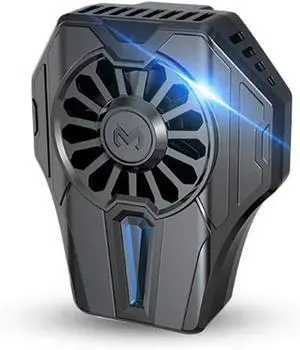
Mobile Phone Radiator ABS Phone Cooling Fan Case Cold Wind Handle Fan for Phone Cooler Water Cooled Radiator Accessories
- Model #: DEEUB0FGW97R9R
- $304.99 –
- Free Shipping
Quick View
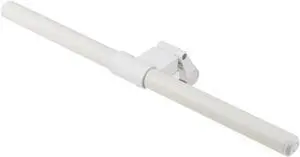
PaletteLife ML-1510WH LED Monitor Light Bar, USB-C Powered Anti-Glare Light, White
- Model #: DEEUB0DXDPTHZT
- $110.99 –
- Free Shipping
Quick View
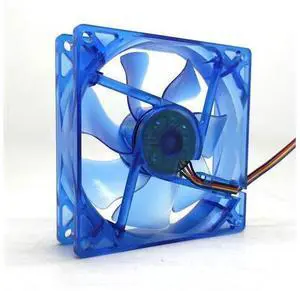
92mm pwm LED cpu cooler cooling fan 90mm 9cm 92X92X25mm luminous 12V 1800RPM blue light cooler
Limited time offer, ends 08/15
- Model #: YC7FW0709-oys-107
- $30.87 –
- Free Shipping
Quick View
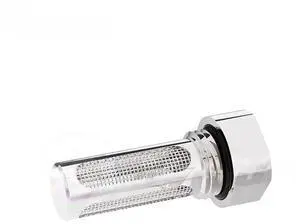
Generic For Water Cooling Filter Reservoir Built-in For Medical & Industrial Cooler Impurity Filtering 30 Mesh GLQ-CNZ
- Model #: 3256808573335755
- $13.80 –
- Free Shipping
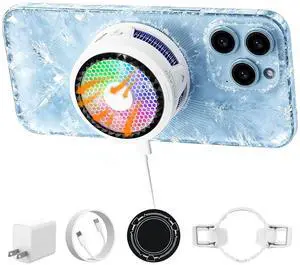
Quick View
Ai Phone Cooler 3-Second Cooling Magnetic Cooler for Gaming Portable Phone Radiator Variable Frequency Temperature Control Anti-Condensation Cool Fan for iPhone/Android
- Model #: TOLKB0H2FD4TP8
- $72.99 –
- Free Shipping
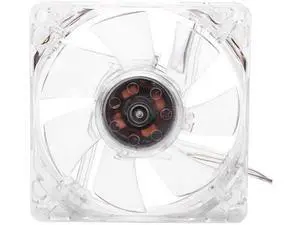
Quick View
CPU Cooling Fan, 5V CPU Cooling Fan, 8cm USB Colorful Light Transparent Cooling Fan with 4 Color Lamps,Water Cooling Cooler System AMD Intel CPU Water Cooler For PC Computer
Limited time offer, ends 08/15
- Model #: WLC78S.0727.Pallet0844
- $20.98 –
- Free Shipping
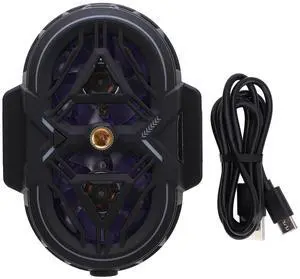
Quick View
Phone Cooler Dual Core 3 - Level Cooling with Temperature Display, RGB Lighting Cellphone Radiator for Gaming Live Streaming, Adjustable Clamp for 6-8cm Phones
- Model #: TOLKB0GQX6TCL2
- $67.99 –
- Free Shipping
Related searches
Choosing the Right Printer for Your Office Needs
When it comes to office solutions, printers and scanners are essential tools for any business. Whether you need to print important documents, scan invoices, or create professional-quality marketing materials, having the right equipment is crucial. In this article, we will explore the different types of printers and scanners available in the market and provide tips on how to choose the best one for your office.
All-in-One Printers: Versatility and Convenience
all-in-one printers, also known as multifunction printers, are a popular choice for offices. These devices combine the functionality of a printer, scanner, copier, and sometimes even a fax machine into a single unit. They offer versatility and convenience, allowing you to perform multiple tasks without the need for separate devices. All-in-one printers are available in both inkjet and laser options, catering to different printing needs and budgets.
Specialized Printers for Specific Tasks
In addition to all-in-one printers, there are specialized printers designed for specific tasks. For example, 3D printers are ideal for creating prototypes or intricate models, while barcode and label printers are perfect for businesses that require efficient inventory management. laser printers are known for their fast printing speeds and high-quality output, making them suitable for offices with high-volume printing needs. inkjet printers, on the other hand, are more cost-effective and can produce vibrant color prints.
Choosing the Right Supplies
Once you have selected the right printer for your office, it is important to choose the right supplies to ensure optimal performance and longevity. When it comes to inkjet printers, using high-quality ink cartridges is essential to achieve the best print quality and prevent clogging. For laser printers, it is important to choose the right type of toner cartridges that are compatible with your printer model. Additionally, investing in high-quality paper can make a significant difference in the final print results.
FAQs: Common Questions about Printers and Scanners
| Q: How often should I replace the ink cartridges? | A: The frequency of replacing ink cartridges depends on your printing volume. However, it is recommended to replace them when the print quality starts to degrade. |
|---|---|
| Q: Can I use third-party ink cartridges with my printer? | A: While it is possible to use third-party ink cartridges, it is important to ensure compatibility with your printer model. Using incompatible cartridges may result in poor print quality or damage to the printer. |
| Q: How do I clean the scanner glass? | A: To clean the scanner glass, use a soft, lint-free cloth slightly dampened with glass cleaner. Gently wipe the glass surface to remove any smudges or debris. |
| Q: What is the difference between optical and interpolated resolution in scanners? | A: Optical resolution refers to the actual hardware resolution of the scanner, while interpolated resolution is achieved through software enhancements. Optical resolution provides more accurate and detailed scans. |
| Q: How can I improve the scanning speed? | A: To improve scanning speed, reduce the scanning resolution, use black and white mode instead of color, and ensure that the scanner is connected to a high-speed USB port. |