

Your Browsing History
- In Stock
- Sold by Newegg
- New

Any questions? Our AI mode will help you find out quickly.
Try me now
Quick View
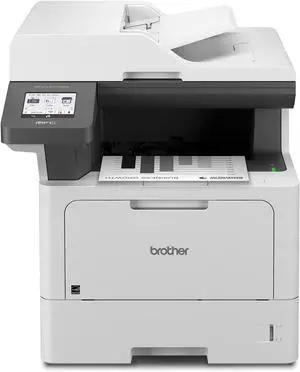
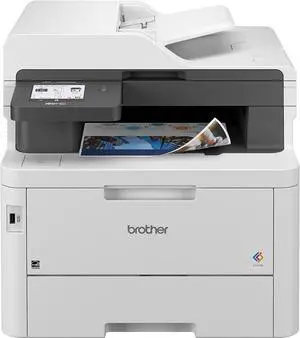
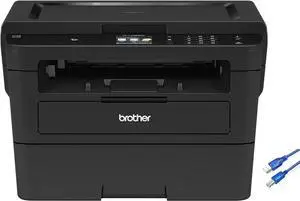
Brother MFC-L5710DW Business Monochrome Laser All-in-One Printer with Wireless Networking and Duplex Print, Scan, and Copy, Works with Alexa
- Model #: ENGEB0CRZDS71T
- $900.99 –
- Free Shipping
Quick View
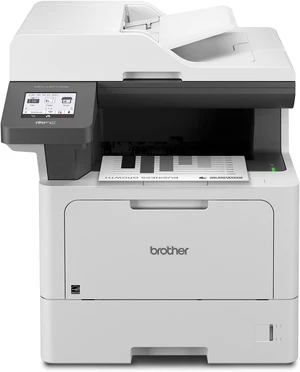
Brother MFC-L5710DW Business Monochrome Laser All-in-One Printer with Wireless Networking and Duplex Print, Scan, and Copy, Works with Alexa
- Model #: DWOMFC-L5710DW
- $799.95 –
- Free Shipping
Quick View
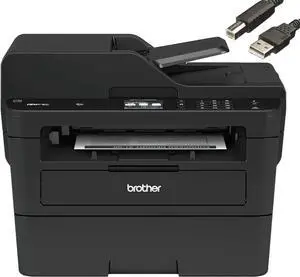
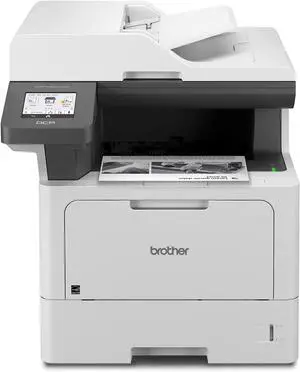
Brother DCP-L5510DN Business Monochrome Laser All-in-One Printer with Duplex Printing and Networking, Works with Alexa
- Model #: ENGEB0DF4XJPG9
- $810.99 –
- Free Shipping
Quick View
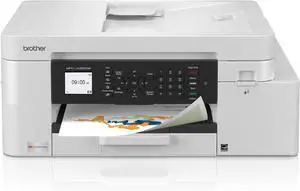
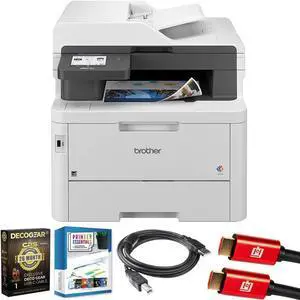
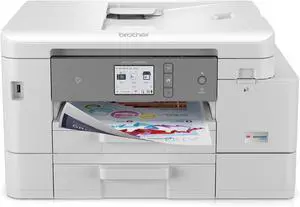
Brother INKvestment 4355 Wireless Color Inkjet All-in-One Printer with 1.8 Color Display and Manual Feed Slot | Includes Refresh Subscription Trial(1) (MFC-J4355DW)
- Model #: ENGEB0FGCCWV6T
- $342.99 –
- Free Shipping
Quick View
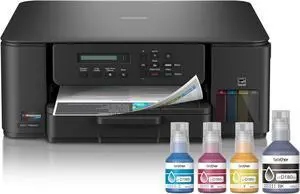
Brother INKvestment Tank 580 Wireless Color Inkjet All-in-One Printer | Includes up to 3 Years of Ink in-Box(1) and 3-Year Limited Warranty(2) (MFC-T580DW)
- Model #: ENGEB0FGBNCR52
- $450.99 –
- Free Shipping
Quick View
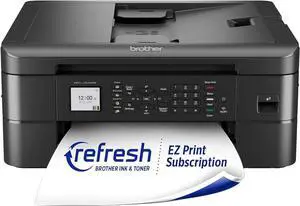
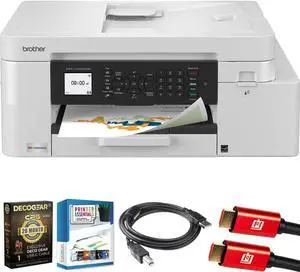
Brother MFC-J1012DW Wireless Colour Inkjet All-in-One Printer with Mobile Device and Duplex Printing, for Home Office and Personal Use, Refresh Subscription Ready
- Model #: ENGEB0BJ7SJMH7
- $315.99 –
- Free Shipping
Quick View
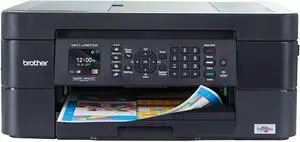
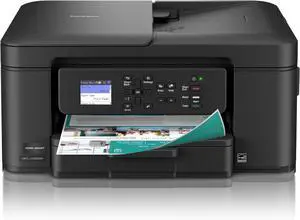
Brother® International Compact MFC-J497DW Wireless Color Inkjet All-In-One Printer
- Model #: ENGEB07DL838W9
- $531.99 –
- Free Shipping
Quick View
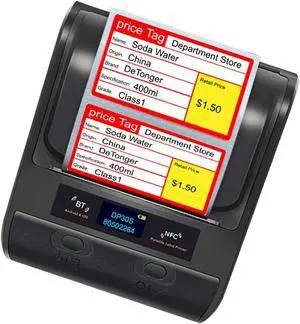
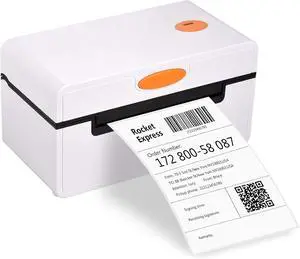
CC420 Desktop Thermal Label Printer for Shipping Parcel 4x6 All-in-One Label Maker USB Connection 180mm/s Thermal Sticker Printer Max Paper Width
- Model #: ENGEB099RH2QH9
- $160.99 –
- Free Shipping
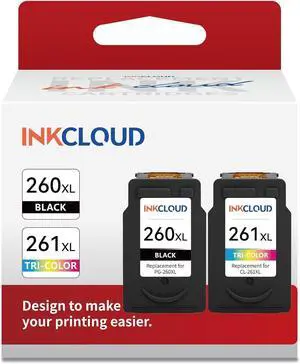
Quick View
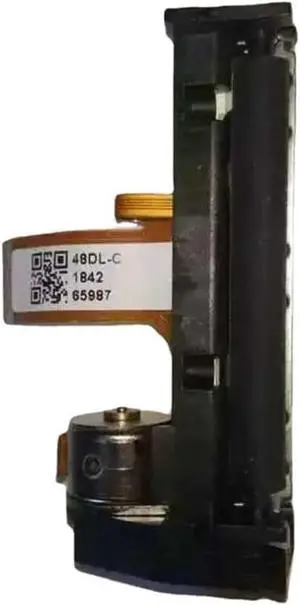
Thermal Print Head Compatible with SUNMI V1/V1s/p1/v2/V2pro All-in-One Thermal Printer Mechanism
- Model #: CHIPB0D2WD4P63
- $115.79 –
- Free Shipping
Quick View
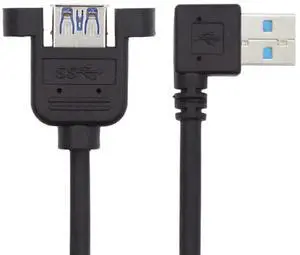
30cm Left Angled 90 Degree USB 3.0 Extension Cable, USB 3.0 Male to Female Right Angle Adapter Cord for Printer Scanner All-in-One Devices
Limited time offer, ends 10/09
- Model #: C472-L6938
- $13.20 –
- Free Shipping
Quick View
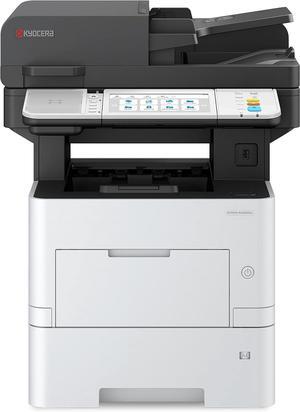
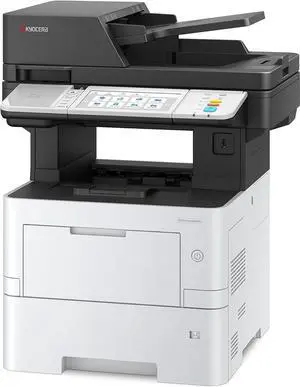
KYOCERA ECOSYS MA4500ifx All-in-One Monochrome Laser Printer (Print/Copy/Scan/Fax), 47 ppm, Up to Fine 1200 dpi, Gigabit Ethernet HyPAS Capable, 7 inch Touchscreen Panel, 512 MB
- Model #: BEKYOCERA MA4500ifx
- $3,799.00 –
- Free Shipping
Quick View
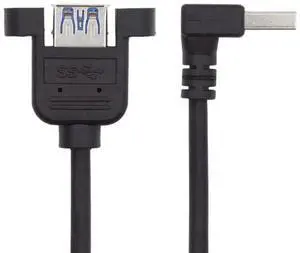
30cm 90 Degree Up Angled USB 3.0 Male to Female Extension Cable, High Speed Data Adapter Cord for Printer Scanner All-in-One Device
Limited time offer, ends 10/09
- Model #: C472-L6871
- $13.20 –
- Free Shipping
Quick View
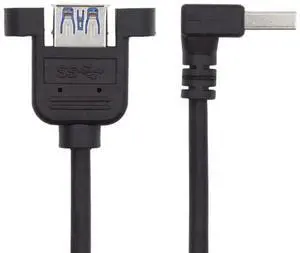
Up Angled 90 Degree USB 3.0 Extension Cable, 30cm Right Angle USB 3.0 Data Adapter Converter Cord Compatible with Printer Scanner AIO All-in-One Device
Limited time offer, ends 10/09
- Model #: C472-L6905
- $13.20 –
- Free Shipping
Quick View
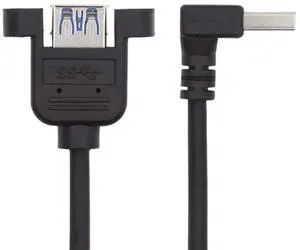
Down Angled 90 Degree USB 3.0 Extension Cable, 30cm USB 3.0 Data Adapter Converter Cord for Printer Scanner AIO All-in-One Devices
Limited time offer, ends 10/09
- Model #: C472-L6906
- $13.20 –
- Free Shipping
Quick View
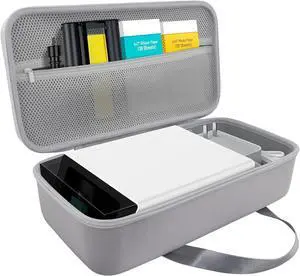
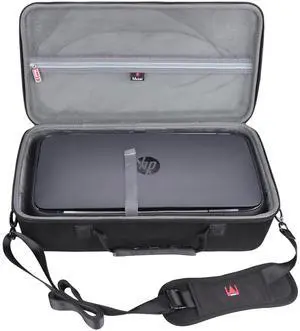
Mchoi Hard Travel Case Compatible with HP OfficeJet 250 All-in-One Portable Printer (CZ992A) (All Black)
- Model #: 9435761216857
- $59.99 –
- $5.99 Shipping
Quick View
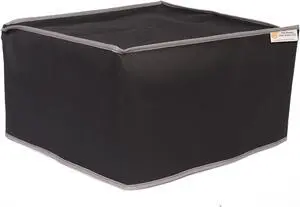
The Perfect Dust Cover, Black Nylon Cover Compatible with HP Envy Inspire 7955e All-in-One Printer, Anti Static and Waterproof Dust Cover by The Perfect Dust Cover LLC
- Model #: 9391048842488
- $57.99 –
- $5.00 Shipping
Quick View
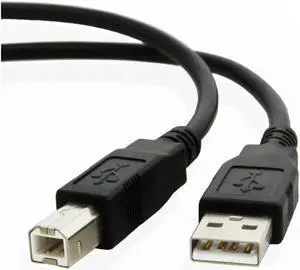
Aomoproing 3 Pack 6 Ft (1.8M) USB 2.0 A-Male to B-Male High Speed Printer Cable, Compatible with HP DeskJet 3755 All-in-One Printer, Scanner, Fax, Copier & USB B Devices
Limited time offer, ends 10/09
- Model #: Aomoproing-wyx505
- $25.04 –
- Free Shipping
Quick View
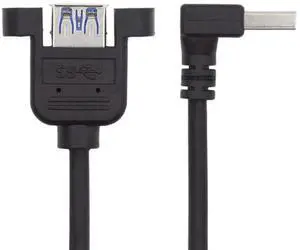
30cm 90 Degree Down Angled USB 3.0 Extension Cable, USB 3.0 Male to Female Down Angle Adapter Cord for Printer Scanner All-in-One Device
Limited time offer, ends 10/09
- Model #: C472-L6870
- $13.20 –
- Free Shipping
Quick View
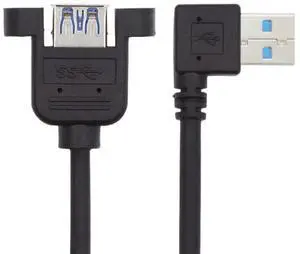
30cm 90 Degree Left Angled USB 3.0 Male to Female Extension Cable, High Speed Data Adapter Cord for Printer, Scanner & All-in-One Device
Limited time offer, ends 10/09
- Model #: C472-L6872
- $13.20 –
- Free Shipping
Quick View
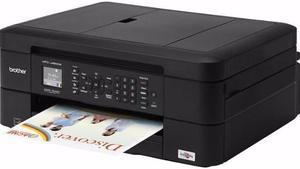
Brother MFC-J485DW Dupelx 6000 dpi x 1200 dpi Wireless / USB Color Inkjet Multifunction Printer
- Output Capacity, std.: 50 sheets
- Black Print Quality: 6000 x 1200 dpi
- Cartridges Compatible: LC203BK High Yield Black Ink Cartridge (approx. 550 pages) C203C High Yield Cyan Ink Cartridge (approx. 550 pages) LC203M High Yield Magenta Ink Cartridge (approx. 550 pages) LC203Y High Yield Yellow Ink Cartridge (approx. 550 pages) LC201BK Standard Black Ink Cartridge (approx. 260 pages) LC201C Standard Cyan Ink Cartridge (approx. 260 pages) LC201M Standard Magenta Ink Cartridge (approx. 260 pages) LC201Y Standard Yellow Ink Cartridge (approx. 260 pages)
- Part Number: MFC-J485DW
- Model #: MFC-J485DW
- $799.99 –
- Free Shipping
Quick View
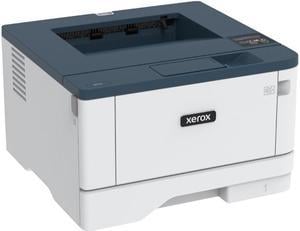
Xerox B310/DNI Monochrome Laser Printer
- Output Capacity, std.: 150 sheets
- Black Print Quality: 600 x 600 dpi
- Functions: Print Only
- Time To First Page (seconds): As fast as 5.9 seconds (black and white)
- Model #: B310/DNI
- $379.99 –
- More options from $379.99 - $580.23
- Free Shipping
Quick View

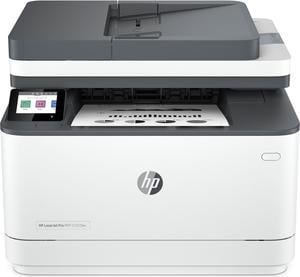
- Recommended Use: MFC / All-In-One
- Output Capacity, std.: 250 pages
- Black Print Speed: Black (normal, A4): Up to 33 ppm; Black (normal, letter): Up to 35 ppm; Black (Duplex, A4): Up to 20 ipm; Black (Duplex, letter): Up to 21 ipm
- Black Print Quality: 1200 x 1200 dpi
- Model #: 3G628F#BGJ

Quick View
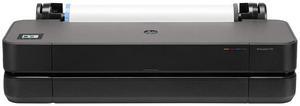
- Brand: HP
- Part Number: 8AG32T#B1K
- Color Print Quality: 2400 x 1200 dpi
- Features: HP DesignJet T210 Large Format 24" Plotter Printer – Compact, High-Precision CAD & Poster Printer with 2 year warranty
- Model #: 8AG32T#B1K
Quick View
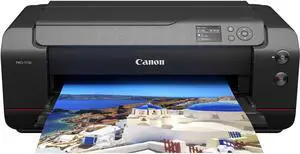
- $1,403.99
- $1,299.00 –
- Save: $104.99 (7%)
- More options from $1,299.00 - $1,403.99
- Free Shipping
Choosing the Right Printer for Your Office Needs
When it comes to office solutions, printers and scanners are essential tools for any business. Whether you need to print important documents, scan invoices, or create professional-quality marketing materials, having the right equipment is crucial. In this article, we will explore the different types of printers and scanners available in the market and provide tips on how to choose the best one for your office.
All-in-One Printers: Versatility and Convenience
all-in-one printers, also known as multifunction printers, are a popular choice for offices. These devices combine the functionality of a printer, scanner, copier, and sometimes even a fax machine into a single unit. They offer versatility and convenience, allowing you to perform multiple tasks without the need for separate devices. All-in-one printers are available in both inkjet and laser options, catering to different printing needs and budgets.
Specialized Printers for Specific Tasks
In addition to all-in-one printers, there are specialized printers designed for specific tasks. For example, 3D printers are ideal for creating prototypes or intricate models, while barcode and label printers are perfect for businesses that require efficient inventory management. laser printers are known for their fast printing speeds and high-quality output, making them suitable for offices with high-volume printing needs. inkjet printers, on the other hand, are more cost-effective and can produce vibrant color prints.
Choosing the Right Supplies
Once you have selected the right printer for your office, it is important to choose the right supplies to ensure optimal performance and longevity. When it comes to inkjet printers, using high-quality ink cartridges is essential to achieve the best print quality and prevent clogging. For laser printers, it is important to choose the right type of toner cartridges that are compatible with your printer model. Additionally, investing in high-quality paper can make a significant difference in the final print results.
FAQs: Common Questions about Printers and Scanners
| Q: How often should I replace the ink cartridges? | A: The frequency of replacing ink cartridges depends on your printing volume. However, it is recommended to replace them when the print quality starts to degrade. |
|---|---|
| Q: Can I use third-party ink cartridges with my printer? | A: While it is possible to use third-party ink cartridges, it is important to ensure compatibility with your printer model. Using incompatible cartridges may result in poor print quality or damage to the printer. |
| Q: How do I clean the scanner glass? | A: To clean the scanner glass, use a soft, lint-free cloth slightly dampened with glass cleaner. Gently wipe the glass surface to remove any smudges or debris. |
| Q: What is the difference between optical and interpolated resolution in scanners? | A: Optical resolution refers to the actual hardware resolution of the scanner, while interpolated resolution is achieved through software enhancements. Optical resolution provides more accurate and detailed scans. |
| Q: How can I improve the scanning speed? | A: To improve scanning speed, reduce the scanning resolution, use black and white mode instead of color, and ensure that the scanner is connected to a high-speed USB port. |