
Your Browsing History
- In Stock
- Sold by Newegg
- Make an Offer
- New

Any questions? Our AI beta will help you find out quickly.
Try me now
Quick View
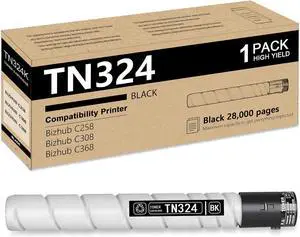
TN324 Black Toner Cartridge | High Yield Replacement for Konica Minolta Toner TN324K A8DA130 Work for Bizhub C258 C308 C368 Printer (1 Pack )
- Model #: DARKB0FMR9FFMD
- $90.99 –
- Free Shipping
Quick View
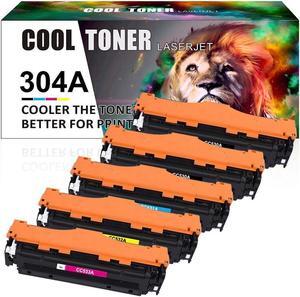
5Pack (1Set+1Extra BK)Color CC530A 304A Toner Compatible With LaserJet CP2025dn CM2320nf
- Model #: DZJJKZ7211j
- $102.45 –
- More options from $102.45
- Free Shipping
Quick View
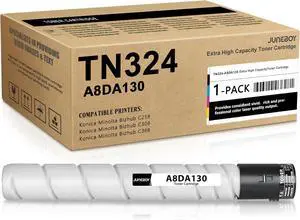
Juneboy TN324 (A8DA130) High Yield Toner Cartridge (Black,1-Pack) Compatible TN-324 TN324 Black Toner Cartridges Replacement for Konica Minolta Bizhub C258 C308 C368 Printers
- Model #: DARKB0FLX91XV5
- $126.99 –
- Free Shipping
Quick View
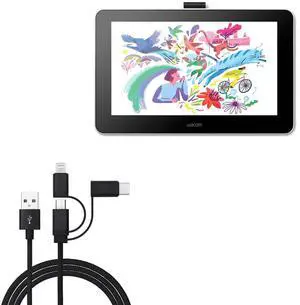
BoxWave Cable Compatible with Wacom DTC133W0A (13.3 in) - AllCharge 3-in-1 Cable - Jet Black
- Model #: 9391048975919
- $64.99 –
Quick View
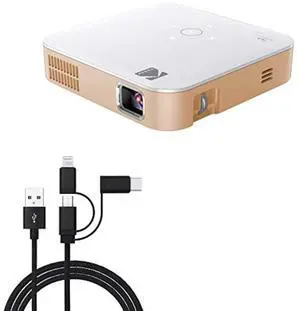
BoxWave Cable Compatible with Kodak Luma 75 Portable Pocket Projector - AllCharge 3-in-1 Cable - Jet Black
- Model #: 273961991360
- $61.99 –
- $5.99 Shipping
Quick View
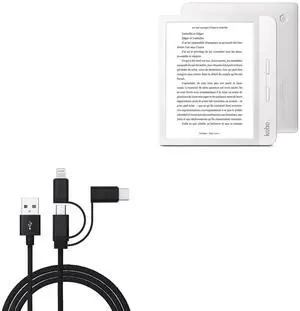
BoxWave Cable Compatible with Kobo Libra H2O - AllCharge 3-in-1 Cable - Jet Black
- Model #: 124184362669
- $61.99 –
Quick View
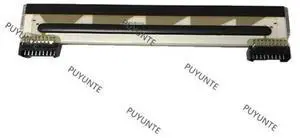
new original KD2003-CF31B CF31D CF31B5 for Ze bra KR203 KR403 mp-4200 print head 9pins thermal printhead 203dpi
- Model #: BADGE-116
- $69.70 –
- More options from $69.70
- Free Shipping
Quick View
- $302.70 –
- More options from $302.70
- Free Shipping
Quick View
- $228.70 –
- More options from $228.70
- Free Shipping
Quick View
- $689.70 –
- More options from $689.00
- Free Shipping
Quick View
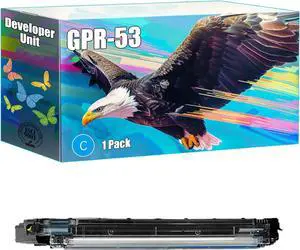
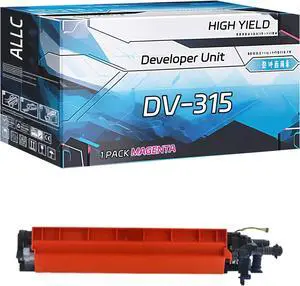
Lilianos 4PCS For DV313 DV-313 Developer Unit developer chip C258 C308 C368 C458 C558 C658 C 258 308 368 458 558 658 - (Color: C)
- Model #: LEMLB0F2FFYQPH
- $171.99 –
- Free Shipping
Quick View
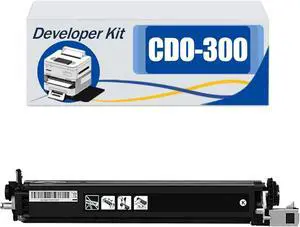
Compatible CDO-300 CDO300 Developer Kit, Work for Pantum CP2300 CP2500 CP2506DN Plus CM7105DN CM7100 Printers, Reliability Longevity Black*1
- Model #: LEMLB0DNVSS8RJ
- $205.99 –
- Free Shipping
Quick View
Lilianos DV311 DV512 Developer Reset Chip For Bizhub C220 C280 C360 7722 7728 C224 C284 Developing Unit DV-311 DV-512 - (Color: 2sets DV-311)
- Model #: LEMLB0F2FHWVCW
- $105.99 –
- Free Shipping
Quick View
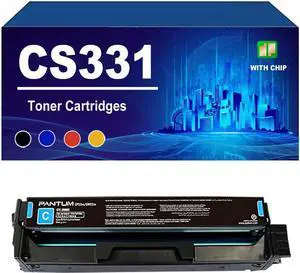
Ennovor CS331 Toner Cartridge with Chip Compatible for Lexmark CS331dn CX331dw CX431adwe Printers, High Yield,Cyan-1 Pack
- Model #: LIAB0F9WTJZL2
- $238.99 –
- Free Shipping
Quick View
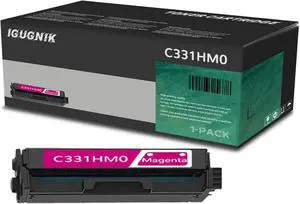
Ennovor 1 Pack C331HM0 Magenta Toner Cartridge Replacement for Lexmark C331HM0 Work with MC3326adwe MC3326i C3326dw| C331HM0
- Model #: LIAB0DNQ6M37F
- $270.99 –
- Free Shipping
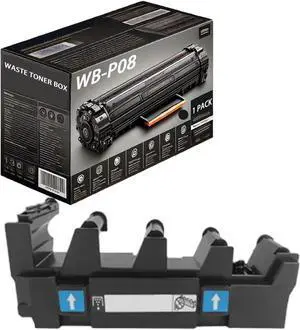
Quick View
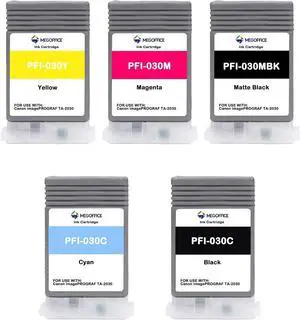
Ennovor Compatible Ink Cartridge Replacement for Canon PFI030 PFI-030 PFI-030MBK PFI-030BK PFI-030C PFI-030M PFI-030Y for Canon ImagePrograf TA-20 TA-30 (5-Pack KCMYMBK)
- Model #: LIAB0DB5PGZZ6
- $178.99 –
- Free Shipping
Quick View
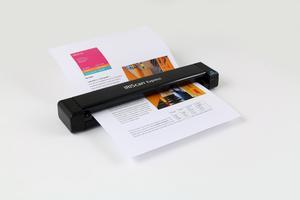
IRIS IRIScan Express 4 - Sheetfed scanner - Contact Image Sensor (CIS) - A4/Letter - 1200 dpi - USB
- Weight: 0.5600
- Model #: 458510
- $99.10
- $98.41 –
- More options from $98.41 - $100.77
Quick View
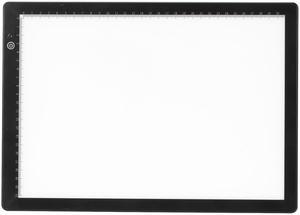
Slide Viewer Light Box for Scan Old Slide Negative Film Scanning, Ultra Thin Light Box Scanner with 3 LED Adjustable Brightness, USB Powered
- Model #: 541358229939
- $57.99 –
- $5.99 Shipping
Quick View
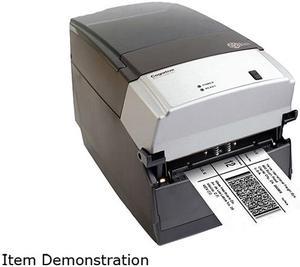
Cognitive TPG CXD4-1300 Direct Thermal Desktop Label Printer, 300 dpi, 8 ips, 4.2" 2-Line LCD Display, Serial, Parallel, USB A/B, Ethernet
- Printer Type: Desktop
- Memory: RAM - 16 MB, Flash - 8 MB
- Fonts Included: Bitmapped: 7 styles with up to 10x10 magnification, variable boldness and spacing International: Sans serif font in 7 pt. sizes, up to 4x4 magnification, variable boldness and spacing Scalable Smooth Fonts: 3 Ultra Font styles for smooth characters in any size and boldness Rotations: 0, 90, 180, 270 degrees Optional: Kanji, Korean, and OCR fonts available
- Barcode Type: Add2, Add5, Codabar, Code39, Code93, Code 128A/B/C, D2of5, I2of5, S20f5, EAN8, EAN13, EAN128, MSI/I1, Plessey, Postnet, UPCA/A+/E/E1
- Model #: CXD4-1300
- $711.25 –
- More options from $692.99 - $760.63
- Free Shipping
Quick View
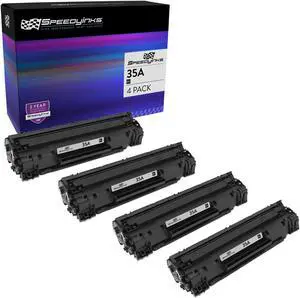
SPEEDYINKS Compatible Toner Cartridge Replacement for HP 35A (Black, 4-Pack) Compatible with all the following HP Printer models HP P1002 P1005 P1006 P1007 35A cb435a
- Cartridge Quantity: 1
- Replacement Brand: HP
- Replacement Model: HP
- Ink Type: Dye-based
- Model #: COMPCB435A
- $36.99 –
- Free Shipping
Quick View
Innovera Compatible Yellow Toner Cartridge (Alternative for HP 508A/CF362A)
- Cartridge Quantity: 1
- Replacement Brand: HP
- Model #: IVRF362A
- $80.34 –
- More options from $80.34 - $101.21
- Free Shipping
Quick View
Innovera C/M/Y Ink Cartridge for HP 902 T0A38AN IVR902CMY
- Ink Type: Dye-based
- Model #: 902CMY
- $33.99 –
- $11.20 Shipping
Quick View
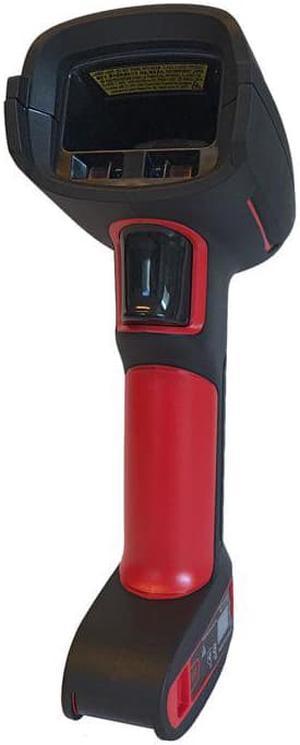
HONEYWELL USB KIT TETHERED ULTRA RUGGEDINDUSTRIAL 1D PDF417 2D XR FLEXRANGE FOCUS WITH VIBRATION RED SCANNER 1990ISR3 USB TYPE A 3M STRAIGHT CABLE CBL500300S00 ASSEMBLED IN MEXI
- Model #: 1990IXR-3USB-N
- $703.99 –
- $12.28 Shipping
Quick View
Innovera IVRCF281AJ Black Remanufactured CF281A(J) (81A) Extended-Yield Toner, 18,000 Page-Yield
- Cartridge Quantity: 1
- Replacement Brand: HP
- Compatible Products: HP LaserJet Enterprise M604DN, M604N, M605DN, M605N, M605X, M606DN, M606X, LaserJet Enterprise MFP M630DN, M630F, M630H, LaserJet Enterprise Flow MFP M630Z, LaserJet M625DW
- Approximate Page Yield: 18000 Pages
- Model #: IVRCF281AJ
- $105.99 –
- Free Shipping
Quick View
Innovera IVR563WN Black Ink Cartridge, Replacement for HP CH563WN, 480 Page-Yield
- Cartridge Quantity: 1
- Replacement Brand: HP
- Compatible Products: HP DeskJet 1000, 1010, 1050, 1051, 1055, 1056, 2050, 2510, 2512, 3000, 3050, 3050A, 3051A, 3052A, 3054A, 3056A, 3510, 3511, 3512, ENVY 4500, 5530, OfficeJet 4630
- Approximate Page Yield: 480 Pages
- Model #: IVR563WN
- $29.99
- $16.99 –
- Save: $13.00 (43%)
- More options from $16.99 - $23.62
- $4.99 Shipping
Quick View
Innovera ufactured CF333A (654A) Toner Magenta
- Product Type: Toner
- Model #: IVRF333A
- $93.90 –
- Free Shipping

Quick View
Innovera IVRCN627AM Cn627Am (971Xl) High-Yield Ink, Magenta
- Model #: IVRCN627AM
- $109.99
- $80.99 –
- Save: $29.00 (26%)
- Free Shipping
Quick View
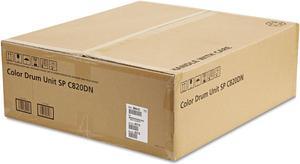
Ricoh 403116 Photoconductor Unit Color for Aficio SP C820DN Printer
- Cartridge Quantity: Single Pack
- Compatible Products: Ricoh Aficio SP C820DN,Ricoh Aficio SP C820DNLC,Ricoh Aficio SP C820DNT1,Ricoh Aficio SP C820DNT2,Ricoh Aficio SP C821DN,Ricoh Aficio SP C821DNLC,Ricoh Aficio SP C821DNT1,Ricoh Aficio SP C821DNX
- Approximate Page Yield: 40000 Pages
- Coverage: 5%
- Model #: 403116
- $424.99 –
- $3.99 Shipping
Quick View
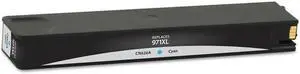
Innovera IVRCN626AM Cn626Am (971Xl) High-Yield Ink, Cyan
- Model #: IVRCN626AM
- $109.99
- $87.99 –
- Save: $22.00 (20%)
- $2.99 Shipping
Choosing the Right Printer for Your Office Needs
When it comes to office solutions, printers and scanners are essential tools for any business. Whether you need to print important documents, scan invoices, or create professional-quality marketing materials, having the right equipment is crucial. In this article, we will explore the different types of printers and scanners available in the market and provide tips on how to choose the best one for your office.
All-in-One Printers: Versatility and Convenience
all-in-one printers, also known as multifunction printers, are a popular choice for offices. These devices combine the functionality of a printer, scanner, copier, and sometimes even a fax machine into a single unit. They offer versatility and convenience, allowing you to perform multiple tasks without the need for separate devices. All-in-one printers are available in both inkjet and laser options, catering to different printing needs and budgets.
Specialized Printers for Specific Tasks
In addition to all-in-one printers, there are specialized printers designed for specific tasks. For example, 3D printers are ideal for creating prototypes or intricate models, while barcode and label printers are perfect for businesses that require efficient inventory management. laser printers are known for their fast printing speeds and high-quality output, making them suitable for offices with high-volume printing needs. inkjet printers, on the other hand, are more cost-effective and can produce vibrant color prints.
Choosing the Right Supplies
Once you have selected the right printer for your office, it is important to choose the right supplies to ensure optimal performance and longevity. When it comes to inkjet printers, using high-quality ink cartridges is essential to achieve the best print quality and prevent clogging. For laser printers, it is important to choose the right type of toner cartridges that are compatible with your printer model. Additionally, investing in high-quality paper can make a significant difference in the final print results.
FAQs: Common Questions about Printers and Scanners
| Q: How often should I replace the ink cartridges? | A: The frequency of replacing ink cartridges depends on your printing volume. However, it is recommended to replace them when the print quality starts to degrade. |
|---|---|
| Q: Can I use third-party ink cartridges with my printer? | A: While it is possible to use third-party ink cartridges, it is important to ensure compatibility with your printer model. Using incompatible cartridges may result in poor print quality or damage to the printer. |
| Q: How do I clean the scanner glass? | A: To clean the scanner glass, use a soft, lint-free cloth slightly dampened with glass cleaner. Gently wipe the glass surface to remove any smudges or debris. |
| Q: What is the difference between optical and interpolated resolution in scanners? | A: Optical resolution refers to the actual hardware resolution of the scanner, while interpolated resolution is achieved through software enhancements. Optical resolution provides more accurate and detailed scans. |
| Q: How can I improve the scanning speed? | A: To improve scanning speed, reduce the scanning resolution, use black and white mode instead of color, and ensure that the scanner is connected to a high-speed USB port. |