

Your Browsing History
- In Stock
- Sold by Newegg
- New

Any questions? Our AI mode will help you find out quickly.
Try me now
Quick View
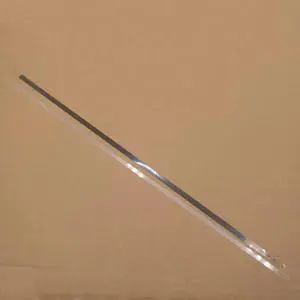
Coding Encoder Strip Fits For Brother-DCP-J752DW MFC-J245 DCP-J952N MFC-J470DW DCP-J552DW MFC-J650DW MFC-J475DW MFC-J285DW(1 set)
- Product Type: Printhead
- Model #: CH-DYJ-1444
- $94.96 –
- Free Shipping
Quick View
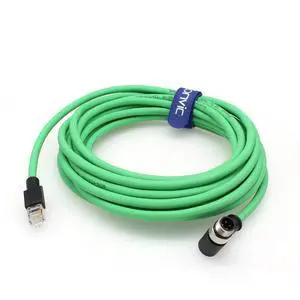
Eonvic Right Angle M12 4 Pin D-Code Male to RJ45 Industrial Ethernet Cable Shielded CAT5e Cable for Cognex Industrial Camera (6M/19.6ft)
- Model #: GENXB0C811MZTC
- $110.79 –
- More options from $110.79 - $112.99
- Free Shipping

Quick View
Coding Encoder Strip 1746669 L3158 Fits Forepson-L3119 L3118 L5198 L5190 L3156 L3108 L3110
- Product Type: Printhead
- Model #: CH-DYJ-1616
- $40.96 –
- Free Shipping
Quick View
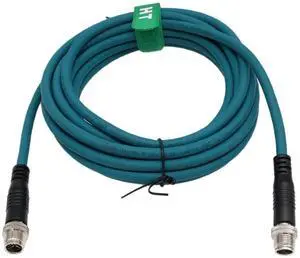
M12 8 Pin X-Coded Ethernet Cat7e Cable for Cognex Basler Baumer Datalogic Sensor Camera High Speed 20m
- Model #: TOLKB0CM8QJ2JQ
- $194.99 –
- Free Shipping
Quick View
Coding Encoder Strip 1600222-00 WF-7621 Fits Forepson-7015 7628 7110 7018 7111 7610 7010 7620 7520 7510 7611 7511 7521
- Product Type: Printhead
- Model #: CH-DYJ-1590
- $49.96 –
- Free Shipping
Quick View
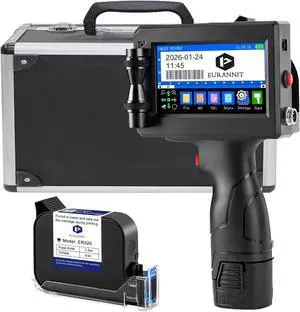
E15 Portable Inkjet Printer - 4.3" Touchscreen for Text, Logo, Date, Barcode, QR Code | Includes 12.7mm (0.5") Ink Cartridge & Protective Carrying Case
- Model #: ENGEB0GHY1W289
- $288.99 –
- Free Shipping
Quick View
Coding Encoder Strip 1631066-00 L655 Fits Forepson-L1300 L351 L360 L362 L301 L303 L365 L313 L355 L310 L364 L850 L805 L350 L361
- Product Type: Printhead
- Model #: CH-DYJ-1595
- $49.96 –
- Free Shipping
Quick View
Coding Encoder Strip L801 Fits Forepson-R280 R270 R330 P50 T60 L805 L810 R390 T50
- Product Type: Printhead
- Model #: CH-DYJ-1610
- $49.96 –
- Free Shipping

Quick View
Coding Encoder Strip MG7780 Fits Forcanon-MG7140 MG7510 MG6380 MG6900 MG6330 MG7740 MG7110 MG7720 MG7500 MG7580
- Product Type: Printhead
- Model #: CH-DYJ-1598
- $49.96 –
- Free Shipping

Quick View
Coding Encoder Strip 1631066-00 L605 Fits Forepson-L360 L351 L312 L313 L362 L301 L655 L650 L310 L350 L355 L358 L353 L361 L303
- Product Type: Printhead
- Model #: CH-DYJ-1591
- $49.96 –
- Free Shipping
Quick View
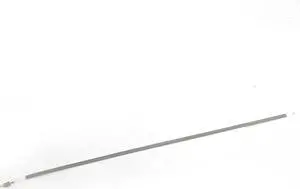
Coding Encoder Strip ME10 Fits Forepson-L110 M205 M105 M100 L111 M101 M201 L130
- Product Type: Printhead
- Model #: CH-DYJ-1583
- $49.96 –
- Free Shipping
Quick View
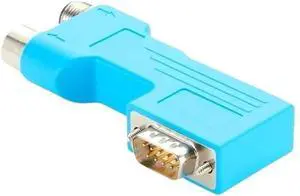
DP Bus PLC Connector with Programming Port DB9 to M12 B-Code 5Pin S7 Compatible(PCM-0630)
- Model #: TOLKB0H3L8FX4Q
- $136.99 –
- Free Shipping
Quick View
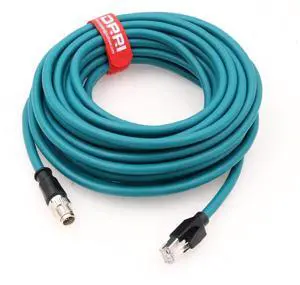
M12 X-Coded 8 Pin to RJ45 10 Gbps Gigabit Ethernet Interface Cat 7e Shielded Cable for Cognex in-Sight Series Industrial Cameras(25M)
- Model #: TOLKB0CYPY2CXD
- $233.99 –
- Free Shipping
Quick View
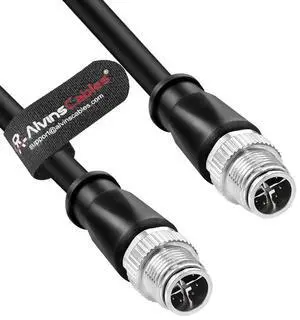
Alvin's Cables M12 X-Code 8 Pin Male to 8 Pin Male Cat6a Cable Shielded for Cognex Basler Industrial Camera, High Flex 20m/65.6ft
- Model #: GENXB0DT3WHSF3
- $192.79 –
- More options from $192.79 - $194.99
- Free Shipping
Quick View
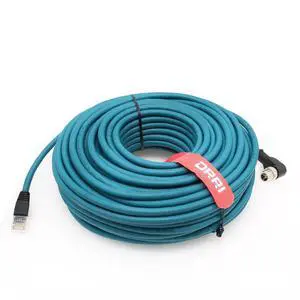
DRRI Right Angle M12 X-Coded 8 Pole to RJ45 10 Gbps Gigabit Ethernet Interface Cat 7e Shielded Cable for Cognex Cameras 30M
- Model #: GENXB0CLZRNZR7
- $297.79 –
- More options from $297.79 - $299.99
- Free Shipping
Quick View
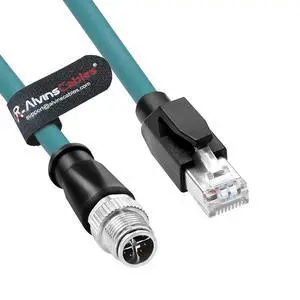
Alvin's Cables M12 8 Pin Male to RJ45 Shielded Ethernet Cable M12 X Coded 8 Position Cat6a Cable for Cognex Industrial Camera 10M/32.8ft
- Model #: GENXB0BKGJ3YHR
- $120.79 –
- More options from $120.79 - $122.99
- Free Shipping
Quick View
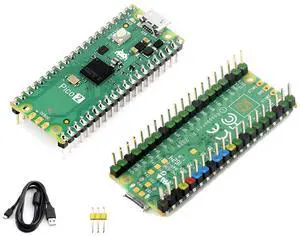
Pico 2 with Pre-Soldered Color-Coded Header Compatible with Raspberry Pi Pico 2 Microcontroller, Based on RP2350, Dual-Core ARM Cortex-M33 and Dual-Core Hazard3 RISC-V Processor 4MB Flash, 3 Items
Limited time offer, ends 10/15
- Model #: LHXC6W1JU13-596
- $39.99 –
- Free Shipping

Quick View
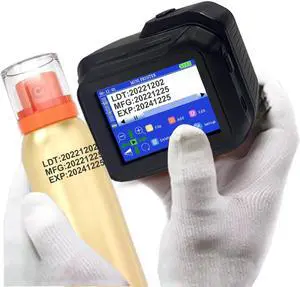
bar code printing rubber roller roller rubber roller For T2N 200 dpi
- Product Type: Printhead
- Model #: ZW-d5234-594
- $908.49 –
- Free Shipping
Quick View
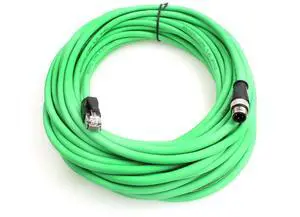
M12 D Code 4 Pin Male to RJ45 Plug High Flex Cat5e Industrial Ethernet PVC Cable for Automation Application (25M, Green)
- Model #: TOLKB0CJM7XNV8
- $245.99 –
- Free Shipping
Quick View
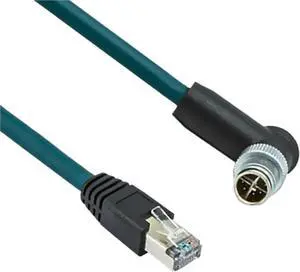
M12 8pin X-Code Male Connector to RJ45 Encoding Line Industrial Ethernet X-Type Network Cable 8-Code Shield Cat6 Kilomega Wire(8pin Straight Head,5 Meters)
- Model #: TOLKB0FXLC3741
- $171.99 –
- Free Shipping
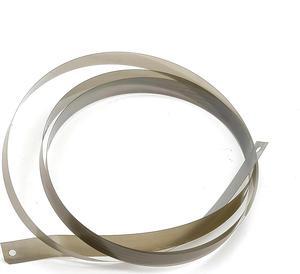
Quick View
Coding Encoder Strip Pro 7600 Fits Forepson-PX-7000 Pro9600 PX7000 7600 9600
- Product Type: Printhead
- Model #: CH-DYJ-1585
- $139.96 –
- Free Shipping
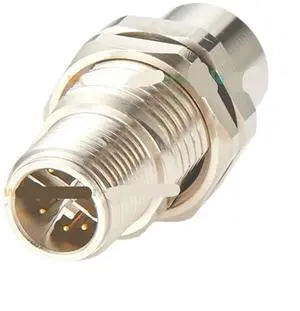
Quick View
M12 X Code 8 Pin Male to Female Bulkhead Feedthrough Circular Connector IP67 Shielded 10Gbps Cat6A Ethernet Panel Mount Adapter
- Model #: TOLKB0GRTZ8DV1
- $233.99 –
- Free Shipping
Quick View
Coding Encoder Strip TS5080 Fits Forcanon-TS6050 TS6151 TS5055 TS5051 TS6052 TS5070 TS6080 TS6051 TS5050 TS6050 TS5053
- Product Type: Printhead
- Model #: CH-DYJ-1614
- $49.96 –
- Free Shipping
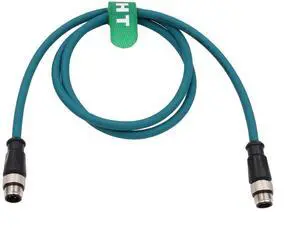
Quick View
Sensor Ethernet Data Cable M12 D-Coded 4 Pin to 4 Pin for Keyence Sick Vision Camera Profinet EtherCat Automation Network CAT5e Flexible Shield Waterproof 15M
- Model #: TOLKB0BPLY1TNK
- $135.99 –
- Free Shipping
Quick View
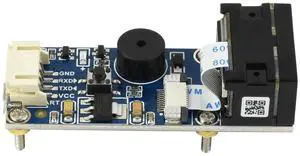
Waveshare Barcode Scanner Module 1D/2D Codes Reader with USB and UART Interface
- Model #: 9435761175697
- $88.99 –
- $5.99 Shipping
Quick View
M12 8 Pin X-Coded Ethernet Cat7e Cable for Cognex Basler Baumer Datalogic Sensor Camera High Speed 20m
- Model #: GENXB0CM8QJ2JQ
- $205.79 –
- More options from $205.79 - $207.99
- Free Shipping
Quick View
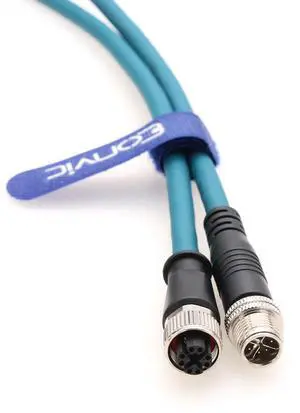
M12 8 Position Male to Female Ethernet Cable X-Code Cat7e High Flex Shielded Waterproof Industrial Gigabit Ethernet Networks Cable for Cognex Industrial Camera (15M)
- Model #: TOLKB0DKNSD61R
- $171.99 –
- Free Shipping
Quick View
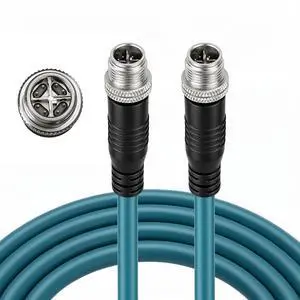
M12 X-Code Ethernet Cable 8 Pin Male to Male Cat7e High Flexible Shielded Industrial Gigabit Ethernet Network Cable for Industrial Automation Sensors Camera Robotics 25M
- Model #: TOLKB0GV3QB4D8
- $247.99 –
- Free Shipping
Quick View
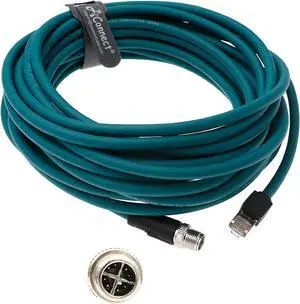
M12 8 Position X-Code to RJ45 Ethernet Network Cable for Cognex in Sight Industrial Camera Shielded Cord High Flexible Waterproof 20M
- Model #: TOLKB0BKPTX7SH
- $283.99 –
- Free Shipping

Quick View
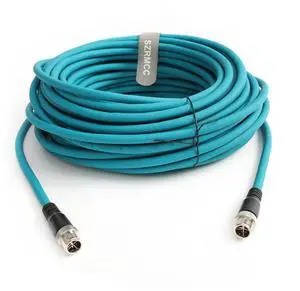
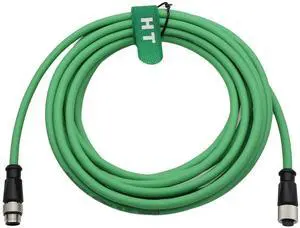
M12 4 Pin Network Ethernet Extension Cable CAT5e for Industrial Baumer Sick Omron Keyence Camera Sensor Profinet, D-Coded to D-Coded Male Female Green 30M
- Model #: TOLKB0D4HTS7RC
- $238.99 –
- Free Shipping
Quick View
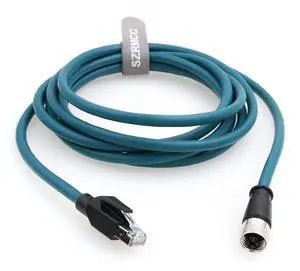
SZRMCC M12 X-Code 8Pin Female Connector to RJ45 Ethernet Cable Cat6A High Flexiable Shielded Gigabit Waterproof Network Cable for Industrial Camera Automation Sensor (20m)
- Model #: TOLKB0CL613DWX
- $229.99 –
- Free Shipping
Choosing the Right Printer for Your Office Needs
When it comes to office solutions, printers and scanners are essential tools for any business. Whether you need to print important documents, scan invoices, or create professional-quality marketing materials, having the right equipment is crucial. In this article, we will explore the different types of printers and scanners available in the market and provide tips on how to choose the best one for your office.
All-in-One Printers: Versatility and Convenience
all-in-one printers, also known as multifunction printers, are a popular choice for offices. These devices combine the functionality of a printer, scanner, copier, and sometimes even a fax machine into a single unit. They offer versatility and convenience, allowing you to perform multiple tasks without the need for separate devices. All-in-one printers are available in both inkjet and laser options, catering to different printing needs and budgets.
Specialized Printers for Specific Tasks
In addition to all-in-one printers, there are specialized printers designed for specific tasks. For example, 3D printers are ideal for creating prototypes or intricate models, while barcode and label printers are perfect for businesses that require efficient inventory management. laser printers are known for their fast printing speeds and high-quality output, making them suitable for offices with high-volume printing needs. inkjet printers, on the other hand, are more cost-effective and can produce vibrant color prints.
Choosing the Right Supplies
Once you have selected the right printer for your office, it is important to choose the right supplies to ensure optimal performance and longevity. When it comes to inkjet printers, using high-quality ink cartridges is essential to achieve the best print quality and prevent clogging. For laser printers, it is important to choose the right type of toner cartridges that are compatible with your printer model. Additionally, investing in high-quality paper can make a significant difference in the final print results.
FAQs: Common Questions about Printers and Scanners
| Q: How often should I replace the ink cartridges? | A: The frequency of replacing ink cartridges depends on your printing volume. However, it is recommended to replace them when the print quality starts to degrade. |
|---|---|
| Q: Can I use third-party ink cartridges with my printer? | A: While it is possible to use third-party ink cartridges, it is important to ensure compatibility with your printer model. Using incompatible cartridges may result in poor print quality or damage to the printer. |
| Q: How do I clean the scanner glass? | A: To clean the scanner glass, use a soft, lint-free cloth slightly dampened with glass cleaner. Gently wipe the glass surface to remove any smudges or debris. |
| Q: What is the difference between optical and interpolated resolution in scanners? | A: Optical resolution refers to the actual hardware resolution of the scanner, while interpolated resolution is achieved through software enhancements. Optical resolution provides more accurate and detailed scans. |
| Q: How can I improve the scanning speed? | A: To improve scanning speed, reduce the scanning resolution, use black and white mode instead of color, and ensure that the scanner is connected to a high-speed USB port. |