

Your Browsing History
- In Stock
- Sold by Newegg
- Make an Offer
- New
Quick View
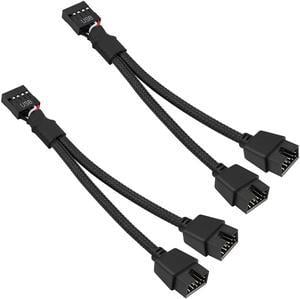
USB 2.0 9Pin Female to Dual 9-Pin Male Extension Cable 2Pack,Motherboard 9-PIN USB2.0 Header Splitter Nylon Braided for Computer Internal Motherboard-Black
- Connector Type: 9pin USB2.0 Female to Dual 9pin Male
- Model #: 9P1T2-2P

Quick View
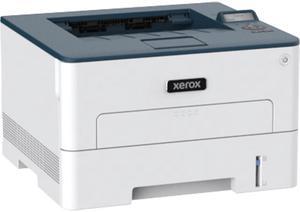
Xerox B230/DNI Monochrome Laser Printer
- Output Capacity, std.: 150 sheets of 75 gsm paper, face down, automatic two-sided printing available
- Black Print Quality: 600 x 600 dpi, 1200 Image Quality
- Functions: Print Only
- Time To First Page (seconds): As fast as 6.8 seconds
- Model #: B230/DNI
- $209.99
- $189.99 –
- Save: $20.00 (9%)
- More options from $111.17 - $307.19
- $2.99 Shipping
Quick View
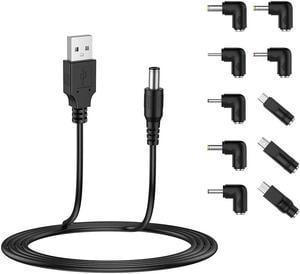
USB to DC 5V Power Cord, Universal DC 5.5x2.1mm Plug Jack Charging Cable with 10 Connector Tips(5.5x2.5, 4.8x1.7, 4.0x1.7, 4.0x1.35, 3.5x1.35, 3.0x1.1, 2.5x0.7, Micro USB, Type-C, Mini USB) 5FT
- Connector Type: USB to DC Cable
- Model #: BESBN-CABLE01
Quick View
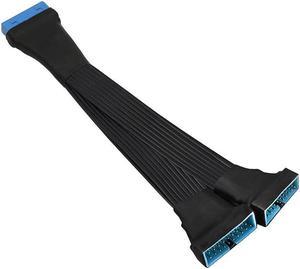
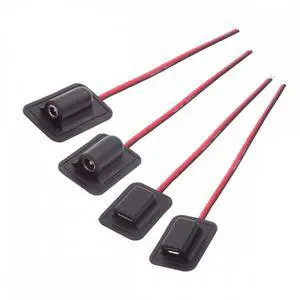
USB 3.0 Header Extension Cable 19/20 Pin 1 to 2 Y Splitter Internal Extension Adapter DIY(5.9 inch)
Limited time offer, ends 08/07
- Connector Type: Lighting Connector to USB A
- Model #: 1654979464
Quick View
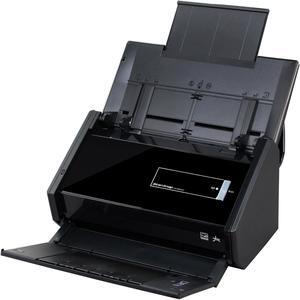
Fujitsu ScanSnap iX500 (PA03656-B005) Duplex 600 dpi x 600 dpi USB / Wi-Fi Color Document Scanner
- Light Source: 3 Color LED (Red / Green / Blue)
- Scanning Speed: Scanning Speed (A4 portrait) Auto mode: Simplex or Duplex, 25 pages per minute (ppm) Normal mode: Simplex / Duplex, 25 ppm Better mode: Simplex / Duplex, 25 ppm Best mode: Simplex / Duplex, 25 ppm Excellent mode: Simplex / Duplex, 7 ppm
- Max. Document Size: Normal Mode without Carrier Sheet: A4, A5, A6, B5, B6, Business Card, Post Card, Letter, Legal and Custom Size Max: 216.00 mm x 360.00 mm (8.50" x 14.17"), Min: 50.80 mm x 50.80 mm (2.00" x 2.00") Automatically recognizes document size Normal Mode with Carrier Sheet: Use of a Carrier Sheet permits the scanning of A3, B4, 279.40 mm x 431.80 mm (11.00" x 17.00") and photographs as well as the document sizes listed above Long Paper Scanning: 863.00 mm (34.00") Paper Weight (thickness): 40.00 g/m2 to 209.00 g/m2 (11.00 lb...
- Model #: PA03656-B005
- $629.70 –
- More options from $279.95 - $629.70
Quick View
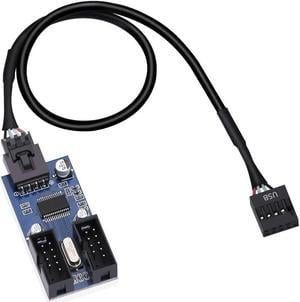
9 Pin 2 in 1 Internal USB Splitter Cable, 9 pin USB Header Male 1 to 2 Female Extension Connector Adapter, USB 2.0 HUB Connector Port Multiplier PWM Fan Splitter Cable (30cm/0.98ft)
Limited time offer, ends 08/07
- Connector Type: Lighting Connector to USB A
- Model #: 35747345242
Quick View
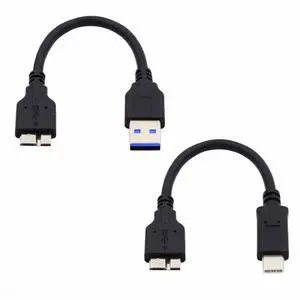
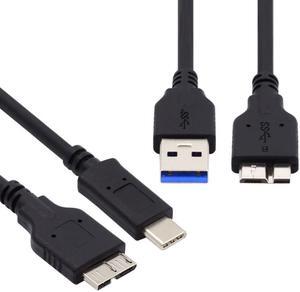
2pcs/set USB 3.1 Type-C USB-C to Micro 3.0 and USB 3.0 Type-A Male to Micro 3.0 B Male Disk SSD Data Cable 15cm
- Model #: UC-140_NG2
- $9.99 –
- Free Shipping
Quick View
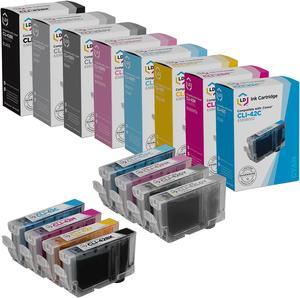
LD Products Compatible Ink Cartridge Replacement for Canon CLI-42 (Black, Cyan, Magenta, Yellow, Photo Cyan, Photo Magenta, Gray, Light Gray, 8-Pack)
- Cartridge Quantity: 1
- Replacement Brand: LD Products
- Ink Type: Dye-based
- Approximate Page Yield: 600 Pages
- Model #: CLI42CIC
Quick View
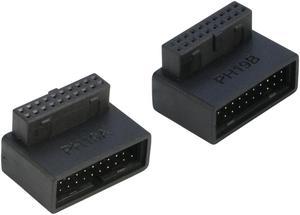
Right Angled USB 3.0 20-pin Male to Female Extension Adapter, Desktop Motherboard 90 Degree Angled USB 3.0 19-Pin Motherboard Internal Header-Black 2Pack
- Connector Type: buffer_79656
- Model #: 20P90L-UT-AB
- $15.99 –
- Free Shipping

Quick View
USB 3.0 Male to USB-C Type-C Female Extension Cable USB3.1 to USB 3.0 Adapter Cable
Limited time offer, ends 08/07
- Connector Type: Lighting to USB C
- Model #: 4687963794
Quick View
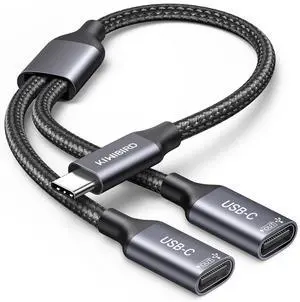
USB C Splitter 1 in 2 Out Charging, USBC Power Data Splitter Extension Y Cable, Type C Male to Dual USB C Female Port Adapter, Compatible with Laptop Mac Car Flash Drive Keyboard Mouse
- Brand: KiwiBird
- Type: USB
- Connector Type: USB Type C
- Color: Grey
- Model #: 091104487778
- $20.99 –
- More options from $20.99
- Free Shipping
Quick View
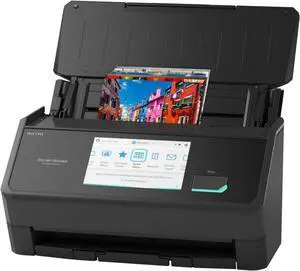
Ricoh ScanSnap iX2500 Photo Edition (Black)
- Brand: Ricoh
- Series: ScanSnap iX2500
- Type: Photo
- Element Type: CIS x 2 (Front x 1, Back x 1)
- Model #: CG01000-399204
- $474.99 –
- $4.99 Shipping
Quick View
in 30 days
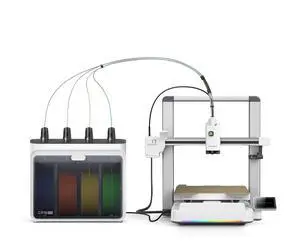
Creality i7 Color Combo (i7 Single Model + CFS Lite), Beginner-friendly 3D printer, Multicolor Printing- Brand: Creality
- Series: SPARKX i7 Series
- Type: 3D Printer
- Build Material: Filament Compatibility: PLA/PLA-Silk/PETG/TPU/PLA-CF
- Model #: 1002140002
- $399.00
- $359.00 –
- Save: $40.00 (10%)
- Free Shipping
Quick View
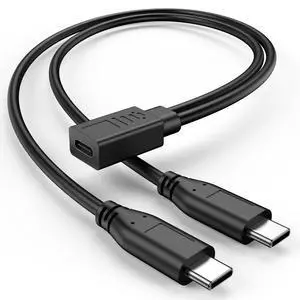
USB C Splitter 1 in 2 Out, USB Type C Splitter, USB C Female to Dual Type C Male Port Power Charging Cable (Only for Charging, Can't Transmit Data)
- Cable Length: 1
- Brand: KAYQINHO
- Type: TPE
- Connector Type: USB Type C
- Model #: 551539089877
- $10.69
- $10.68 –
- More options from $10.68
- Free Shipping
Quick View

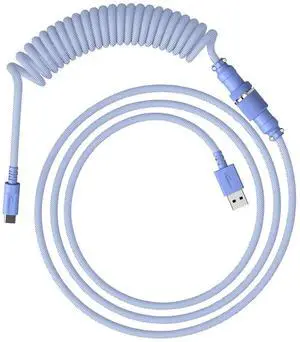
- Part Number: 6J682AA
- Keyboard Color: Purple
- Tracking Method: N/A
- Model #: 6J682AA
Quick View
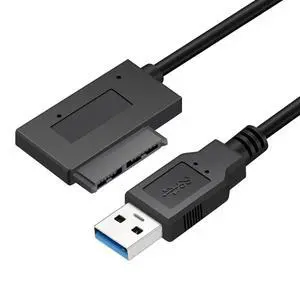
USB 3.0 to 7+6 13pin Slimline Sata Adapter Cable for Laptop Cd DVD Rom Optical Drive
- Model #: U3-064-NG
- $9.99 –
- Free Shipping
Quick View
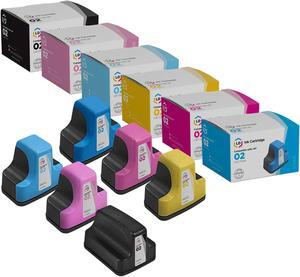
LD Products Replacements for HP 02 Ink Cartridges (Black, Cyan, Magenta, Yellow, Light Cyan, Light Magenta, 6-Pack) for use in PhotoSmart C5180 C6180 C6280 C7250 C7280 C8180
- Cartridge Quantity: 1
- Replacement Brand: HP
- Replacement Model: HP
- Ink Type: Dye-based
- Model #: C8721WN
- $18.19 –
- More options from $18.19
- Free Shipping
Quick View
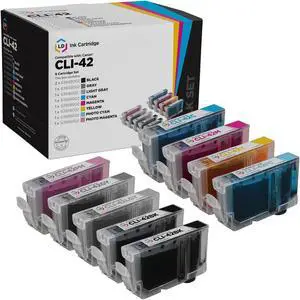
LD Products Compatible Ink Cartridge Replacement for Canon CLI-42 (2 Black, 1 Cyan, 1 Magenta, 1 Yellow, 1 Photo Cyan, 1 Photo Magenta, 1 Gray, 1 Light Gray, 9-Pack)
- Cartridge Quantity: 1
- Replacement Brand: Canon
- Ink Type: Dye-based
- Approximate Page Yield: 600 Pages
- Model #: 6384B002
Quick View
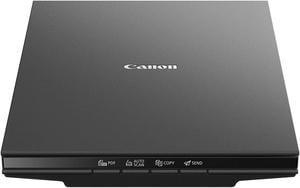
Canon CanoScan LiDE 300 (2995C002) Hi-Speed USB 2.0 (One Cable For Data & Power) Interface Flatbed Scanner
- Image Sensor: CIS
- Light Source: Three-color RGB LEDs
- Scanning Speed: Document: Approx. 10 Seconds (300 dpi / Letter Size / Color) 4.00" x 6.00" Photo: Approx. 5 Seconds (300 dpi / Color)
- Resolutions, Optical: 2400 x 2400dpi
- Model #: 2995C002
- $76.83 –
- More options from $76.83 - $101.99
- $12.85 Shipping
Quick View
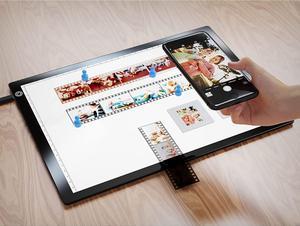
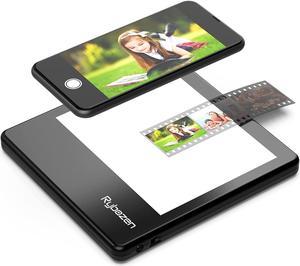
Rybozen Ultra-Thin Portable Slide Scanner 5 x 4 Inches LED Light Panel Photo Slides Negatives and Film Viewer
- Image Sensor: CCD
- Resolutions, Optical: 1800 x 3600 dpi
- Color Depth: 36bit
- Max. Document Size: Custom Size
- Model #: C400
Quick View
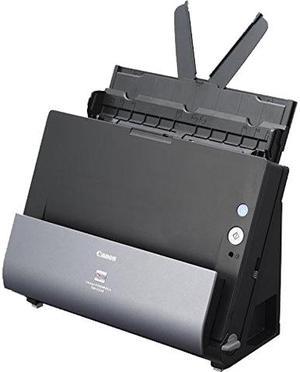
Canon imageFORMULA DR-C225 II Office Document Scanner
- Brand: Canon
- Series: imageFORMULA
- Type: Sheet Fed
- Element Type: One-Line Contact Image Sensor (CMOS)
- Model #: 3258C002
- $449.99
- $267.00 –
- Save: $182.99 (40%)
- More options from $267.00 - $457.05
- $17.85 Shipping
Quick View
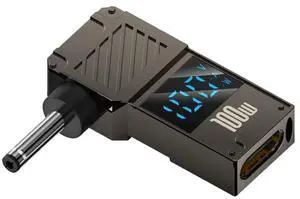
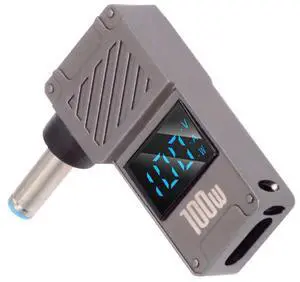
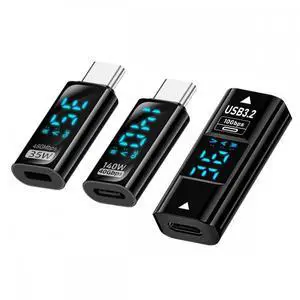
3pcs/lot Type-C Smart LED Display USB-C Female to USB Type-A 8P Adapter Data Current Voltage Fast Charging Monitoring Display Tester Detector
- Model #: U3-097-TC002-NG
- $10.99 –
- Free Shipping
Quick View
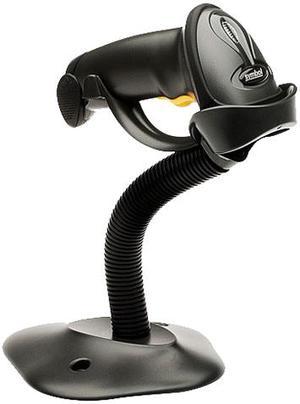
Motorola LS2208-SR20007R-UR Symbol LS2208 Barcode Scanner

- Series: LS2208
- Part Number: LS2208-SR20007R-UR
- Form Factor: Handheld
- Connectivity: Corded
- Model #: LS2208-SR20007R-UR
- $97.99 –
- More options from $97.99 - $149.99
- Free Shipping
Quick View
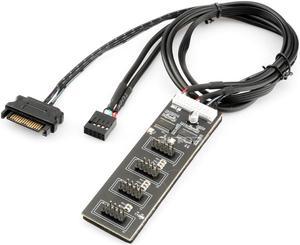
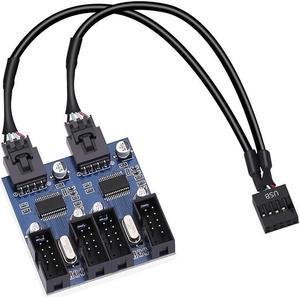
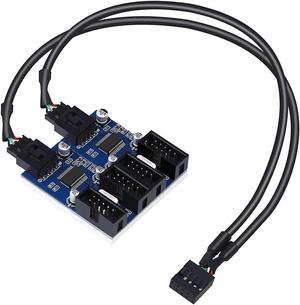
4 in 1 Internal USB Splitter Cable, Electop 9 pin USB Header Male 1 to 4 Female Extension Connector Adapter, USB 2.0 HUB Connector Port Multiplier PWM Fan Splitter Cable (30cm/0.98ft)
Limited time offer, ends 08/07
- Connector Type: Lighting Connector to USB A
- Model #: 6897645343

Related searches

Any questions? Our AI mode will help you find out quickly.
Try me now
Choosing the Right Printer for Your Office Needs
When it comes to office solutions, printers and scanners are essential tools for any business. Whether you need to print important documents, scan invoices, or create professional-quality marketing materials, having the right equipment is crucial. In this article, we will explore the different types of printers and scanners available in the market and provide tips on how to choose the best one for your office.
All-in-One Printers: Versatility and Convenience
all-in-one printers, also known as multifunction printers, are a popular choice for offices. These devices combine the functionality of a printer, scanner, copier, and sometimes even a fax machine into a single unit. They offer versatility and convenience, allowing you to perform multiple tasks without the need for separate devices. All-in-one printers are available in both inkjet and laser options, catering to different printing needs and budgets.
Specialized Printers for Specific Tasks
In addition to all-in-one printers, there are specialized printers designed for specific tasks. For example, 3D printers are ideal for creating prototypes or intricate models, while barcode and label printers are perfect for businesses that require efficient inventory management. laser printers are known for their fast printing speeds and high-quality output, making them suitable for offices with high-volume printing needs. inkjet printers, on the other hand, are more cost-effective and can produce vibrant color prints.
Choosing the Right Supplies
Once you have selected the right printer for your office, it is important to choose the right supplies to ensure optimal performance and longevity. When it comes to inkjet printers, using high-quality ink cartridges is essential to achieve the best print quality and prevent clogging. For laser printers, it is important to choose the right type of toner cartridges that are compatible with your printer model. Additionally, investing in high-quality paper can make a significant difference in the final print results.
FAQs: Common Questions about Printers and Scanners
| Q: How often should I replace the ink cartridges? | A: The frequency of replacing ink cartridges depends on your printing volume. However, it is recommended to replace them when the print quality starts to degrade. |
|---|---|
| Q: Can I use third-party ink cartridges with my printer? | A: While it is possible to use third-party ink cartridges, it is important to ensure compatibility with your printer model. Using incompatible cartridges may result in poor print quality or damage to the printer. |
| Q: How do I clean the scanner glass? | A: To clean the scanner glass, use a soft, lint-free cloth slightly dampened with glass cleaner. Gently wipe the glass surface to remove any smudges or debris. |
| Q: What is the difference between optical and interpolated resolution in scanners? | A: Optical resolution refers to the actual hardware resolution of the scanner, while interpolated resolution is achieved through software enhancements. Optical resolution provides more accurate and detailed scans. |
| Q: How can I improve the scanning speed? | A: To improve scanning speed, reduce the scanning resolution, use black and white mode instead of color, and ensure that the scanner is connected to a high-speed USB port. |