

Your Browsing History
- In Stock
- Sold by Newegg
- New

Any questions? Our AI mode will help you find out quickly.
Try me now
Quick View
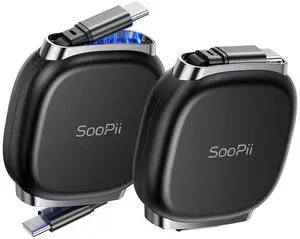
240W Retractable USB C Cable with Mag Snap Storage (2Pack 3.3FT) | Retractable USB C Fast Charging Cable with 5-Stage Length Preset Type C Cable for lPhone 17/16 Pro Max, Galaxy S25/24, Black
- Brand: SOOPII
- Type: USB
- Connector Type: USB Type C
- Color: Black
- Model #: 693558390464
- $38.99 –
- Free Shipping
Quick View
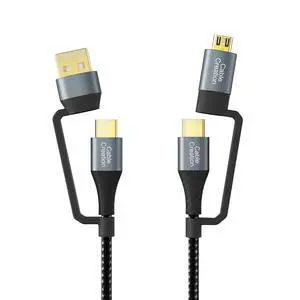
4 in 1 USB A +USB C to USBC + Micro B Multiple Charging Cable 6.6FT | PD 3A Fast Power, 480Mpbs Data,Anti Tear Braided, for MacBook Pro, iPad, Galaxy S23 S22,Powerbank Cellphone Auto
- Cable Length: 6.6
- Brand: CableCreation
- Type: USB
- Color: Black
- Model #: 346798051313
- $31.99 –
- Free Shipping
Quick View
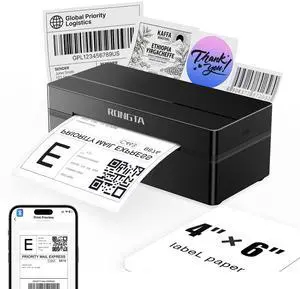
Bluetooth Shipping Label Printer, Wireless 4x6 Thermal Label Printer for Shipping Packages, Support Phones, Compatible with Windows macOS Android iOS for Small Business
- Brand: Rongta
- Series: RP425
- Part Number: RP425
- Print Technology: Thermal
- Model #: 452786406093
- $73.99 –
- Free Shipping
Quick View
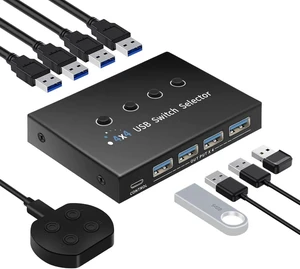
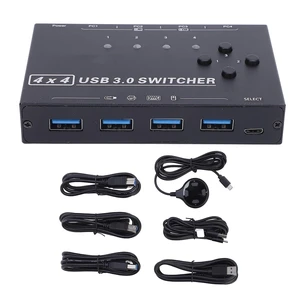
USB 3.0 Switch 4 Computers 4 Ports, USB Switcher Selector Share 4 USB Devices, 5Gbps, Desktop Controller + Button Switch, for Keyboard Mouse Printer HDD, Mac Windows Linux
- Model #: TONFB0H9QD516L
- $108.99 –
- Free Shipping
Quick View
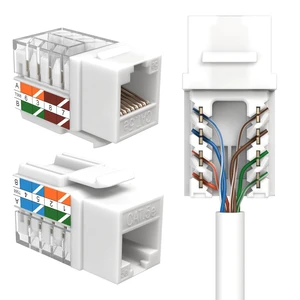
SATMAXIMUM Cat5e Keystone Ethernet Wall Jack Punch Down UTP 45-Degree (Easier Termination Than 90-Degree), RJ45 Slim Profile Speed Termination White 45° Angled (10 Pack)
- Model #: TONFB0FFQJ5D6W
- $162.99 –
- Free Shipping
Quick View
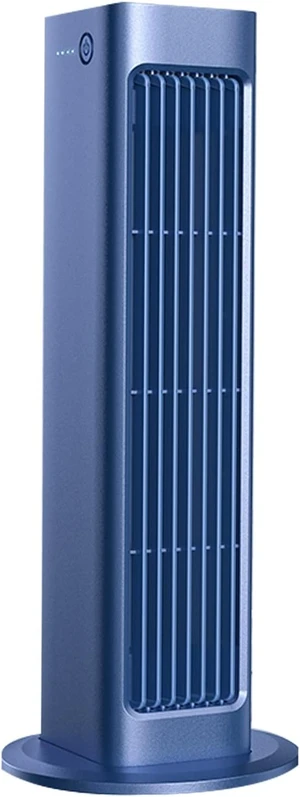
Portable Fan,Small USB Desk Personal Fan,Desktop Fan,Tower Fan,Portable Floor Bladeless Fan for Office, Dormitory, Bedroom, Living Room, Camping,car (Color : Blue)
- Model #: TONFB0C5MJ22V1
- $166.99 –
- Free Shipping
Quick View
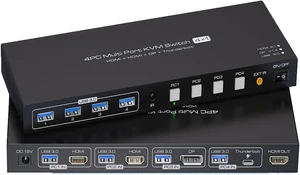
USB Charger Station, 2 Displayport KVM Switch Thunderbolt 4 4K144Hz
- Model #: TONFB0HDTFT3RF
- $320.99 –
- Free Shipping
Quick View
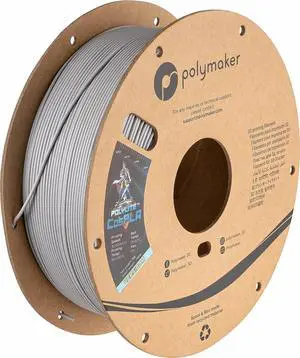
Polymaker 3D Printing Filament CosPLA 1.75mm, 1kg, Version A
- Model #: TUKO413346150290all
- $44.83 –
- Free Shipping
Quick View
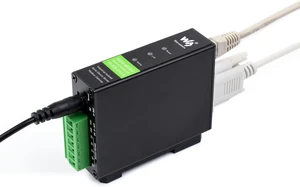
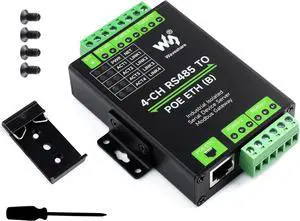
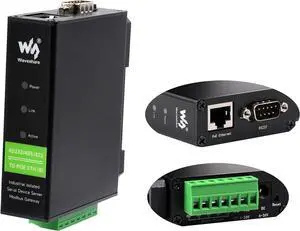
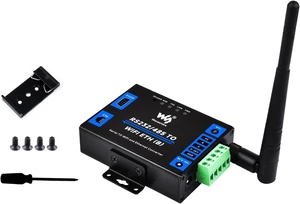
waveshare Industrial Isolated Rail-Mount RS232/485/422 Serial Server, RS232/485/422 to RJ45 Ethernet Module with POE, TCP/IP to Serial Converter, Modbus Gateway Support
- Model #: TONFB0BVZG3C13
- $66.99 –
- Free Shipping
Quick View
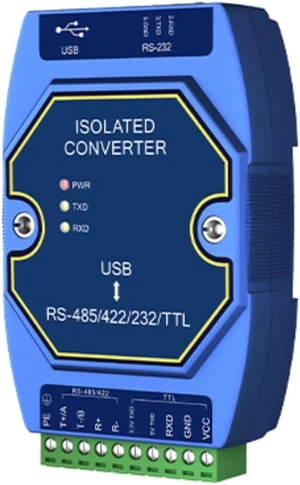
USB to RS485/232/422/TTL Converter Support Windows 10 Driver-Free Use E810-U Series 3.3V/5V High Protection Isolation (E810-U15HFS)
- Model #: TONFB0GRTRHV25
- $71.99 –
- Free Shipping
Quick View
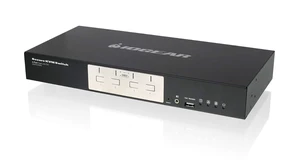
IOGEAR 4-Port Dual-Link DVI Secure KVM Switch (TAA)
- Model #: TONFB07D1WBN4R
- $810.99 –
- Free Shipping
Quick View
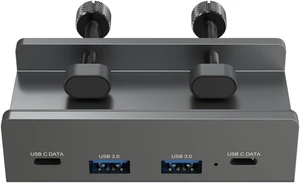
AINEX USB3.2 Gen1 Clamp Hub, 2 Ax2/C Ports, 5Gbps, Bus-Power/Self-Powered, Securely Fixed with Dual Clamps HUB-10
- Model #: TONFB0H3BBRVB8
- $111.99 –
- Free Shipping
Quick View
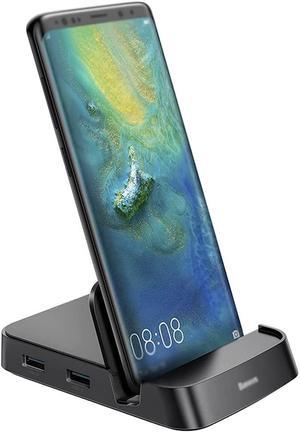
7 in 1 USB Type-C Hub Docking Station USB-C ~HDMI USB 3.0 Hub SD TF Card PD Adapter
- Model #: TONFB0F9KS2S5M
- $161.99 –
- Free Shipping
Quick View
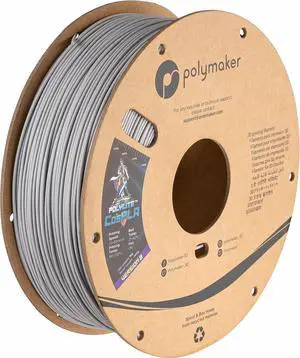
Polymaker 3D Printing Filament CosPLA 1.75mm, 1kg, Version B
- Model #: TUKO413346153529all
- $44.83 –
- Free Shipping

Quick View
728 300ml x 1PK Yellow Ink cartridges F9K15A Compatible Ink Cartridge Replacement for HP DesignJet T730 T830 Printers (1 Y)-US
- Model #: HANWB0CNSNXS5P
- $83.19 –
- More options from $83.19
- Free Shipping
Quick View
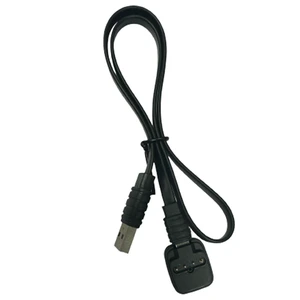
Aqualung I330R Charging Cable With Adaptor Black/Black
- Model #: TONFB0D3WLCXFG
- $88.99 –
- Free Shipping
Quick View
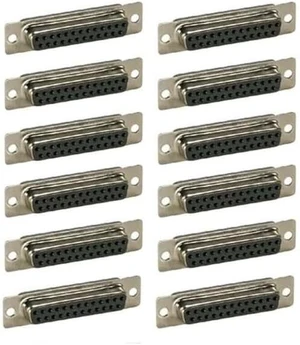
12 Pcs d-sub 25-pin db25 Female Assembly Solder Type Plug Connector Cup Socket
- Model #: TONFB0HJRTQN7Q
- $79.99 –
- Free Shipping
Quick View
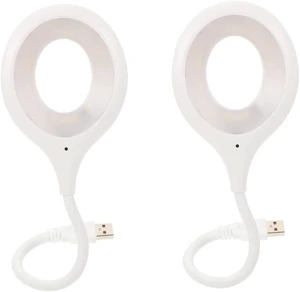
Table Lamp 2pcs Voice USB Night Light Clip Bed Reading Activated
- Model #: TONFB0HJ2K1GL1
- $240.99 –
- Free Shipping
Quick View
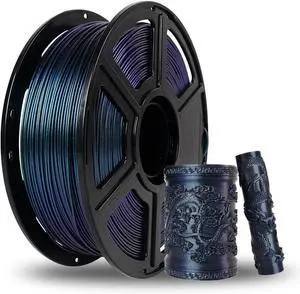
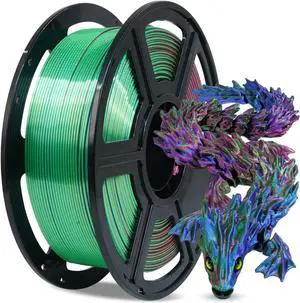
FLASHFORGE Silk Tri-Color PLA Filament 1.75mm, Coextrusion Red Blue Green Triple Color Rainbow, 1kg, 3D Printer Filament
- Model #: TUKO413346151990all
- $50.68 –
- Free Shipping
Quick View
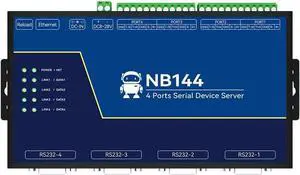
4 Channel Serial Server RS485 RS232 RS422 to Ethnernet NB144S TCP UDP MQTT HTTP Modbus TCP- RTU Gateway Watchdog
- Model #: TONFB0BVVN41M9
- $92.99 –
- Free Shipping
![Yossos USB C Magnetic Adapter 240W[4 Pack] 90 Degree Type C Magnetic Charging Cable Right Angle 180 & 360 Degree Rotating Connector Tips for Phone Pad Samsung LG Google](https://c1.neweggimages.com/productimage/nb300/C48UD2601290WA3UHAB.jpg "Yossos USB C Magnetic Adapter 240W[4 Pack] 90 Degree Type C Magnetic Charging Cable Right Angle 180 & 360 Degree Rotating Connector Tips for Phone Pad Samsung LG Google")
Quick View
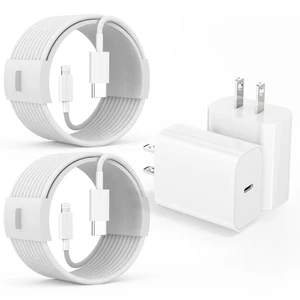
iPhone 14 Charger Fast Charging,Fast Charger iPhone 2Pack 10Foot Extra Long
- Model #: TONFB0FF9QQFX1
- $70.99 –
- Free Shipping
Quick View
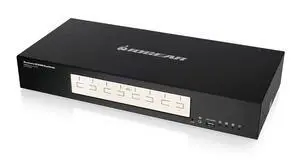
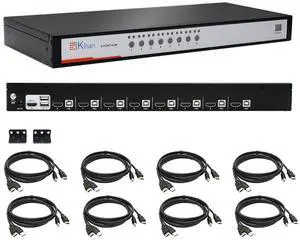
8 Port HDMI USB KVM Switch, Heavy-Duty 1U Metal Rack Mount, 1080p@60Hz
- Model #: TONFB0FD9GQM1Z
- $583.99 –
- Free Shipping
Quick View
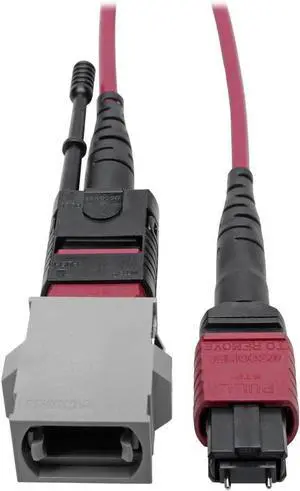
TRIPP LITE MTP/MPO Parallel Optics Base-8 Migration Fiber Adapter OM4 Polarity C to B, 40/100 Gbe M/F 8"(N846-08N-C2B)
- Model #: TONFB071ZJ57R4
- $236.99 –
- Free Shipping

Quick View
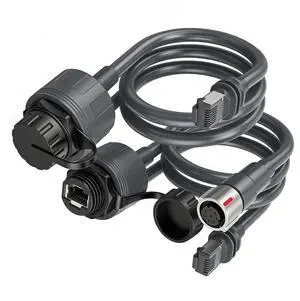
Omabeta Rectangular Satellite SPX Male to RJ45 Adapter High Speed
- Model #: TONFB0HGR9NJ48
- $130.99 –
- Free Shipping
Quick View
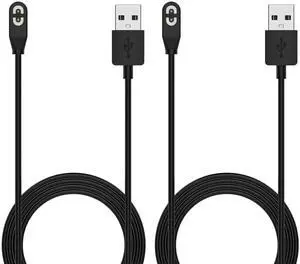
Pack Compatible for Shokz Charging Cable,Magnetic Charger Cord Compatible for Aftershokz Aeropex AS800,Shokz OpenRun Pro,OpenRun,OpenRun Mini,OpenComm Bone Conduction Headphones
- Cable Length: 3.3 ft
- Brand: AWINNER
- Type: USB
- Connector Type: Usb 2.0
- Model #: 446692929104
- $23.99 –
- Free Shipping
Quick View
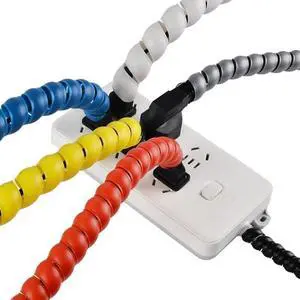
2Meters Spiral Cable Protector Line Organizer Tube Motorcycle Wire Protection Sleeve Flame Retardant Cover Color(Black,50mm X 2 Meters)
- Model #: TOLKB0FMPWJKYV
- $164.99 –
- Free Shipping
Choosing the Right Printer for Your Office Needs
When it comes to office solutions, printers and scanners are essential tools for any business. Whether you need to print important documents, scan invoices, or create professional-quality marketing materials, having the right equipment is crucial. In this article, we will explore the different types of printers and scanners available in the market and provide tips on how to choose the best one for your office.
All-in-One Printers: Versatility and Convenience
all-in-one printers, also known as multifunction printers, are a popular choice for offices. These devices combine the functionality of a printer, scanner, copier, and sometimes even a fax machine into a single unit. They offer versatility and convenience, allowing you to perform multiple tasks without the need for separate devices. All-in-one printers are available in both inkjet and laser options, catering to different printing needs and budgets.
Specialized Printers for Specific Tasks
In addition to all-in-one printers, there are specialized printers designed for specific tasks. For example, 3D printers are ideal for creating prototypes or intricate models, while barcode and label printers are perfect for businesses that require efficient inventory management. laser printers are known for their fast printing speeds and high-quality output, making them suitable for offices with high-volume printing needs. inkjet printers, on the other hand, are more cost-effective and can produce vibrant color prints.
Choosing the Right Supplies
Once you have selected the right printer for your office, it is important to choose the right supplies to ensure optimal performance and longevity. When it comes to inkjet printers, using high-quality ink cartridges is essential to achieve the best print quality and prevent clogging. For laser printers, it is important to choose the right type of toner cartridges that are compatible with your printer model. Additionally, investing in high-quality paper can make a significant difference in the final print results.
FAQs: Common Questions about Printers and Scanners
| Q: How often should I replace the ink cartridges? | A: The frequency of replacing ink cartridges depends on your printing volume. However, it is recommended to replace them when the print quality starts to degrade. |
|---|---|
| Q: Can I use third-party ink cartridges with my printer? | A: While it is possible to use third-party ink cartridges, it is important to ensure compatibility with your printer model. Using incompatible cartridges may result in poor print quality or damage to the printer. |
| Q: How do I clean the scanner glass? | A: To clean the scanner glass, use a soft, lint-free cloth slightly dampened with glass cleaner. Gently wipe the glass surface to remove any smudges or debris. |
| Q: What is the difference between optical and interpolated resolution in scanners? | A: Optical resolution refers to the actual hardware resolution of the scanner, while interpolated resolution is achieved through software enhancements. Optical resolution provides more accurate and detailed scans. |
| Q: How can I improve the scanning speed? | A: To improve scanning speed, reduce the scanning resolution, use black and white mode instead of color, and ensure that the scanner is connected to a high-speed USB port. |