
Your Browsing History
- New

Any questions? Our AI beta will help you find out quickly.
Try me now
Quick View
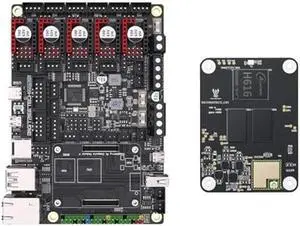
BIGTREETECH Manta M5P+CB1 V2.2 Core board 1GB DDR3 Running Linux System Klipper Support TMC2209 HDMI SPI LCD for Ender 3 Voron V0
Limited time offer, ends 05/29
- Model #: 944529601761
- $131.19 –
- Free Shipping
Quick View
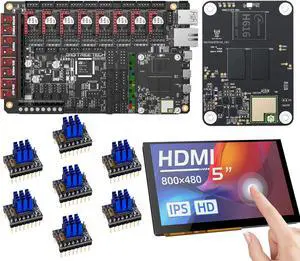
BIGTREETECH Manta M8P V1.1 + CB1 V2.2 + HDMI5 + TMC2209 UART*7 Control Board Kit for Voron 2.4 New Upgrade Support Running Klipper
Limited time offer, ends 05/29
- Model #: 944529607183
- $276.08 –
- More options from $275.28
- Free Shipping
Quick View
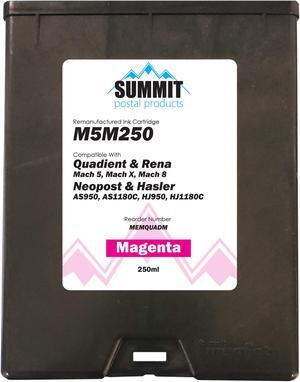
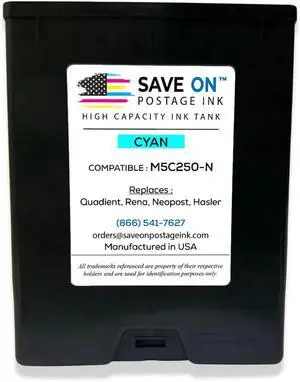
Quadient M5M250 Compatible Magenta Ink Cartridge for Quadient/Neopost/Rena/Hasler Envelope Printers
- Cartridge Quantity: Single Pack
- Ink Type: Dye-based
- Labor: 1 Year
- Parts: 1 Year
- Model #: M5M250
- $259.00 –
- Free Shipping
Quick View
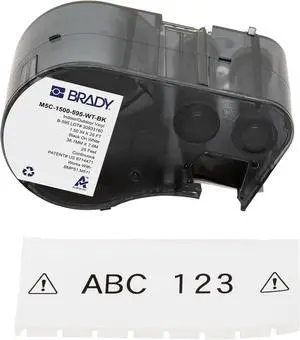
Brady Authentic (M5C-1500-595-WT-BK) All-Weather Vinyl Labels 1.5 in W x 25ft Black on White. for use with BMP51, M510, and M511 Label Printers.
- Model #: ENGEB0CFM7FJCN
- $158.99 –
- Free Shipping
Quick View
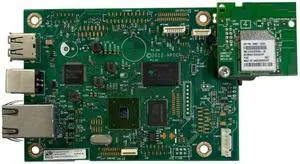
Formatter Board for M402 Series Motherboard M402dw Wi-Fi Main Board Compatible with Printer Supplies for Part Number C5F94-60001
- Model #: CHIPB0G4VFMW8C
- $242.79 –
- More options from $242.79
- Free Shipping
Quick View
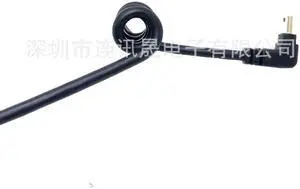
Aomoproing USBAM with earpiece adapterfor mini5P law enforcementdevice collection station specialspringwire
- Model #: C12Y -USB512
- $12.99 –
- Free Shipping
Quick View
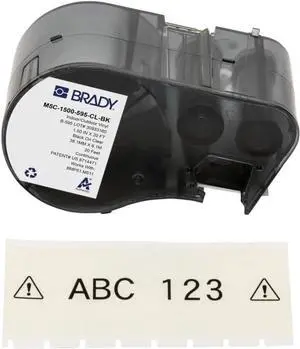
Brady Authentic (M5C-1500-595-CL-BK) All-Weather Permanent Adhesive Vinyl Labels 1.5 in W x 20ft Black on Clear. for use with BMP51, M510, and M511 Label Printers.
- Model #: CHIDB0CRZBS3W8
- $108.99 –
- Free Shipping

Quick View
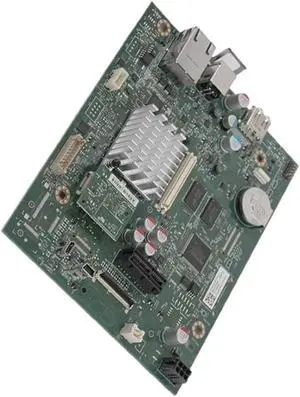
Formatter Board Compatible with Printer Supplies Enerprise M552 M553 M552DN M553DN 552 553 for Part Number B5L24-67909 B5L30-60003
- Model #: CHIPB0G3T524GR
- $264.79 –
- More options from $264.79
- Free Shipping
Quick View
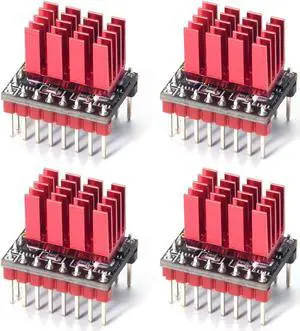
BIGTREETECH TMC5160T Pro Stepper Motor Driver Silent Driver Up to 56V Support High-Speed Printing SPI&SD Mode with Heatsink for Manta M8P/M5P/M4P, Octopus Pro, Octopus, SKR 3 EZ Control Board (4 PCS)
Limited time offer, ends 05/29
- Model #: 6031005498596ate20
- $133.19 –
- More options from $107.78 - $133.19
- Free Shipping
Quick View
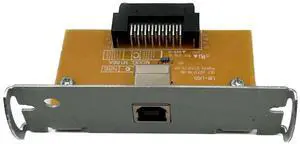
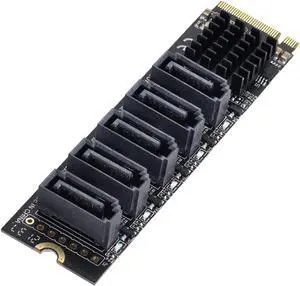
FainWan New USB Interface Compatible with UB-U05 M186A TM-T88IV/884 TM-T81 TM-T70 C32C823991 A371
- Model #: 537470349464
- $37.99 –
- $5.00 Shipping
Quick View
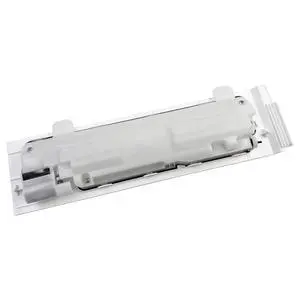
CeaMere Waste Toner Box Collection Replacement for M552 M553 M554 M555 M576 M577 M578 B5L37A
- Model #: 439480291989
- $76.99 –
- $5.99 Shipping
Quick View
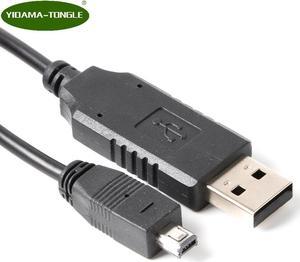
MINI USB DATA Cable for MINIDX3 MINIDX4 MIN123 MSR500EX MSR400 MINI400 MINI600 MNI123EX MSR500M MSR500 TA32 MINI400B Card Reader
- Model #: ccooc-0042284
- $15.99 –
- More options from $15.08
- Free Shipping
Quick View
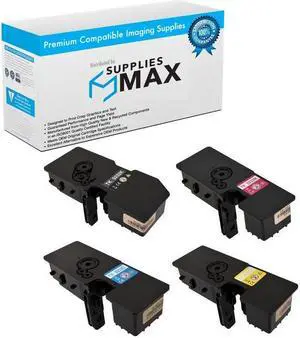
Compatible Kyocera Mita ECOSYS M5521CDN/M5521CDW/P5021CDN/P5021CDW Toner Cartridge Combo Pack (BK/C/M/Y) (TK-5232-COMBO)
- Brand: SuppliesMAX
- Series: Compatible With Kyocera Mita ECOSYS M5521cdn / ECOSYS M5521cdw / ECOSYS P5021cdn / ECOSYS P5021cdw Series Color Laser Printers.
- Cartridge Quantity: Black-1/Cyan-1/Magenta-1/Yellow-1
- Cartridge Color: Black/Cyan/Magenta/Yellow
- Model #: SPB-KYOTK-5232-COMBO-C
- $63.99 –
- $15.99 Shipping
Quick View
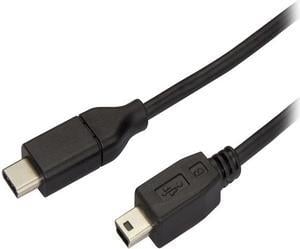
StarTech USB2CMB2M USB C to Mini USB Cable - 6 ft / 2m - M/M - USB 2.0 - Mini USB Cord - USB C to Mini B Cable - USB Type C to Mini USB
- Type: USB 2.0
- Connector Type: USB-C to Mini-USB
- Connector Number: 2
- Connector Detail: Connector A: 1 x USB Type-C (24-pin) USB 2.0 Male Connector B: 1 x USB Mini-B (5 pin) Male
- Model #: USB2CMB2M
- $18.00 –
- More options from $17.93 - $32.99
- Free Shipping
Quick View
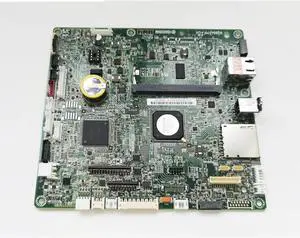
Parts Pwb Assy Main Sp Fit for Kyocera Ecosys M5521cdn M5521cdw M5526cdn M5526cdw M5521 M5526 5521 5526 Formatter Board(M5526cdn M5526cdw)
- Model #: ENGEB0GVCCYKDQ
- $668.99 –
- Free Shipping


Quick View
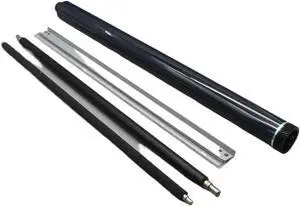
Drum Unit Rebuild Kit Compatible with MPC2003 MPC2503 MPC2004 MPC2504 MPC2011SP MC2000 MC2001 MC2501 IMC2000 IMC2500 IMC2000A IMC2500A
- Model #: ENGEB0GM4578Z1
- $159.99 –
- Free Shipping
Quick View
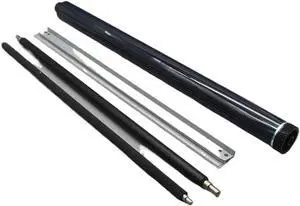
Drum Unit Rebuild Kit Compatible with MPC2003 MPC2503 MPC2004 MPC2504 MPC2011SP M C2000 C2001 C2501 IMC2000 IMC2500 IMC2000A IMC2500A
- Model #: ENGEB0GTHPBV6R
- $170.99 –
- Free Shipping
Quick View
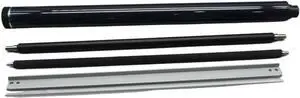
Drum Unit Rebuild Kit Compatible with MPC2003 MPC2503 MPC2004 MPC2504 MPC2011SP MC2000 MC2001 MC2501 IMC2000 IMC2500 IMC2000A IMC2500A
- Model #: ENGEB0G6XYNR9C
- $151.99 –
- Free Shipping
Quick View
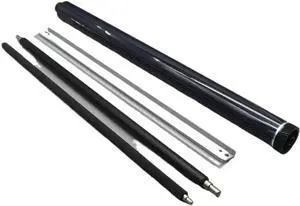
Drum Unit Rebuild Kit Compatible with MPC2003 MPC2503 MPC2004 MPC2504 MPC2011SP MC2000 MC2001 MC2501 IMC2000 IMC2500 IMC2000A IMC2500A
- Model #: ENGEB0GNNTFVBF
- $155.99 –
- Free Shipping
Quick View
Drum Unit Rebuild Kit Compatible with MPC2003 MPC2503 MPC2004 MPC2504 MPC2011SP M C2000 C2001 C2501 IMC2000 IMC2500 IMC2000A IMC2500A
- Model #: ENGEB0GQ2652RT
- $190.99 –
- Free Shipping
Quick View
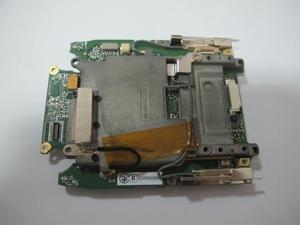
motherboard For MC3190 MC3190R MC3190S 1D CE6.0 motherboard
- Product Type: Printhead
- Model #: ZW-d5234-320
- $906.29 –
- More options from $906.29
- Free Shipping
Quick View
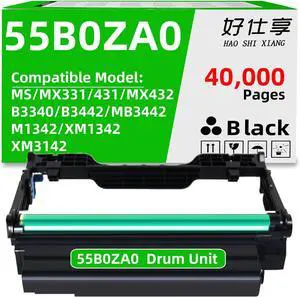
55B0ZA0 Imaging Unit Drum Unit Replacement for MS331 MS431 MX331 MX431 MX432 B3340 B3442 MB3442 M1342 XM1342 XM3142 Laser Printer (550ZA0-1Pack-40000Pages)
- Model #: ENGEB0F65Q3R7R
- $103.99 –
- Free Shipping
Quick View
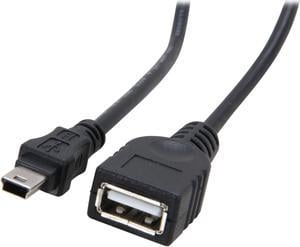
StarTech.com USBMUSBFM1 Black Mini USB 2.0 Cable - USB A to Mini B F/M
- Type: USB 2.0
- Connector Type: USB A to Mini USB
- Connector Number: 2
- Connector Detail: USB A to Mini B
- Model #: USBMUSBFM1
Quick View
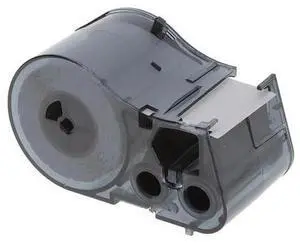
Refurbished Brady M5C-1500-595-WT-BK All Weather Permanent Adhesive Vinyl Label Tape - For BMP51 / BMP53 Printers - 1.5-inch Width - Black on White
- Product Type: Other Accessories
- Model #: M5C-1500-595-WT-BK
- $57.97 –
- Free Shipping
Quick View
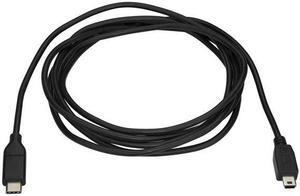
USB-C to Mini-USB Cable - M/M - 2 m 6ft - USB 2.0
- Model #: USB2CMB2M[23
- $48.99 –
- Free Shipping
Quick View
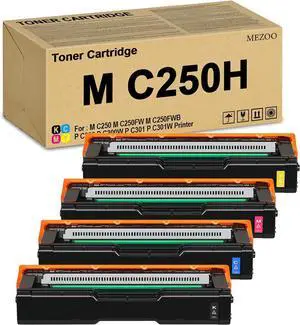
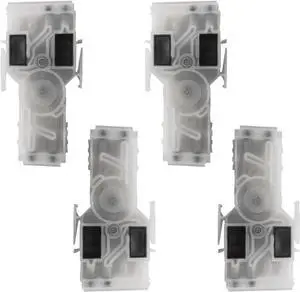
4PCS Head Damper for Mimaki JV150 JV300 Eco Solvent Printhead Inkjet Printer M015001
- Model #: DARJB0CW3MNYJ7
- $142.99 –
- Free Shipping
Quick View
motherboard For MC3190 MC3190R MC3190S 1D CE6.0 motherboard
- Product Type: Printhead
- Model #: ZW-dyt-320
- $604.99 –
- Free Shipping
Quick View
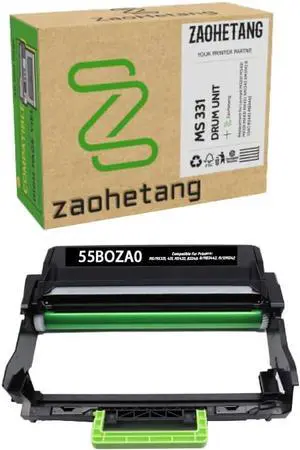
55B0ZA0 MS331 Black Imaging Unit Replacement for Lexmark MS331 MS431 MX331 MX431 MX432 XM1342 XM3142 B3340 B3442 MB3442 (40,000 Pages)
- Model #: DARKB0DG24QL2Y
- $121.99 –
- Free Shipping
Quick View
- $16.39 –
- Free Shipping
Quick View
4PCS Head Damper for Mimaki JV150 JV300 Eco Solvent Printhead Inkjet Printer M015001
- Model #: CHIXB0CW3MNYJ7
- $142.99 –
- Free Shipping
Quick View
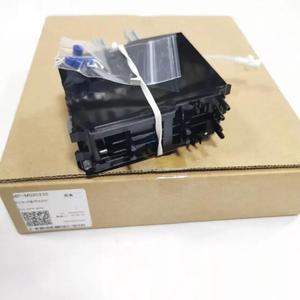
MP-M020235 Original Mimaki Sub Tank Assy For UCJV300 UCJV150 JFX200 Printer M020235
- Model #: SUDGE-595
- $258.75 –
- Free Shipping
Choosing the Right Printer for Your Office Needs
When it comes to office solutions, printers and scanners are essential tools for any business. Whether you need to print important documents, scan invoices, or create professional-quality marketing materials, having the right equipment is crucial. In this article, we will explore the different types of printers and scanners available in the market and provide tips on how to choose the best one for your office.
All-in-One Printers: Versatility and Convenience
all-in-one printers, also known as multifunction printers, are a popular choice for offices. These devices combine the functionality of a printer, scanner, copier, and sometimes even a fax machine into a single unit. They offer versatility and convenience, allowing you to perform multiple tasks without the need for separate devices. All-in-one printers are available in both inkjet and laser options, catering to different printing needs and budgets.
Specialized Printers for Specific Tasks
In addition to all-in-one printers, there are specialized printers designed for specific tasks. For example, 3D printers are ideal for creating prototypes or intricate models, while barcode and label printers are perfect for businesses that require efficient inventory management. laser printers are known for their fast printing speeds and high-quality output, making them suitable for offices with high-volume printing needs. inkjet printers, on the other hand, are more cost-effective and can produce vibrant color prints.
Choosing the Right Supplies
Once you have selected the right printer for your office, it is important to choose the right supplies to ensure optimal performance and longevity. When it comes to inkjet printers, using high-quality ink cartridges is essential to achieve the best print quality and prevent clogging. For laser printers, it is important to choose the right type of toner cartridges that are compatible with your printer model. Additionally, investing in high-quality paper can make a significant difference in the final print results.
FAQs: Common Questions about Printers and Scanners
| Q: How often should I replace the ink cartridges? | A: The frequency of replacing ink cartridges depends on your printing volume. However, it is recommended to replace them when the print quality starts to degrade. |
|---|---|
| Q: Can I use third-party ink cartridges with my printer? | A: While it is possible to use third-party ink cartridges, it is important to ensure compatibility with your printer model. Using incompatible cartridges may result in poor print quality or damage to the printer. |
| Q: How do I clean the scanner glass? | A: To clean the scanner glass, use a soft, lint-free cloth slightly dampened with glass cleaner. Gently wipe the glass surface to remove any smudges or debris. |
| Q: What is the difference between optical and interpolated resolution in scanners? | A: Optical resolution refers to the actual hardware resolution of the scanner, while interpolated resolution is achieved through software enhancements. Optical resolution provides more accurate and detailed scans. |
| Q: How can I improve the scanning speed? | A: To improve scanning speed, reduce the scanning resolution, use black and white mode instead of color, and ensure that the scanner is connected to a high-speed USB port. |