

Your Browsing History
- In Stock
- Sold by Newegg
- New
Quick View
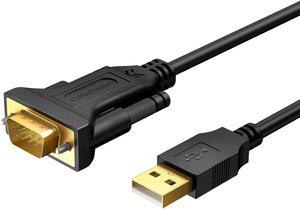
USB to RS232 Serial Cable 3M, DB9 Adapter (PL2303 Chipset) Support Cashier Register, Modem, Scanner, Digital Cameras, CNC etc, 10FT /Black
Limited time offer, ends 09/29
- Model #: LC6W1J16-061
- $31.99 –
- Free Shipping
Quick View
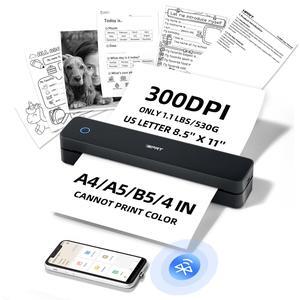
6.6 Feet USB to RS232 Adapter with PL2303 Chipset, Gold Plated USB 2.0 to DB9 Serial Converter Cable Support Cashier Register, Modem, Scanner, Digital Cameras,CNC etc, 2M /Black
Limited time offer, ends 09/29
- Model #: LC6W1J16-062
- $30.99 –
- Free Shipping
Quick View
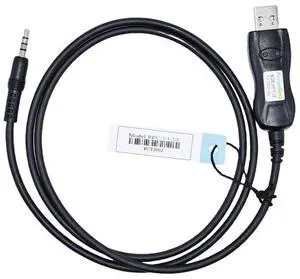
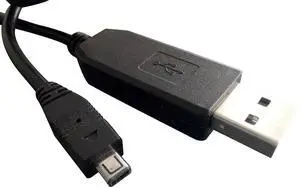
MaxtonData CT106 CT42 USB Programming Cable for Yaesu FT-60R,FT-50R,VX5R,VX-3R, VX-400 with FTDI chip
- Model #: 994255169035
- $50.99 –
- $5.00 Shipping
Quick View
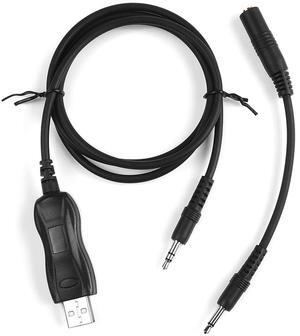
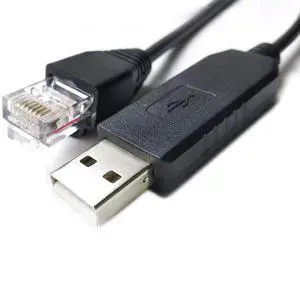
Washinglee USB-1 Programming Cable for Uniden Scanner Radio, for XT Models, Built in FTDI Chip, USB PC Interface Cable. 6FT
- Model #: 9359014167362
- $56.99 –
- $5.99 Shipping
Quick View
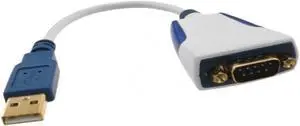
For fozuioh For Ftdi USB to DB9 Male RS232 for Us232R-10-Bulk 10cm Serial for Industrial Equipment and POS Systems
- Model #: GENXB0GDKN8MMB
- $108.99 –
- Free Shipping
Quick View
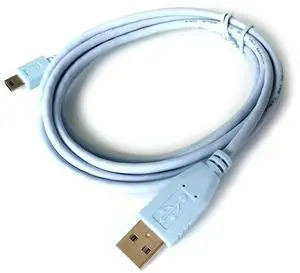
Washinglee Mini USB Cable for Celestron HC, for Hand Controller with Mini USB Port, USB A Control Cable for Celestron Computerized Telescope. (6 FT/ 1.8M)
- Model #: 994255015509
- $41.99 –
- $5.00 Shipping
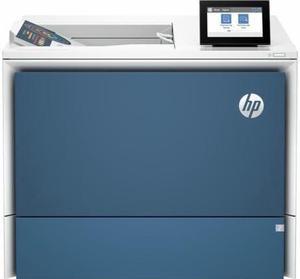
Quick View

- Part Number: 6QN33A#BGJ
- Color Print Speed: Print speed up to 55 ppm (black) and 55 ppm (color)
- Black Print Quality: 1200 x 1200 dpi
- Time To First Page (seconds): 6.4 sec
- Model #: 6QN33ABGJ

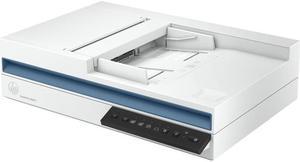
Quick View
- Resolutions, Max: Up to 600 x 600 dpi (color and mono, ADF); Up to 1200 x 1200 dpi (color and mono, flatbed)
- Color Depth: 24-bit (external), 48-bit (internal)
- Max. Document Size: 8.5" x 122"
- Media Type: Paper (banner, inkjet, photo, plain), envelopes, labels, cards (greeting, index)
- Model #: 20G06A#BGJ
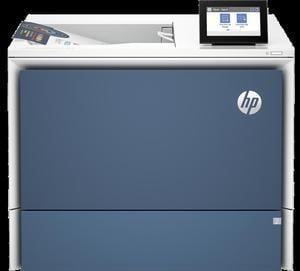
Quick View
- Part Number: 6QN28A#BGJ
- Color Print Speed: Print speed up to 45 ppm (black) and 45 ppm (color)
- Black Print Quality: 1200 x 1200 dpi
- Time To First Page (seconds): 6.8 sec
- Model #: 6QN28A#BGJ
- $1,199.00
- See price in cart
- More options from $1,049.00 - $1,999.00
- Free Shipping
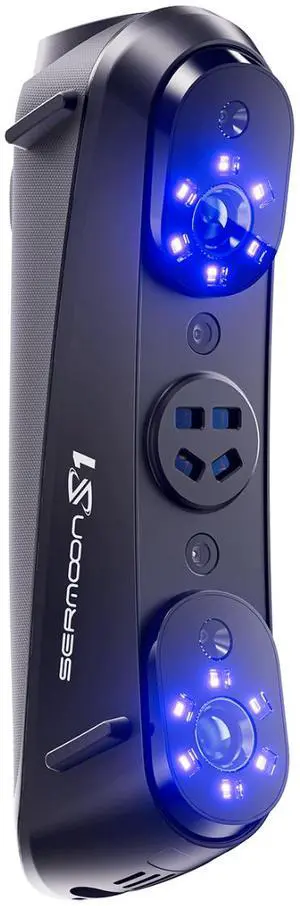
Quick View
Creality Sermoon S1 3D Scanner, Multi-Light Versatility, 0.02mm Accuracy, up to 90 FPS
- Supported OS: System Support Windows/macOS Android/iOS (Requires Wireless Scanning Accessories) Computer Configuration Requirements Windows: The following or higher configurations are recommended: i7-Gen10 CPU, Nvidia GPU (8GB VRAM), 32GB RAM, Windows 10/11 (64-bit). Minimum configuraiton: i7-Gen7 CPU, Nvidia GPU (6GB VRAM), 16GB RAM, Windows 10/11 (64-bit) macOS:M1/M2/M3/M4 series, 16GB RAM
- Product Size/Dimensions: 225mmx53mmx76mm
- Features: Laser Safety Single Blue Laser Line - Class II (eye safe) 7 Parallel Blue Laser Lines - Class I (eye safe) 34 Cross Blue Laser Lines - Class II (eye safe) Infrared Structured Light - Class I (eye safe)
- Brand: Creality
- Model #: 4008050063
- $2,299.99 –
- Free Shipping
Quick View
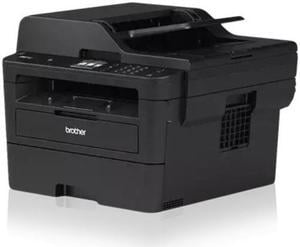
Brother MFC-L2820DW XL Wireless All-in-One Monochrome Laser Printer with High-Yield Toner (4200 Pages)
- Cartridges Compatible: TN830, TN830XL, TN830XL 2PK, DR830
- Display: 2.7 in.
- Scan Resolution, Optical: 600 dpi
- Windows Compatible: Windows 10 Education; Windows 10 Enterprise; Windows 10 Home; Windows 10 Pro; Windows 11; Windows 11 Home; Windows 11 Pro; Chrome OS; Mac OS
- Model #: MFC-L2820DW XL
- $365.70 –
- More options from $365.70 - $383.99
Quick View
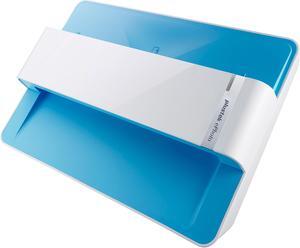
Plustek ePhoto Z300 Up to 300 dpi USB color Photo / Document Scanners
- Light Source: LED
- Scanning Speed: 4" x 6" Photo: Approx. 2 sec. Document(A4): Approx. 5 sec.
- Max. Document Size: 8.5" x 11.7"
- USB Ports: USB 2.0
- Model #: ePhoto Z300
- $219.99 –
- Free Shipping
Quick View
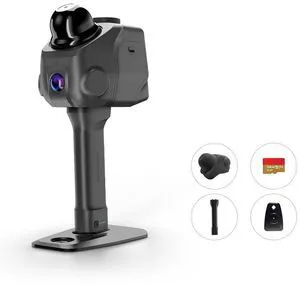
3DMakerpro LiDAR Spatial Scanner Raven, Handheld Personal 3D LiDAR Scanner with 12MP Camera, Up to 100m Scan Range & 4K Imaging, 150,000 points/sec
Limited time offer, ends 09/27
- Supported OS: Windows 11+ (Incompatible with macOS)
- Product Size/Dimensions: 148*288*98mm
- Software Compatibility: RayStudio/Raycraft
- Features: 3DGS/SLAM/Point cloud/360 Camera Mount
- Model #: Raven
Quick View
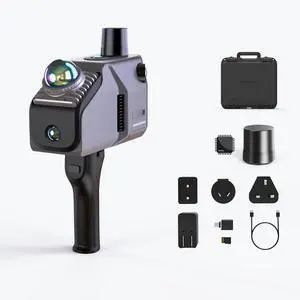
3DMakerpro Eagle LiDAR 3D Scanner, Professional SLAM Spatial Scanner for Film Production, 3DGS, Virtual Reality, 3D Modeling, All-in-one Workflow, 140m Range Max (4 Cameras)
- Supported OS: Windows 11+
- Product Size/Dimensions: 115 × 181 × 106 mm
- Software Compatibility: Raystudio
- Features: 3DGS/SLAM/Point cloud
- Model #: Eagle Max
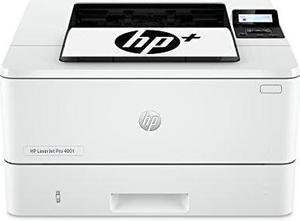
Quick View
- Part Number: 2Z601F#BGJ
- Color Print Speed: Prints up to 42/40 ppm (LTR/A4)
- Black Print Quality: 1200 x 1200 dpi
- Time To First Page (seconds): 6.1 sec
- Model #: 2Z601F#BGJ
- $499.00 –
- Free Shipping
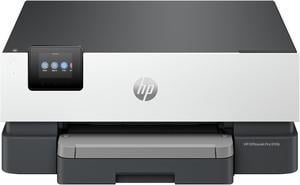
Quick View
- Part Number: 5A0S1A#B1H
- Color Print Speed: Up to 22 ppm
- Black Print Quality: 1200 x 1200 dpi
- Time To First Page (seconds): 12 sec
- Model #: 5A0S1A#B1H
- $199.89 –
- Free Shipping
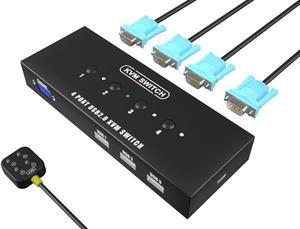
Quick View
KAGO 4 Port VGA KVM Switch with 4 Cables | 3 USB 2.0 Ports, 1920x1440 Full HD, Wired Desktop Controller, Plug & Play
OUT OF STOCK
- Model #: Tong409397159764miao
- $53.88 –
- Free Shipping
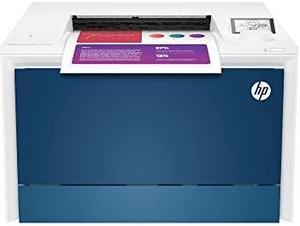
Quick View
OUT OF STOCK
- Black Print Speed: Print speed up to 35/33 ppm black & color (Letter/A4)
- Black Print Quality: Up to 600 x 600 dpi; Up to 38,400 x 600 enhanced dpi
- Brand: HP
- Part Number: 4RA86F#BGJ
- Model #: 4RA86F#BGJ dup
- $699.00 –
- Free Shipping

Any questions? Our AI mode will help you find out quickly.
Try me now
Choosing the Right Printer for Your Office Needs
When it comes to office solutions, printers and scanners are essential tools for any business. Whether you need to print important documents, scan invoices, or create professional-quality marketing materials, having the right equipment is crucial. In this article, we will explore the different types of printers and scanners available in the market and provide tips on how to choose the best one for your office.
All-in-One Printers: Versatility and Convenience
all-in-one printers, also known as multifunction printers, are a popular choice for offices. These devices combine the functionality of a printer, scanner, copier, and sometimes even a fax machine into a single unit. They offer versatility and convenience, allowing you to perform multiple tasks without the need for separate devices. All-in-one printers are available in both inkjet and laser options, catering to different printing needs and budgets.
Specialized Printers for Specific Tasks
In addition to all-in-one printers, there are specialized printers designed for specific tasks. For example, 3D printers are ideal for creating prototypes or intricate models, while barcode and label printers are perfect for businesses that require efficient inventory management. laser printers are known for their fast printing speeds and high-quality output, making them suitable for offices with high-volume printing needs. inkjet printers, on the other hand, are more cost-effective and can produce vibrant color prints.
Choosing the Right Supplies
Once you have selected the right printer for your office, it is important to choose the right supplies to ensure optimal performance and longevity. When it comes to inkjet printers, using high-quality ink cartridges is essential to achieve the best print quality and prevent clogging. For laser printers, it is important to choose the right type of toner cartridges that are compatible with your printer model. Additionally, investing in high-quality paper can make a significant difference in the final print results.
FAQs: Common Questions about Printers and Scanners
| Q: How often should I replace the ink cartridges? | A: The frequency of replacing ink cartridges depends on your printing volume. However, it is recommended to replace them when the print quality starts to degrade. |
|---|---|
| Q: Can I use third-party ink cartridges with my printer? | A: While it is possible to use third-party ink cartridges, it is important to ensure compatibility with your printer model. Using incompatible cartridges may result in poor print quality or damage to the printer. |
| Q: How do I clean the scanner glass? | A: To clean the scanner glass, use a soft, lint-free cloth slightly dampened with glass cleaner. Gently wipe the glass surface to remove any smudges or debris. |
| Q: What is the difference between optical and interpolated resolution in scanners? | A: Optical resolution refers to the actual hardware resolution of the scanner, while interpolated resolution is achieved through software enhancements. Optical resolution provides more accurate and detailed scans. |
| Q: How can I improve the scanning speed? | A: To improve scanning speed, reduce the scanning resolution, use black and white mode instead of color, and ensure that the scanner is connected to a high-speed USB port. |