

Your Browsing History
- In Stock
- Sold by Newegg
- New

Any questions? Our AI mode will help you find out quickly.
Try me now
Quick View
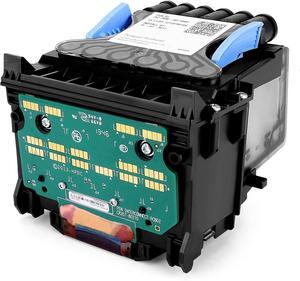
B3P06A 727 Designjet Printhead with Upgrade Chip, Replacement for hp 727 Printhead, Compatible with hp DesignJet Wide Format Printer T920 T930 T1500 T1530 T2500 T2530 T3500
- Model #: HANWB0DSPGZX1K
- $396.99 –
- Free Shipping
Quick View
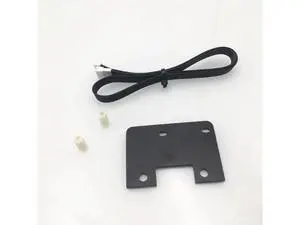
Funssor 1set Ender 3/3Pro/CR-10 direct drive upgrade plate kit direct drive conversion kit for Creality CR10S 3D printer
Limited time offer, ends 10/15
- Model #: WLC78S.0807.Pallet1579
- $40.54 –
- More options from $39.94
- Free Shipping
Quick View
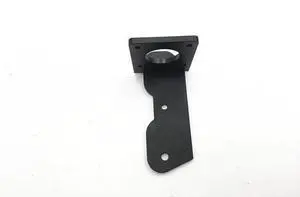
Creality CR-10/CR-10S 3D printer dual extruder upgrade parts aluminum Dual Extrusion Motor Mount
Limited time offer, ends 10/15
- Model #: WLC78S.0807.Pallet0876
- $38.99 –
- More options from $38.39
- Free Shipping
Quick View
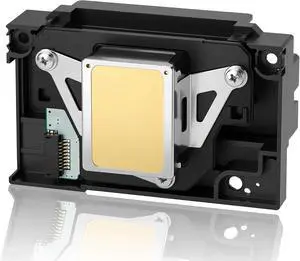
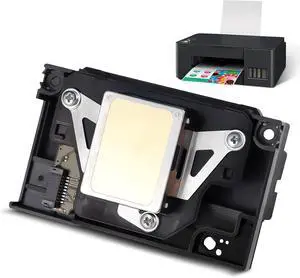
Upgrade L1800 DTF Printhead,Includes A 9 Pin Printer Cable, Replacement for L1800 DTF Printer, L1800 L1800D R1390 R1400 R1430 R1500W R260 R270 R330 DTF Printer
- Model #: HANWB0H1G5B91H
- $396.99 –
- Free Shipping
Quick View
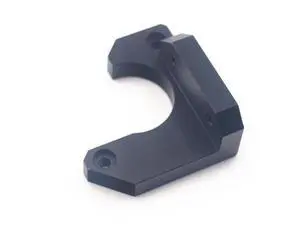
Funssor i3 MK3 size black aluminum alloy Y axis stepper motor holder for Prusa i3 MK3 3D printer upgrade parts
Limited time offer, ends 10/15
- Model #: WLC78S.0807.Pallet1340
- $40.52 –
- More options from $39.92
- Free Shipping
Quick View
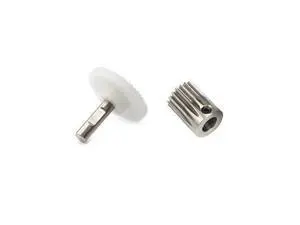
Funssor 1 set Extruder replace Gears Shaft for pusa i3 MK3 MK3S MK2.5 MK2.5S 3D printer Extruder Upgrade parts
Limited time offer, ends 10/15
- Model #: WLC78S.0807.Pallet1539
- $43.12 –
- More options from $42.52
- Free Shipping
Quick View
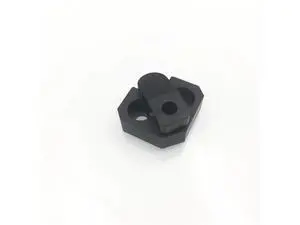
1pc Lulzbot TAZ5 aluminum alloy bed corners clip upgrade TAZ5 3D printer parts
Limited time offer, ends 10/15
- Model #: WLC78S.0807.Pallet1617
- $40.52 –
- More options from $39.92
- Free Shipping
Quick View
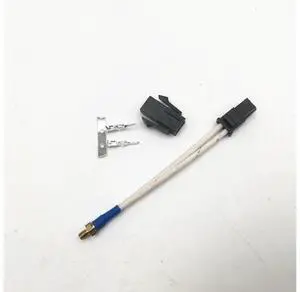
Funssor 1set M3 screw on Thermistor upgrade for 3D printer shibaura U1-382-Y1 M3 Stud Screw-In Thermistor Modular
Limited time offer, ends 10/15
- Model #: WLC78S.0807.Pallet1639
- $37.28 –
- More options from $36.68
- Free Shipping
Quick View
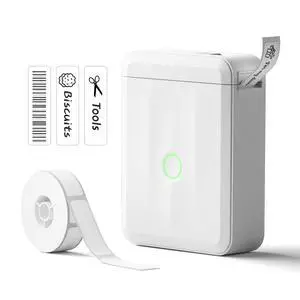
D110 Upgrade Mini Label Maker, Bluetooth Thermal Printer for Daily
- Brand: NIIMBOT
- Series: D110_M, 110
- Part Number: D110M
- Print Technology: Inkless
- Model #: 622695431463
- $34.99 –
- Free Shipping
Quick View
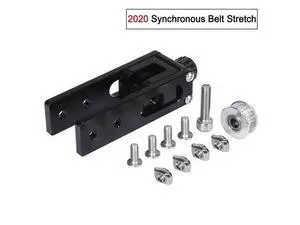
Upgrade kits 2020 aluminum Profile X-axis V-Slot Synchronous Belt Stretch Straighten Tensioner 3D Printer Parts For Tronxy X3
Limited time offer, ends 10/15
- Model #: WLC78S.0807.Pallet1329
- $42.23 –
- More options from $41.63
- Free Shipping
Quick View
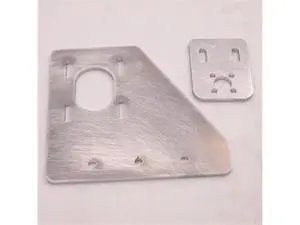
Funssor HE3D/Tarantula Printer aluminum adjustable Dual Z Axis Upgrade plate kit Z nut mount for HE3D/Tarantula 3D printer part
Limited time offer, ends 10/15
- Model #: WLC78S.0807.Pallet1161
- $37.64 –
- More options from $37.04
- Free Shipping
Quick View
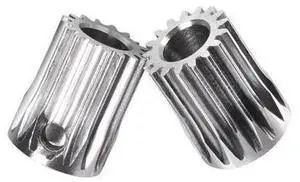
3D Printer Parts Btech Upgrade DDB Extruder GEAR Pinion Gear 5mm/0.5M 17T For Extruder Motor Gear for Extrusion Wheel Titan
Limited time offer, ends 10/15
- Model #: WLC78S.0807.Pallet0914
- $32.78 –
- More options from $32.18
- Free Shipping
Quick View
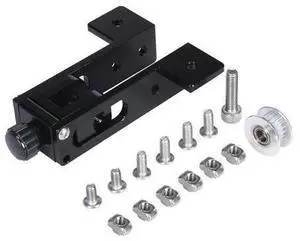
3D Printer Parts 2020 Aluminum Profile Y-axis airfoil synchronous belt For Tronxy X3 XY axis straightening tensioner Upgrade Kit
Limited time offer, ends 10/15
- Model #: WLC78S.0807.Pallet1495
- $41.97 –
- More options from $41.37
- Free Shipping
Quick View
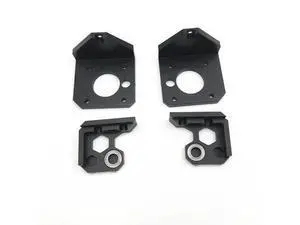
Prusa i3 MK3 3D printer upgrade aluminum Z mount kit metal Z axis bottom motor mount Z axis top kit
Limited time offer, ends 10/15
- Model #: WLC78S.0807.Pallet1281
- $38.36 –
- More options from $37.76
- Free Shipping
Quick View
Upgrade kits 2020 aluminum Profile X-axis V-Slot Synchronous Belt Stretch Straighten Tensioner 3D Printer Parts For Tronxy X3
Limited time offer, ends 10/15
- Model #: WLC78S.0807.Pallet1555
- $42.23 –
- More options from $41.63
- Free Shipping
Quick View
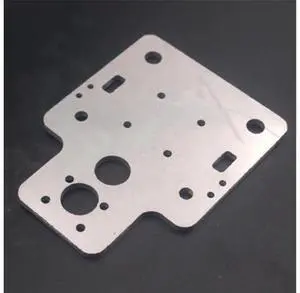
Funssor HE3D/Tarantula I3 metal aluminum alloy X axis carriage plate MGN12H upgrade for HE3D EI3/Tarantula I3 3d printer
Limited time offer, ends 10/15
- Model #: WLC78S.0807.Pallet1397
- $32.78 –
- More options from $32.18
- Free Shipping
Quick View
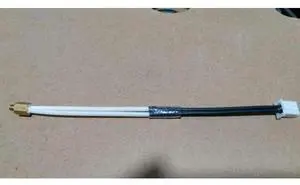
Funssor 1set M3 screw on Thermistor upgrade for Wanhao Maker Select Plus 3D printer 100K 1% M3 Stud Screw-In Thermistor Modular
Limited time offer, ends 10/15
- Model #: WLC78S.0807.Pallet1497
- $32.78 –
- More options from $32.18
- Free Shipping
Quick View
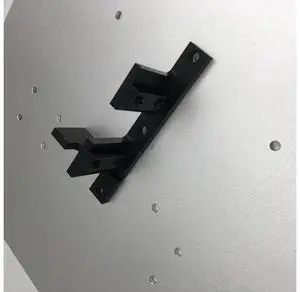
funssor Lulzbot TAZ5 3D printer upgrade aluminum alloy Y axis belt holder for TAZ5 Lulzbot Y carriage
Limited time offer, ends 10/15
- Model #: WLC78S.0807.Pallet1554
- $40.52 –
- More options from $39.92
- Free Shipping
Quick View
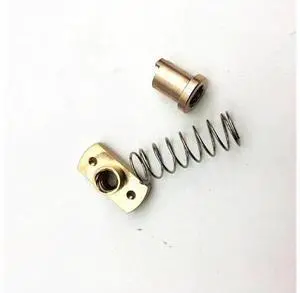
1pcs*anti-back lash TR8 lead screw brass nut for upgrade CR-10/Tornado and clone 3D printer anti backlash Spring Loaded nut
Limited time offer, ends 10/15
- Model #: WLC78S.0807.Pallet1473
- $38.99 –
- More options from $38.39
- Free Shipping
Quick View
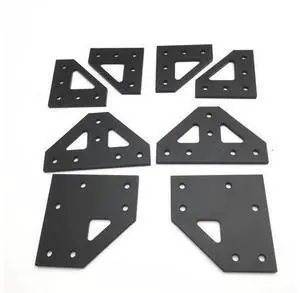
upgrade AM8 A8 4mm aluminum bottom tee plate top corner plate bottom corner plate kit for AM8 3D Printer Extrusion Metal Frame
Limited time offer, ends 10/15
- Model #: WLC78S.0807.Pallet1386
- $37.16 –
- More options from $36.56
- Free Shipping
Quick View
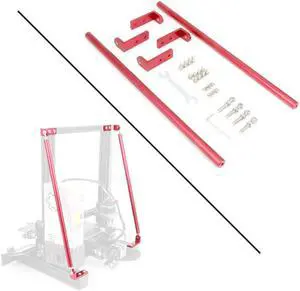
Red Supporting Rod Set for Ender 3D Printer, Upgrade 3D Printer Supply Parts for 3D Printer Ender 3/Ender 3 pro/Ender 3 V2 3D Printer (365MM)
- Model #: AIWU444275511326
- $57.55 –
- Free Shipping
Quick View
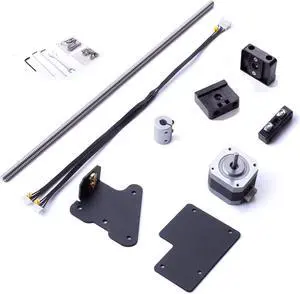
HICTOP Ender 3 Dual Z-axis Upgrade Kit Ender 3 Pro Upgrades Compatible with Ender 3/Ender 3 Neo, Ender 3 pro, Ender 3 V2/Ender 3 V2 Neo 3D Printer
- Model #: AIWU444275510244
- $50.55 –
- Free Shipping
Quick View
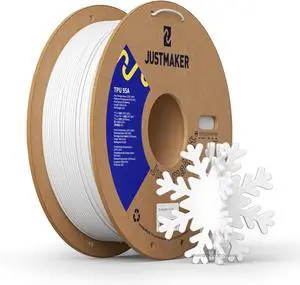
TPU 95A 3D Printer Filament, Suitable Resilience, Upgrade Cardboard Spool, 1kg, Dimensional Accuracy +/-0.05mm, 1.75mm, White
- Model #: AIWU444275502348
- $39.55 –
- Free Shipping
Quick View
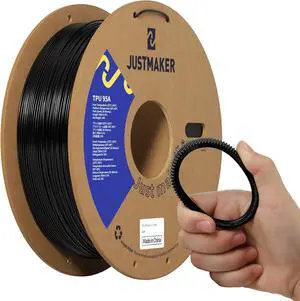
TPU 95A 3D Printer Filament, Suitable Resilience, Upgrade Cardboard Spool, 1kg, Dimensional Accuracy +/-0.05mm, 1.75mm, Black
- Model #: AIWU444275501938
- $39.55 –
- Free Shipping
Quick View
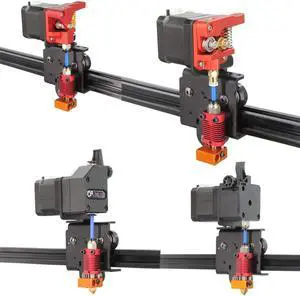
Upgrade Direct Extruder Support Plate Easy Print Flexible Filament for Ender 3/CR-10 3D Printer (Direct Plate)
- Model #: AIWU444275511418
- $27.55 –
- Free Shipping

Quick View
ANYCUBIC Upgraded Standard 3D Printer Resin, 405nm SLA Fast UV-Curing Resin, High Precision & Rapid Photopolymer for 8K Capable LCD/DLP/SLA 3D Printing (White, 1000g)
- Model #: AIWU444275506728
- $38.55 –
- Free Shipping
Quick View
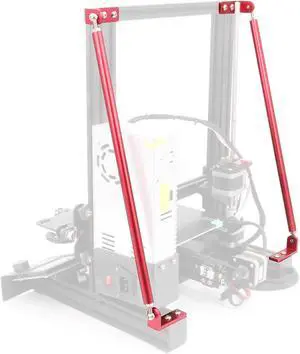
Upgrade Red Supporting Rod Set for Creality 3D Printer Ender 3/Ender 3 pro/Ender 3 V2 (220x220x250 mm)
- Model #: AIWU444275511272
- $59.55 –
- Free Shipping
Quick View
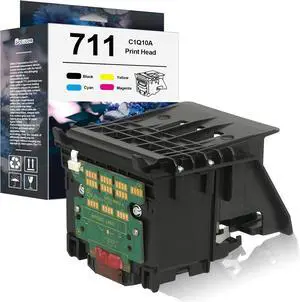
711 Printhead Kit High Yield C1Q10A Pinter Head with Chip Upgraded
- Model #: HANWB0FJKJCDD1
- $479.99 –
- Free Shipping
Quick View
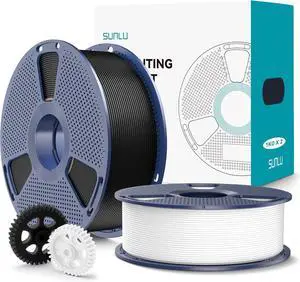
SUNLU PLA+2.0 3D Printer Filament 2KG, Upgrade PLA+ Filament 1.75mm, Tougher and Stronger, Dimensional Accuracy +/-0.02mm, 1KG per Spool, 2 Pack, 2KG Total, Black+White
- Model #: AIWU444275502829
- $48.55 –
- Free Shipping
Quick View
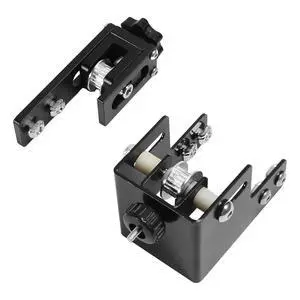
2pcs/Pack Upgrade 2020 Profile X-axis & 4040 Profile Y-axis Synchronous Belt Stretch Straighten Tensioner for Creality Ender3 Pro/Ender3 V2/CR-20 Pro (X2020+Y4040)
Limited time offer, ends 10/15
- Model #: C746-LUOYIMAN-Lsy811-223
- $36.99 –
- Free Shipping

Choosing the Right Printer for Your Office Needs
When it comes to office solutions, printers and scanners are essential tools for any business. Whether you need to print important documents, scan invoices, or create professional-quality marketing materials, having the right equipment is crucial. In this article, we will explore the different types of printers and scanners available in the market and provide tips on how to choose the best one for your office.
All-in-One Printers: Versatility and Convenience
all-in-one printers, also known as multifunction printers, are a popular choice for offices. These devices combine the functionality of a printer, scanner, copier, and sometimes even a fax machine into a single unit. They offer versatility and convenience, allowing you to perform multiple tasks without the need for separate devices. All-in-one printers are available in both inkjet and laser options, catering to different printing needs and budgets.
Specialized Printers for Specific Tasks
In addition to all-in-one printers, there are specialized printers designed for specific tasks. For example, 3D printers are ideal for creating prototypes or intricate models, while barcode and label printers are perfect for businesses that require efficient inventory management. laser printers are known for their fast printing speeds and high-quality output, making them suitable for offices with high-volume printing needs. inkjet printers, on the other hand, are more cost-effective and can produce vibrant color prints.
Choosing the Right Supplies
Once you have selected the right printer for your office, it is important to choose the right supplies to ensure optimal performance and longevity. When it comes to inkjet printers, using high-quality ink cartridges is essential to achieve the best print quality and prevent clogging. For laser printers, it is important to choose the right type of toner cartridges that are compatible with your printer model. Additionally, investing in high-quality paper can make a significant difference in the final print results.
FAQs: Common Questions about Printers and Scanners
| Q: How often should I replace the ink cartridges? | A: The frequency of replacing ink cartridges depends on your printing volume. However, it is recommended to replace them when the print quality starts to degrade. |
|---|---|
| Q: Can I use third-party ink cartridges with my printer? | A: While it is possible to use third-party ink cartridges, it is important to ensure compatibility with your printer model. Using incompatible cartridges may result in poor print quality or damage to the printer. |
| Q: How do I clean the scanner glass? | A: To clean the scanner glass, use a soft, lint-free cloth slightly dampened with glass cleaner. Gently wipe the glass surface to remove any smudges or debris. |
| Q: What is the difference between optical and interpolated resolution in scanners? | A: Optical resolution refers to the actual hardware resolution of the scanner, while interpolated resolution is achieved through software enhancements. Optical resolution provides more accurate and detailed scans. |
| Q: How can I improve the scanning speed? | A: To improve scanning speed, reduce the scanning resolution, use black and white mode instead of color, and ensure that the scanner is connected to a high-speed USB port. |