






















Digital Dart Scoring System
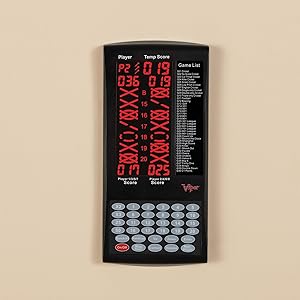
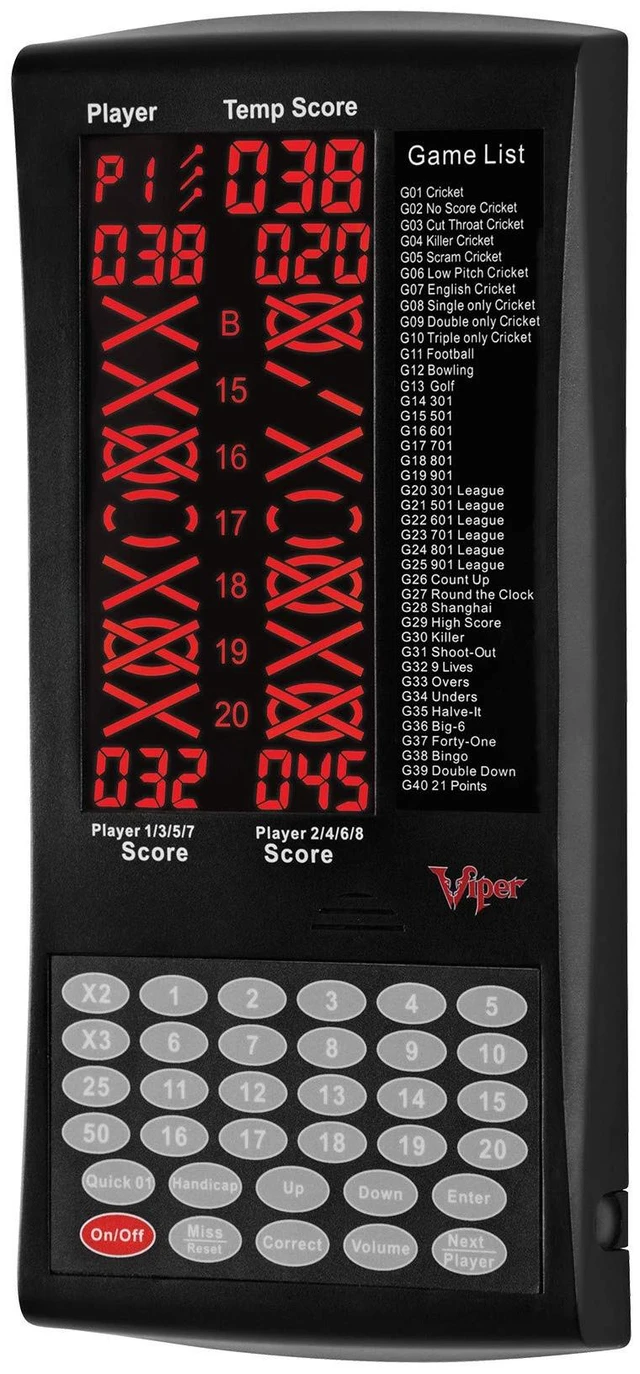
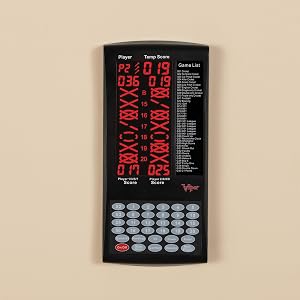
LCD Display
Bright and Vivid
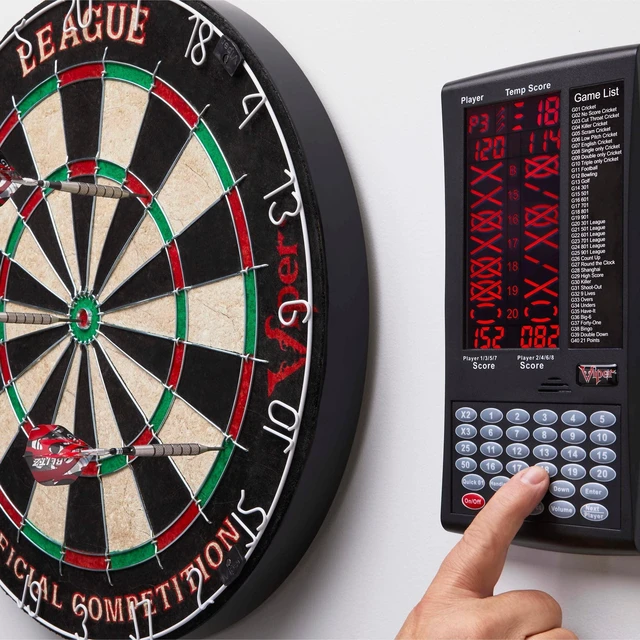
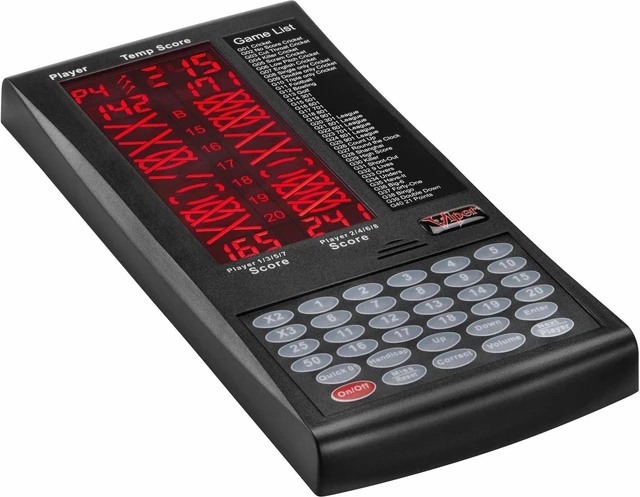
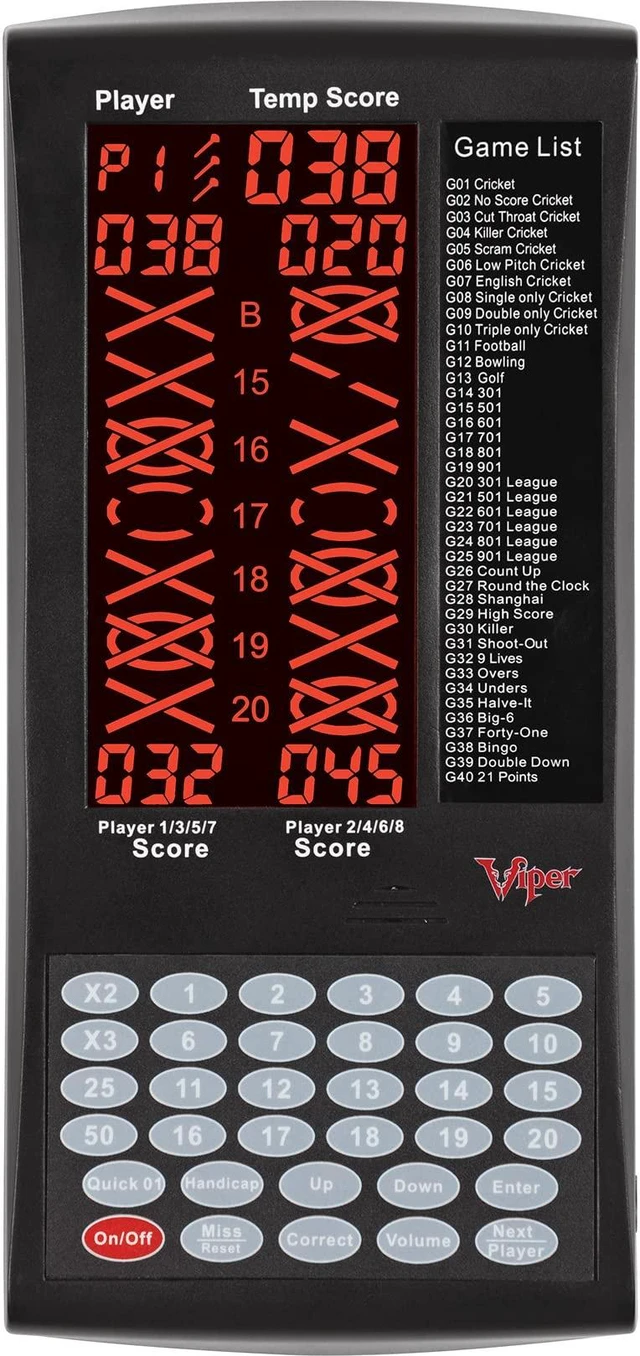
- The bright LCD display is easily viewable from the throw line
- Displays both numerical and Cricket scores
Choose Wall or Cabinet
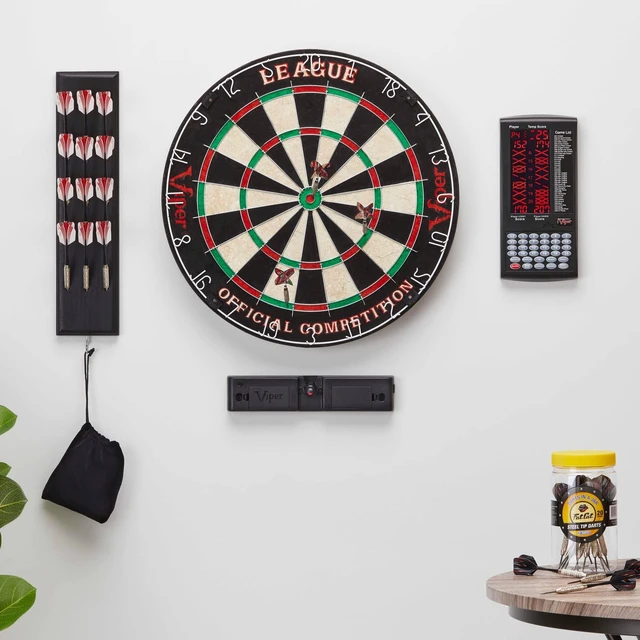
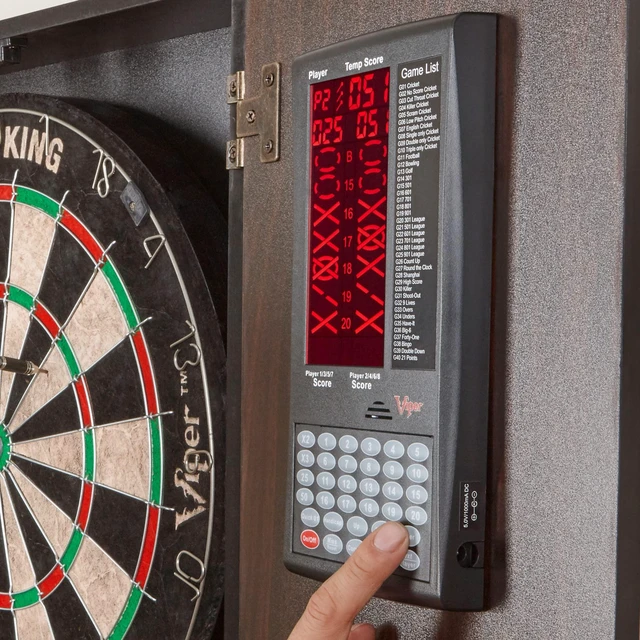
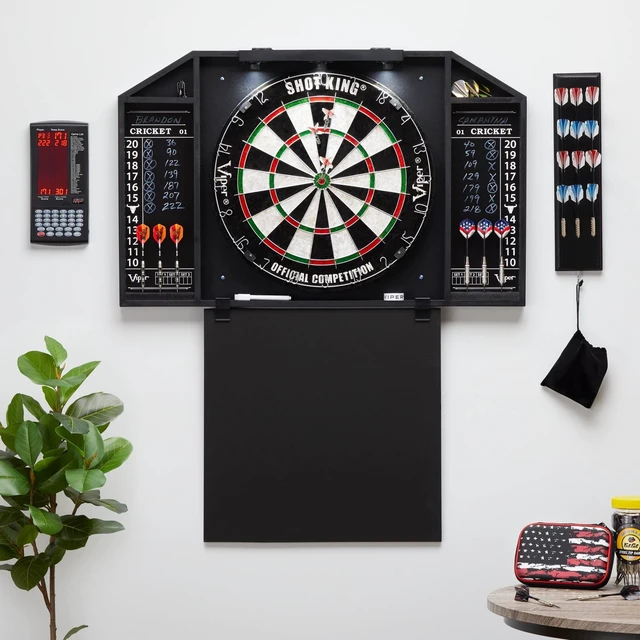
Mounting hardware is included for both, mounting the Proscore to a cabinet and a wall.
Viper Pro Score
Games and Options
The Viper Proscore Features up to 8 players per game and 40 games with over 600 options for the darter that wants it all.
Special Features
The Viper Proscore allows for custom handicap options, offers Player V.S. Computer mode, and has a sleep mode to conserve battery life.
Additional Features
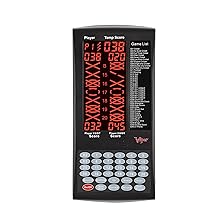
Games List
Cricket, No Score Cricket, Cut-Throat Cricket, Low-Pitch Cricket, Single Only Cricket without Double and Triple, Doubles only Cricket, Triples Only Cricket, 301-901, 301 League - 901 League, Count Up, Shanghai, Hi Score, Killer, Shoot Out, 9 Lives, Overs, Unders, Halve-It, Big-6, Forty-One, Double Down, and 21 Points.
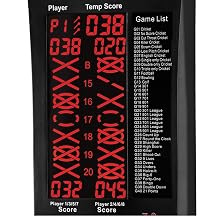
Custom Handicaps and Scoring
Handicap options L1, L2, L3 and L4 are used in the cricket games to give that player a headstart. The options give marks to a player as if they have already hit the number. The Proscore utilizes a scoreboard display that keeps track of each players' segment status when playing cricket or any game that uses marks. The display uses traditional X and O style characters to track the marks. During the game segments will display as marks are scored.
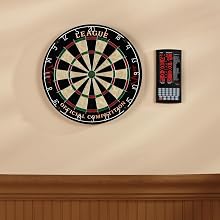
Sleep and Auto-Off Modes
Simply activate the sleep mode or auto-off functions to conserve battery while away from a game.

Player V.S. Computer
Challenge the computer's difficulty levels to enhance your darting skills, practice your throw, and hone your abilities.
Easy 4-Step Installation
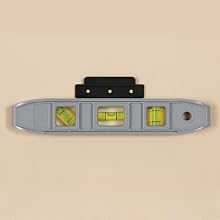
Step 1
Find the perfect spot for your Viper Proscore and ensure your bracket is level.
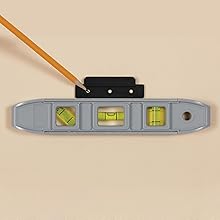
Step 2
Mark the mounting bracket's holes lightly with a pencil on the wall before drilling.
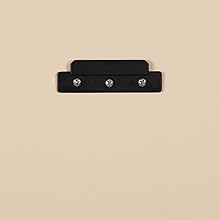
Step 3
Insert the included mounting screws and begin drilling. If drilling into a stud use a 1/16 inch drill bit. If not mounting to a stud, use a 1/4 inch drill bit with the included wall anchor. Special screws are included for mounting the Proscore to a dartboard cabinet.
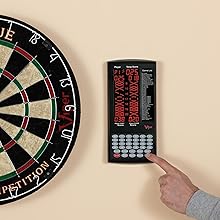
Step 4
Hang the Viper Proscore onto the installed mounting bracket and enjoy a game of 301.

Digital Dart Scoring System
LCD Display
Bright and Vivid
- The bright LCD display is easily viewable from the throw line
- Displays both numerical and Cricket scores
Choose Wall or Cabinet
Mounting hardware is included for both, mounting the Proscore to a cabinet and a wall.
Viper Pro Score
Games and Options
The Viper Proscore Features up to 8 players per game and 40 games with over 600 options for the darter that wants it all.
Special Features
The Viper Proscore allows for custom handicap options, offers Player V.S. Computer mode, and has a sleep mode to conserve battery life.
Additional Features
Games List
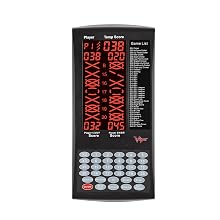
Cricket, No Score Cricket, Cut-Throat Cricket, Low-Pitch Cricket, Single Only Cricket without Double and Triple, Doubles only Cricket, Triples Only Cricket, 301-901, 301 League - 901 League, Count Up, Shanghai, Hi Score, Killer, Shoot Out, 9 Lives, Overs, Unders, Halve-It, Big-6, Forty-One, Double Down, and 21 Points.
Custom Handicaps and Scoring
Handicap options L1, L2, L3 and L4 are used in the cricket games to give that player a headstart. The options give marks to a player as if they have already hit the number. The Proscore utilizes a scoreboard display that keeps track of each players' segment status when playing cricket or any game that uses marks. The display uses traditional X and O style characters to track the marks. During the game segments will display as marks are scored.
Sleep and Auto-Off Modes
Simply activate the sleep mode or auto-off functions to conserve battery while away from a game.
Player V.S. Computer
Challenge the computer's difficulty levels to enhance your darting skills, practice your throw, and hone your abilities.
Easy 4-Step Installation
Step 1
Find the perfect spot for your Viper Proscore and ensure your bracket is level.
Step 2
Mark the mounting bracket's holes lightly with a pencil on the wall before drilling.
Step 3
Insert the included mounting screws and begin drilling. If drilling into a stud use a 1/16 inch drill bit. If not mounting to a stud, use a 1/4 inch drill bit with the included wall anchor. Special screws are included for mounting the Proscore to a dartboard cabinet.
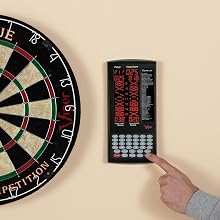
Step 4
Hang the Viper Proscore onto the installed mounting bracket and enjoy a game of 301.
Games for Everyone
North America's leading manufacturer of all things darts, billiards, and game tables



Bestselling Sisal Dartboards
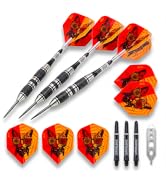
Viper Dart Collection
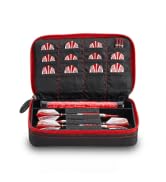
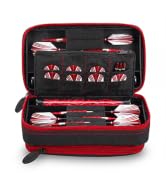
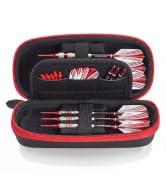
Soft Shell Dart Cases
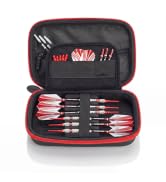
Hard Shell Dart Cases
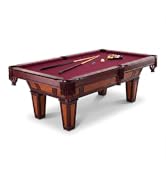
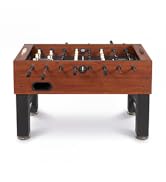
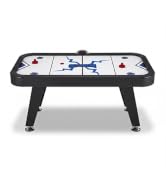
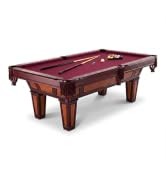
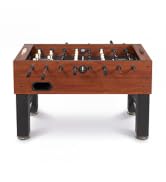
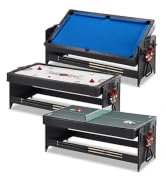
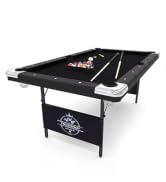
Game Tables

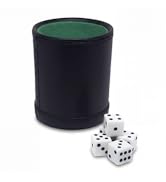
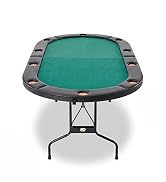
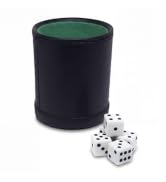
Home Casino

Board Game Combo Sets
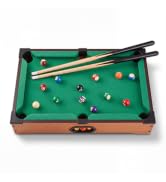
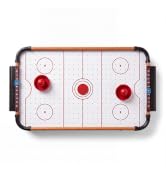
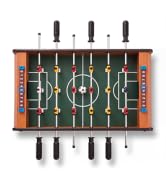
Table Top Game Mini-Series
