
 Holiday Shipping Details & Extended Holiday Returns


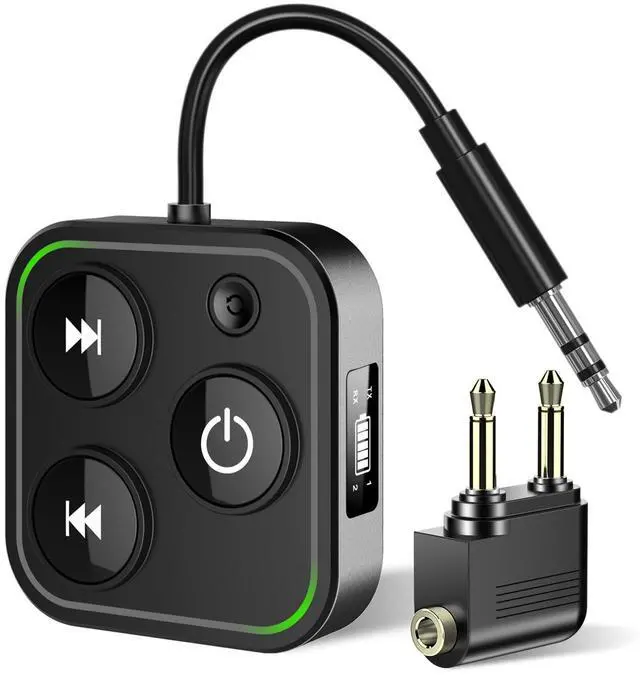
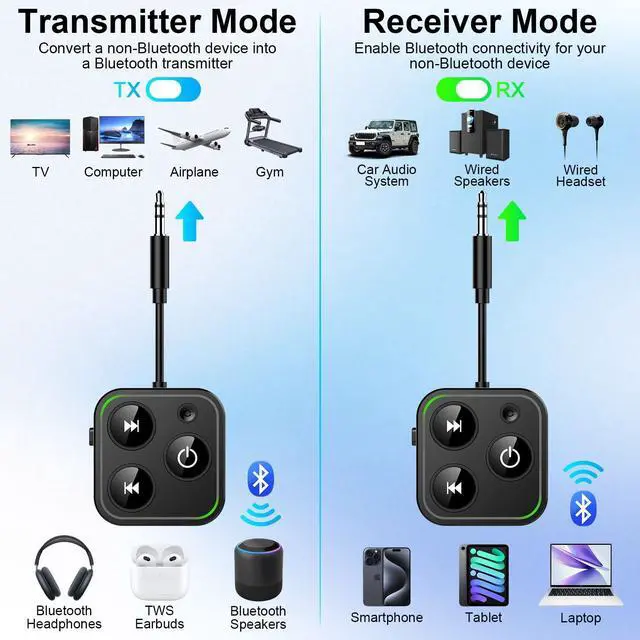
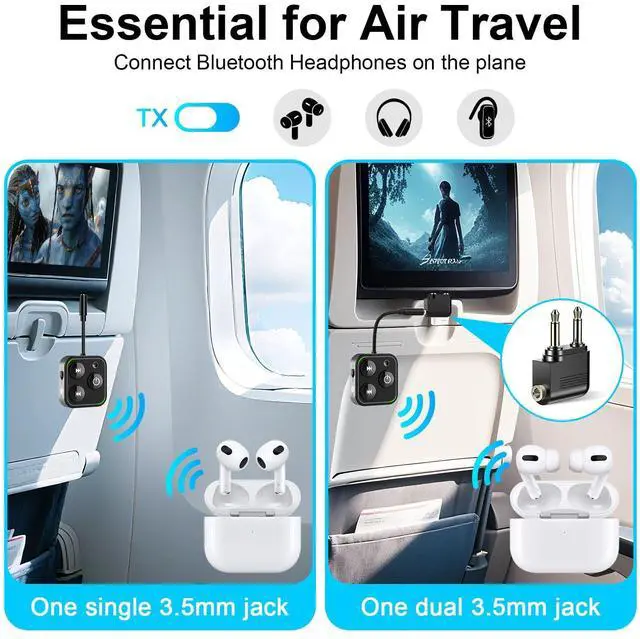
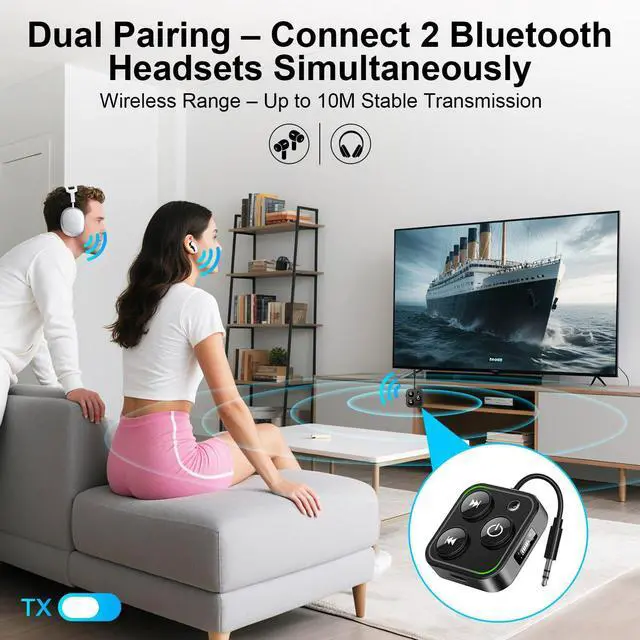
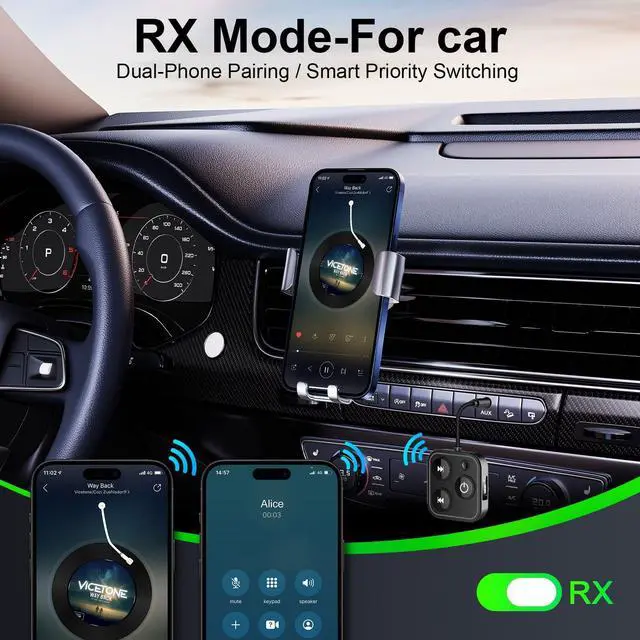

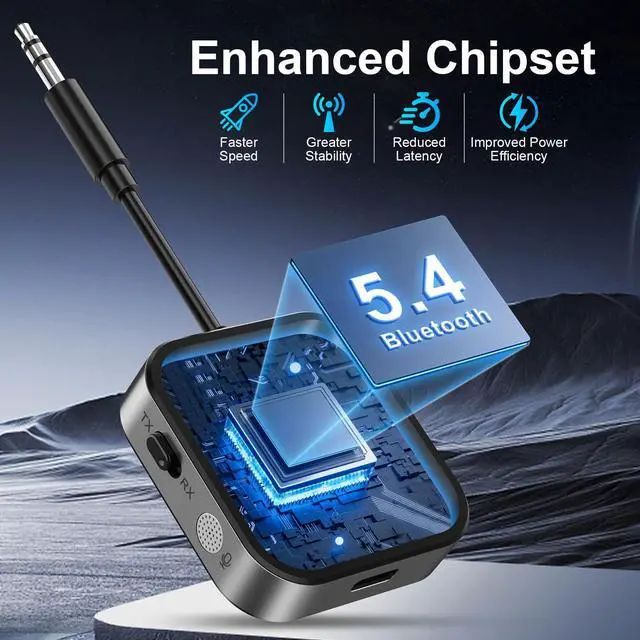


MepvabKY Bluetooth Transmitter Receiver
Merchant Video


Failed to Connect?
Turn off nearby Bluetooth devices, ensure your speaker/headphones are in pairing mode, then briefly press T10 to pair. If unsuccessful, hold for 8s to reset and retry.
No sound from TV?
Please ensure that the aux cable is securely plugged into the "AUDIO OUT" or headphone jack on your TV, and confirm that both devices are successfully paired. Then, adjust the TV's sound settings from "TV speaker" to "Audio out."
Suddenly stopped working?
Please check and turn off nearby Bluetooth devices (such as your phone's Bluetooth), as the headphones may get occupied by another device, causing unexpected disconnections.
Not charging?
Please use the included cable and a charger under 5V, otherwise the battery will be damaged.
Screen suddenly won't turn on?
Hold the power button for 8 secs to reset. Frequent operations may cause this—try avoiding rapid repeated use.


MepvabKY Bluetooth Transmitter Receiver
Merchant Video


Failed to Connect?
Turn off nearby Bluetooth devices, ensure your speaker/headphones are in pairing mode, then briefly press T10 to pair. If unsuccessful, hold for 8s to reset and retry.
No sound from TV?
Please ensure that the aux cable is securely plugged into the "AUDIO OUT" or headphone jack on your TV, and confirm that both devices are successfully paired. Then, adjust the TV's sound settings from "TV speaker" to "Audio out."
Suddenly stopped working?
Please check and turn off nearby Bluetooth devices (such as your phone's Bluetooth), as the headphones may get occupied by another device, causing unexpected disconnections.
Not charging?
Please use the included cable and a charger under 5V, otherwise the battery will be damaged.
Screen suddenly won't turn on?
Hold the power button for 8 secs to reset. Frequent operations may cause this—try avoiding rapid repeated use.