


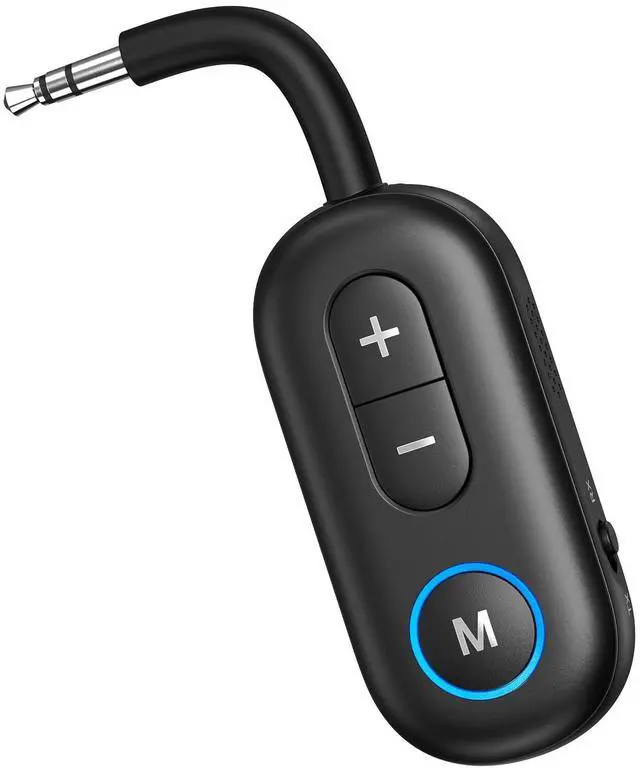


Mini Design but Powerful
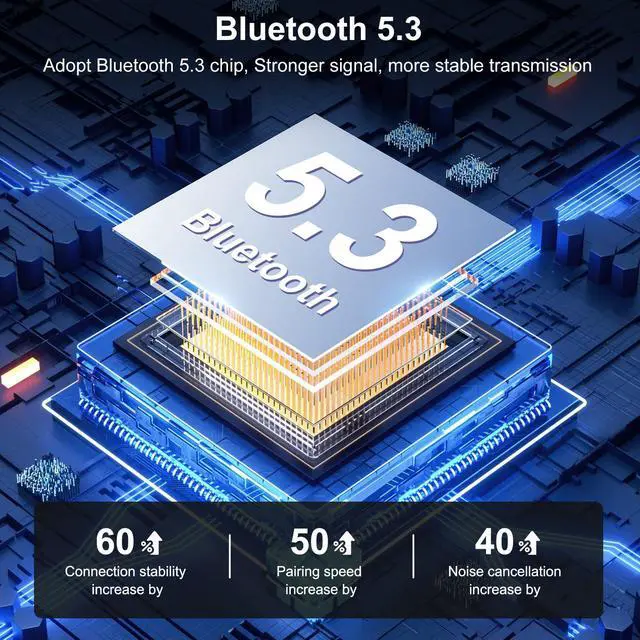
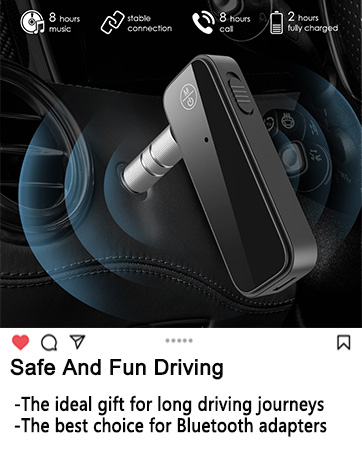
The mini body contains the latest Bluetooth 5.3 and aptX low latency/adaptive/HD technologies,so it's quite powerful as well

Plug and Play
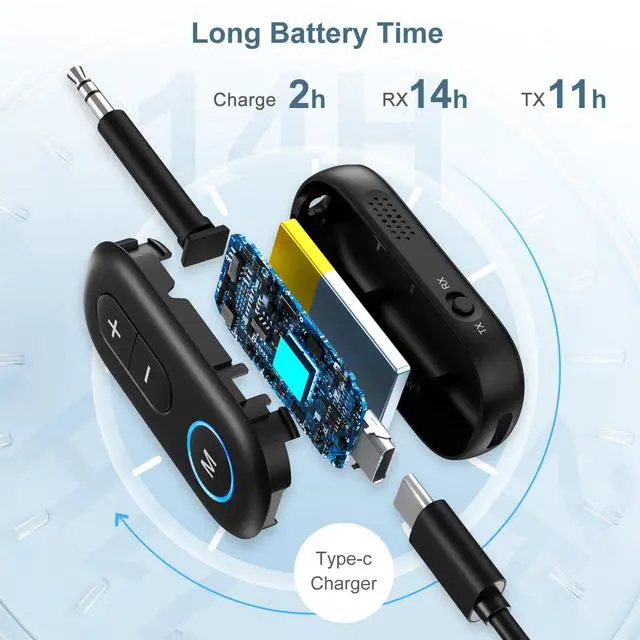
Instant setup, plug., pair and play. No need more settings. Very easy to use. You can safely charge this Bluetooth transmitter & receiver while using

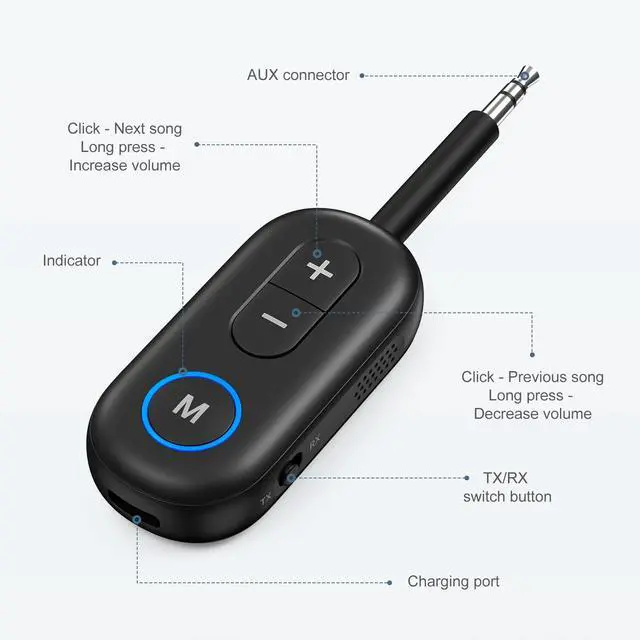
Product Diagram
1. Mode switch: TX/RX/OFF
2 & 3: Pairing button
4. 3.5 mm audio port
5. USB port for charging

What's in the Box?
Bluetooth Receiver and Transmitter × 1
Type-C Cable × 1
Product Manual × 1
2-in-1 Bluetooth Transmitter Receiver

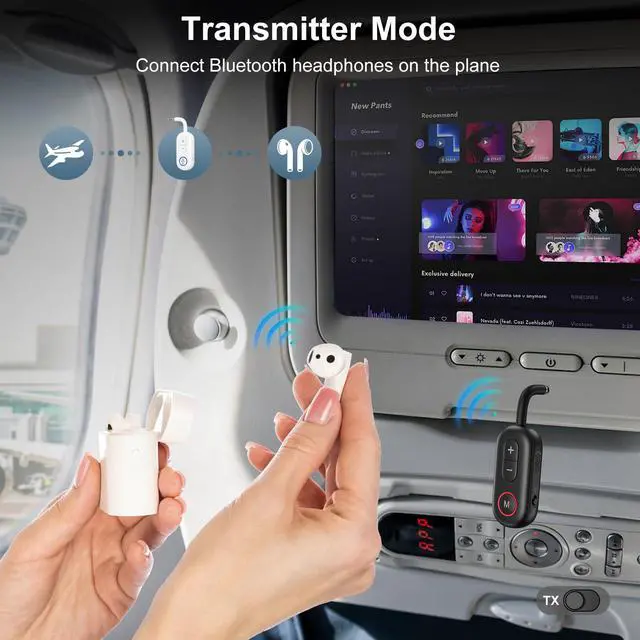
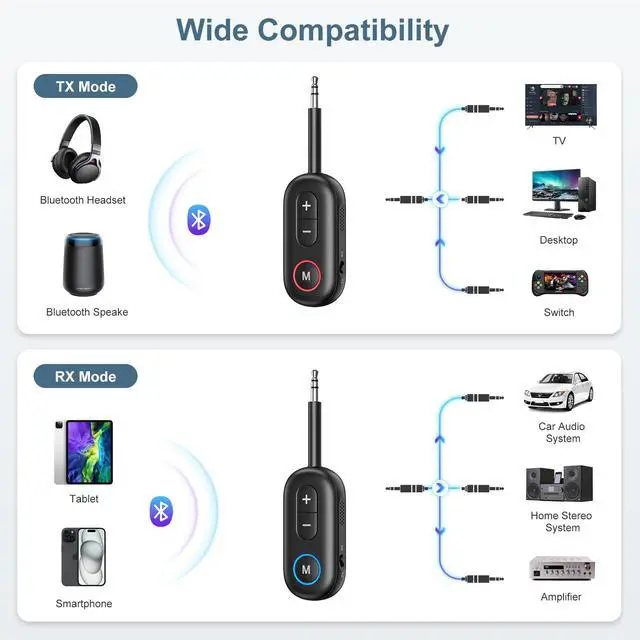
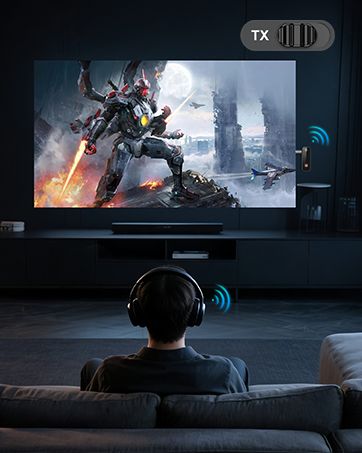
Bluetooth transmitter
1. Switch to "TX"mode
2. Long press the BT Buttonf1 for about 2 seconds to enter pairing mode(LED flashing blue and red)
3. Set your Bluetooth headphones/soundbar/speaker also enter pairing mode
4. After pairing successfully (LED stop flashing), connect the BT-13 to the AUDiO OUT jack of PC/TV/MP3

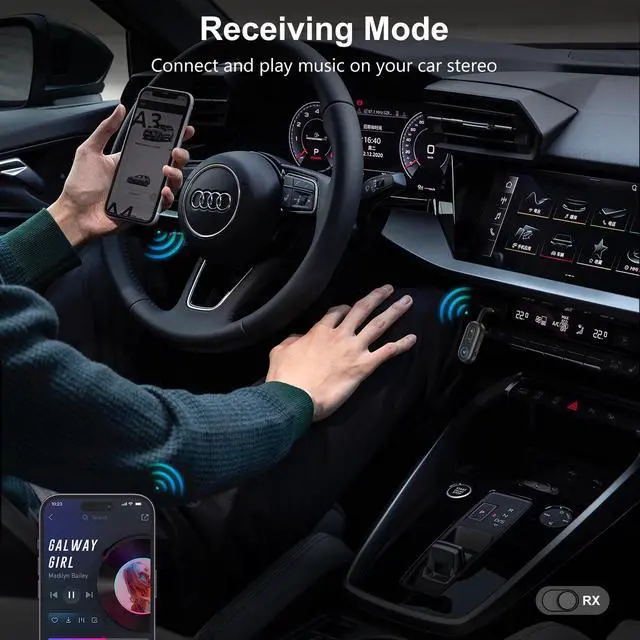
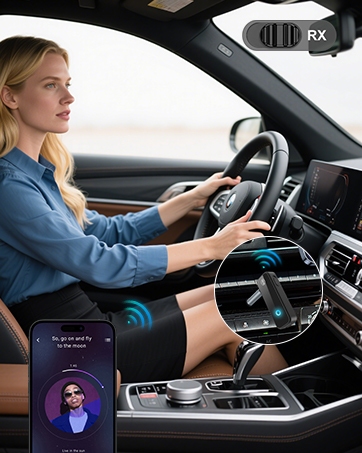
Bluetooth recevier
1.Switch to "Rx mode
2. Long press the BT Buttonff1 for about 2s to enter pairing mode(LED flashing blue and red)
3. Turn on the Bluetoath of your phone/tablet/laptop, tap "BT-13" to connect.
4. After pairing successfully, connect the BT-13 to the AUDlO IN jack of wiredspeaker/soundbar/earphones










Mini Design but Powerful
The mini body contains the latest Bluetooth 5.3 and aptX low latency/adaptive/HD technologies,so it's quite powerful as well
Plug and Play
Instant setup, plug., pair and play. No need more settings. Very easy to use. You can safely charge this Bluetooth transmitter & receiver while using
Product Diagram
1. Mode switch: TX/RX/OFF
2 & 3: Pairing button
4. 3.5 mm audio port
5. USB port for charging
What's in the Box?
Bluetooth Receiver and Transmitter × 1
Type-C Cable × 1
Product Manual × 1
2-in-1 Bluetooth Transmitter Receiver
Bluetooth transmitter
1. Switch to "TX"mode
2. Long press the BT Buttonf1 for about 2 seconds to enter pairing mode(LED flashing blue and red)
3. Set your Bluetooth headphones/soundbar/speaker also enter pairing mode
4. After pairing successfully (LED stop flashing), connect the BT-13 to the AUDiO OUT jack of PC/TV/MP3
Bluetooth recevier
1.Switch to "Rx mode
2. Long press the BT Buttonff1 for about 2s to enter pairing mode(LED flashing blue and red)
3. Turn on the Bluetoath of your phone/tablet/laptop, tap "BT-13" to connect.
4. After pairing successfully, connect the BT-13 to the AUDlO IN jack of wiredspeaker/soundbar/earphones
Aux Bluetooth Adapter
