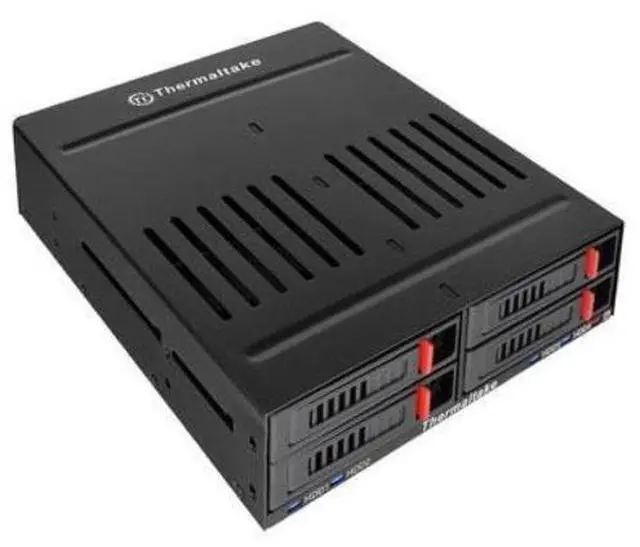
The Thermaltake ST0046Z Max 5 is a four-drive SATA HDD rack designed for a 5.25-inch desktop drive bay, suited to PC builders who want to add or organize multiple SATA drives in a compatible case.
Recommended For
- Desktop builders with an available 5.25-inch bay who want to mount and access up to four 2.5-inch SATA drives from the front of the PC.
- PC tinkerers who regularly swap or move 2.5-inch SATA drives and prefer individual removable, locking trays over opening the case each time.
- DIY desktop users consolidating several 2.5-inch SATA SSDs or HDDs into one internal bay, with room to connect the rack’s SATA data and power cables.
- PC builders adding multiple SATA drives who want front-panel drive activity indicators and a built-in fan in the rack.
Real-World Use Scenarios
- When a desktop has an unused 5.25-inch bay but limited 2.5-inch mounting spots, install the rack to add four internal SATA drives without using separate external enclosures.
- For backup rotation or moving data between SATA drives, use the front-access trays to remove and replace a drive without opening the computer case; hot swapping depends on the connected SATA controller and system configuration.
- In a workstation with several SATA SSDs, use the rack to keep drives installed and individually accessible; a TweakTown test found no measurable speed loss for the SSD tested through the rack compared with a direct SATA connection.
- When several drives are in use, check the rack’s front activity indicators to see which installed drive is being accessed, making it easier to follow activity during transfers or troubleshooting.




 here!