







Powerful Dual ChipsPowerful Dual Chips
This hard drive enclosure uses the industry's high-performance INIC6711+GL3590 dual main control chips, which can easily carry large-capacity data transmission, allowing you to enjoy a high-speed and stable data transmission experience.

Multiple Cooling Features
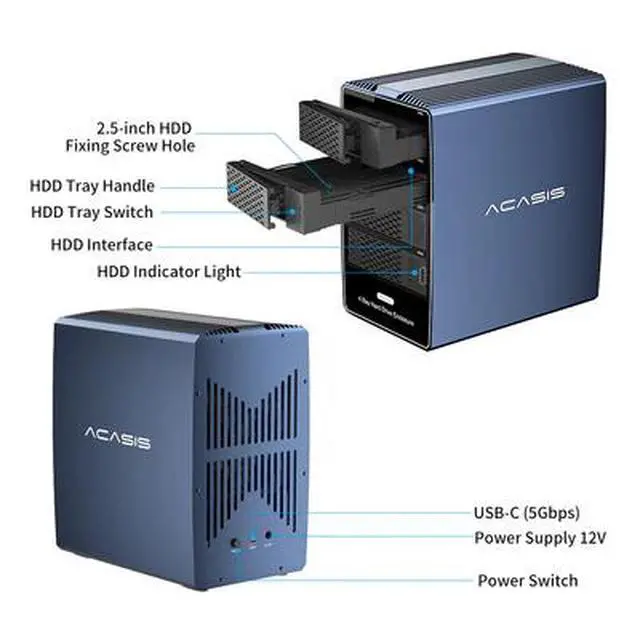
Equipped with a powerful 80*80MM cooling fan and a thickened aluminum alloy shell. The back of the shell has a large area of M-shaped honeycomb holes and a streamlined through-hole design to increase air flow speed and dissipate heat.

Equipped with 12V8A high-power power supply, it supports simultaneous reading and writing of multiple large hard disks. It provides sufficient power for big data interaction and ensures data transmission security.

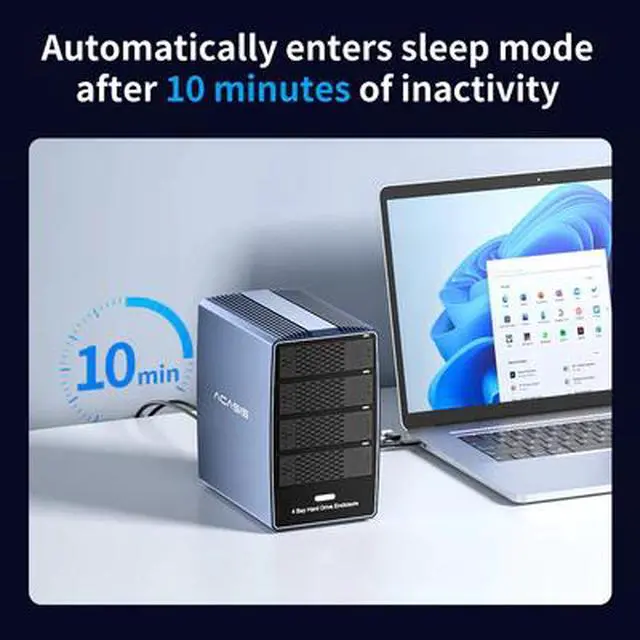
10-minute Automatic Sleep Mode
When the hard disk is not transmitting data, the hard disk enclosure will enter automatic sleep mode. Move the mouse or keyboard to wake up the hard disk enclosure.

120TB Large-capacity Storage
A single disk can support hard disks with a capacity of up to 30TB, and the combined storage capacity of 4 disks can reach 120TB. Supports simultaneous reading of 2.5/3.5-inch SATA/SAS hard disks.

Connect the hard disk storage cabinet with the router to build your exclusive "private cloud". Access the home storage center anytime, anywhere via mobile phone/tablet/TV.

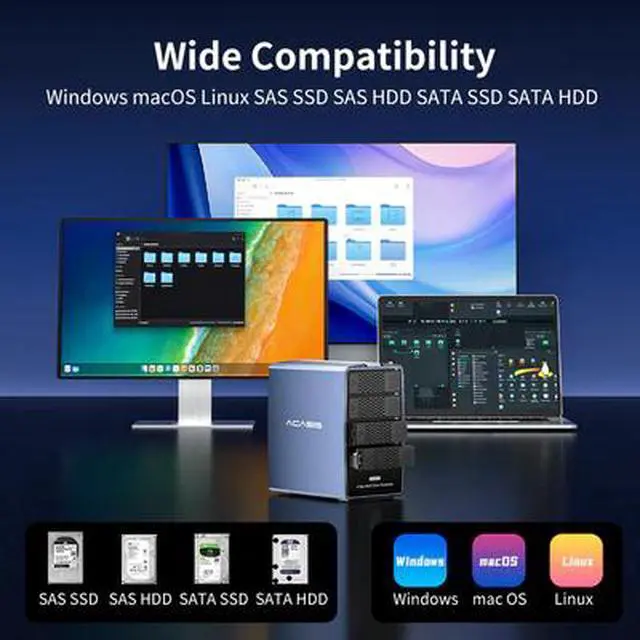
Widely Compatibility
Supports 2.5/3.5-inch SATA/SAS hard drives. Driver-free and compatible with Windows 7/10/11, macOS 10.2 or the latest version, Linux systems, plug and play.

Product Operation
1. First connect the 2.5/3.5-inch hard drive;
2. Use a data cable to connect the product to the computer USB, and then connect the power adapter for power supply;
3. Click to turn on the power switch.
FAQ
Q1: Why doesn't the hard drive appear on the computer?
1 Check if the hard drive is a SAS/SATA hard drive and is correctly inserted into the slot.
2 Check if your hard drive is displayed in Disk Management/Disk Utility.
Windows OS: Right-click "This PC" and select "Manage" to enter Disk Management.
macOS: Type "Disk Utility" in the desktop search bar and press Enter.
3 If the hard drive is brand new, it needs to be formatted and initialized.
Please refer to the user manual for specific operation steps.
Q2: Do I need to install a driver?
No. This hard drive enclosure is driver-free and supports Plug & Play.
Q3: Is it possible to set up a home private cloud?
Yes. After connecting the hard drive enclosure to the router:
You can set up your own home private cloud storage.
Access is supported via mobile phone/tablet/TV.
Manage and access stored content anytime, anywhere.
(Specific access methods depend on the router or NAS software features)