




 here!
I’m your shopping assistant for PC builds, upgrades, and everything tech.
Got questions? Ask away!
Start a conversation
here!
I’m your shopping assistant for PC builds, upgrades, and everything tech.
Got questions? Ask away!
Start a conversation





Any questions? Ask CelesteSM will help you find out quickly.
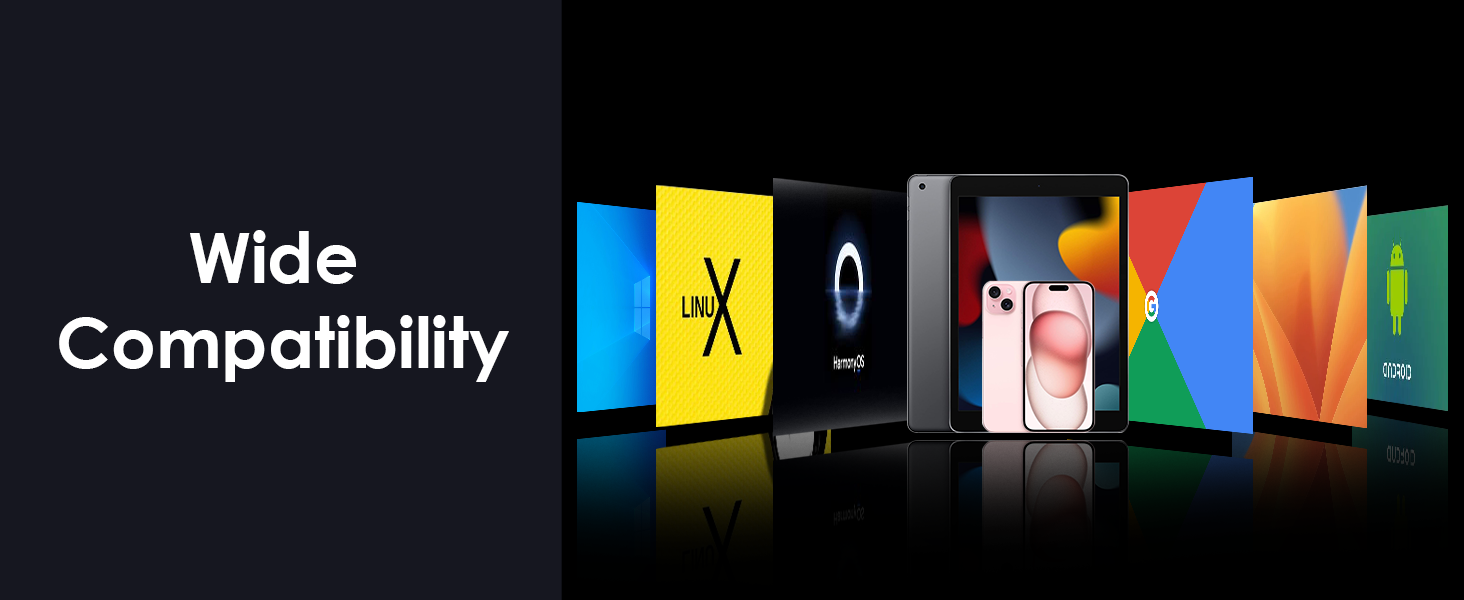
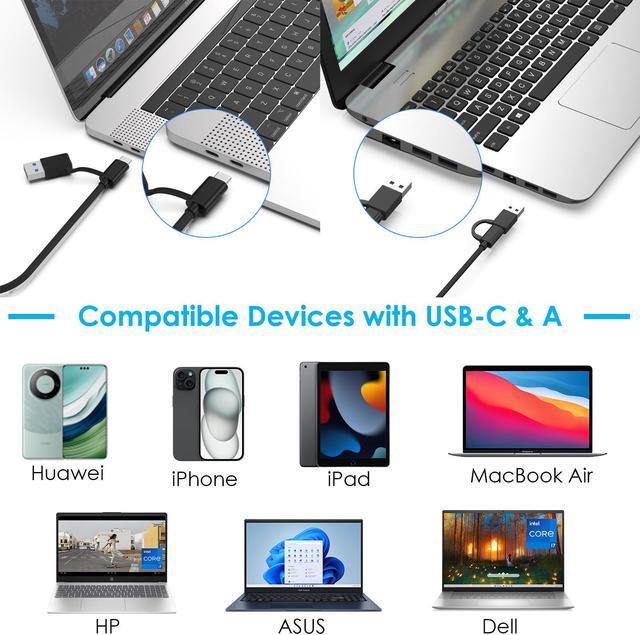
Systems: Microsoft Windows 10/11; Mac 10 or later; Chrome OS; Linux; Android; Harmony OS; iPad OS; iOS
Devices: Computers with USB-C or A ports that support data transmission; mobile phones and tablets with USB-C ports.
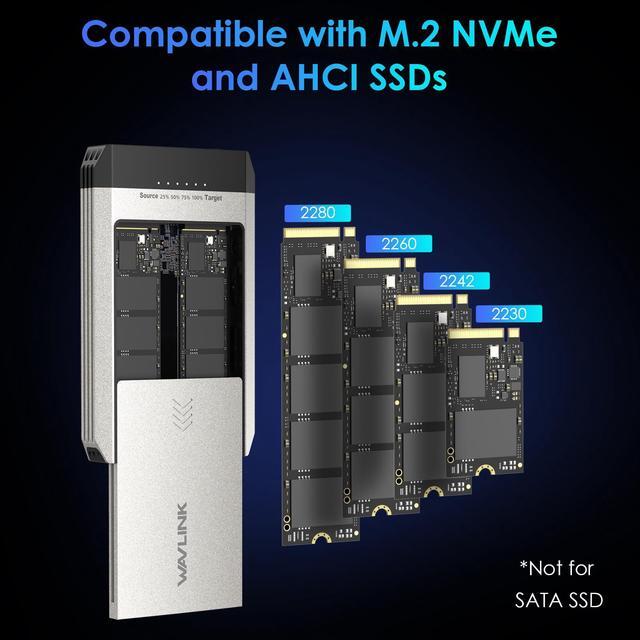
SSD: Support M and B+M key PCIe NVMe(target disk) and AHCI(source disk) in sizes of 2230/2242/2260/2280; not support SATA or mSATA SSDs.

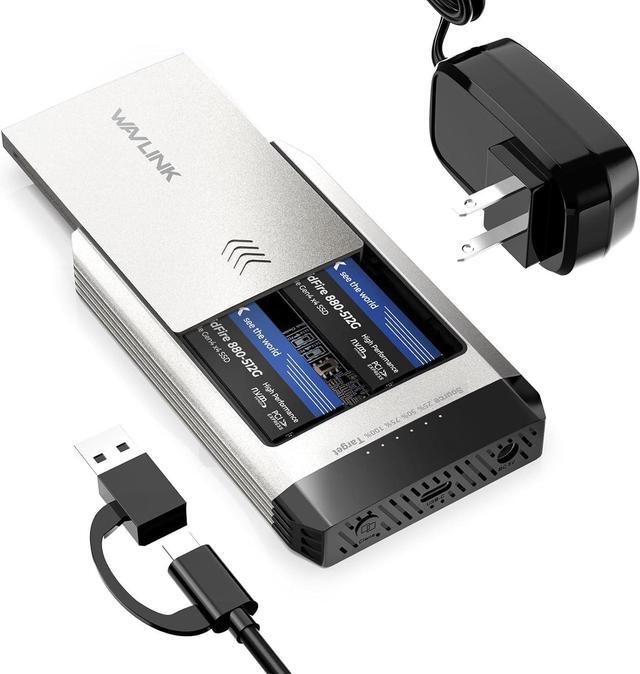
- 1 x USB-C 20Gbps Dual M.2 SSD Enclosure with Offline Clone
- 1 x USB-C to USB-C with USB-A Cable
- 2 x Thermally Conductive Silicone Pad
- 1 x DC 5V/4A Power Adapter
- 2 x Silicone Buckles
- 1 x Quick Start Guide
- Supports OTG mobile phones to read and write USB peripherals and SSD.
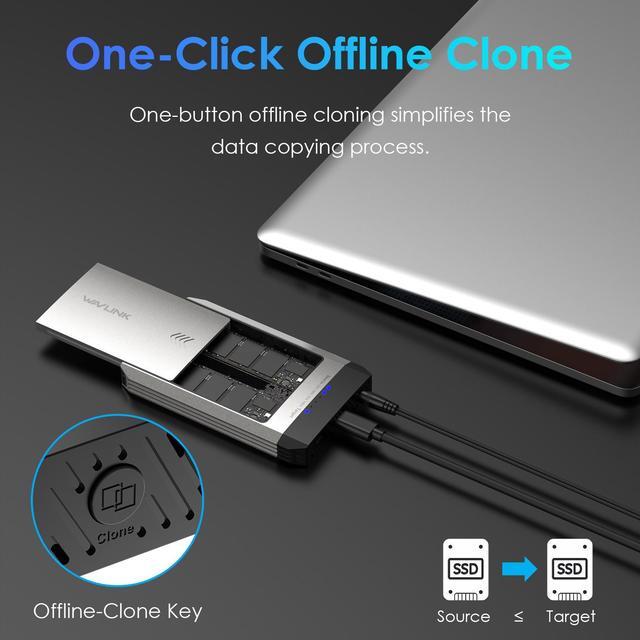
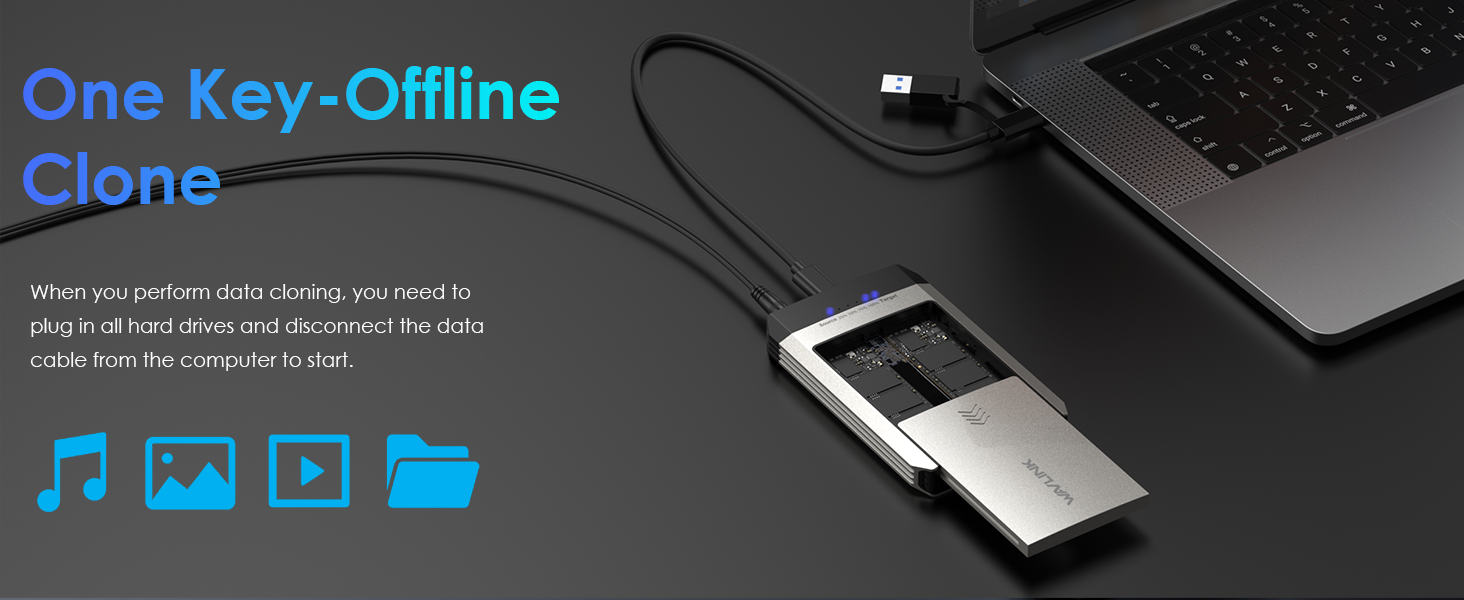
- Please start cloning after disconnecting the data connection from the computer.
- The target disk capacity must be larger than the source disk. Please check your SSD before installation.
- Compatible with NVMe and AHCI, not suitable for SATA or mSATA interfaces. Please confirm your hard drive type before purchasing.
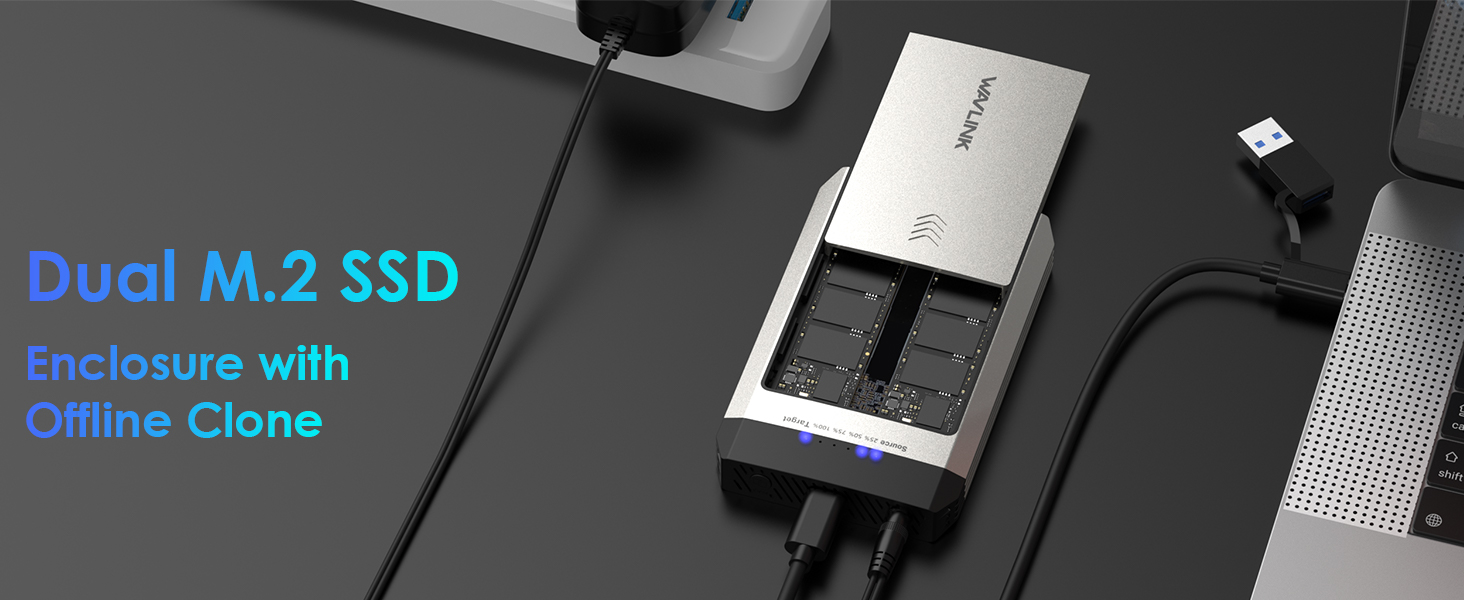
WAVLINK Dual M. 2 SSD Enclosure with Offline Clone
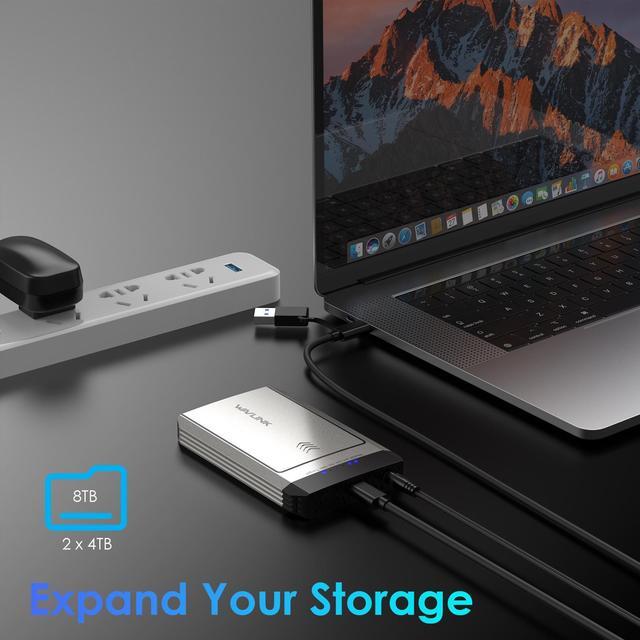
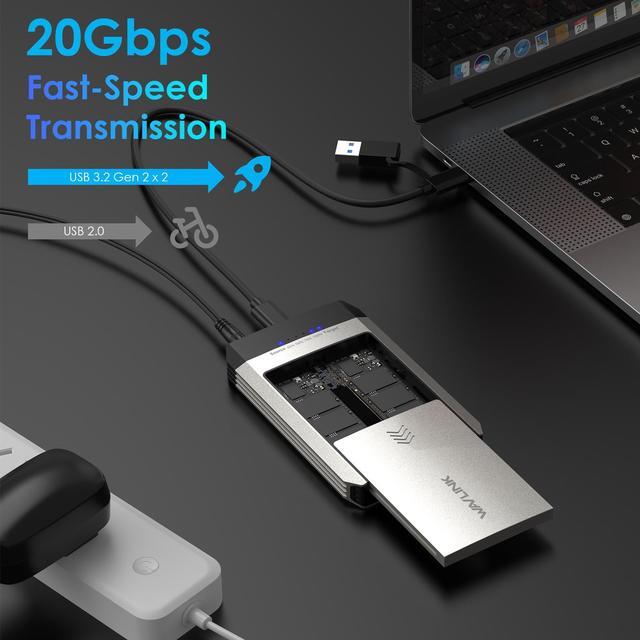
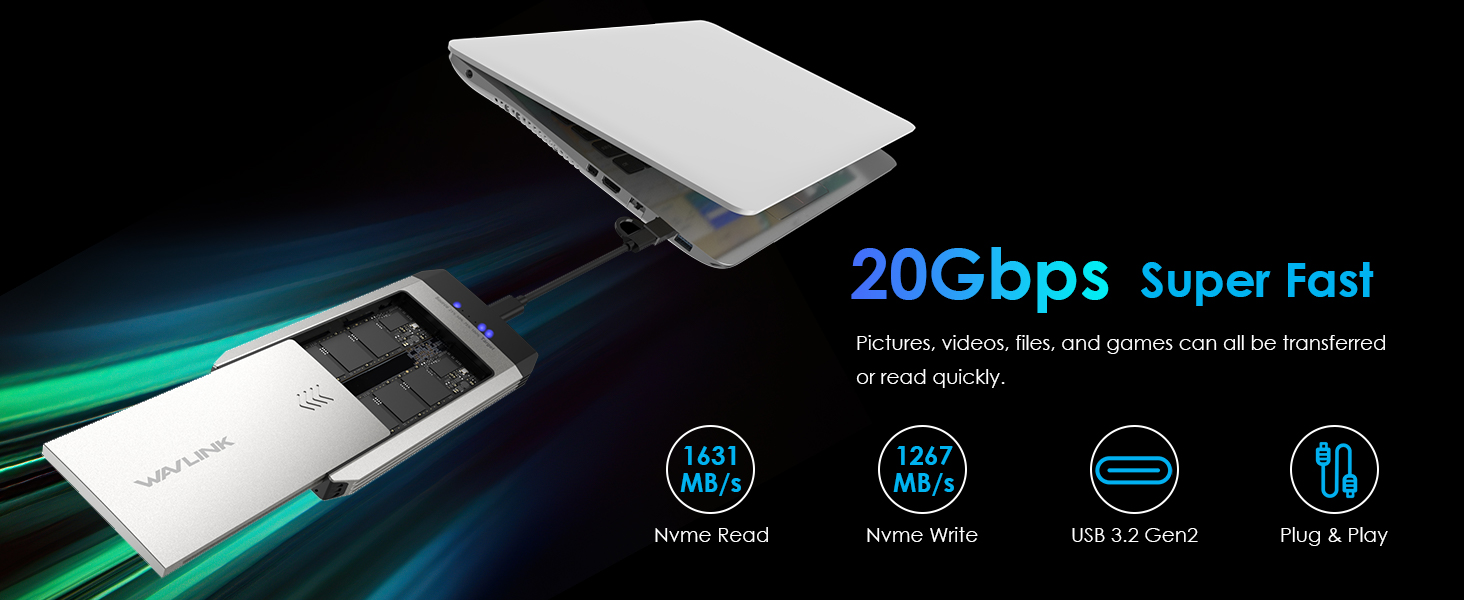
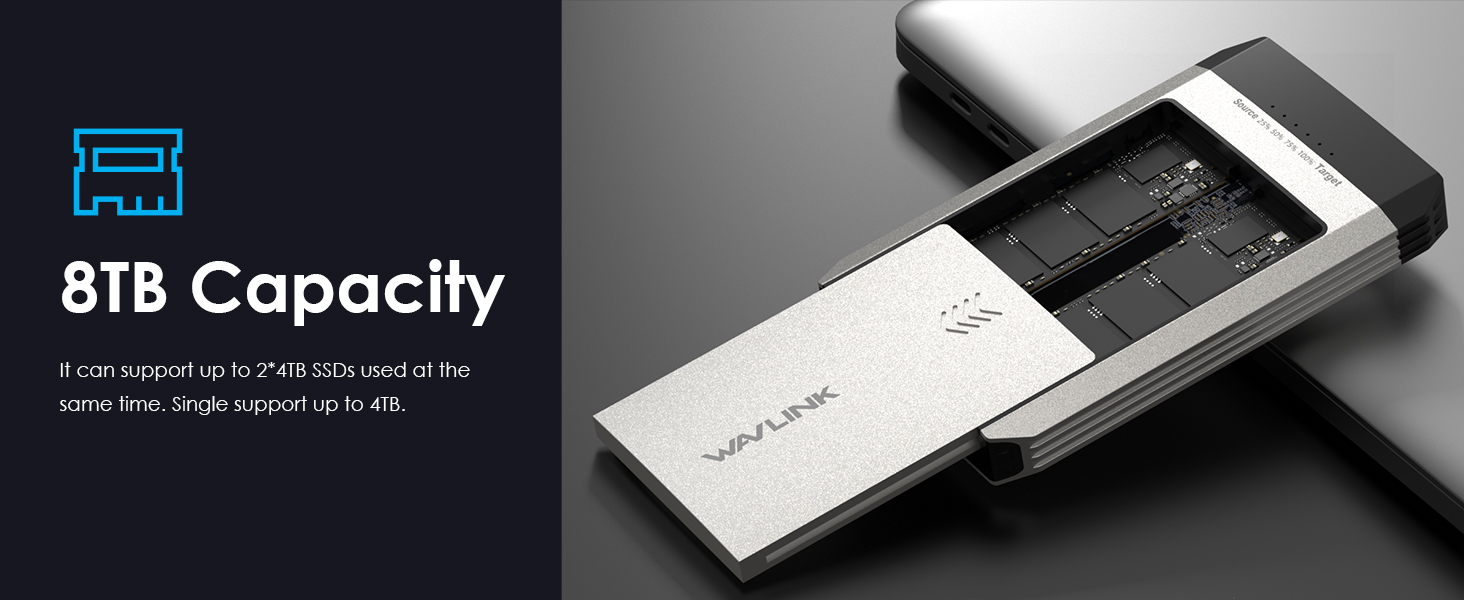
The M. 2 dual-bay SSD enclosure is a convenient and fast storage solution designed to provide users with an efficient data migration and backup experience. The box has a unique design and supports dual bays with M. 2 interface, allowing users to connect two M. 2 SSDs at the same time. The transfer rate is up to 20Gbps, using the USB-C to C data cable of USB 3.2 Gen2, you can quickly transfer pictures, videos, etc. The one-click offline cloning function provides users with a convenient way to copy data, which saves users valuable time and is especially suitable for scenarios that require frequent backup or upgrade of storage devices.
One-Button Offline Clone
Before installing the SSD, you must clearly check the specified models of the source disk and target disk, and the capacity must be larger than the source disk; otherwise, the cloning task will not start normally.
Detail & Design
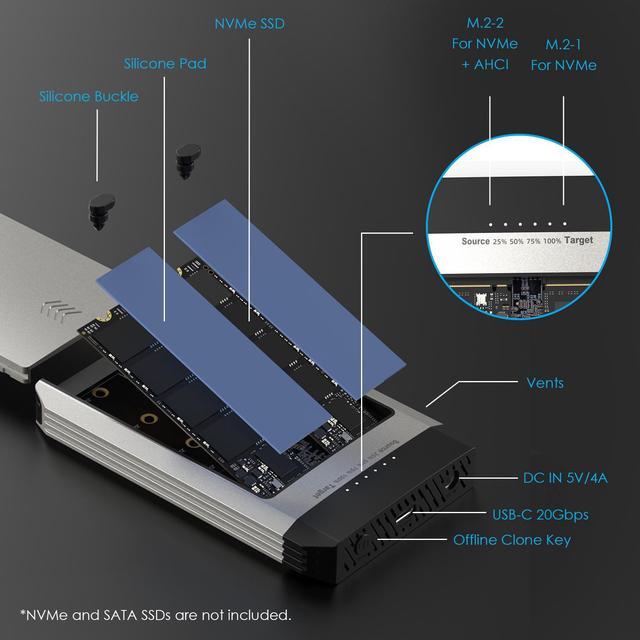
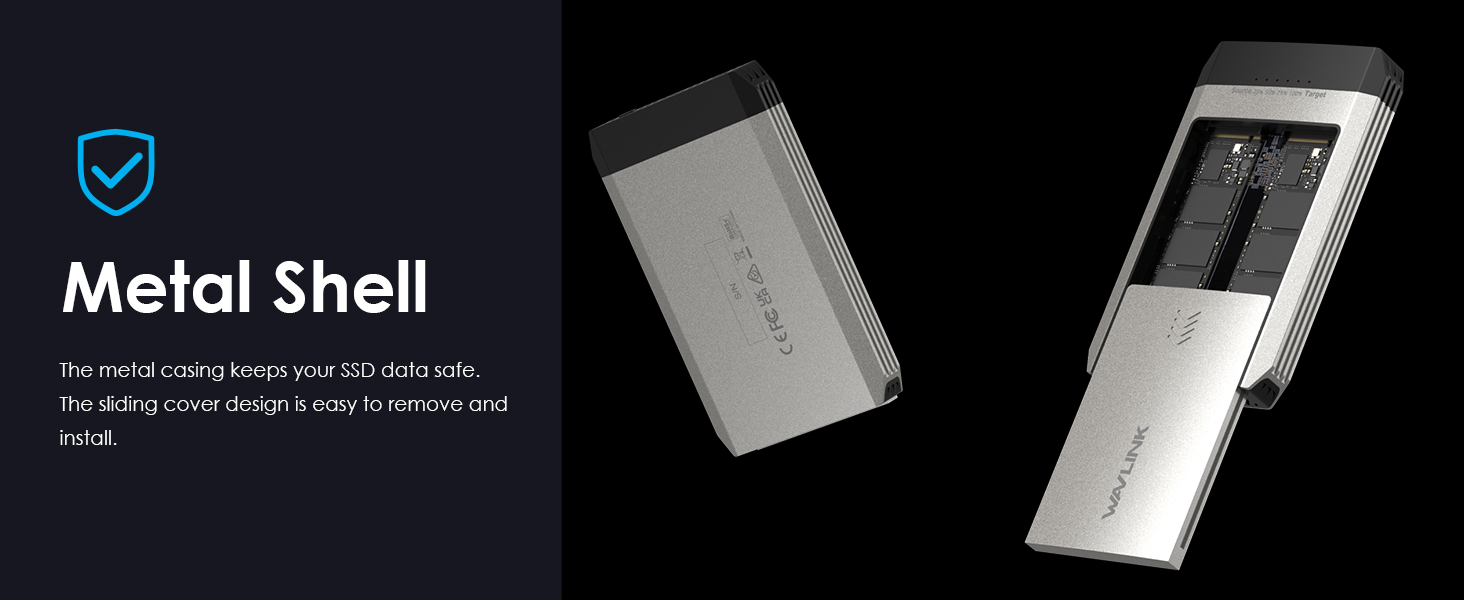
Metal shell, sliding cover design, no tools required, easy to disassemble and install; equipped with ventilation holes on the side for heat dissipation.
Compact & Portable
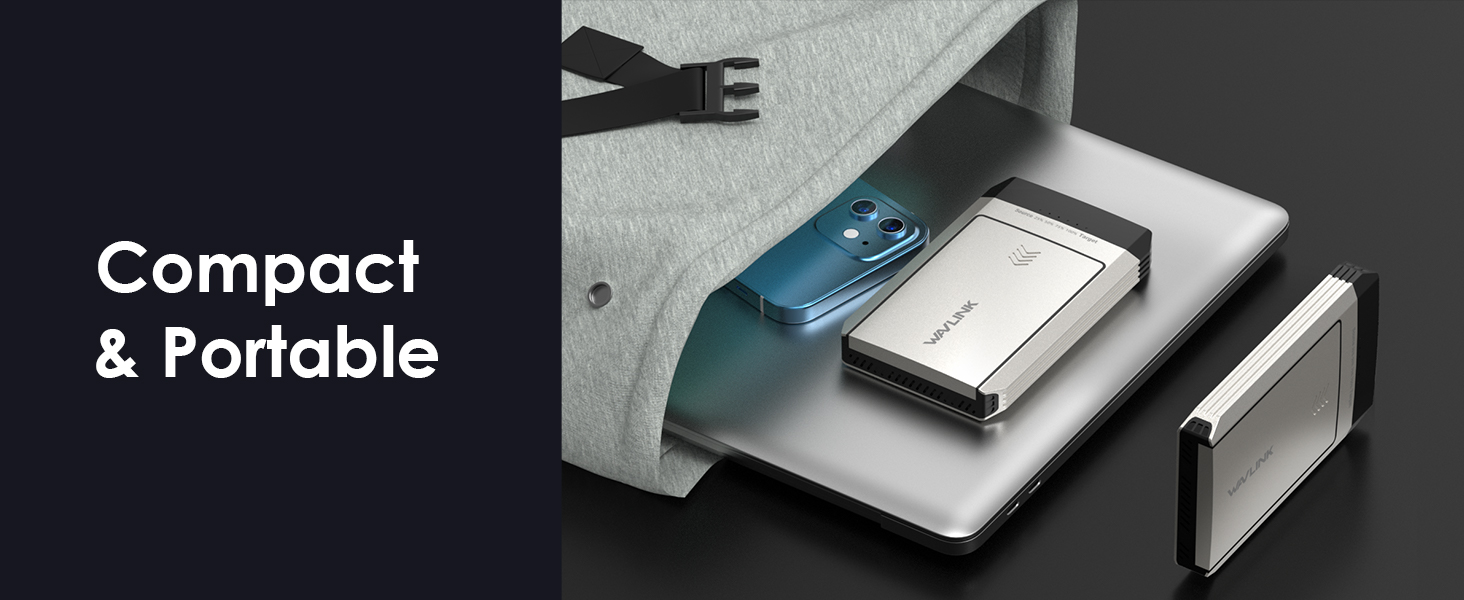
Length, width and height - 118.1 x 73.25 x 15.78 mm / 4.65 x 2.88 x 0.62 in, weight 132.7 g, lightweight and compact, easy to store and take out for office use.
LED Indicator
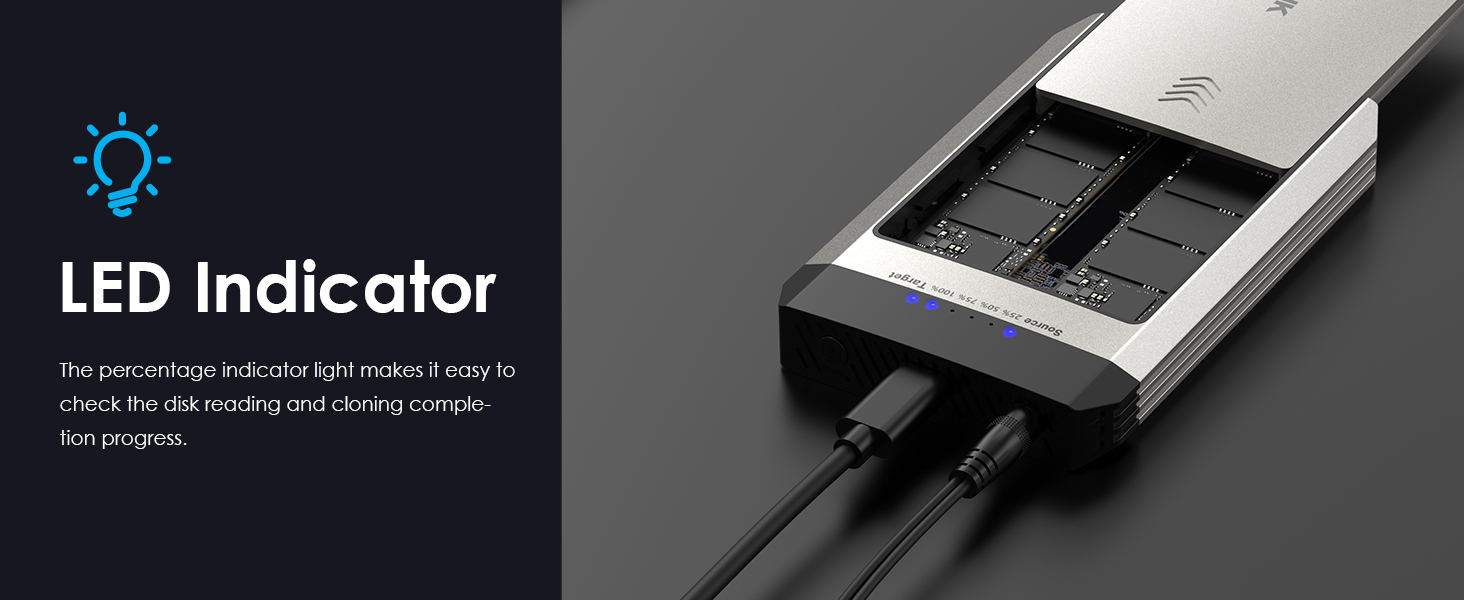
The blue progress indicator light only lights up when the cloning task is in progress; the blue work indicator light only lights up when data is read.
How to Install the SSD?
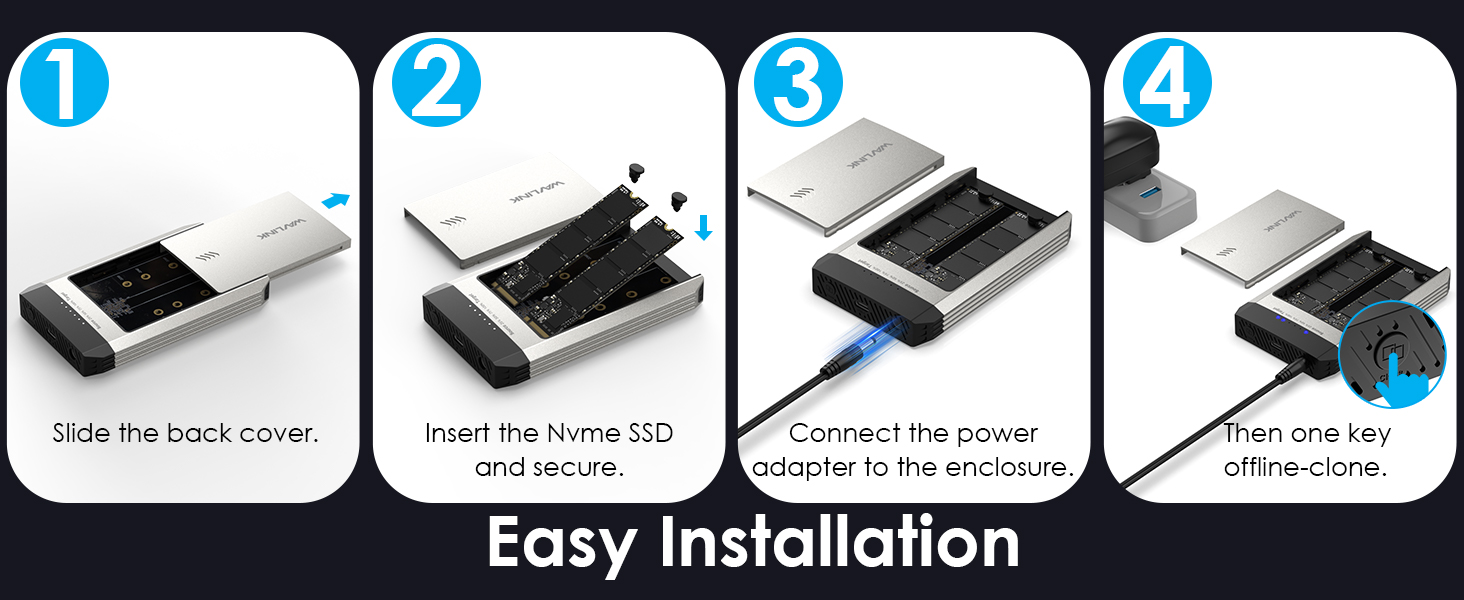
Push the cover in the direction of the arrow to open the top lid of the Enclosure.
Insert the SSDs into the slots.
Tear off the protective films on both sides of the two thermal silicone pads, and stick them on two SSDs respectively.
Reassemble the top lid in the direction of the arrow.
Connect the USB-C cable to the Host.
Finally, plug it in and its ready to use.
Specification:
1. Model: ST348
2. Ports: 1 x DC IN Port, 1 x USB-C Port
3. Button: 1 x Offline Cloning Key
4. Status LED (Blue): 1 x Source, 1 x Target
5. Offline Cloning Indicator (Blue): 25%, 50%, 75%, 100%
6. Power Adapter: DC 5V/4A
7. Unit Dimensions: 118.1 x 73.25 x 15.78 mm / 4.65 x 2.88 x 0.62 in (L x W x H)
Compatibility
Systems: Microsoft Windows 10/11; Mac 10 or later; Chrome OS; Linux; Android; Harmony OS; iPad OS; iOS
Devices: Computers with USB-C or A ports that support data transmission; mobile phones and tablets with USB-C ports.
SSD: Support M and B+M key PCIe NVMe (target disk) and AHCI (source disk) in sizes of 2230/2242/2260/2280; not support SATA or mSATA SSDs.
Whats in the Package?
- 1 x USB-C 20Gbps Dual M. 2 SSD Enclosure with Offline Clone
- 1 x USB-C to USB-C with USB-A Cable
- 2 x Thermally Conductive Silicone Pad
- 1 x DC 5V/4A Power Adapter
- 2 x Silicone Buckles
- 1 x Quick Start Guide
Note:
- Supports OTG mobile phones to read and write USB peripherals and SSD.
- Please start cloning after disconnecting the data connection from the computer.
- The target disk capacity must be larger than the source disk. Please check your SSD before installation.
- Compatible with NVMe and AHCI, not suitable for SATA or mSATA interfaces. Please confirm your hard drive type before purchasing.


