

Your Browsing History

Any questions? Our AI mode will help you find out quickly.
Try me now
Quick View
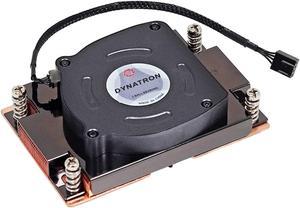
dynatron a41 amd threadripper swrx8, strx4, tr4, epyc sp3 heatsink and fan
- Model #: RNAB0B2JB18FG
- $64.77 –
- More options from $64.77 - $67.83
- Free Shipping
Quick View
- $183.99 –
- Free Shipping
Quick View
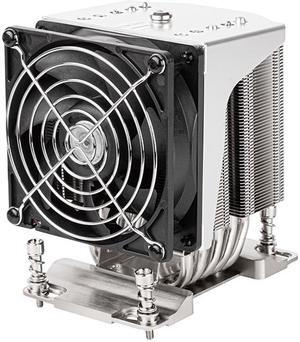
Silverstone XE04-SP3 4U Form Factor Server/Workstation CPU Cooler for AMD SP6/SP3/TR4 sockets RL-XE04-SP3B
- Model #: RL-XE04-SP3B
- $84.99 –
- Free Shipping
Quick View
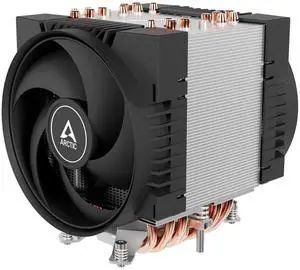
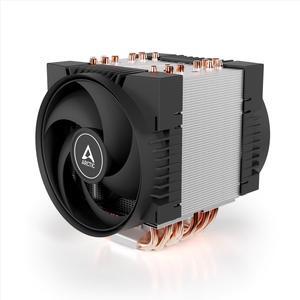
ARCTIC Freezer 4U-SP5 CPU Cooler Server for AMD SP5, 4U & UP, AMD EPYC, 2 x 120 mm Fans, 300-3300 rpm, 4 Pin PWM Connector, 10 Heatpipes, LGA6096
- Model #: DEEQB09VH1BRYH
- $121.88 –
- Free Shipping
Quick View
- $56.38 –
- More options from $56.38 - $108.00
- Free Shipping
Quick View
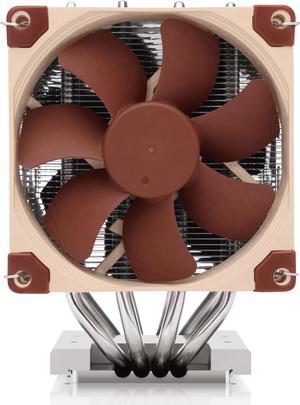
Noctua NH-D9 TR5-SP6 4U, Premium Quality Quiet 92mm CPU Cooler for AMD Threadripper (sTR5) and Epyc 8004 (SP6)
- Model #: NH-D9 TR5-SP6 4U
- $138.45 –
- More options from $108.50 - $138.45
- Free Shipping
Quick View
- $54.95 –
- Free Shipping
Quick View
- $54.95 –
- More options from $54.95 - $64.07
- Free Shipping
Quick View
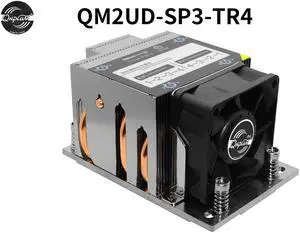
Qnplum 2U Server CPU Radiator CPU Cooler Cooling Fan Radiator Computer Supplies AMD EPYC Socket SP3 TR4,CPU Cooler Radiator with Low Noise,Stable and Reliable Performance(QM2UD-SP3)
Limited time offer, ends 10/01
- Model #: QM2UD-SP3 2U Server CPU Radiator
- $87.99 –
- More options from $85.23 - $87.99
- Free Shipping
Quick View
Dynatron A42 1U Copper with Skived Fin Heatsink and Side Blower for AMD AM4/AM5 Socket
- Model #: 9158154914139
- $103.99 –
- $5.99 Shipping
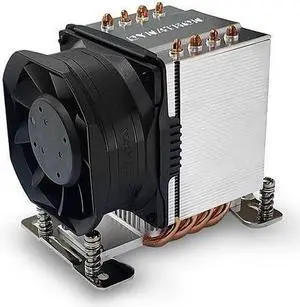
Quick View
Dynatron A55 AMD SP6 3U Active CPU Cooler
- Model #: A55
- $57.99 –
- More options from $57.99
- Free Shipping
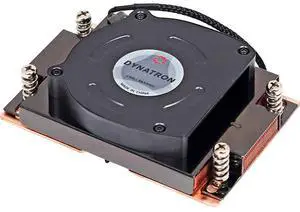
Quick View
Dynatron A41 AMD Threadripper sWRX8, sTRX4, TR4, EPYC SP3 Heatsink and Fan
- Model #: 9435761162529
- $106.99 –
- $5.99 Shipping
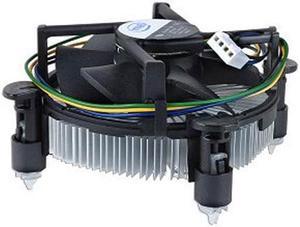
Quick View
- $35.00 –
Quick View

- Model #: 3f5-754655000131289
- $24.99 –
- $8.50 Shipping
Quick View
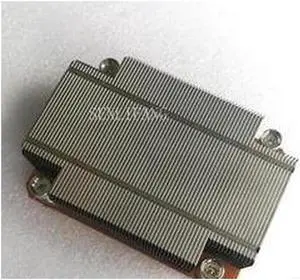
Server Processor heatsink cpu cooler cooling for PowerEdge M610 M610X blade server 0P985H Y85PP P985H CN-0P985H
- Model #: 99184-W8Ctrqapa-x6NM
- $30.98 –
- More options from $30.98
- Free Shipping
Quick View
- $15.94 –
- $7.99 Shipping
Quick View
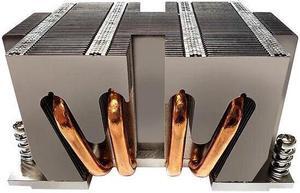
Dynatron A53 2U Aluminum Stacked Fin with Heatpipe Embedded Heatsink for AMD EPYC Processor SP6
- Model #: A53
- $53.02 –
- Free Shipping
Quick View
FOR LENOVO C340 C345 C440 C445 C540-one motherboard CPU fan
- Model #: 25392-d3tRoGtZQ-YRA2
- $19.66 –
- Free Shipping
Quick View
- $15.94 –
- $5.99 Shipping
Quick View
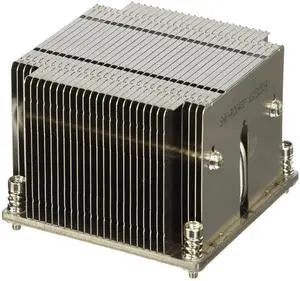
1u LGA2011 Narrow 94 * 56mm Server CPU Cooler Xeon E5 2600 E5 4600 Series CPU heatsink Radiator
- Model #: DEEXB0FFT4S725
- $154.99 –
- Free Shipping
Quick View

- $77.99 –
- $5.00 Shipping

Quick View
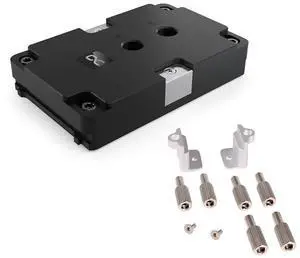
Alphacool ES Jet LGA 4677 2U CPU Cooler and ES Mounting Kit EPYC SP5 (LGA 6096) Bundle
- Model #: DEETB0DCVH278B
- $442.99 –
- Free Shipping
Quick View
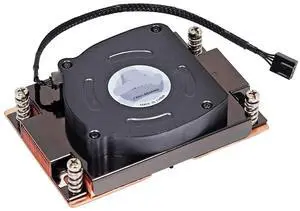
Dynatron A41 1U SP3 TR4 CPU Cooler with Vapor Chamber TDP Up to 225W Recommend for Threadripper Processor
- Model #: DEEXB0G6DC2DC5
- $269.99 –
- Free Shipping
Quick View
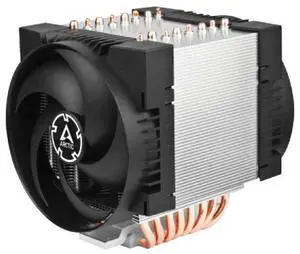
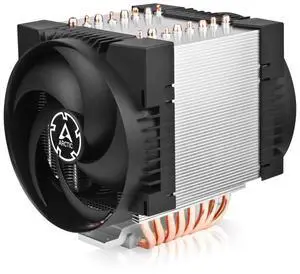
ARCTIC Freezer 4U-M Ampere, Electronic Component Fan, Best for Desktops
- Model #: 604117989953
- $96.99 –
- Free Shipping
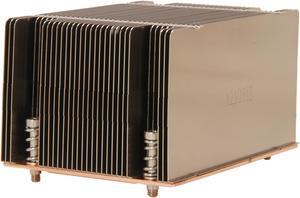
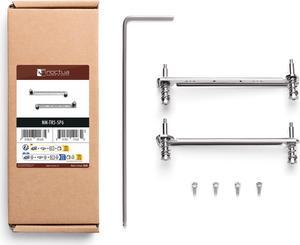
Quick View
Noctua NM-TR5-SP6 CPU Cooler Mounting Kit for AMD Threadripper (sTR5) and Epyc 8004 (SP6)
- Model #: NM-TR5-SP6
- $25.20 –
- More options from $19.95 - $25.20
- Free Shipping
Quick View
- $63.86 –
- Free Shipping

Quick View

- Model #: 966WT
- $10.94 –
- $5.99 Shipping
Quick View
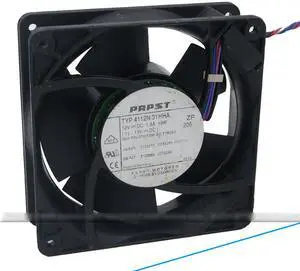
Refurbished ebm PAPST TYP 4112N/31HHA 12CM Cooler with DC12V 18W 4 Wires IBM P/N 07K7056 EC F79290
- Model #: TYP 4112N/31HHA
- $122.10 –
- Free Shipping
Quick View
- $19.94 –
- $5.99 Shipping
Quick View
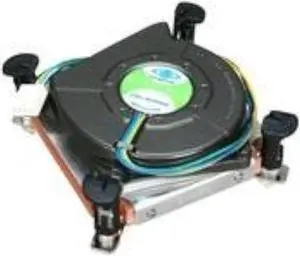
Dynatron K2 1U Server & Workstation Active CPU Cooler - Intel Socket 1155/1156
- Model #: 904384938068
- $99.99 –
- $5.00 Shipping
| Buying an AMD EPYC 4005 | |
|---|---|
Understanding the AMD EPYC 4005The AMD EPYC 4005 is part of AMD’s EPYC 4000 series, designed for entry-level servers and edge applications. Built on a 7 nm process, the EPYC 4005 features 8 cores and 16 threads, with a base clock of 2.0 GHz and a maximum boost of 3.0 GHz. Its single-socket design offers up to 64 lanes of PCIe 4.0 connectivity, enabling high-bandwidth networking and storage options. With a 120 W TDP, this processor balances performance and power efficiency for tasks such as virtualization, web hosting, and lightweight database workloads. Key technical details include 64 MB of L3 cache, DDR4-3200 support in dual-channel mode (up to 3200 MT/s), and integrated Infinity Fabric for coherent memory access across chiplets. When selecting a compatible motherboard, look for server boards with SP3 sockets, support for ECC memory, and robust VRM designs to ensure stability under sustained loads. Popular board partners include Supermicro , ASRock , which offer a range of options for 1U, 2U, and tower chassis. Before purchasing, verify compatibility with your chassis—many EPYC 4005 motherboards require specific rear I/O layouts and cooling profiles. Standard air-cooled heatsinks supporting SP3 sockets are widely available. If you plan to deploy the EPYC 4005 in a dense rack , consider passive heatsink solutions with direct-to-chassis airflow. For current listings, visit Newegg’s AMD EPYC 4005 category. Filter by seller ratings and review counts to find models with reliable shipping and support. Once you receive your shipment, follow the manufacturer’s installation guide to seat the CPU , install compatible ECC DDR4 DIMMs, and configure the BIOS. |
Getting the Most Out of Your EPYC 4005After installing the EPYC 4005, update your BIOS/UEFI to the latest version provided by the motherboard manufacturer. This ensures full support for memory speed and power management features. Enable “Secure Boot” and verify that your operating system—whether it’s a Linux distribution or Windows Server—recognizes the processor and all installed memory. For Linux deployments, confirm that you’re using a kernel version that supports EPYC 4000-series optimizations. To optimize performance, configure BIOS settings for NUMA mode and PCIe bifurcation if you’re using NVMe RAID or high-port network adapters. Adjust power profiles to “Performance” for maximum throughput in virtualization or database tasks. Monitor core temperatures with IPMI utilities or motherboard-provided software; if you notice sustained high temperatures, improve chassis airflow or switch to higher-capacity fans. FAQs about the AMD EPYC 4005
|