here!
I’m your shopping assistant for PC builds, upgrades, and everything tech.
Got questions? Ask away!
Start a conversation
here!
I’m your shopping assistant for PC builds, upgrades, and everything tech.
Got questions? Ask away!
Start a conversation




Any questions? Ask CelesteSM will help you find out quickly.
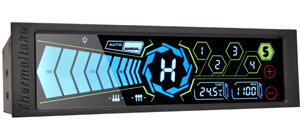
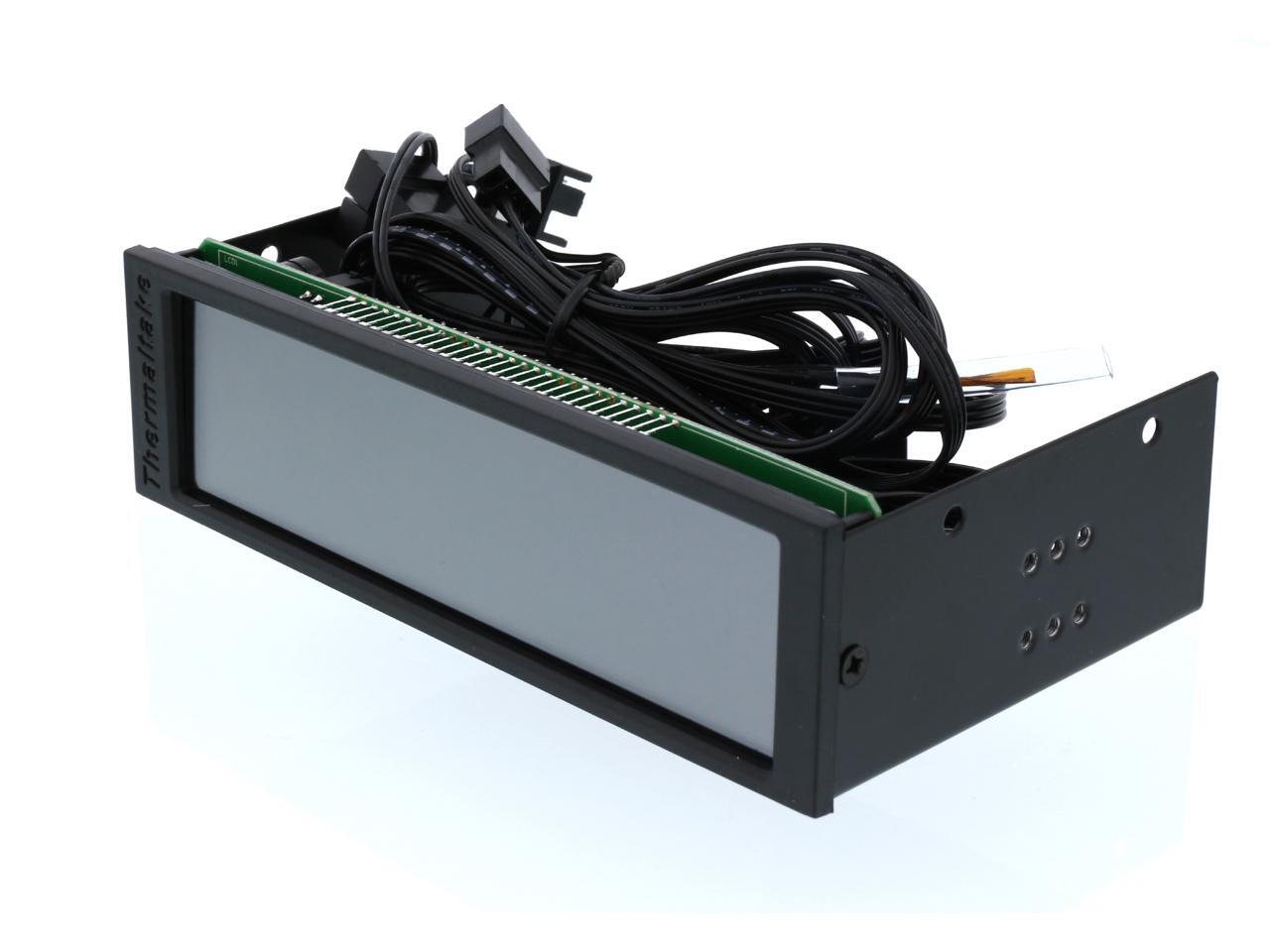
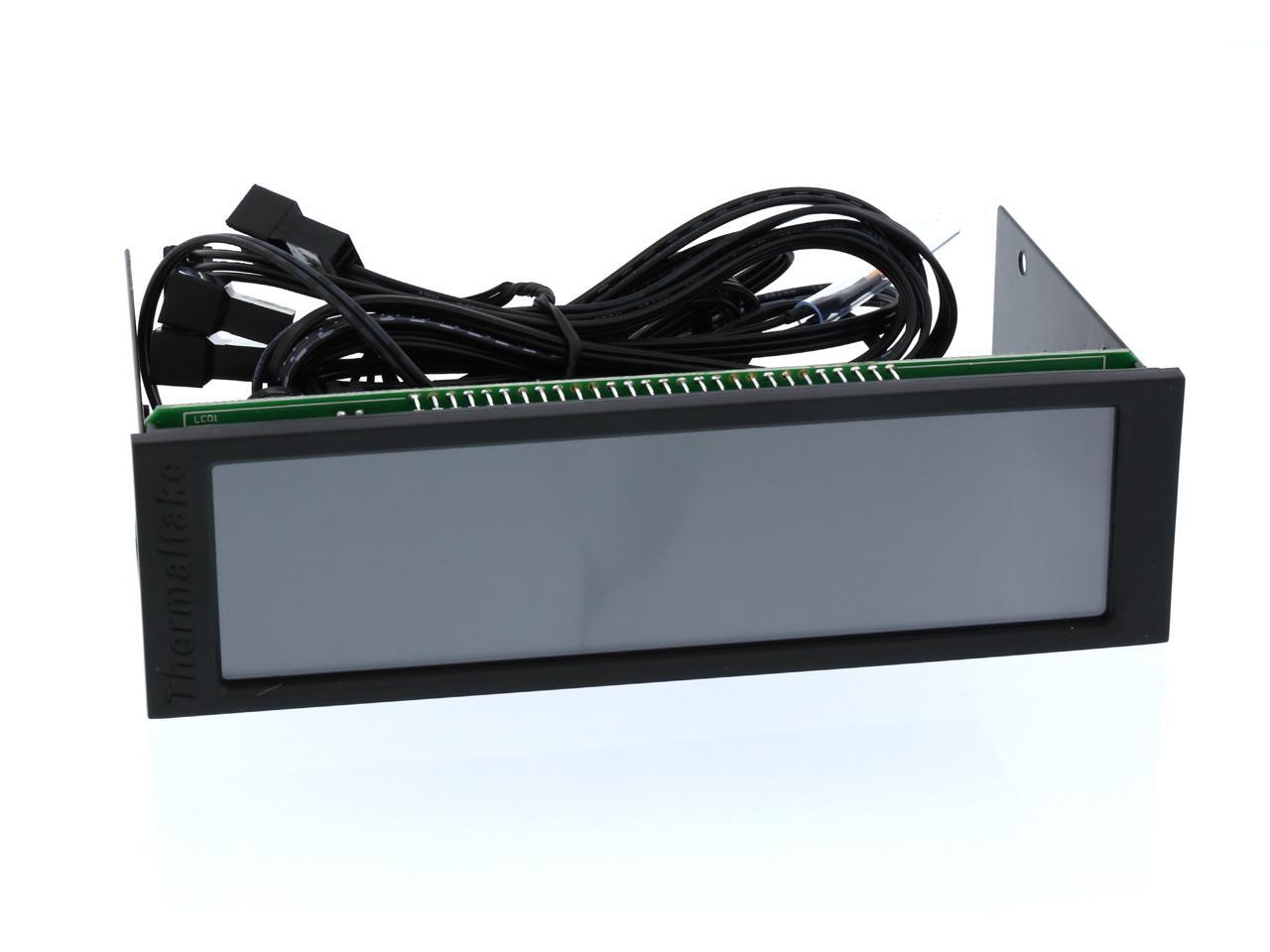
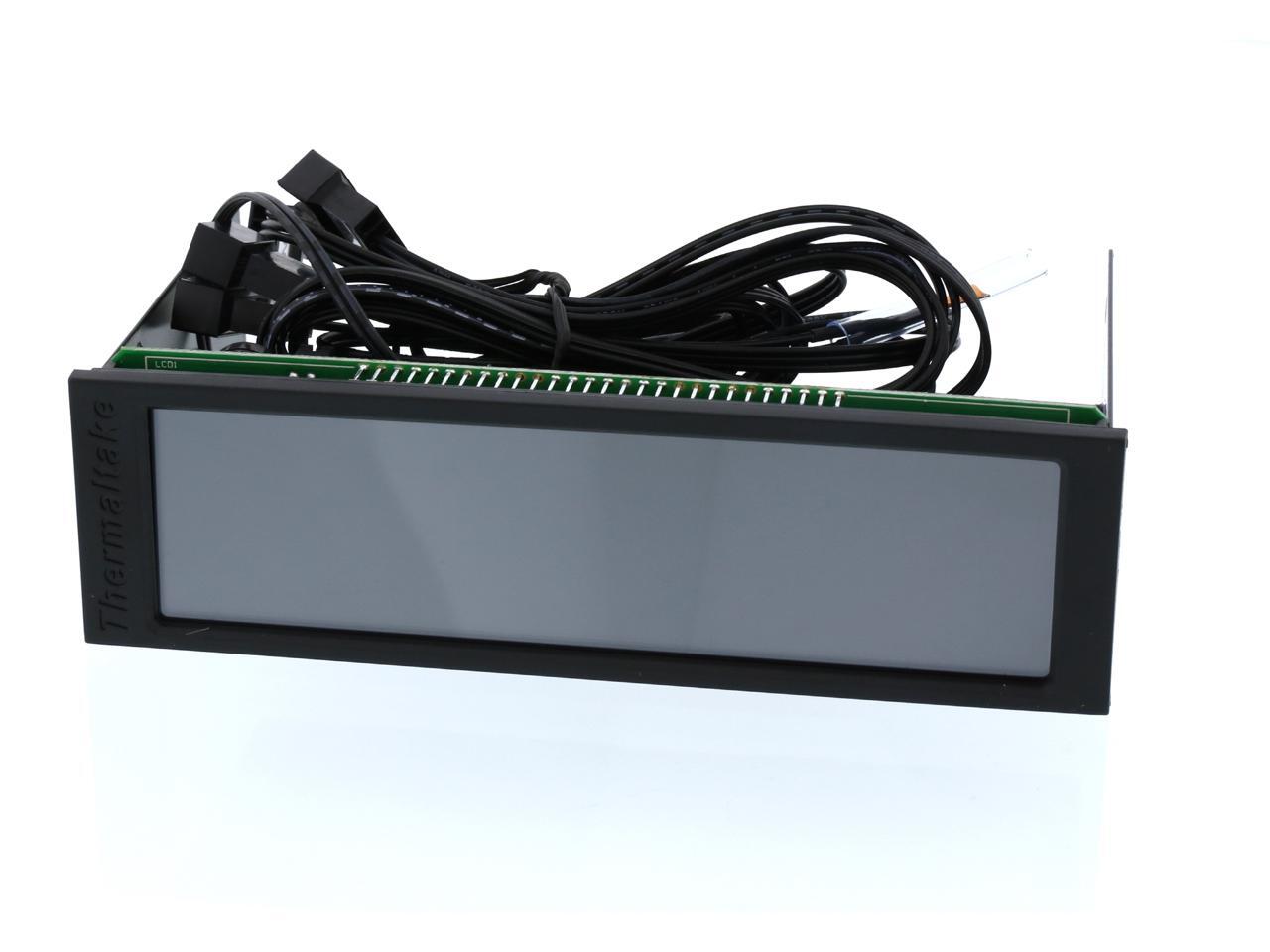
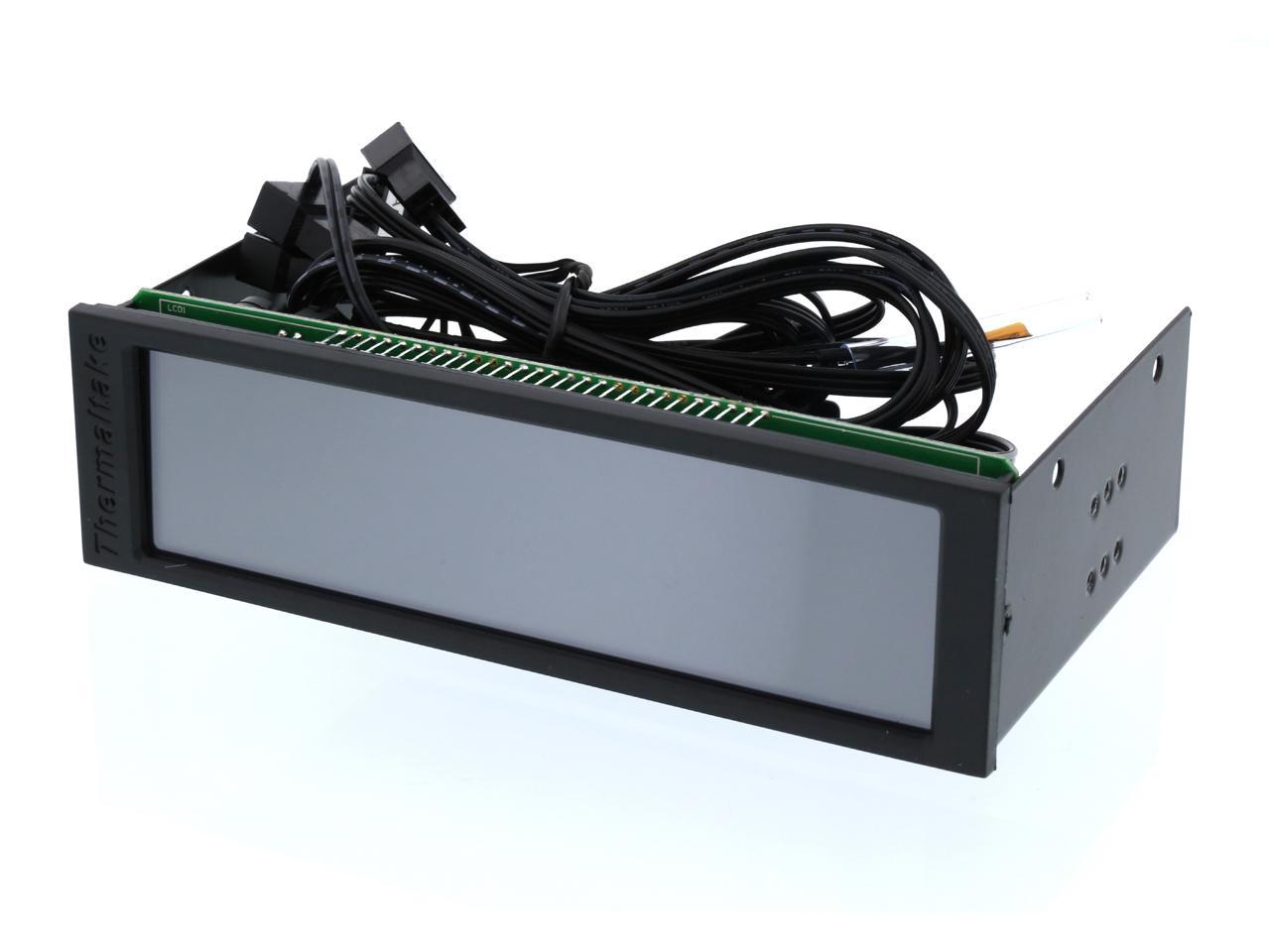
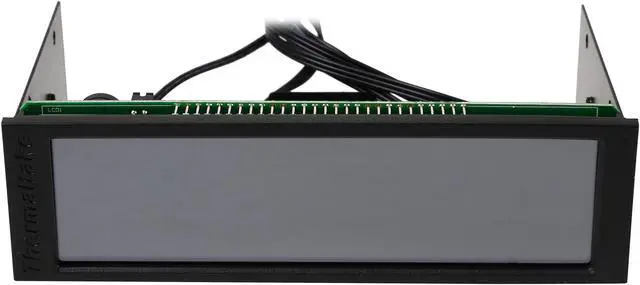
Commander FT is the first remote control for Thermaltake fan with touchscreen, allowing you to monitor and control the fan speed and temperature of the system of five fan simultaneously! The large touchscreen 5.5 "-one of the largest in the market-making the interaction easy and automatic mode, manual, performance, silent and allow you to have complete control of the performance of the fan. Just a driver bay 5.25 "free and go!
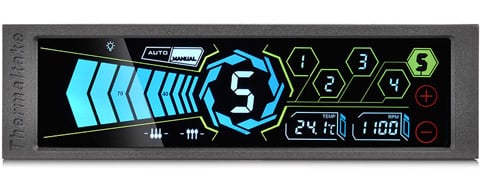
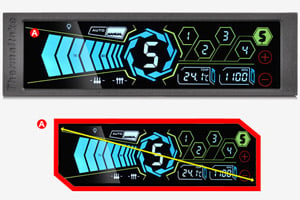
With the Commander FT’s extraordinarily large 5.5” touch panel and gorgeous layout, on-the-fly cooling control and noise adjustments have never been easier.
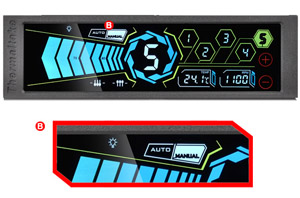
The Commander FT’s Auto mode is intelligently tuned to automatically adjust all fans based on thermal sensor temperature readings. Manual mode is completely customizable, allowing for individual fan speed adjustments; user settings will be memorized and maintained even after reboot.
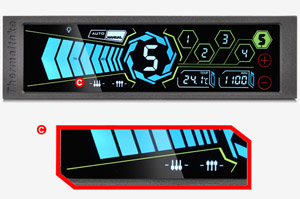
Two adjustments arrows at the bottom left are performance and silent mode. The performance mode is tuned for best cooling performance, automatically adjusts all fans to its fastest speed and provides the ultimate airflow in seconds.
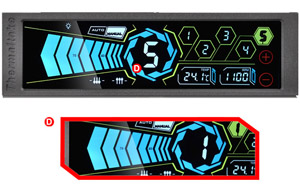
The fan speed slider offers complete fan control through a user-friendly interface.

The Commander FT supports up to five independent fans, with each channel delivering up to 10W to drive all types of fan efficiently. Tap from ‘1’ to ‘5’ on the central fan display to easily adjust fan speeds independently.
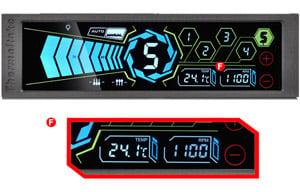
The Commander FT helps you keep an eye on temperature, showing you information down to the selected fan speed (RPM). Choose Celsius or Fahrenheit, according to your preferences. Additionally, the embedded temperature warning alarm can be set.
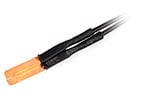
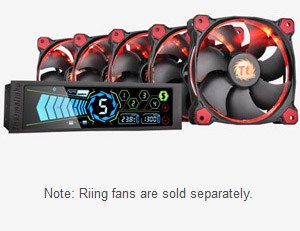
Support up to five independent fans, each channel delivers up to 10W to drive any type of fans efficiently. Commander FT makes it easier for users to make adjustments on cooling control and minimize the noise as well.
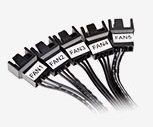
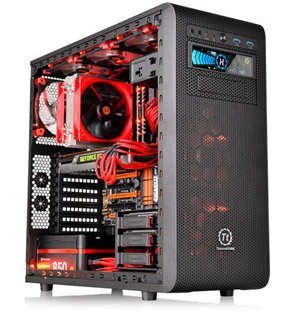
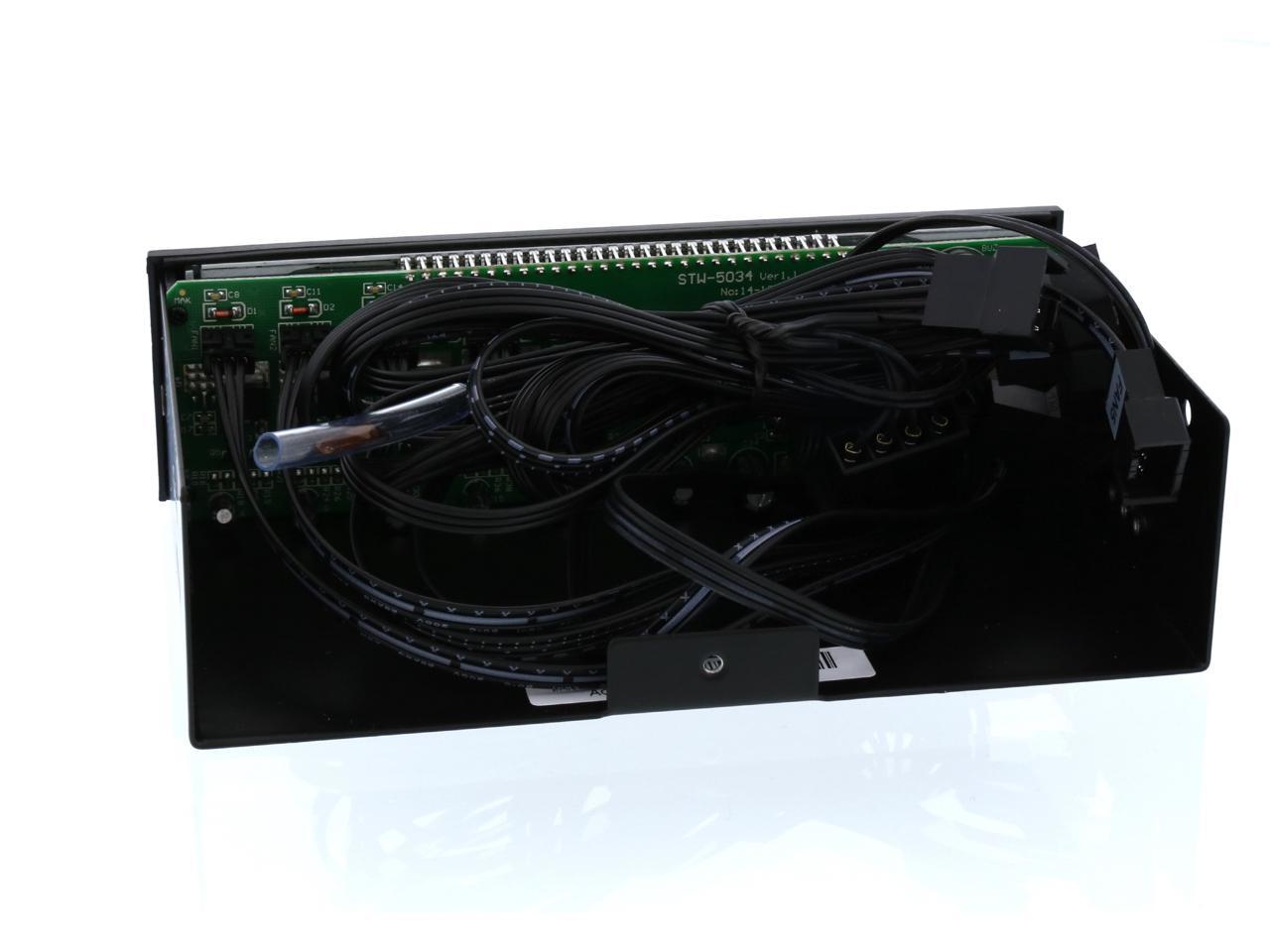
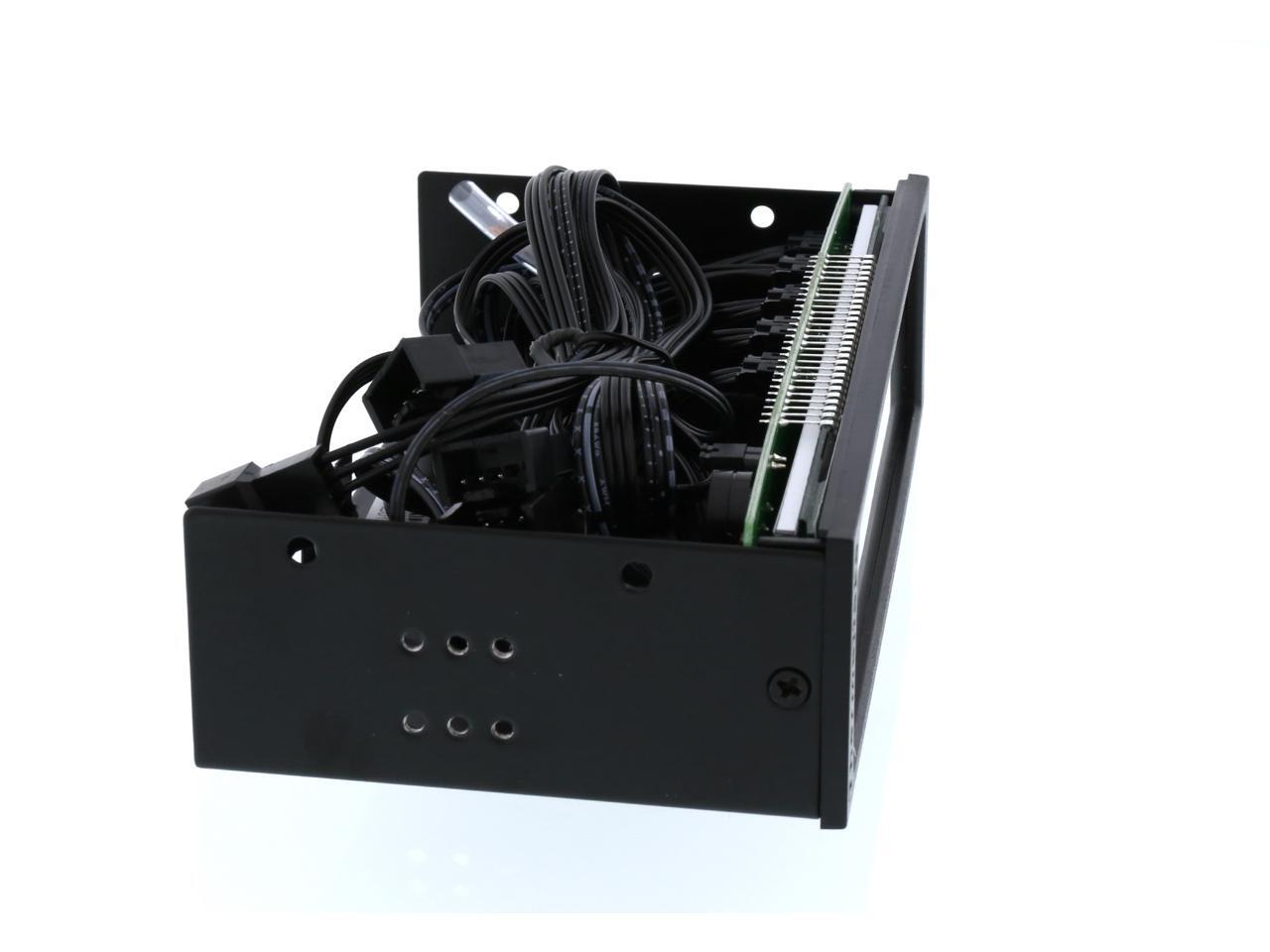
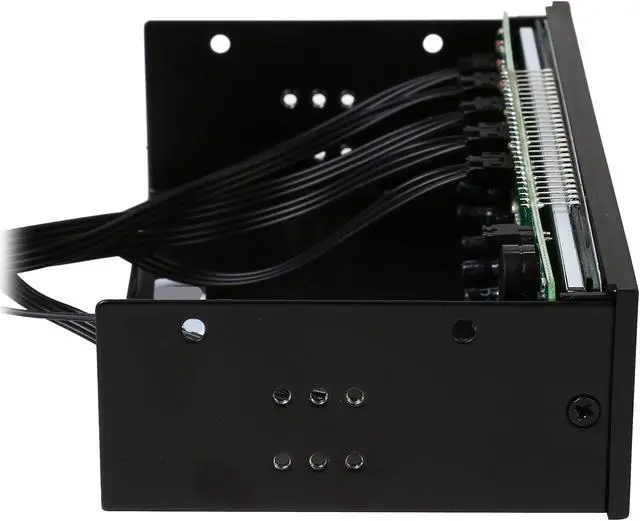
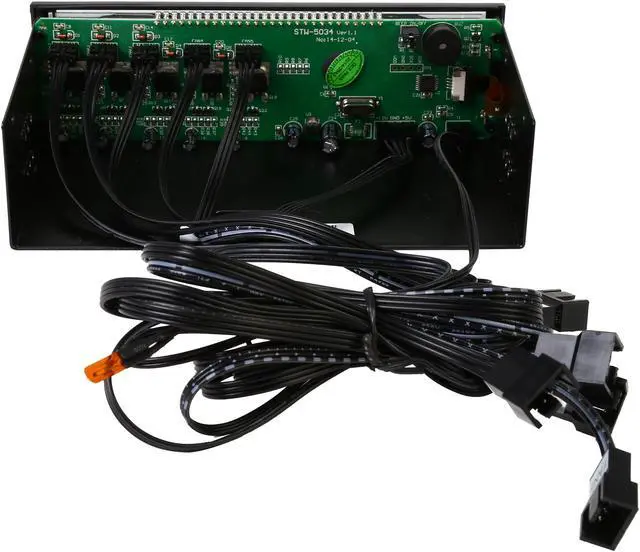
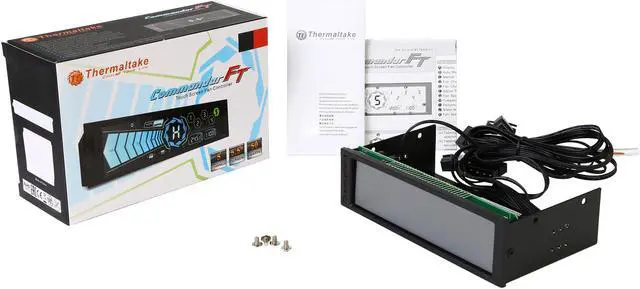
The Commander FT comes with all necessary cables to connect up to five fans with standard 3-pin or PWM connector. All you need is an empty 5.25” drive bay and you’re ready to go!
The Thermaltake Commander FT is a 5.25-inch-bay touchscreen fan controller for PC builders who want direct control of up to five 3-pin or 4-pin fans, with individual speed adjustment and temperature monitoring on its 5.5-inch display.