• $99.99
  • Free 30-day Returns
  • Price alert
    Shop it at NeweggBusiness.

    Meet Your Seller

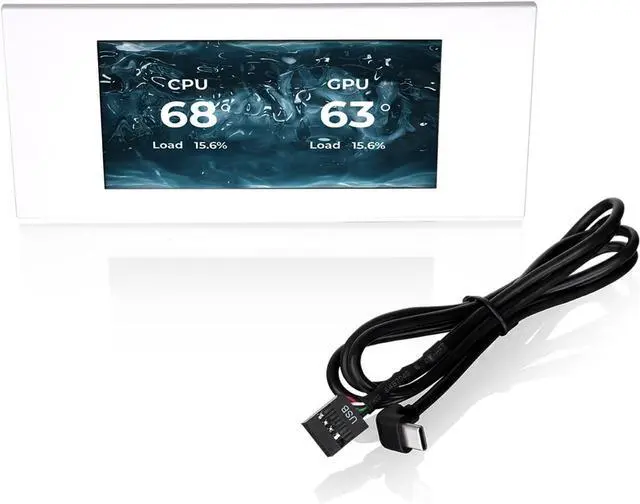
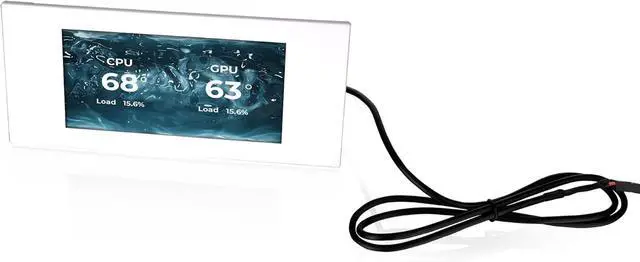
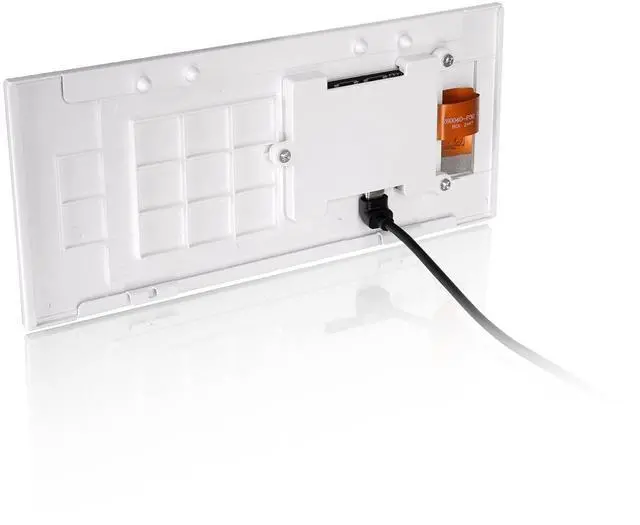
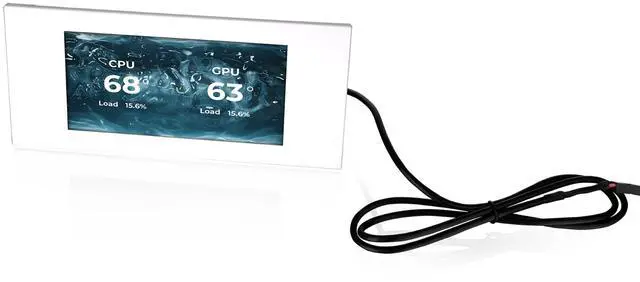
    Thermaltake View 600 TG 6.0 Inch LCD Screen Panel Kit; LCD and Panel; 1480x720p; TTRGBPlus 3.0 Supported; Type-C to USB (9-Pin); White; AC-080-OO6NAN-A1

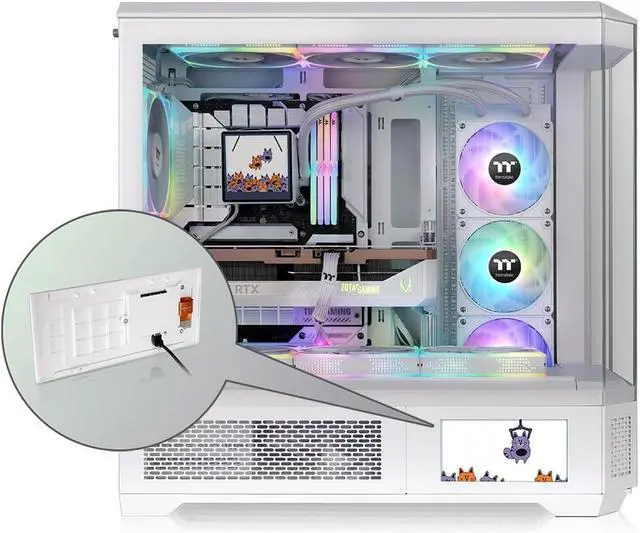
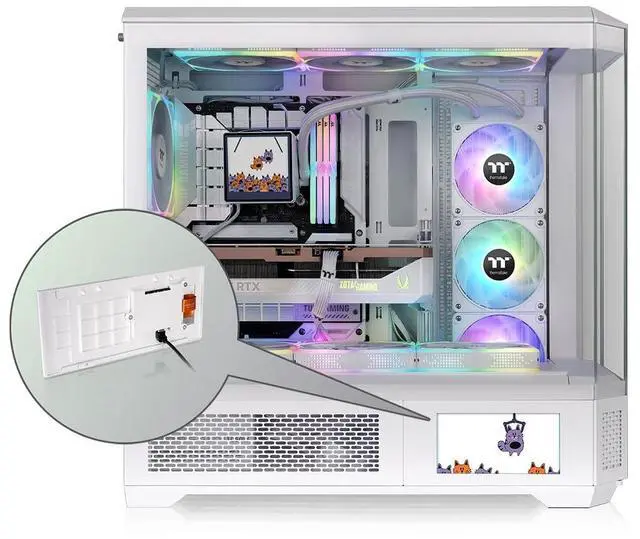
    • An Extra ViewAccent your Thermaltake View 600 TG chassis with the 6.0 inch lcd panel kit, providing a larger viewing surface than previous models to show off customizable graphics and/or real-time monitoring data.
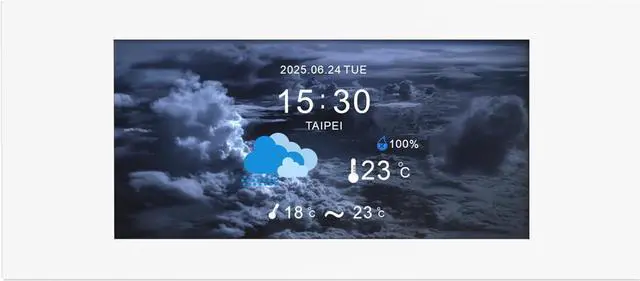
    • Looking SharpDraw attention to your build with stunning images and movies to add that extra bit of personalization thanks to the 1480x720p resolution display.
    • TT RGB PLUS 3.0 Upgraded with a whole new suite of features and a clean new UI. The expanded compatibility, control, and system monitoring has been improved for a better experience and even more customization.
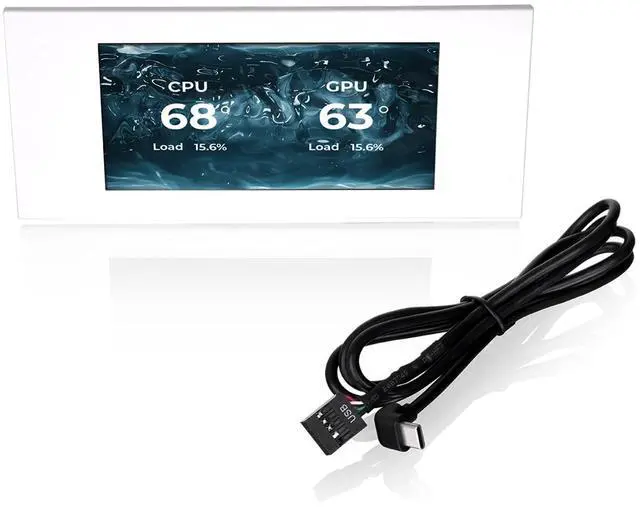
    • Real-Time DataGet real-time information on key system components like CPU, GPU, RAM, and others all customizable with the different options like frequency, load, and temperatures.
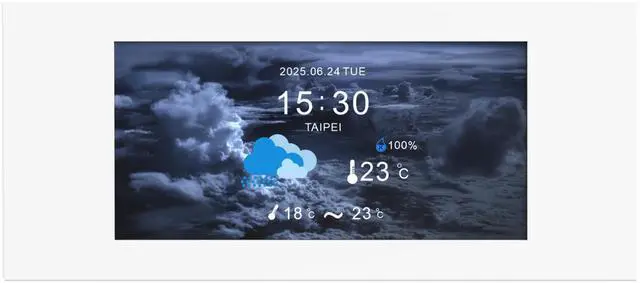
    • Your Background Your Choice Choose between six default background graphics or upload up to 20 custom graphics with JPG, GIF,PNG, MP4, MOV, and AVI formats supported. (up to 30MB each)
    +
    +
    Overview
    Specs
    Reviews

    Any questions? Ask CelesteSM will help you find out quickly.

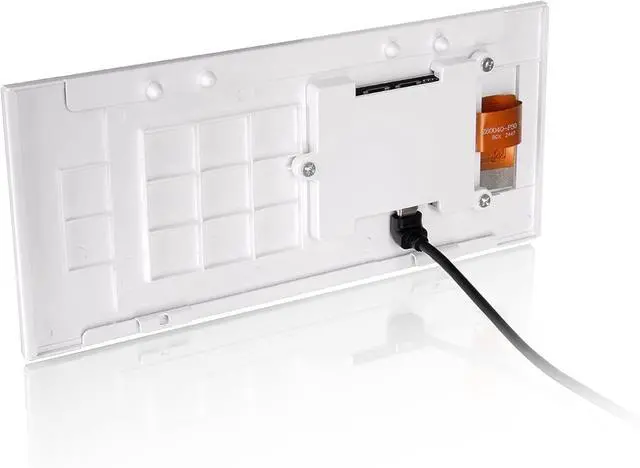
    Enhance your Thermaltake View 600 TG chassis with the 6.0 Inch LCD Panel Kit, controlled via TT RGB PLUS 3.0 you have a variety of customization at your fingertips. Choose between preloaded graphics or upload custom graphics for extra personalization, as well as real-time monitoring data that can be shown both standalone and with graphics. Supports JPG, GIF, PNG, MP4, MOV, and AVI formats. Panel and mount are specific for the View 600 TG to facilitate easy installation and color matching.

    Warranty & Returns

    Warranty, Returns, And Additional Information

    Warranty

    • Please contact the Seller directly for warranty information. Warranty information may also be found on the Manufacturer's website.
    • CONTACT

    Return Policies

    • Return for refund within: 30 days
    • Return for replacement within: non-replaceable
    • This item is covered by Thermaltake Return Policy

    Manufacturer Contact Info

    LOADING...

    The Thermaltake View 600 TG 6.0-inch LCD Screen Panel Kit is a chassis accessory for View 600 TG owners who want a customizable 1480×720 display for system monitoring, graphics, or video, controlled through TT RGB PLUS 3.0.

    Recommended For

    • View 600 TG owners building a display-focused PC showcase who want to replace the case’s lower panel with an integrated screen for custom visuals or animations.
    • View 600 TG users who want CPU, GPU, or memory temperatures and other system information visible on the case while the PC is running.
    • PC builders who enjoy tailoring a case display with their own images or GIFs and are willing to configure it through Thermaltake’s TT RGB PLUS software.
    • Thermaltake Ultra-series users who want the case display to complement or interact with other compatible LCD components through TT RGB PLUS.

    Real-World Use Scenarios

    • During a game or other demanding workload, display CPU and GPU temperatures or load on the case so you can check system activity at a glance without opening a monitoring app.
    • When tuning fan curves or checking cooling after a hardware change, keep temperature and frequency readings visible on the case and see how they respond under load.
    • For a PC placed where guests can see it, use a custom image, GIF, or video to make the case display part of the build’s visual presentation rather than leaving a default screen in place.
    • For a personalized desktop setup, set a custom startup or standby image so the case has a chosen look when the PC is idle or being powered on.
    • When building a coordinated Thermaltake setup with other compatible Ultra-series LCD components, use the software to customize their displays together for a more unified look across the PC.