Your Browsing History
Best Sellers
- $155.41
- $138.69
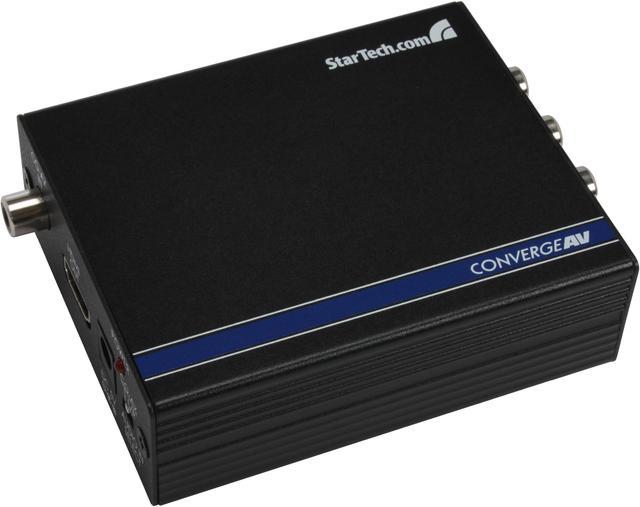
StarTech.com Component to HDMI Video Converter with Audio CPNTA2HDMI
- Connect a component video source device with supporting audio to your HDMI display
- Works with component video sources such as TV set top boxes Blu-ray players
- Works with HDMI monitors TVs & projectors
- Supports resolutions up to 1080p
- Adds RCA digital or 3.5mm audio to your HDMI video signal
- Component to HDMI converter / CPNT to HDMI
- Hassle-free setup with no software to configure
- Avoid upgrade costs by making your component video source work with your HDMI display
+
+
Overview
Specs
Reviews (1)
See all Q & A
Any questions? Ask CelesteSM will help you find out quickly.
Try me now
Component to HDMI Video Converter with Audio
Warranty & Returns
Warranty, Returns, And Additional Information
Warranty
- Limited Warranty period (parts): 2 years
- Limited Warranty period (labor): 2 years
- Read full details
Return Policies
- Return for refund until: January 31, 2026
- Return for replacement until: January 31, 2026
- This item is covered by Newegg.com's Extended Holiday Return Policy.
- Read full return policy for details.
We want to ensure your holiday shopping this year is hassle-free. That’s why we’re automatically extending our return policies on almost every product! For purchases placed between November 1st, 2025 and December 31, 2025 you will have until January 31, 2026 to return your product.
Manufacturer Contact Info
- Manufacturer Product Page
- Manufacturer Website
- Support Phone: 1-800-265-1844
- Support Email: support@startech.com
- Support Website
- View other products from STARTECH
LOADING...
LOADING...
The StarTech.com CPNTA2HDMI is a component-to-HDMI video converter for connecting a 1080p component video source, such as a set-top box or Blu-ray player, to an HDMI TV, monitor, or projector, with digital coaxial or two-channel analog audio.
Recommended For
- Owners of a component-output set-top box, DVD player, or other standard/high-definition video source who want to connect it to an HDMI-only TV or projector without replacing the source device.
- People keeping an older component-video device in service who want its video and compatible digital-coax or analog audio carried together over one HDMI connection.
- Home-theater users with component-output equipment and a display that lacks component inputs, when up to 1080p HDMI output is sufficient for their viewing setup.
- Owners of component-output game consoles who mainly want a straightforward HDMI connection for casual play, rather than specialized retro-game signal processing.
Real-World Use Scenarios
- Keep an older component-output DVD player in use with an HDMI-only TV: the converter combines the player’s component video and audio into HDMI, so you can continue watching discs without replacing the player.
- Connect a component-output set-top box to an HDMI television or projector: the converter provides an HDMI connection for a display that lacks component inputs, while carrying the source’s audio along with the video.
- Play a game system that outputs component video on a newer HDMI display: it can make the console’s video and audio usable over HDMI, though it converts the connection rather than promising specialized retro-game upscaling.
- Send a camcorder’s component output to an HDMI monitor or recorder: when the camera provides a compatible component signal, the converter can combine it with audio for an HDMI connection; check the camera’s output format and audio-sync needs first.
Spec Summary
| Attribute | Value |
|---|---|
| Best For | Converting component-video sources with analog or digital coaxial audio for connection to an HDMI display |
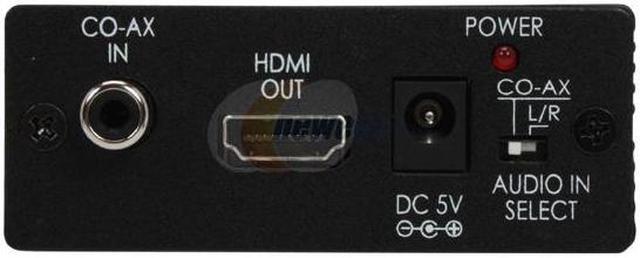
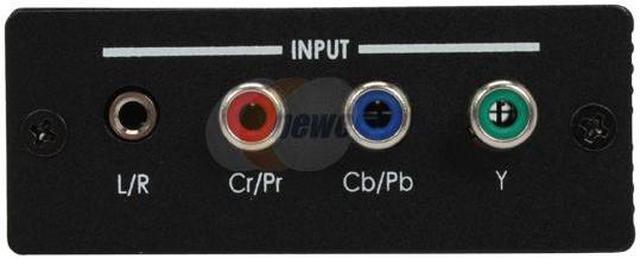
| Video And Audio Conversion | Converts component video (YPbPr/YCbCr) and analog or digital coaxial audio to HDMI |
| Resolution And Standards | Supports up to 1080p at 60Hz and is compliant with HDMI 1.2, HDCP 1.1, and DVI 1.0 |
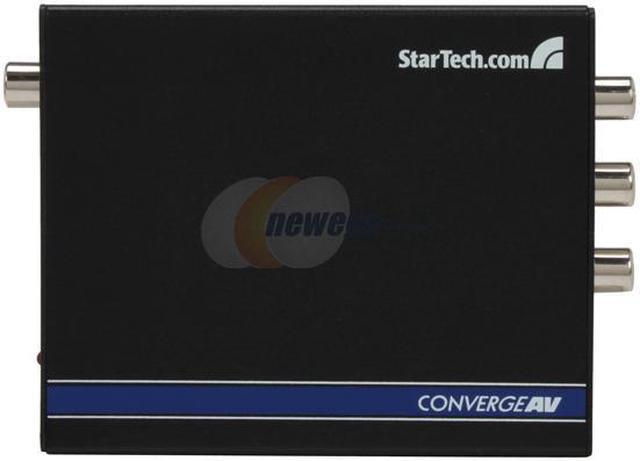
| Ports And Connectivity | Inputs: 3 component RCA, 1 two-channel 3.5 mm analog audio, and 1 digital coax audio; output: 1 HDMI connector |
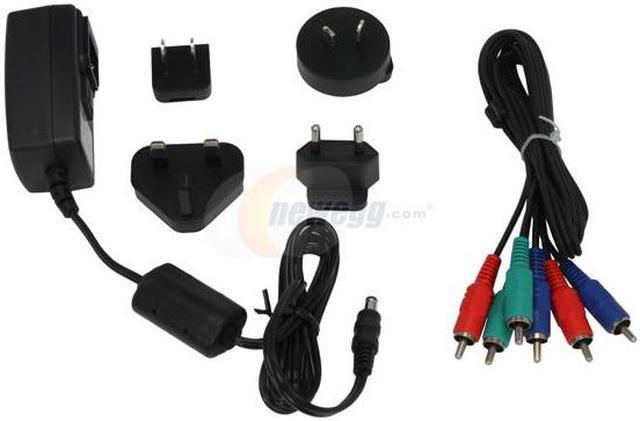
| Power | Requires 5V DC power; a power adapter is included |
| Physical Specifications | Black finish; 4.3 × 3.1 × 1.2 inches |
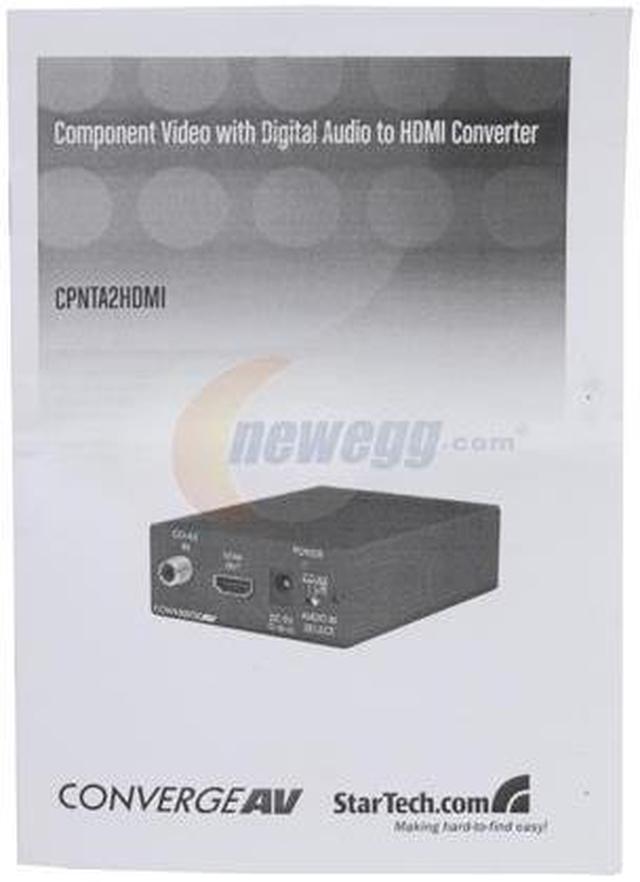
| Package Contents | CPNTA2HDMI converter, user manual, power adapter, and video cable |
| Model Identifiers | StarTech.com CPNTA2HDMI |