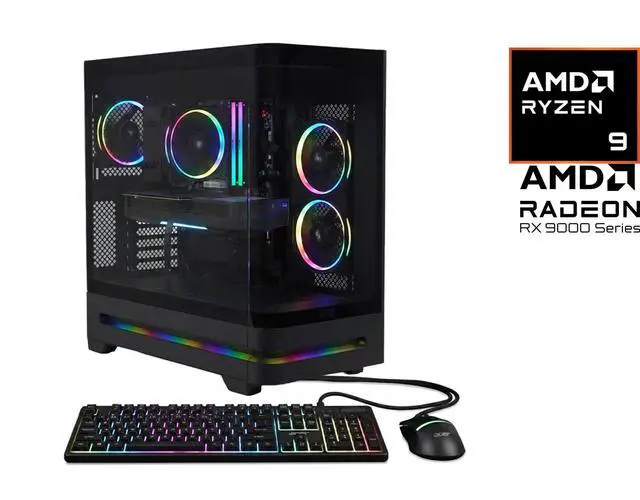
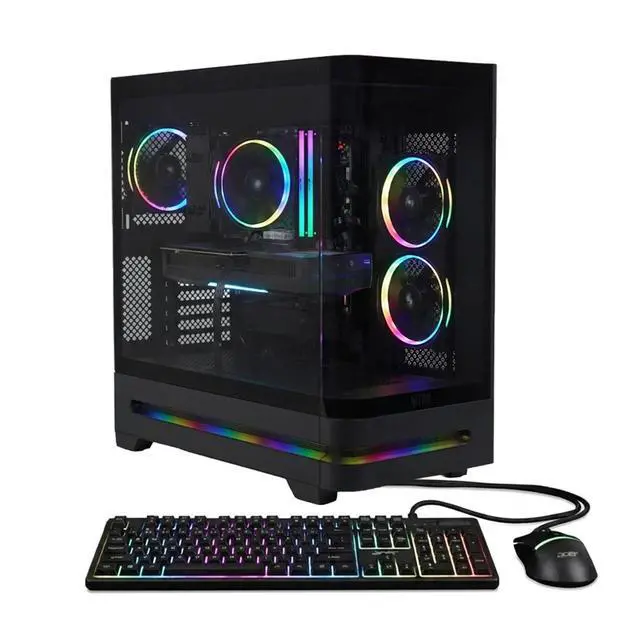
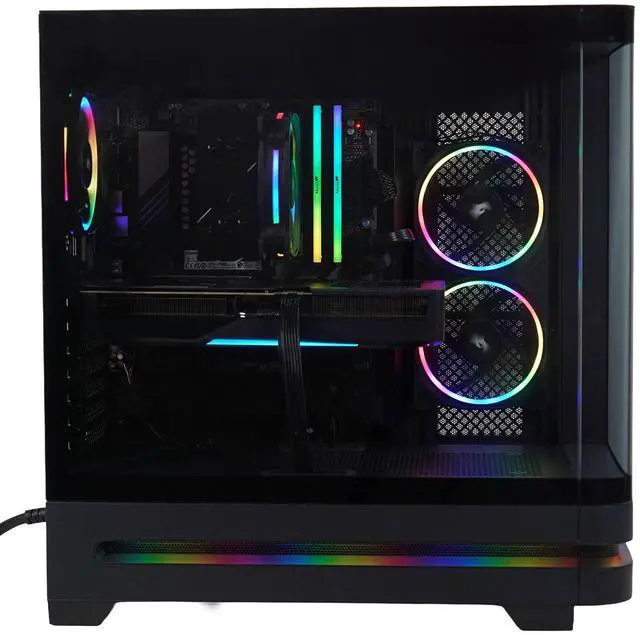
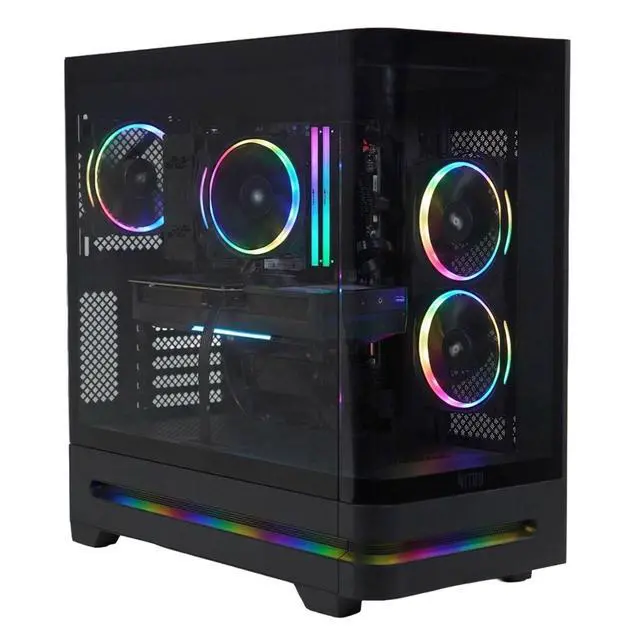
here!
I’m your shopping assistant for PC builds, upgrades, and everything tech.
Got questions? Ask away!
Start a conversation
here!
I’m your shopping assistant for PC builds, upgrades, and everything tech.
Got questions? Ask away!
Start a conversation


Combo Up Savings Up To $280+
The more you add, the more you'll save!
Any questions? Ask CelesteSM will help you find out quickly.
We want to ensure your holiday shopping this year is hassle-free. That’s why we’re automatically extending our return policies on almost every product! For purchases placed between November 1st, 2026 and December 31, 2026 you will have until January 31, 2027 to return your product.
Q: Should I get this Nitro 85 desktop or a gaming laptop if I need one system for both gaming and everyday use?
A: Get the Nitro 85 desktop if performance is the priority. A desktop with a Ryzen 9 9900X and full RX 9070 XT has more thermal headroom, easier future RAM and storage expansion, and no mobile GPU power limits. Choose a gaming laptop instead if portability matters more than maximum sustained performance, or if you need to move between rooms, school, work, or travel. The desktop is the better fit for a fixed setup; the laptop is the better fit for mobility.
Q: Is this Acer Nitro 85 a meaningful upgrade over an older RX 7900 XT or upper-tier last-generation gaming PC?
A: It is usually a platform upgrade more than a dramatic generational leap in every game. The strongest reasons to choose this Nitro 85 over an older upper-tier desktop are the newer Ryzen 9 9900X platform, Wi-Fi 7, PCIe 5.0 support, modern display outputs, and current-generation GPU features. If you already own a well-balanced RX 7900 XT or similar-class system, the upgrade case is strongest when you want newer connectivity, a faster CPU for mixed workloads, or a full prebuilt refresh rather than a GPU-only change.
Q: Should I buy this Nitro 85 or move up to a higher-tier desktop with an RTX 5080-class GPU?
A: Buy this Nitro 85 if your target is premium 1440p gaming, balanced 4K play, and a better price-to-performance point. Move up to an RTX 5080-class system if you specifically want more ray tracing headroom, stronger top-end 4K performance, or plan to drive a very high-end monitor with fewer compromises. For most buyers, the Nitro 85 sits in the more practical tier because it pairs a fast 12-core CPU with an upper-midrange GPU instead of pushing budget into a higher GPU class.
Q: Is this Acer Nitro 85 worth it over a cheaper RX 9070 or RTX 5070 desktop?
A: Yes, if you want a step up for high-refresh 1440p or more comfortable 4K gaming without moving into a much more expensive class. Reviews consistently place the RX 9070 XT above the RX 9070 and RTX 5070 in raw gaming performance, so this Nitro 85 makes more sense for buyers who want longer useful life before the next GPU upgrade. A cheaper RX 9070 or RTX 5070 desktop is the better value if you mainly play esports titles, stay at 1440p, or want to reserve more budget for a monitor or RAM upgrade.
Q: Should I choose the Acer Nitro 85 with RX 9070 XT or a similarly priced RTX 5070 Ti gaming desktop?
A: Choose the Acer Nitro 85 if you want stronger value in traditional rasterized gaming and a 12-core CPU that also helps with multitasking, streaming, and creator workloads. Across major reviews, the RX 9070 XT usually lands close to the RTX 5070 Ti in standard gaming, while the Ryzen 9 9900X gives this Nitro 85 more CPU headroom than many gaming-first prebuilts. A similarly priced RTX 5070 Ti desktop is the better fit if your priority is heavier ray tracing, DLSS-focused game support, or Nvidia-specific software workflows.