




 here!
I’m your shopping assistant for PC builds, upgrades, and everything tech.
Got questions? Ask away!
Start a conversation
here!
I’m your shopping assistant for PC builds, upgrades, and everything tech.
Got questions? Ask away!
Start a conversation



Any questions? Ask CelesteSM will help you find out quickly.


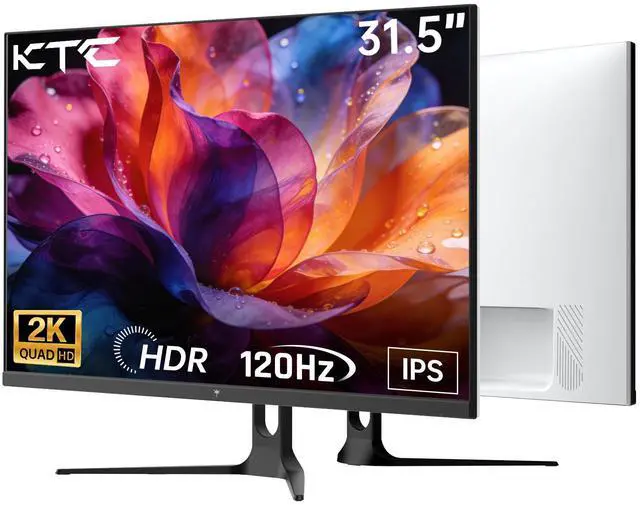
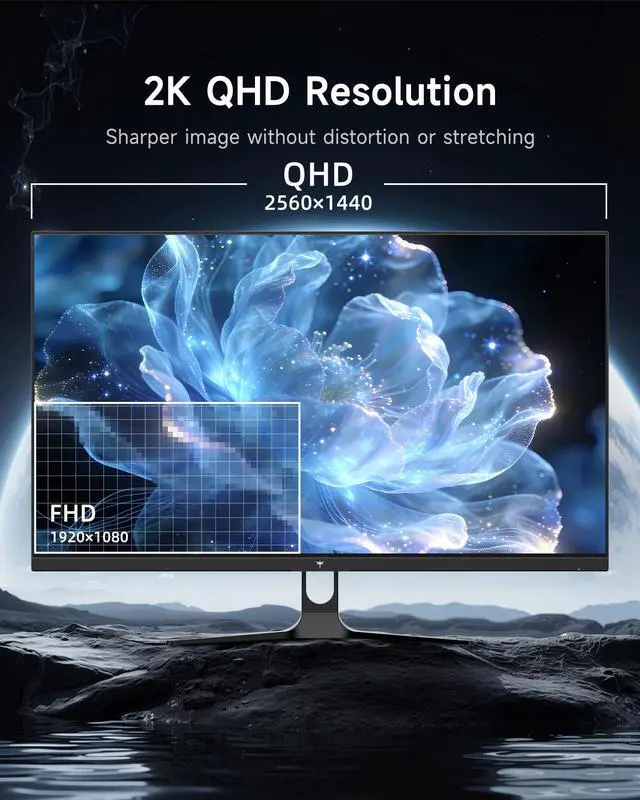
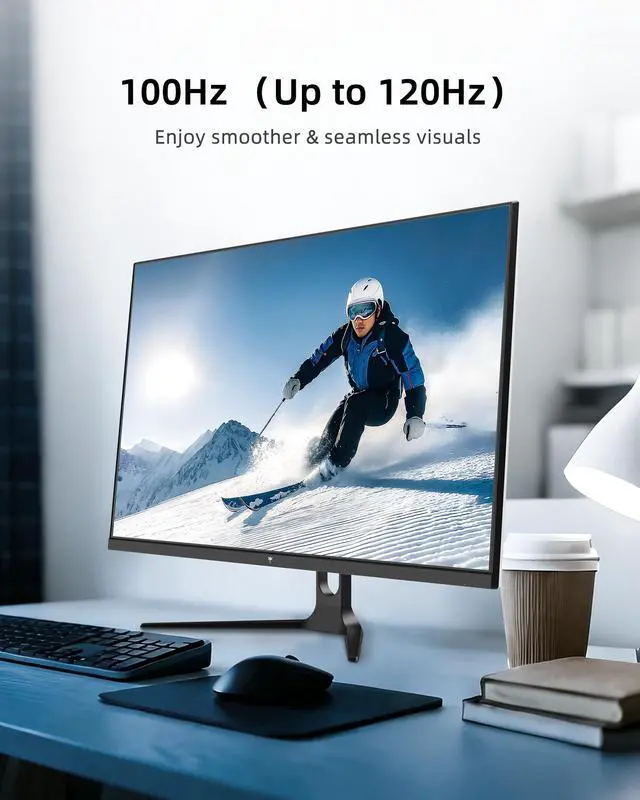
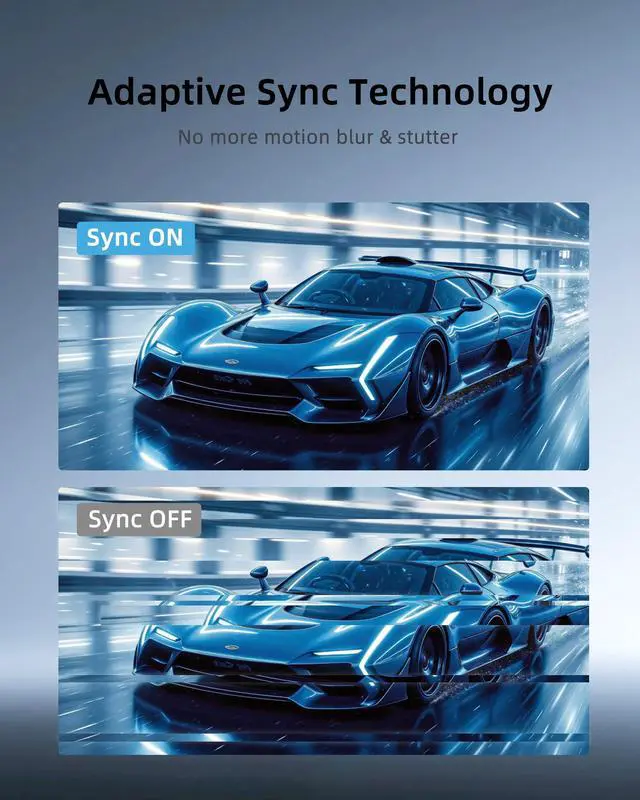
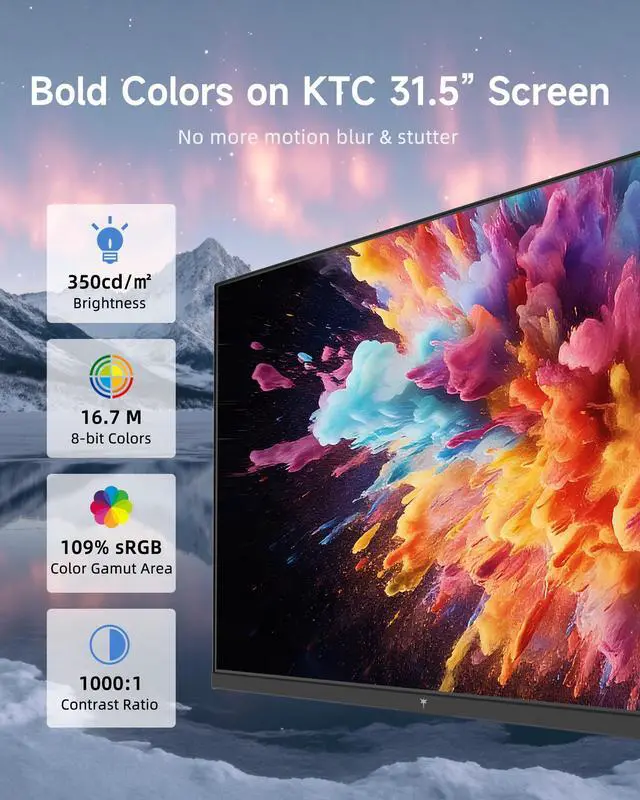
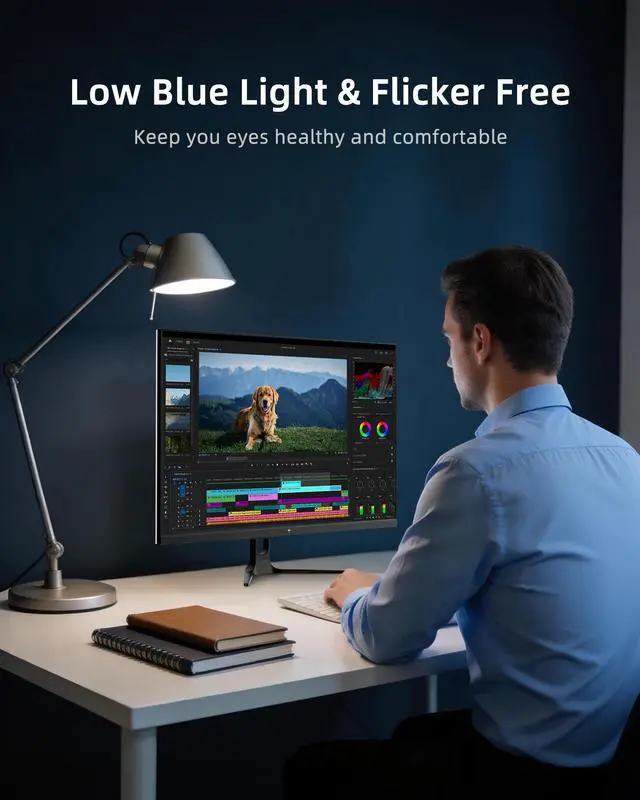
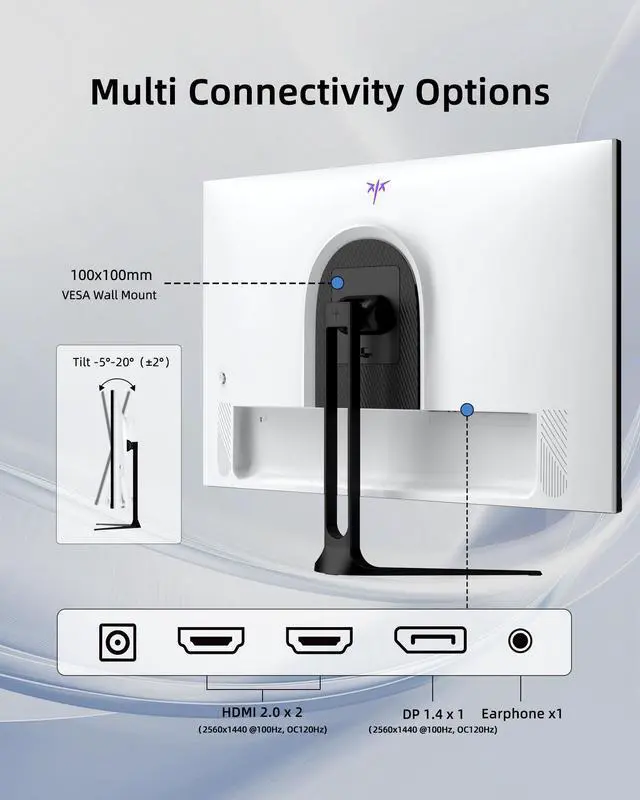
KTC 32-inch 2K QHD (2560x1440) Computer Monitor H32D6, featuring an IPS panel that delivers vibrant visuals and sharp detailseven from wide viewing angles. Experience ultra-smooth motion with its 100Hz native refresh rate, overclockable to 120Hz, while Adaptive-Sync technology eliminates screen tearing and stuttering for seamless gameplay and streaming. Immerse yourself in rich, dynamic colors powered by HDR10: boasting 350 cd/m² brightness, 109% sRGB color gamut area, and E<2 color accuracy, it delivers superior image quality, making it ideal for creative work and immersive viewing. Designed for comfort during long sessions, it comes with low blue light and flicker-free technology to effectively relieve eye fatigue, plus a -5°~20° tilt adjustment and VESA 100mm x 100mm wall-mount support, letting you find the perfect viewing angle for reading, working, or gaming. Enjoy flexible connectivity with 1 x DP 1.4 (100Hz, up to 120Hz) and 2 x HDMI 2.0 (100Hz, up to 120Hz) ports, allowing seamless pairing with laptops, desktops, game consoles, and more for a hassle-free setup.
The KTC H32D6 is a 32-inch QHD (2560 x 1440) IPS monitor with a 100Hz refresh rate overclockable to 120Hz, Adaptive-Sync, HDR10, and wide viewing angles. It suits office users, gamers, and content creators who want sharp, smooth visuals on a large screen.
| Attribute | Value |
|---|---|
| Best For | Office work, gaming, and general desktop use as a 32-inch computer monitor |
| Model Identifiers | KTC H32D6 |
Q: Should I buy the KTC H32D6 or a 27-inch 1440p gaming monitor?
A: Choose the KTC H32D6 if you want a larger 31.5-inch viewing area for multitasking, movies, and more immersive gaming. Choose a 27-inch 1440p monitor if you sit closer to the screen, prefer sharper text, or play competitive games where a smaller display is easier to view at once. Both options use the same 2560 × 1440 resolution, but 27-inch models have higher pixel density than the H32D6.
Q: Is the KTC H32D6 better than a 32-inch 4K monitor?
A: Choose the KTC H32D6 for lower rendering demands, a 1440p workspace, and up to 120Hz motion on a compatible system. Choose a 32-inch 4K monitor when text sharpness, detailed photo or video work, and the higher 3840 × 2160 resolution matter more than maintaining higher frame rates. At 32 inches, 4K provides substantially higher pixel density than the H32D6's 1440p resolution.
Q: Should I upgrade from a 32-inch 1440p 60Hz monitor to the KTC H32D6?
A: The KTC H32D6 is the more suitable upgrade if smoother scrolling, reduced motion blur, or more responsive gaming matters to you. It supports 100Hz natively and up to 120Hz through overclocking, compared with 60Hz on the lower-tier configuration. A 60Hz monitor remains sufficient for basic office work, static documents, and systems that do not produce more than 60 frames per second.
Q: Is the KTC H32D6 a worthwhile upgrade from a 27-inch 1080p monitor?
A: Choose the KTC H32D6 if you want a larger screen, four times as many pixels as 1080p, more usable workspace, and smoother motion through its 100Hz or up-to-120Hz refresh rate. A 27-inch 1080p monitor is the more practical choice when desk space, lower system requirements, or a smaller purchase price are the main priorities. The H32D6 is better suited to mixed office, entertainment, and casual gaming use.
Q: Is the KTC H32D6 a good monitor for office work, note-taking, and multitasking?
A: Yes. Its 32-inch QHD resolution provides more workspace than a typical 1080p monitor, making it suitable for documents, research, note-taking, video meetings, and multiple windows. The IPS panel, 350 cd/m² brightness, low-blue-light mode, and flicker-free technology support extended viewing. The main limitation is that the included stand offers tilt adjustment but not height adjustment.
Q: Can the KTC H32D6 connect to a laptop, desktop, or game console?
A: Yes. The monitor has one DisplayPort 1.4 input and two HDMI 2.0 inputs, so it can connect to compatible laptops, desktops, and game consoles. Devices with USB-C video output will require a compatible USB-C-to-HDMI or USB-C-to-DisplayPort adapter or dock because USB-C is not listed as a built-in monitor input.
Q: Does the KTC H32D6 support 120Hz at 1440p?
A: Yes, up to 120Hz is supported according to the product specifications, but the monitor is described as having a 100Hz base refresh rate that can be overclocked to 120Hz. Both the DisplayPort 1.4 and HDMI 2.0 inputs are listed as supporting up to 120Hz. The connected computer or console must also support a 2560 x 1440 signal at the selected refresh rate.
Q: Can the KTC H32D6 be mounted on a monitor arm or wall mount?
A: Yes. The monitor supports the standard 100 x 100 mm VESA mounting pattern, so it can be used with a compatible monitor arm, stand, or wall mount. The mounting hardware must support the monitor's size and weight.
Q: Is the KTC H32D6's 120Hz refresh rate native?
A: No. The monitor is described as a 100Hz display that can be overclocked to 120Hz. Buyers who need a guaranteed native 120Hz mode should confirm compatibility before purchasing.
Q: Is the KTC H32D6 a good choice for PS5 gaming at 120Hz?
A: It may not be the safest choice for PS5 120Hz gaming. A Reddit user reported that the HDMI 2.0 connection resulted in a 60Hz limit, while other discussion identified the monitor as a 100Hz model with 120Hz overclocking. Verify PS5 compatibility and return policies before buying.
Q: Is the KTC H32D6 suitable for both office work and casual gaming?
A: Yes, it is suited to mixed productivity and casual gaming. The 32-inch QHD IPS panel provides a large workspace, while 100Hz operation, optional 120Hz overclocking, Adaptive Sync, tilt adjustment, VESA support, and low-blue-light features support general desktop use and gaming.
Q: Is the KTC H32D6 a good monitor for competitive gaming or sim racing?
A: It is better suited to budget-oriented or casual sim racing than highly competitive gaming. The IPS panel and up-to-120Hz mode support smooth gameplay, but Reddit discussions raise concerns about ghosting, motion clarity, input lag, quality control, and the difference between 100Hz native operation and 120Hz overclocking.


