
Your Browsing History
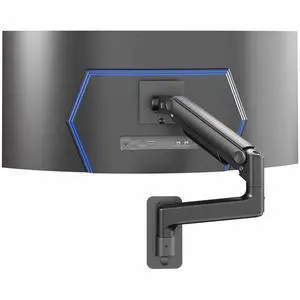
Quick View
VIVO Tension Arm Monitor Wall Mount, Fits Ultrawide Screens up to 49"
- Type: Mount
- Model #: MOUNT-V101V

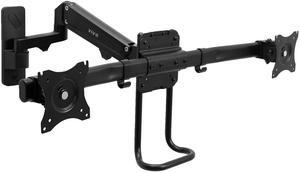
Quick View
VIVO Dual Monitor Pneumatic Wall Mount, Fits 2 Screens up to 27" or 1 up to 49"
- Type: Mount
- Model #: MOUNT-G200B2
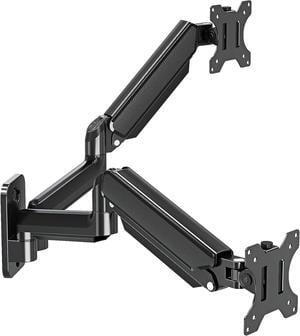
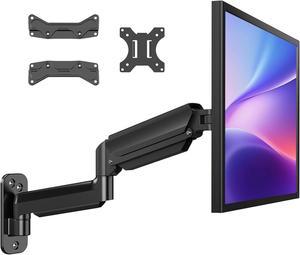
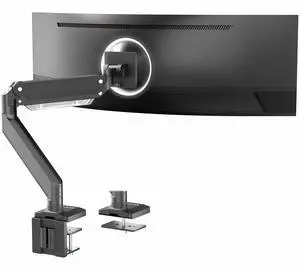
Quick View
VIVO Aluminum Single Pneumatic Monitor Desk Mount, Fits Ultrawides up to 49"
- Type: Single-Monitor Stand
- Model #: STAND-V101G1
Sponsored
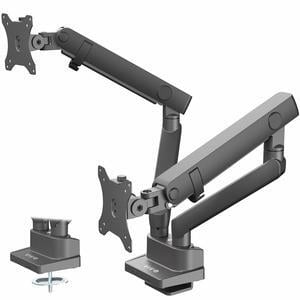
Quick View
VIVO Premium Aluminum Full Motion Dual Monitor Lift Engine Arm Desk Mount Stand
- Type: Multi-Monitor Stand
- Model #: STAND-V102BB
Sponsored
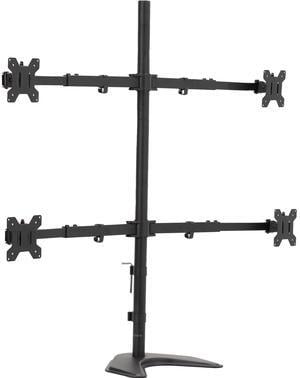
Quick View
VIVO Telescoping Quad Ultra Wide 27" to 38" Monitor Freestanding Desk Stand
- Type: Multi-Monitor Stand
- Model #: STAND-TS38B-4
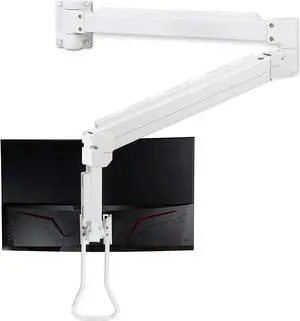
Quick View
Medical Grade 17.6 lbs Monitor Wall Mount - Mounts Ultrawide Monitor on 74" Long Extension Full Motion Height Adjustable Arm - for Healthcare and Maintenance Area
- Type: Mounting Kit
- Model #: BHA074ZXCV
- $479.99 –
- Free Shipping
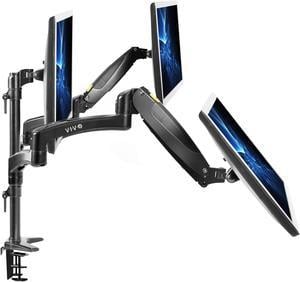
Quick View
VIVO Black Triple Monitor Mount, 2 Pneumatic Arms + 1 Fixed, 3 Screens up to 32"
- Type: Mount
- Model #: STAND-V300G
Sponsored
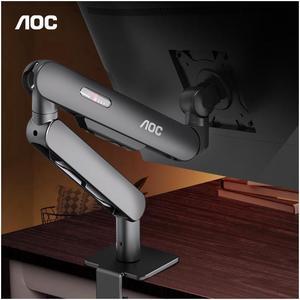
Quick View
AOC Single Monitor Mount Stand Holds up to 19.8 lbs for 17-34" LCD LED Computer Screens Bracket Adjustable 360° Rotation AM400B Black for Office Home Gaming
- Type: Stand
- Color: Black
- Features: Adjustable
- Model #: 10069
Sponsored
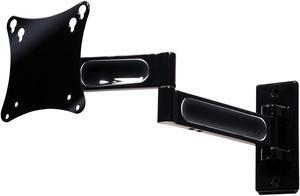
Quick View
Peerless-AV PA730 Articulating Arm For 10” to 22” LCD Screens (black)
- Type: Mounting Arm
- Specifications: It’s easy to get the best viewing position when you can effortlessly pull out the screen from the wall, position it in almost any direction, even turn it around corners and then smoothly return it to the wall when finished. Level the screen at any time, even after installation, for that picture perfect end result. Never worry about cables and cords getting in the way; cable management delivers a clean clutter-free look to any installation. Load Capacity: 25 lb Maximum Color: Black Package Contents: PA730 Universal Articulating Wall Arm; Cable management slots and cable ties
- Dimensions (H x W x D): N/AXN/AXN/AIN
- Weight: 3.46
- Model #: PA730
- $79.00 –
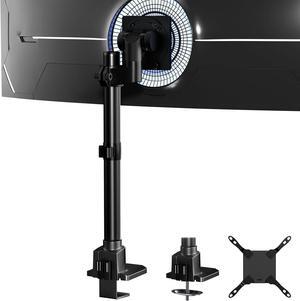
Quick View
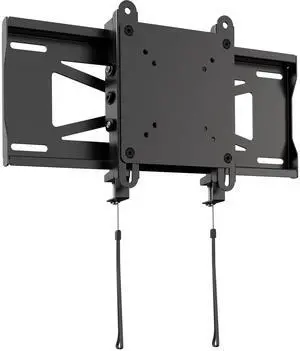
VIVO Low Profile Ultrawide Monitor Wall Mount, (MOUNT-VW49U)
- Model #: MOUNT-VW49U
Quick View
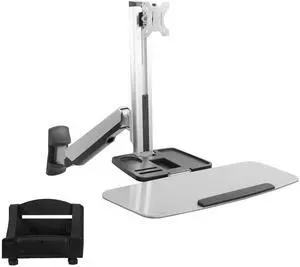
Single Monitor & Keyboard Sit-Stand Wall Mount | Standing Transition Workstation
- Type: Mount
- Model #: STAND-SIT1W
Quick View
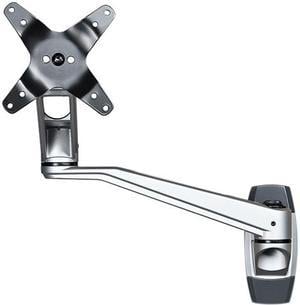
StarTech.com ARMWALLDSLP Wall Mount Monitor Dual-Swivel Arm for up to 30" Monitors
- Type: Monitor Arm
- Color: Silver
- Specifications: # of Displays Supported: 1 Articulating: No Cable Management: Yes Mounting Options: Wall-Mount VESA Hole Pattern(s): 75x75 mm / 100x100 mm Display Pan: +180° / -180° Display Rotation: 360° Display Tilt: +90° / -15° Height Adjustment: No Maximum Arm Extension: 20.5 in [520 mm] Maximum Display Size: 30in Minimum Display Size: 13" Weight Capacity (Per Display): 30.9 lb [14 kg] Swivel / Pivot: +180°/-180° at the wall 360° at the shoulder 360° at the elbow Included in Package: 1 x Wall Mount 2 x Swivel Arms 1 x Monitor Mount 4 x Thumb Screws 1 x M3 Hex Key 2 x Wall Plugs 2 x Mounting Screws 1 x User Manual
- Dimensions (H x W x D): 13.00" x 5.10" x 6.90"
- Model #: ARMWALLDSLP
- $133.07 –
- More options from $133.07 - $156.70
Quick View
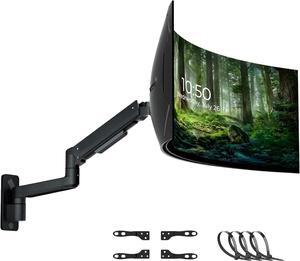
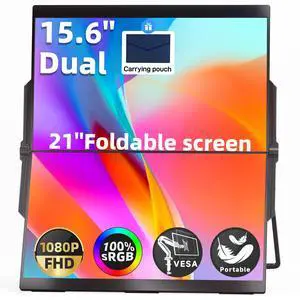
Ingnok 15.6" Dual Monitor, FHD 1080P 100% sRGB Laptop Screen Extender for Windows Mac, Foldable Design, HDMI USB C Easy Setup Work Gaming Triple Monitor
- Brand: Ingnok
- Model: YNF2B
- Part Number: YNF2B
- Type: Monitors
- Model #: YNF2B
Sponsored
Quick View
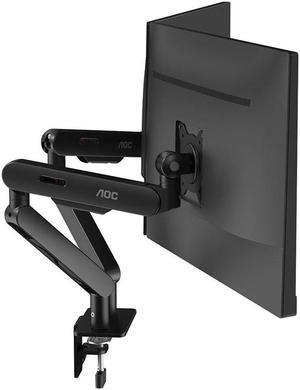
AOC Dual Monitor Arm Desk Stand Adjustable Two Monitor Freestanding Desk Stand for 17 to 34 Inch Computer Screens Holds up to 19.84 lbs AM420B Black Office Work Business
- Type: Stand
- Color: Black
- Features: Adjustable
- Model #: M10071
Sponsored
Quick View
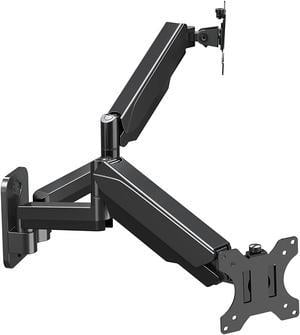
Dual Monitor Wall Mount For 13 To 32 Inch Computer Screens, Gas Spring Wall Monitor Arm For 2 Monitors, Each Holds Up To 17.6Lbs, Full Motion Wall Monitor Mount With Vesa 75X75 100X100
- Type: Mount
- Model #: 20129-8142456
- $89.99 –
- Free Shipping
Quick View
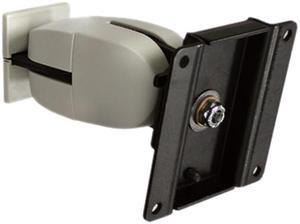
Ergotron 47-093-800 100 Series Double Pivot
- Type: Wall Mount Pivot
- Specifications: Weight Capacity: 23 lbs LCD Size: 24" Tilt: 180º Pan: 180º Rotation: 360º Monitor depth greater than 3" (7.5 cm) may diminish capacity Mounting Options: Mounts to sturdy vertical surfaces. Where applicable, attach to wood stud. To increase support, a separately-ordered Wall Plate or Wall Track accessory is recommended Mounting Standards: VESA FDMI, MIS-D, 75/100, C (hole pattern: 100 x 100 mm & 75 x 75 mm) Shipping Weight: 3 lbs (1.4 kg)
- Weight: 2.9
- Parts: 5 years limited
- Model #: 47-093-800
- $100.02 –
- More options from $21.57 - $168.79
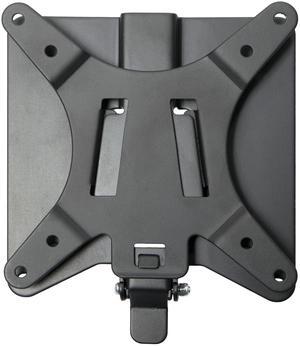
Quick View
VIVO Black Adapter VESA Bracket Kit and Wall Mount for Monitor, Stand Attachment
- Type: Bracket
- Model #: STAND-VAD2
Quick View
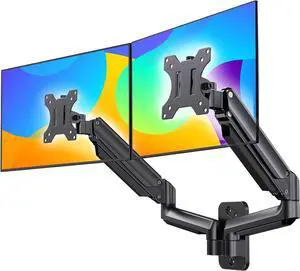
HUANUO Dual Monitor Wall Mount up to 32-inch Screens, Wall Monitor Mount with Gas Spring System, Height-Adjustable/Tilt/Swivel/Rotate, Dual Monitor Mount Holds 17.6 lbs, VESA 75 or 100mm
- Model #: SOYE416010259367WEI
- $97.48 –
- Free Shipping
Quick View
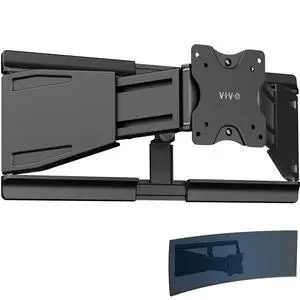
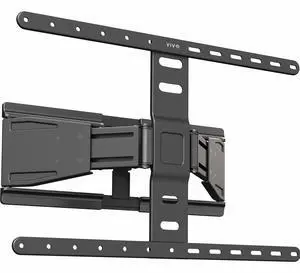
VIVO Low Profile Telescoping TV Wall Mount for up to 90" Screens
- Model #: MOUNT-TVUS90
Quick View
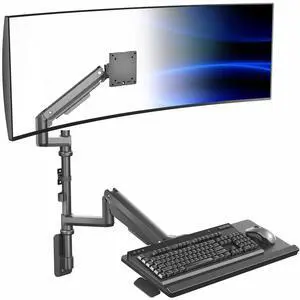
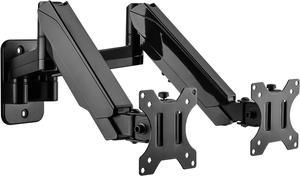
VIVO Pneumatic Ultrawide Monitor Wall Mount + Keyboard Tray, Up to 49" Screens
- Model #: MOUNT-V120KB35C
Quick View
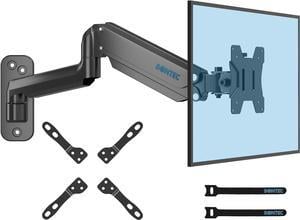
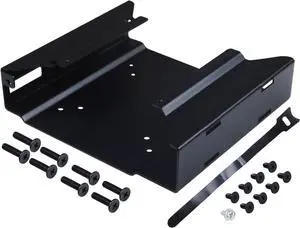
Mini PC Mount Metal Wall VESA for Micro Computer Display, Under Desk Mount Compatible for 75x75mm or 100x100mm VESA Monitor - OEM
Limited time offer, ends 01/08
- Model #: 6901788296
- $38.98 –
- More options from $37.99
- Free Shipping
Quick View
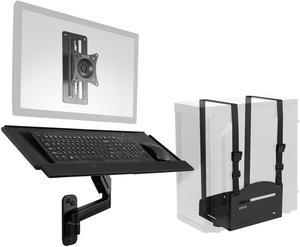
VIVO Sit-Stand Single Monitor Mount, Keyboard Tray, and PC Wall Mount Kit
- Type: Mount
- Model #: MOUNT-VWKB1P
Quick View
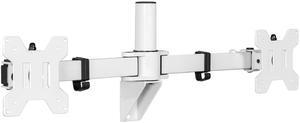
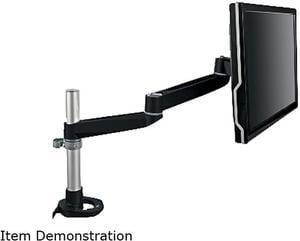
3M MA140MB Black Dual-Swivel Monitor Arm
- Type: Monitor Arm
- Specifications: Global Product Type: AV Mounts, Arms and Hardware Wall/Ceiling Mounts & Hardware: Type Clamp Mount Hardware/Grommet Mount Hardware Mounting: Desk Depth: 25 1/2" Width: 4 1/2" Arm Rotation: 360 degrees Platform Height: 27" For Monitors (Size, Weight): 30 lbs. Tilt (Degrees): Forward 15 degrees, backward 90 degrees Maximum Height : 15" Swivel: 180 degrees Color(s): Black/Gray For Use With: Flat screen monitors Compliance Standards: VESA MIS-D Compliant Pre-Consumer Recycled Content Percent: 0% Post-Consumer Recycled Content Percent: 0% Total Recycled Content Percent: 0%
- Weight: 8.05
- Model #: MA140MB
- $155.82 –
- More options from $135.35 - $191.99
- Free Shipping
Quick View
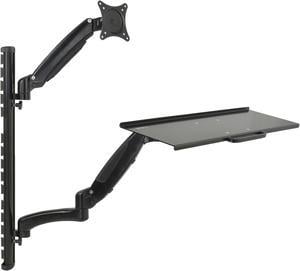
VIVO Black Sit-Stand Wall Mount Counterbalance Monitor Keyboard Workstation
- Type: Mount
- Model #: STAND-SIT1K
Quick View
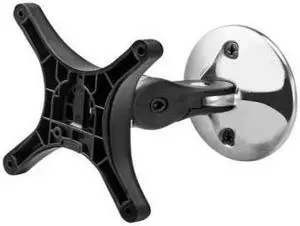
Atdec Wall Mounted Monitor Mount Pivot
- Type: Office Products
- Weight: 0.85
- Model #: AF-WD-P
- $34.95 –
- More options from $29.22 - $40.10
- Free Shipping
Quick View
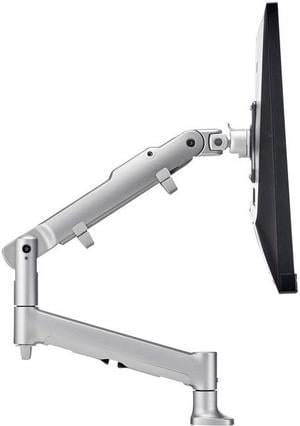
atdec AWMS-DB-F-S Desk Mount Dynamic Monitor Arm
- Type: Monitor Arm
- Color: Silver
- Specifications: Flat screen: maximum supported weight, kg: 9 kg Curved screen: maximum supported weight, kg: 6 kg VESA mounting hole pattern, mm: 75x75, 100x100 Minimum desk thickness: Desk fixing not included, choose your option Maximum desk thickness allowed (mm): Desk fixing not included, choose your option
- Model #: AWMS-DB-F-S
- $180.19 –
- More options from $113.88 - $206.36
- Free Shipping
Quick View
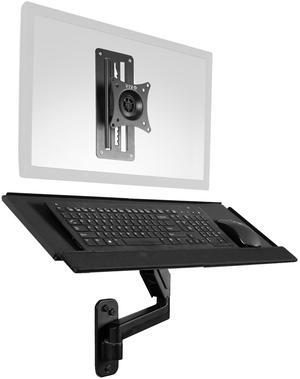
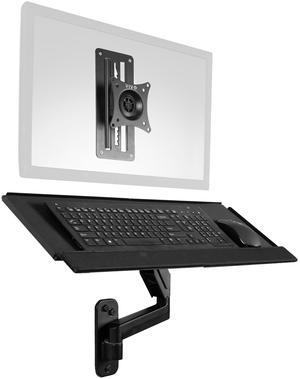
VIVO Sit-Stand Monitor and Keyboard Tray Combo Wall Mount, Height Adjustable
- Type: Mount
- Model #: MOUNT-VWKB1
Quick View
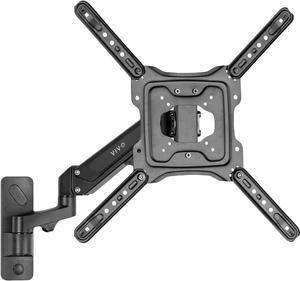
VIVO Black Premium Aluminum Single TV Wall Mount Arm for Screens up to 55"
- Type: Mount
- Model #: MOUNT-G400B
Quick View
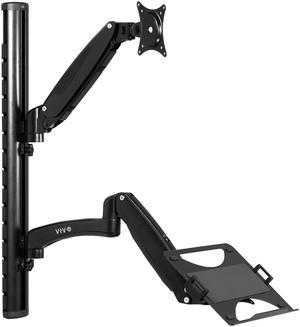
VIVO Sit Stand Adjustable Monitor Laptop Computer Workstation, Fits 27" Screens
- Type: Mount
- Model #: STAND-SIT1L
Quick View
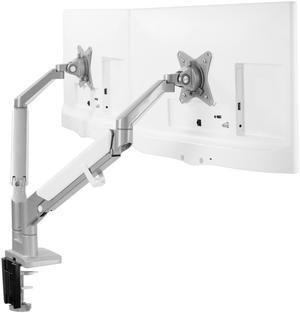
VIVO Aluminum Dual 17" to 32" Monitor Pneumatic Desk Mount Stand
- Type: Mount
- Model #: STAND-V200A

Any questions? Our AI beta will help you find out quickly.
Try me now