









|
Connection |
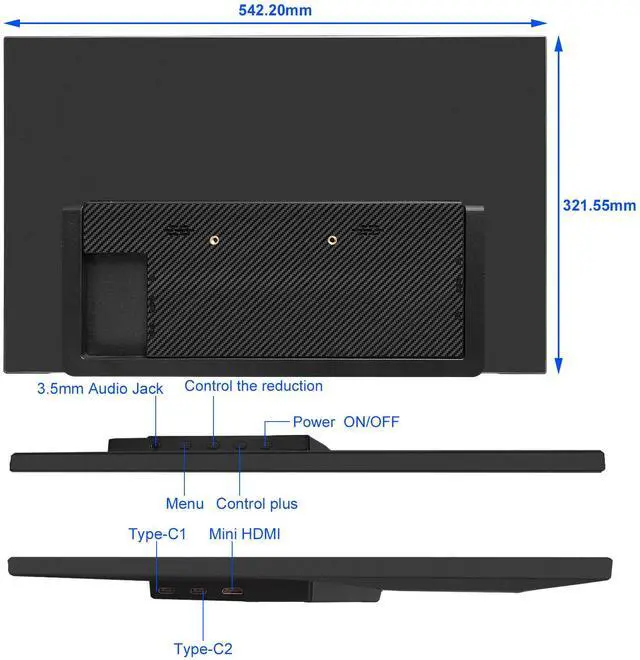
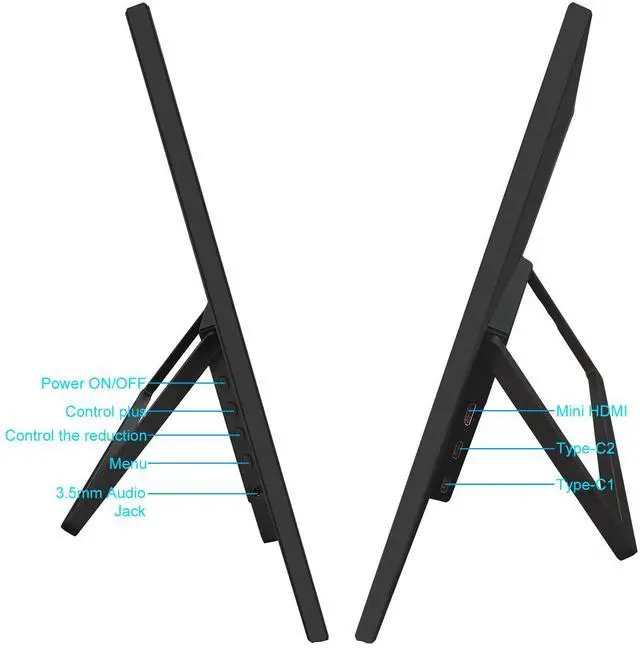
Support Type-C & HDMI |
|---|---|
|
Brightness |
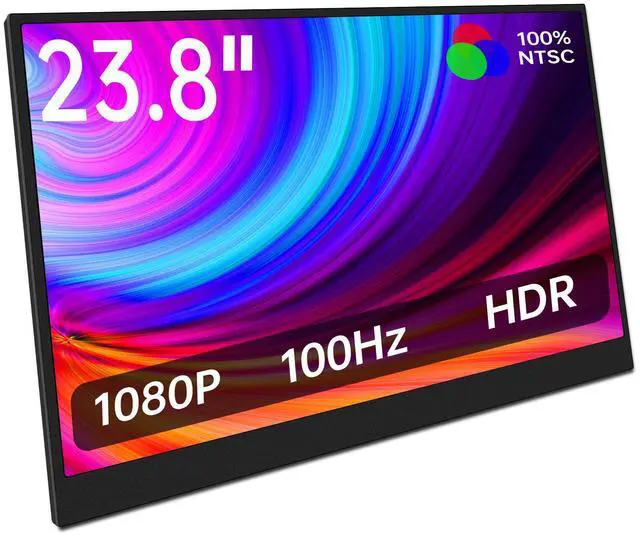
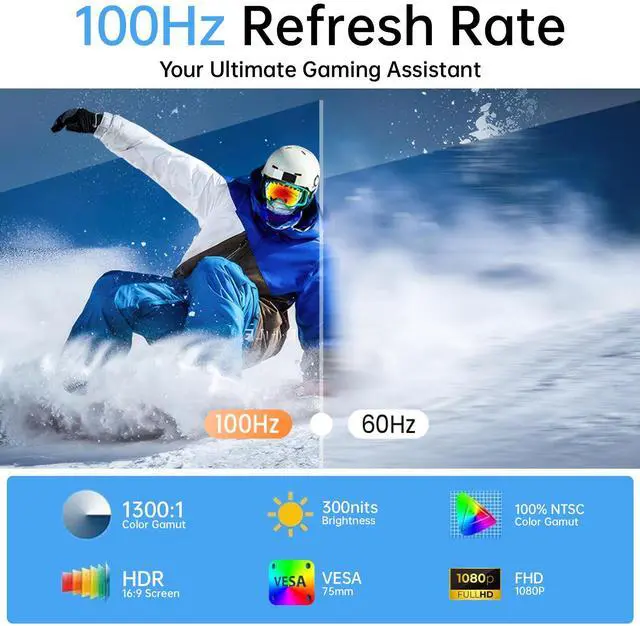
300 Nits |
|
Color Gamut |
100% sRGB |
|
Screen Size |
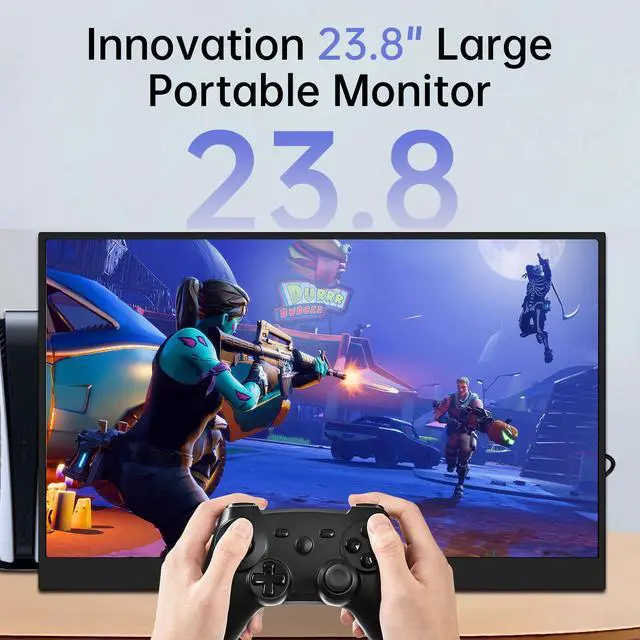
23.8 inch |
|
Connectivity |
Plug & Play |
|
Resolution |
1920 x 1080 Pixels |
|---|---|
|
Refresh Rate |
100Hz |
|
Contrast Ratio |
1000:1 |
|
Stand |
Kickstand |
|
Aspect Ratio |
16:9 |

Q: Does this display feature touch function?
A: No, this 23.8" portable monitor doesn't support touch.
Q: Can iPhone and iPad be directly connected to the display?
A: No, you need to purchase and use a lightning to hdmi adapter.
Q: My camera and monitor are used together, but there is no display. What can I do?
A: (1. Not all cameras can be directly connected to the monitor, it is determined by thecamera model (2. Please tell us your camera model and interface, we wil help you solve it within 24hours.
Q: The monitor flickers and keeps switching on and off. How to solve it?
A: This phenomenon is insuffcient power supply to the monitor. Please connect anexternal monitor power supply to solve this problem.
Q: My phone is a Google brand, but I cannot connect it directly to the display?
A: Some Google phones cannot be connected directly to the display. The mobile phoneinterface needs to support USB3.1 in order to connect directly to the display. Pleaseconfirm if your mobile phone supports it.
Q: How to solve the abnormal display of the monitor?
A: This phenomenon may be caused by interference from other devices, or it may be aproblem with your device. (1 If there is interference from other devices, you can temporarily remove it. (2 If you have other computer equipment at home, you can try to connect with anotherdevice. (3 If the situation is still the same, please tell us, we will give you the perfect solutionwithin 12 hours.
Q: Is there anyway to save the settings on this monitor?
A: When you connect this monitor to your device with one single USB C cable, "PowerSaving Mode" will be activated automatically and under this mode, all changes youmade will not be set. To save all the settings you made, please power the monitorseparately with the adapter we included. When charged with extra power, the "PowerSaving Mode" of this monitor will be closed automatically.
