



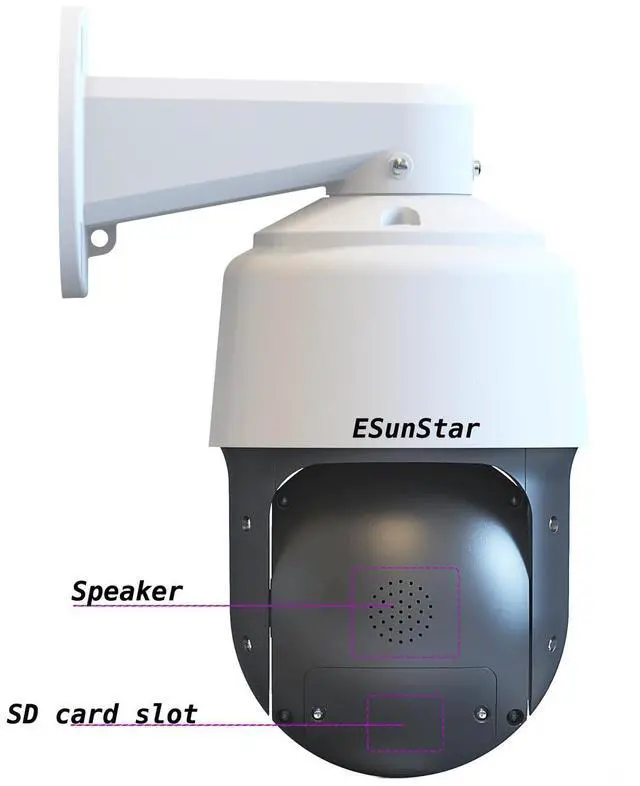
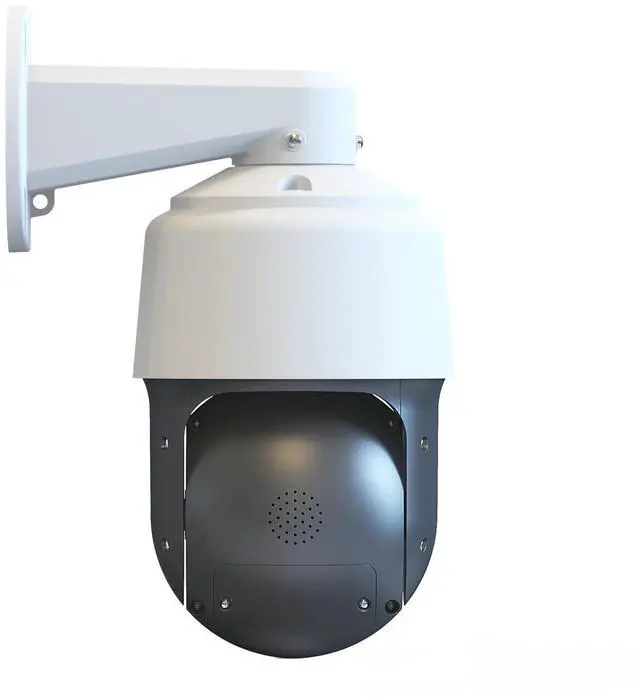


Overview;
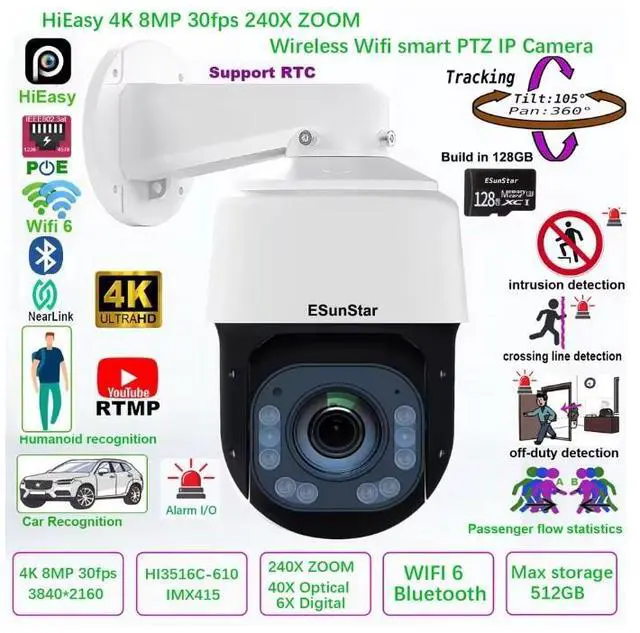
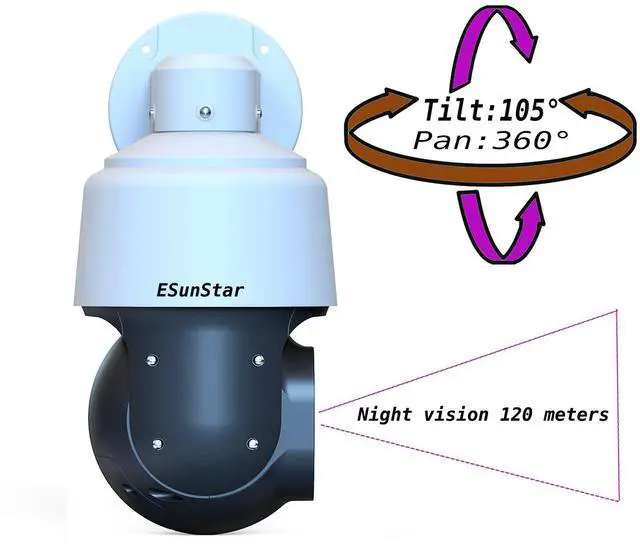
The IP Camera adopts highly integrated Hisilicon 3516CV610+IMX415 processor, Support 8MP 30 fps realtime code;extremely low power consumption and strong stability; supports H.265 compression algorithm to ensure image quality while effectively reducing network bandwidth occupation; powerful network function, support standard Support Hikvision protocol, and compatible with iVMS-4200, support RTSP, ONVIF and other protocols, support alarm picture upload FTP server, alarm picture to E-Mail, support mobile phone remote monitoring; Equipped with a 30x optical zoom lens and supporting 6x digital zoom (optional), it supports infrared night vision and color night vision modes. The infrared night vision distance is about 120 meters.
Feature:
1,Supporting languages: Chinese, English, Russian, Spanish, Portuguese, Turkish, Ukrainian, Vietnamese, Arabic, French, Korean, Polish, Indonesian, Italian, Japanese, Persian etc
2,Support wifi 6 connection,Supports WIFI AP hotspot function.
3,The highest pixel is up to 8MP, and the highest resolution is up to 5MP (3840*2160),30fps.
4,H.265 compression algorithm, effectively reducing network bandwidth, supporting dual stream, supporting mobile phone monitoring
5,Support humanoid recognition to trigger SD card recording, SD card capture, voice alarm, message push, email alarm and other functions.
6,support fog function,WDR
7,Support strong light suppression function.
8,Support humanoid recognition and humanoid alarm
9,Support multiple network protocols: TCP/IP, HTTP, TCP, ICMP, UDP, ARP, IGMP, SMTP, FTP, DHCP, DNS, DDNS, NTP, UPNP, RTSP,etc.
10,Support ONVIF protocol,Hikvision protocol
11,Support for manufacturer dynamic domain name and third-party dynamic domain name resolution
12,Support alarm picture sending E-Mail
13,Support alarm picture upload FTP server
14,Support alarm sound outputs
15,Support timing capture pictures to FTP server
16,Support static IP, also support dynamic IP (DHCP)
17,Support P2P plug and play
18,Built in web 2.0 pages, supporting non IE core browsers such as Edge, Chrome, Safari, Firefox, etc
19Supports up to 6 users to browse at the same time (3 users per stream)
20,Provide motion detection (area, sensitivity can be set) alarm function
21,Built in humanoid and vehicle shape detection functions; Expand the application scenarios of electronic fences, cross-border detection, departure detection, and passenger flow statistics
22,Supports 1-100000 electronic shutter adjustment.
23,Supports up to 4 privacy masking area settings
24,Support UPNP automatic port mapping
25,Support Micro SD card function, support up to 512GB Micro SD card
26,Support PC client to download SD card video
27,,Support mobile phone download and playback SD card recording
28,Support OTA upgrade.
29, Support clock continuous battery interface
PTZ Speed dome introduction:
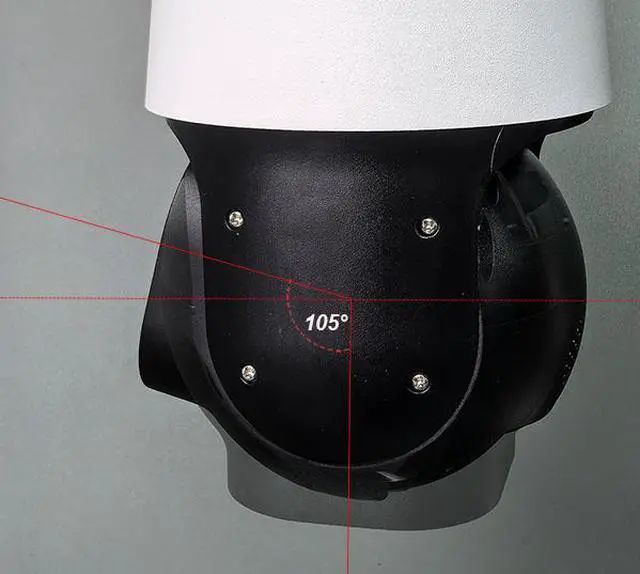
1,Supports horizontal 360 ° infinite rotationand vertical 105° reciprocating rotation.
The rotation speed can be adjusted from 1 °to 70 °/S.
2,Vertical rotation range and speed video display.
3,Support 3 sets of lighting control; Users can customize the position and mode of light switching. And it supports adjusting the brightness of the lights.
4,Support cruise tracking (users can set up to 32 different positions, and the camera will cruise in 32 different positions. Once the tracking target is found, the camera will automatically start tracking. After the tracking is completed, the camera will continue to cruise between the 32 positions)
5,Support setting the rotation speed of the camera during tracking.
6,Support the camera to turn on or off the automatic ZOOM function during tracking
7,Supports 360 ° infinite rotation scanning and adjustable scanning speed.
8,Supports cruise function, with a maximum of 32 preset settings per cruise route. And it supports cruise speed adjustment and dwell time setting (the dwell time at each position can be selected from 3-200 seconds)
9,Support area scanning function (continuous scanning at any angle range). The scanning speed can be customized
10,Support leisure mode (when the camera is not controlled). Users can have the camera perform a special function during leisure time. For example, performing functions such as cruising, scanning, tracking, etc
11,Support setting the minimum autofocus distance for the camera:
12,Support setting the camera's autofocus mode
Mobile APP name:HiEasy
1. Sound monitoring switch
2. Manual recording switch
3. Full duplex intercom
4. Real time capture
5. Preview clarity switch
6. Enter the settings menu
7. Enter the PTZ control interface
8. Enter the playback interface
9. Lighting control
10. Playback speed adjustment
11. Replay video in landscape or portrait mode
12. Video download
13. Playback date selection
14. Replay progress bar
15. Selection of Alarm Types
16. Alarm event
17. Alarm preview image.
1: Enter PTZ control interface;2: Enter preset position operation interface;
3: PTZ advanced function setting interface;
4: ZOOM+/-;
5: Pan/Tilt control;
6: Focus+/-;
7: Reset PTZ;
8: Reset lens;
9: Enable internal defogging function of camera(The camera needs to support this function);
10: Enable wiper function(The camera needs to support this function);
11: Preset position input field;
12: Set preset;
13: Call preset;
14: Delete preset position;
15: Display thumbnails of 1-9 preset positions;
16: Setting and turn on home position;
17: Turn off home position;
18: Enter the tracking control interface;
19: Set the tracking time;
20: Start tracking;
21: Stop tracking;
22: Enter the cruise control interface;
23: Set the automatic cruise time period;
24: Start cruise;
25: Stop cruise;
26: Start cruise tracking;
27: Close cruise tracking
Introduction to Using the APP Function Interface:1, APP main interface:Support manual recording,two-way voice intercom, PTZ control interface entry, manual photography, video preview clarity selection, sound switch, etc.2,PTZ control interface: Supports Pan/Tilt control and supports 8 directional controls. It also supports speed control adjustment. ZOOM/Focus control, PTZ Speed dome reset, ZOOM lens reset, turn on the built-in defogging fan for quick defogging,3,Preset Position Interface: Supports Set/Call/Del for preset positions, and supports up to 9 preset position image preview storage. Support enabling and disabling the Home location.4,Tracking interface: Supports PTZ control and tracking on/off. And it supports customized tracking function settings. You can customize the time period for tracking to be turned on or off
Smart function:
1. Support intelligent detection functions such as regional intrusion detection, cross-border detection, and motion detection.
2. Support the function of resuming transmission after disconnection to ensure that the video is not lost, and cooperate with Smart NVR to realize the secondary intelligent retrieval, analysis and concentrated playback of event video.
3. Support timing tasks, one-key to Home position
4. Supports H.265 high-efficiency compression algorithm, which can greatly save storage space.


