






Govee is a global leading smart home brand dedicated to providing personalized and fun life experiences through continuous innovations.
With the help of our smart sensors and Govee Home app, you can enjoy a healthier, safer and more convenient lifestyle.
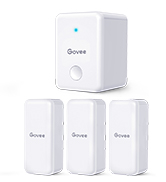
Govee Hygrometer Thermometer
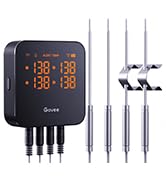
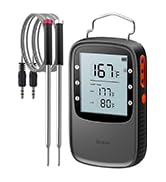
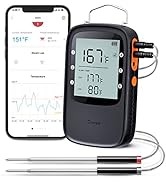
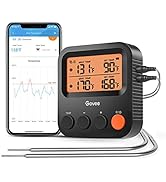
Govee Meat Thermometer
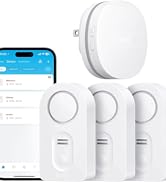
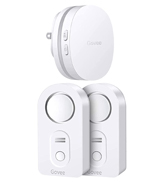
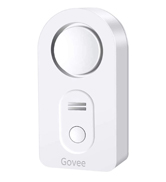
Govee Water Sensor
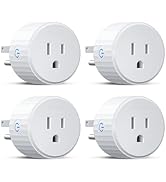
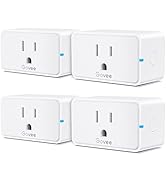
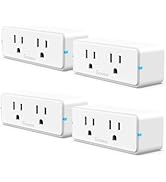
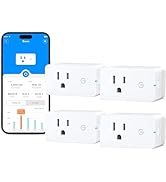
Govee Smart Plugs

Govee Wifi Temperature Humidity Monitor Wireless Temperature Sensor; Build Your Smart Home

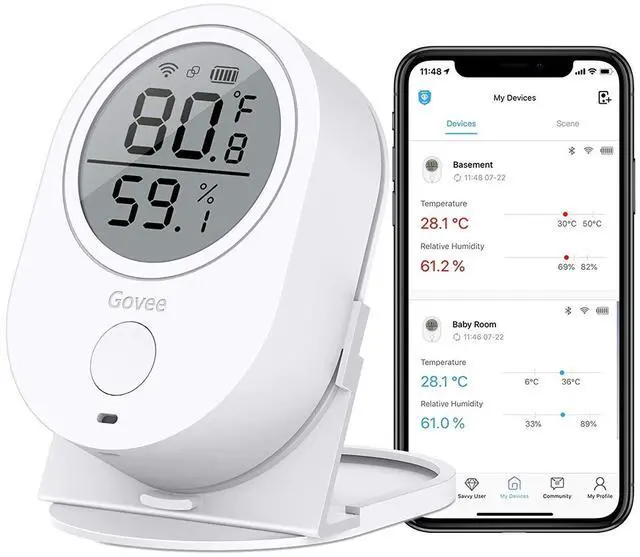
Govee Wifi Temperature Humidity Monitor Wireless Temperature Sensor, get exact temperature and humidity around your home.
- Temperature Range: -4°F - 140°F/-20°C - 60°C
- Temperature Accuracy: ±0.54?/±0.3°C
- Humidity Range: 0 - 99%
- Humidity Accuracy: ±3%
- Dimensions: 3.01 inch x 2.06 inch x 0.9 inch
- Weight: 3.21 Ounces
- Battery: 3 AAA (included)
- Monitor Sampling Interval: Every 2s
- Logging Interval: Every minute
- Upload Interval: Every 10 minutes
- On-board Data Storage: 20 days
- In-App Data Storage: 2 years
- Compatibility: iPhone, Android
Note: The humidity monitor will enter sleep mode at intervals of 10 minutes for the purpose of saving battery. At sleep mode, the monitor will still log data but won't connect WiFi to upload data, so please kindly note at sleep mode, you won't find this device at your routers. At intervals of 10 minutes, the monitor will wake up and upload all the data recording each minute to your phone; if you find the data not updated, please refresh it in 10 minutes.

Two Connection Options
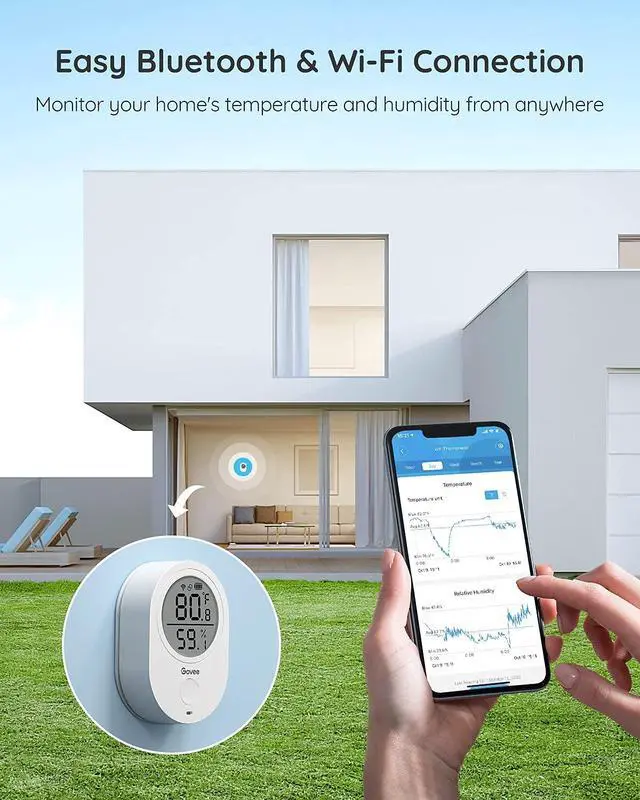
Receive real-time alerts and updates from anywhere with a stable Bluetooth or Wi-Fi connection.Bluetooth distance (no obstructions): 50ft/15m ,Note: the router needs to be within 196ft/60m of the Thermo-Hygrometer (no obstructions).

Instant App Notifications
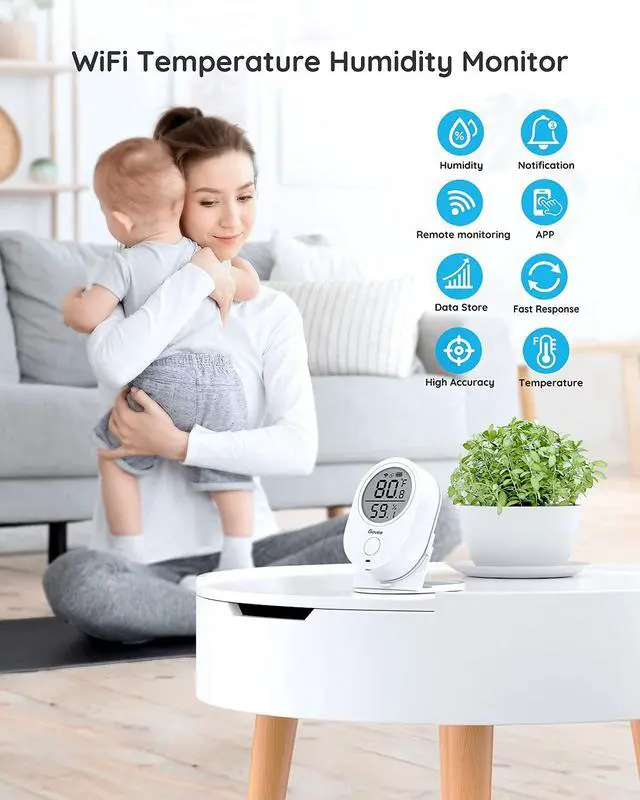
Receive rapid alerts via the Govee Home app whenever temp & humidity levels fall out of preset ranges. Ensure you have a healthy living environment for you and yours at all times.

Precise Readings
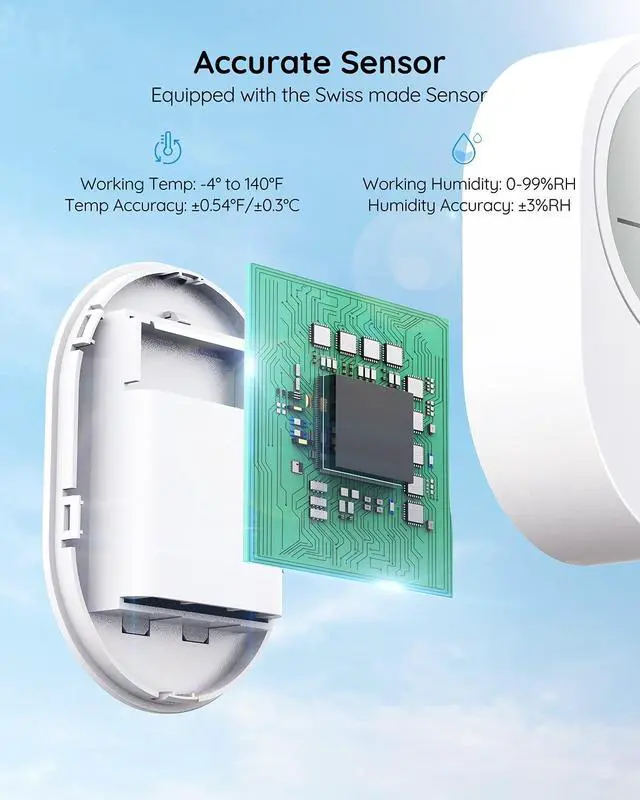
Thanks to a Swiss-made sensor, temp readings are accurate to ±0.54°F/±0.3°C and humidity is ±3%RH, ensuring you always have the most precise and up-to-date data.

Data Storage and Export
WiFi thermometer can record over 2 years data and upload to phone via WiFi. Choose different interval of data as you need. Export the last 2 years' data in CSV format.

How to Use?
- Download “Govee Home” on App Store or Google Play.
- Open the app and sign up an account with your email. You can also export the data as csv. format to this email address.
- Add a device H5051 and press the device for 3s to pair.
- Name your device.
- Choose a suitable WIFI and enter the passwords after naming; the device will be added successfully after connecting WIFI

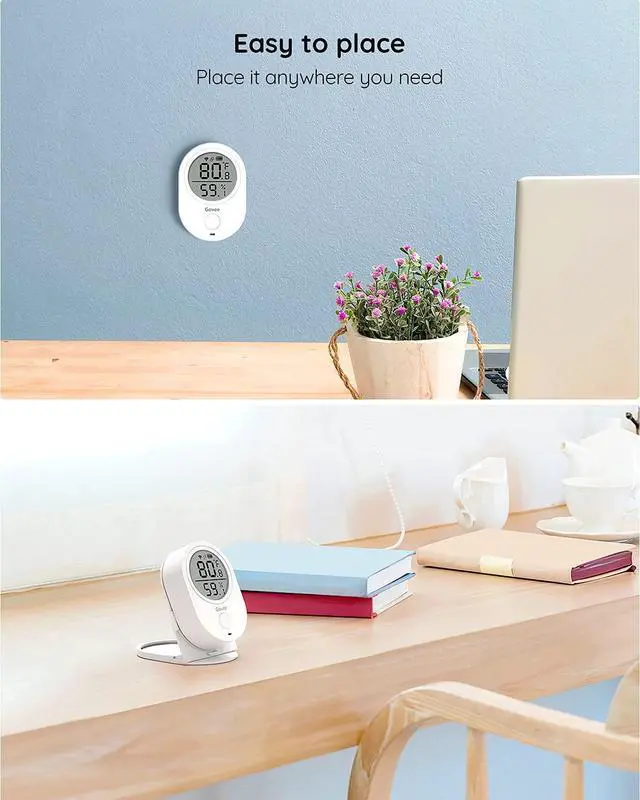
Place it Anywhere
The thermometer is easy to mount anywhere using the included back adhesive tape or tabletop stand
Smart App Control for a better experience
- Detailed use guides and easy to navigate
- Control and monitor multiple devices
- Clean UI design and graphs over time
- Temperature and humidity alert notifications
- Free data storage and export
Frequently Asked Question?
1. For the Alarm and Alert Function, the phone will receive a push message when the data exceed the setting value and the exceeded value will be alerted in red-colored words and red graph on your phone app.
2. If you cannot connect your device to your home WiFi network, it could be one of the following issues:
1) Wrong password. Make sure that you entered the correct WiFi network password and try again. (Please note capital letters and blank.)
2) Is your router compatible? If your router is a dual-band router, for the first time setup, please make sure your smartphone and the H5051 device are both connected to the same 2.4 GHz WiFi network, otherwise, you will not be able to connect the device and your smartphone. Please kindly note that the H5051 device cannot connect to a 5Ghz network(NOT SUPPORT 5G WIFI). Temporarily switch off the 5 GHz network on the router to connect the device to the 2.4Ghz network. Afterward, you can switch on the 5 GHz network again. after connection, you can remotely monitor the temperature and humidity on your smartphone APP from anywhere.
3) Check the signal strength of the WiFi. If the WIFI signal is too weak, the device cannot connect properly. Move the device closer to the router to make sure that a good WiFi signal is available.
3. Normally the battery can work for about 3 months. If you had used the device for about 3 months, the device can't connect with WIFI, please kindly try replacing the batteries to re-connect the device with WIFI.
 Govee WiFi Digital Hygrometer Thermometer H5103001 |  Govee Hygrometer Thermometer B5178001 |  Govee WiFi Thermometer Hygrometer 3 pack H5100001 |  Govee Hygrometer Thermometer 2 Pack H5101001 |  Govee Hygrometer Thermometer H5179001 |  Govee Hygrometer Thermometer H5177001 | |
|---|---|---|---|---|---|---|
| Customer Reviews | — | — | — | — | — | — |
| Price | — | — no data | — | — no data | — | — no data |
| Remote Control | WiFi & Bluetooth | Bluetooth | WiFi | Bluetooth | WiFi & Bluetooth | Bluetooth |
| Coverage Range | No Distance Limit | 196ft/60m | No Distance Limit | 262ft/80m | No Distance Limit | 196ft/60m |
| Temperature Range | 32?-122?(-0?-50?) | -4?-140?(-20?-60?) | -4?-140?(-20?-60?) | -4?-140?(-20?~60?) | -4?-140?(-20?~60?) | -4?-140?(-20?-60?) |
| Accuracy | Temperature: ±0.54?/ Humidity: ±3% RH | Temperature: ±0.54?/ Humidity: ±3% RH | Temperature: ±0.54?/ Humidity: ±3%RH | Temperature: ±0.54?/ Humidity: ±3% RH | Temperature: ±0.54?/ Humidity: ±3% RH | Temperature: ±0.54?/ Humidity: ±3% RH |
| Size | 2.86 x 1.1 x 2.89 inches | 4.69 x 3.74 x 2.05 inches | 4.45 x 2.68 x 2.44 inches | 2.04 x 2.04 x 1.55 inches | 2.83 x 2.83 x 0.94 inches | 4.8 x 4 x1.45 inches |
Govee Wifi Temperature Humidity Monitor Wireless Temperature Sensor; Build Your Smart Home
Govee Wifi Temperature Humidity Monitor Wireless Temperature Sensor, get exact temperature and humidity around your home.
- Temperature Range: -4°F - 140°F/-20°C - 60°C
- Temperature Accuracy: ±0.54?/±0.3°C
- Humidity Range: 0 - 99%
- Humidity Accuracy: ±3%
- Dimensions: 3.01 inch x 2.06 inch x 0.9 inch
- Weight: 3.21 Ounces
- Battery: 3 AAA (included)
- Monitor Sampling Interval: Every 2s
- Logging Interval: Every minute
- Upload Interval: Every 10 minutes
- On-board Data Storage: 20 days
- In-App Data Storage: 2 years
- Compatibility: iPhone, Android
Note: The humidity monitor will enter sleep mode at intervals of 10 minutes for the purpose of saving battery. At sleep mode, the monitor will still log data but won't connect WiFi to upload data, so please kindly note at sleep mode, you won't find this device at your routers. At intervals of 10 minutes, the monitor will wake up and upload all the data recording each minute to your phone; if you find the data not updated, please refresh it in 10 minutes.
Two Connection Options
Receive real-time alerts and updates from anywhere with a stable Bluetooth or Wi-Fi connection.Bluetooth distance (no obstructions): 50ft/15m ,Note: the router needs to be within 196ft/60m of the Thermo-Hygrometer (no obstructions).
Instant App Notifications
Receive rapid alerts via the Govee Home app whenever temp & humidity levels fall out of preset ranges. Ensure you have a healthy living environment for you and yours at all times.
Precise Readings
Thanks to a Swiss-made sensor, temp readings are accurate to ±0.54°F/±0.3°C and humidity is ±3%RH, ensuring you always have the most precise and up-to-date data.
Data Storage and Export
WiFi thermometer can record over 2 years data and upload to phone via WiFi. Choose different interval of data as you need. Export the last 2 years' data in CSV format.
How to Use?
- Download “Govee Home” on App Store or Google Play.
- Open the app and sign up an account with your email. You can also export the data as csv. format to this email address.
- Add a device H5051 and press the device for 3s to pair.
- Name your device.
- Choose a suitable WIFI and enter the passwords after naming; the device will be added successfully after connecting WIFI
Place it Anywhere
The thermometer is easy to mount anywhere using the included back adhesive tape or tabletop stand
Smart App Control for a better experience
- Detailed use guides and easy to navigate
- Control and monitor multiple devices
- Clean UI design and graphs over time
- Temperature and humidity alert notifications
- Free data storage and export
Frequently Asked Question?
1. For the Alarm and Alert Function, the phone will receive a push message when the data exceed the setting value and the exceeded value will be alerted in red-colored words and red graph on your phone app.
2. If you cannot connect your device to your home WiFi network, it could be one of the following issues:
1) Wrong password. Make sure that you entered the correct WiFi network password and try again. (Please note capital letters and blank.)
2) Is your router compatible? If your router is a dual-band router, for the first time setup, please make sure your smartphone and the H5051 device are both connected to the same 2.4 GHz WiFi network, otherwise, you will not be able to connect the device and your smartphone. Please kindly note that the H5051 device cannot connect to a 5Ghz network(NOT SUPPORT 5G WIFI). Temporarily switch off the 5 GHz network on the router to connect the device to the 2.4Ghz network. Afterward, you can switch on the 5 GHz network again. after connection, you can remotely monitor the temperature and humidity on your smartphone APP from anywhere.
3) Check the signal strength of the WiFi. If the WIFI signal is too weak, the device cannot connect properly. Move the device closer to the router to make sure that a good WiFi signal is available.
3. Normally the battery can work for about 3 months. If you had used the device for about 3 months, the device can't connect with WIFI, please kindly try replacing the batteries to re-connect the device with WIFI.
Govee WiFi Digital Hygrometer Thermometer H5103001 | Govee Hygrometer Thermometer B5178001 | Govee WiFi Thermometer Hygrometer 3 pack H5100001 | Govee Hygrometer Thermometer 2 Pack H5101001 | Govee Hygrometer Thermometer H5179001 | Govee Hygrometer Thermometer H5177001 | |
|---|---|---|---|---|---|---|
| Customer Reviews | — | — | — | — | — | — |
| Price | — | — no data | — | — no data | — | — no data |
| Remote Control | WiFi & Bluetooth | Bluetooth | WiFi | Bluetooth | WiFi & Bluetooth | Bluetooth |
| Coverage Range | No Distance Limit | 196ft/60m | No Distance Limit | 262ft/80m | No Distance Limit | 196ft/60m |
| Temperature Range | 32?-122?(-0?-50?) | -4?-140?(-20?-60?) | -4?-140?(-20?-60?) | -4?-140?(-20?~60?) | -4?-140?(-20?~60?) | -4?-140?(-20?-60?) |
| Accuracy | Temperature: ±0.54?/ Humidity: ±3% RH | Temperature: ±0.54?/ Humidity: ±3% RH | Temperature: ±0.54?/ Humidity: ±3%RH | Temperature: ±0.54?/ Humidity: ±3% RH | Temperature: ±0.54?/ Humidity: ±3% RH | Temperature: ±0.54?/ Humidity: ±3% RH |
| Size | 2.86 x 1.1 x 2.89 inches | 4.69 x 3.74 x 2.05 inches | 4.45 x 2.68 x 2.44 inches | 2.04 x 2.04 x 1.55 inches | 2.83 x 2.83 x 0.94 inches | 4.8 x 4 x1.45 inches |
Govee is a global leading smart home brand dedicated to providing personalized and fun life experiences through continuous innovations.
With the help of our smart sensors and Govee Home app, you can enjoy a healthier, safer and more convenient lifestyle.
Govee Hygrometer Thermometer
Govee Meat Thermometer
Govee Water Sensor
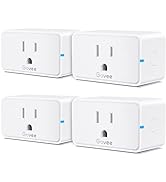
Govee Smart Plugs
