Your Browsing History

Any questions? Our AI mode will help you find out quickly.
Try me now
Quick View
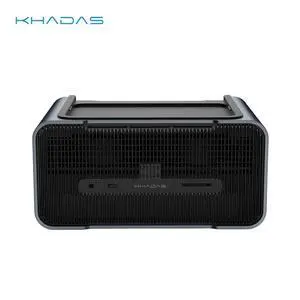
Khadas Graphics 2, External GPU, Docking Station with NV RTX 5060 Ti GDDR7 16GB, Desktop GPU with Speaker/Mic/HDMI 2.1b/Fingerprint/Thunderbolt 4/Mind Link, support 128 GT/s Transfer, 8K Display
- Brand: Khadas
- Color: Silver
- Compatibility: Khadas Mind 1/2/2s/Mind Pro
- Thunderbolt: Yes
- Model #: KG-56T-US


Quick View
WAVLINK USB C 4K Laptop Docking Station Triple Display With 100W PD3.0 Charging (65W for PC), Dual HDMI, 1 Displayport, 4xUSB-A 3.0 , Gigabit Ethernet, SD&TF Card Slot Audio Jack For Windows, Mac
Limited time offer, ends 09/27
- Compatibility: Installation Before using this dock, please make sure that the latest PC/laptop drivers are installed (including USB, graphics card etc) because the network port needs specific drivers. For Windows 10, the system detects and automatically installs them after the dock is connected to the network. If drivers cannot be automatically installed, the network port can’t perform properly. Please install them manually. For MAC OS system, you need to install the network port driver manually, please visit www.wavlink.com > Support > Driver > PC peripherals > USB Docking. 1. The dock is driver free, therefore you don’t need to install any driver before using it. 2. Plug the power adapter of the dock in a power outlet. 3. Connect the USB-C connector of the dock to your host laptop/PC, the LED light on the dock will turn blue. 4. Connect your monitor(s) to video ports of ...
- Model #: WL-UMD05
Quick View
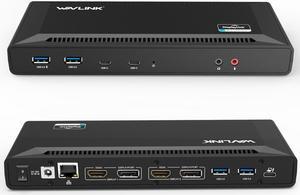
Wavlink USB C Laptop Docking Station Dual Monitor 5K/4K@60Hz with 65W Charging for New MacBook Neo, Thunderbolt 4/3, USB-C Windows, Mac, Chrome,Ubuntu 20.04,22.04(2HDMI, 2DP, 6 USB 3.0, 1Gbps Ethernet
Limited time offer, ends 09/27
- Compatibility: System Support: Windows11, 10, 8.1, 8, 7; macOS Ventura 13, Monterey 12, Big Sur 11, Catalina 10.15, Mojave 10.14; ChromeOS build R51 or later; Android 5 (Lollipop) onwards with USB OTG mode; Ubuntu 20.04, 22.04
- Ports Spec: 1x USB-C (USB3.1 Gen1) for host connection, supporting 65W Power Delivery to charging PC system 2x USB-C (USB3.1 Gen1) supporting 5V/0.9A with data transfer 5Gbps 1xUSB3.0 (Back) supporting BC1.2 fast-charging with data transfer 5Gbps 3x USB3.0 supporting 5V/0.9A with data transfer 5Gbps Separate 3.5 mm audio input and output jacks 1x RJ45 10/100/1000Mbps Ethernet...
- Model #: WL-UG69PD2-US
Quick View

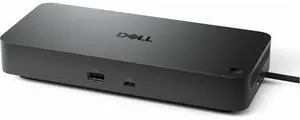
- Brand: Dell
- Series: Pro
- Part Number: WD25TB5
- Features: Dell Pro Thunderbolt 5 Dock WD25TB5. 3 Year Basic Hardware Service with Advance Exchange after remote diagnosis (Disti SnS).
- Model #: DELL-WD25TB5
- $449.00 –
- More options from $449.00 - $700.00
- Free Shipping
Quick View
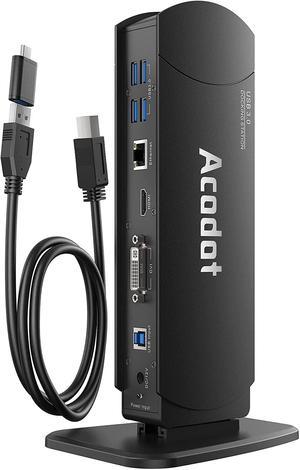
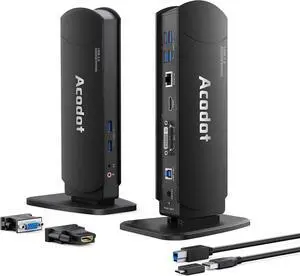
USB 3.0 Universal Docking Station, Acodot 13 in 1 Laptop Docking Station Dual Monitor for Windows and Mac, USB C Docking Station with HDMI, VGA, DVI, 6X USB 3.0, Gigabit Ethernet, Audio
- Model #: ilepo425828970524QI
- $116.98 –
- Free Shipping
Quick View
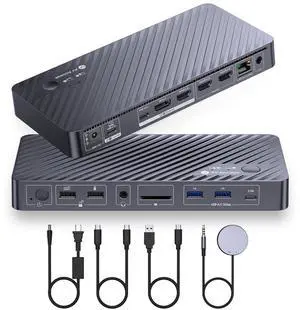
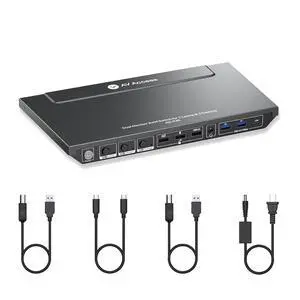
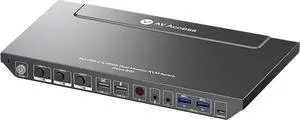
v AV Access Dual Monitor KVM Switch Docking Station 4K@60Hz Dual Monitor for Laptop & Desktop with USB C, USB 3.0, Ethernet, HDMI Output(iDock-P10)
- Brand: v AV Access
- Model: iDock P10
- Parts: 1 Year
- Labor: 1 Year
- Model #: iDock P10
Quick View
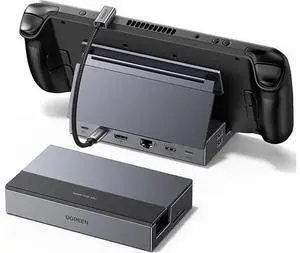
Steam Deck Dock 9-in-1 USB C Docking Station with Foldable Stand, 4K@120Hz DP, Gigabit Ethernet, PD 100W, 10Gbps USB A&C 3.2, TF/SD for Steam Deck, Rog Ally, ROG Xbox Ally, Legion Go etc.
Limited time offer, ends 09/26
- Model #: C2ZP814-XMHFA0101
- $58.99 –
- Free Shipping
Quick View
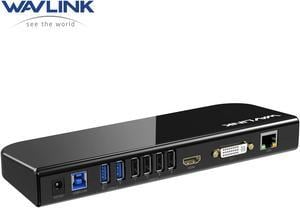
Wavlink USB 3.0 Universal Laptop Docking Station Dual Monitors with HDMI/DVI/VGA, Gigabit Ethernet, 6 USB Ports, Audio for New MacBook Neo, M1/M2/M3 Mac,Windows, MacOS, ChromeOS, Ubuntu 20.04, 22.04
Limited time offer, ends 09/27
- Part Number: 4 x USB-A 2.02 x USB-A 3.01 x USB-B1 x DC Power Input Port1 x Microphone Input Port1 x Audio Output Port1 x HDMI1 x DVI or VGA (through converter)1 x RJ45 Gigabit Ethernet
- Compatibility: Compatible with Windows11, 10, 8, 8.1, 7, MacOS 10.14-13.X and latest, Ubuntu 20.04, 22.04, ChromeOS, Android 5 (Lollipop) onwards with USB OTG mode. Plug and play driver installation via Windows Update. This universal docking station offers broad compatibility with various laptops and devices, making it an ideal choice for remote
- Ports Spec: Built-in HDMI and DVI outputs each resolution up to 1920x1200 @ 60Hz, HDMI port supports resolutions up to 2560x1440@ 50Hz with a single HDMI display only. Includes DVI to VGA and DVI to HDMI adapters are supplied for added flexibility, allowing you to extend your desktop or mirror your screen...
- Model #: WL-UG39DK1
Quick View
in 30 days
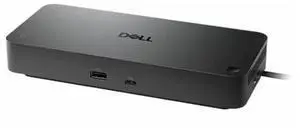
- Brand: Dell
- Series: Pro
- Part Number: WD25Z
- Features: Dell Pro Dock WD25Z. 3 Year Basic Hardware Service with Advance Exchange after remote diagnosis (Disti SnS).
- Model #: DELL-WD25Z
Quick View

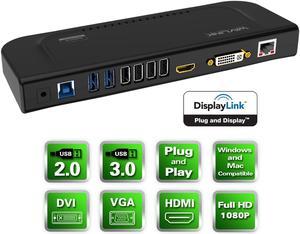
Limited time offer, ends 09/27
- Ports Spec: System requirement:Processor: 1.2GHz or faster with support SSE2. RAM: 4 GB or more recommended for 2 or more display.> Graphics processor: Intel, AMD or NVIDIA GPU supporting Microsoft DirectX 10 or later with a WDDM driver. Matrox or SiS graphics are not supported. Compatible With: Legacy Windows XP - Vista/ Vista /7 / 8.1 / 10,Mac OS X 10.8 onwards,Chrome OS R51 onwards,Ubuntu 14.10 onwards Not Compatible With: Windows XP (64-bit ) and Surface RT.
- Dimension: 4 x USB-A 2.0 2 x USB-A 3.0 1 x USB-B 1 x DC Power Input Port 1 x Microphone Input Port 1 x Audio Output Port 1 x HDMI 1 x DVI or VGA (through converter) 1 x RJ45 Gigabit Ethernet
- Parts: 1 Year
- Labor: 1 Year
- Model #: WL-UG39DK4-A
Quick View
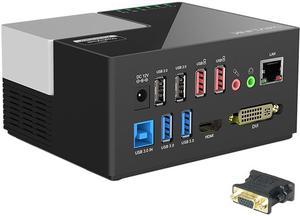
Wavlink USB 3.0/USB C Universal Laptop Dual Monitor Display Docking Station with HDMI & DVI / VGA,6 USB Ports, Gigabit Ethernet, 2 USB charging(2.4A), Audio For Windows Mac OS, Not support Charging PC
Limited time offer, ends 09/27
- Part Number: 2 x USB2.0 Ports2 x USB3.0 Ports2 x 2.4A Fast Charging Ports1 x Gigabit Etherent Port1 x DC Power Input Port1 x Mic In Port1 x Audio Out Port1 x 2K HDMI Port1 x 2K DVI Port1 x USB-B Port
- Compatibility: System Support: Windows 10, 8, 7, & legacy XP systems, Chrome OS R55, macOS 10.15.1 later. Surface RT, Mac OS/Linux/Unix are not supported. Docking station is suggested for use with web and productivity software; not recommended for gaming (see Display Link website for more details)
- Ports Spec: Dock provides Super Speed USB 3.0 (5 Gbps) link from PC to Video, Ethernet, Micro Phone In/Earphone, USB 3.0 ports 2 unit , USB 2.0 ports 2 uni and in addition of two USB charging red color ports HDMI and DVI output supports display resolutions up to 2048x1152 Wired Ethernet port
- Dimension: 2.48" x 5.12" x 4.06"
- Model #: WL-UG39DK3
Quick View
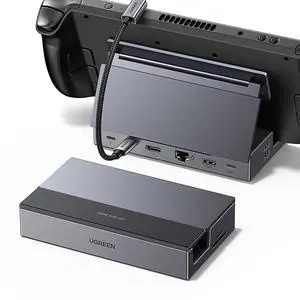
UGREEN Steam Deck Dock 9-in-1 USB C Docking Station Foldable Stand, 4K@60Hz HDMI, Gigabit Ethernet, PD 100W, 10Gbps USB A&C 3.2, TF/SD for Steam Deck, Rog Ally, ROG Xbox Ally, Legion Go
- Brand: Ugreen
- Part Number: 25869
- Color: Grey
- Ports Spec: 5
- Model #: 682036224044
- $64.29 –
- More options from $64.29 - $75.94
- Free Shipping
Quick View
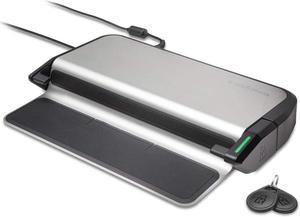
Kensington LD4650P Dual Video USB-C Docking Station with K-Fob Smart Lock - Windows (K38400NA)
- Model #: TOLJB07NQQGXZM
- $144.99 –
- Free Shipping
Quick View
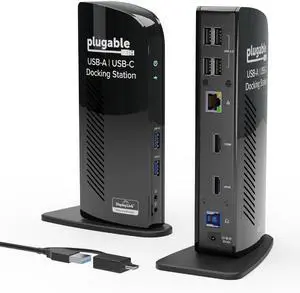
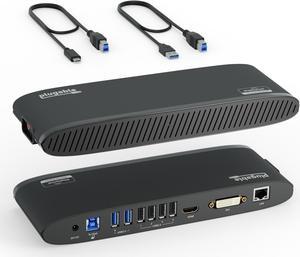
Plugable USB 3.0 Universal Laptop Docking Station for Windows and Mac (Dual Monitor: HDMI and DVI/HDMI/VGA, Gigabit Ethernet, Audio, 6 USB Ports) - Horizontal
- Compatibility: Windows 11, 10, 8.x, and 7; macOS 10.14+
- Ports Spec: 2x USB 3.0, 4x USB 2.0, 1x HDMI, 1x DVI, 1x Ethernet
- Parts: 2 Years Limited
- Labor: 2 Years Limited
- Model #: UD-3900H
Quick View
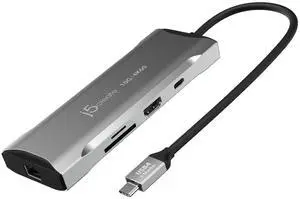
Laptop Docking Station, 9-in-1, 4K60Hz HDMI, USB-C 10Gbps, 2 USB-A 10Gbps, 100W PD with USB-C 5Gbps, Ethernet, SD 4.0 Card Reader, for MacBook, XPS, Surface Pro (JCD393)
Limited time offer, ends 09/27
- Brand: LORDWORLD
- Model #: 26-7CXY20-39
- $227.97 –
- Free Shipping
Quick View
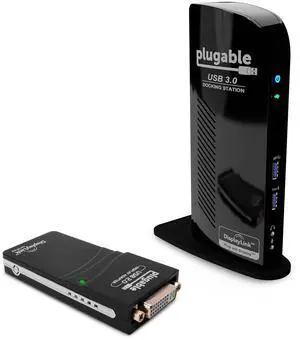
Plugable USB 3.0 Universal Laptop Docking Station Dual Monitor Bundle with USB 2.0 to DVI/VGA/HDMI Video Graphics Adapter for Windows and Mac
Limited time offer, ends 10/07
- Model #: OYS+C40E+260720+0119
- $313.75 –
- Free Shipping
Quick View
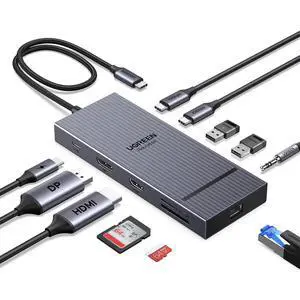
USB C Docking Station Dual Monitor, 11-in-1 Dock with HDMI and DP
Limited time offer, ends 09/27
- Model #: ZP1086NEW260902
- $108.48 –
- Free Shipping
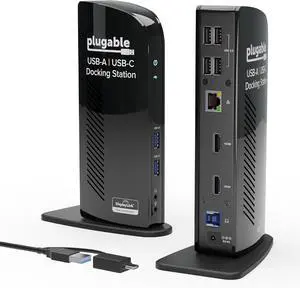
Quick View
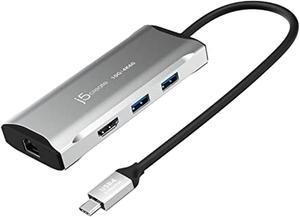
Universal Laptop Docking Station Dual HDMI Monitor for Windows and Mac (Driver Required), USB 3.0 or USB-C, 2X HDMI, Gigabit Ethernet, Audio, 6 USB Ports (UD-3900)
Limited time offer, ends 09/27
- Model #: HYH-20260729-C7CC-24
- $298.38 –
- Free Shipping
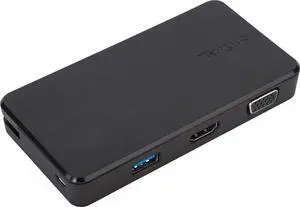
Quick View
Targus VersaLink Universal Travel Laptop Dock with VGA/HDMI Connectivity & 2 USB 3.0 Ports for PC, Mac, & Android (DOCK110USZ)
- Model #: TOLJB014N4DMI0
- $180.99 –
- Free Shipping
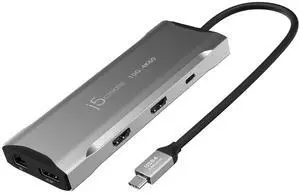
Quick View
USB C 4K Triple Display Hub - 4K HDMI x2, 4K DP, 2 USB-A and USB-C 10Gbps, PD 100W, Ethernet, SD 4.0 Card Reader | for XPS, Surface Pro (JCD397)
Limited time offer, ends 09/27
- Brand: LORDWORLD
- Model #: 26-7CXY20-51
- $270.75 –
- Free Shipping
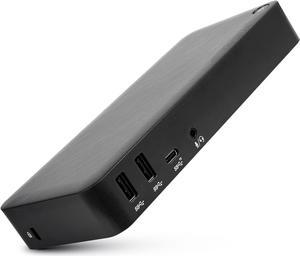
Quick View
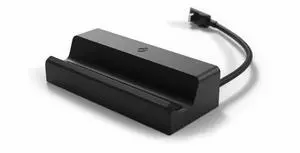
Valve Steam Deck Docking Station (Black) - International Version
- Model #: 9391048827317
- $417.99 –
- $5.00 Shipping
Quick View
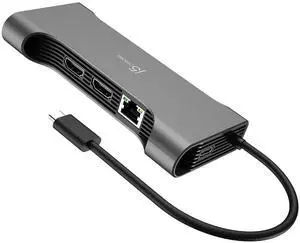
12 in 1 Flexible Ports USB-C Hub, MST Dual 4K60Hz/1080p144Hz HDMI, 3 x USB-A, 3 x 5Gbps USB-C, SD/microSD, Gigabit Ethernet, for Windows Laptop (JCD367)
Limited time offer, ends 09/27
- Brand: LORDWORLD
- Model #: 26-7CXY20-37
- $256.47 –
- Free Shipping
Quick View
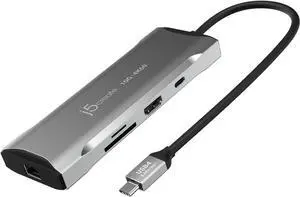
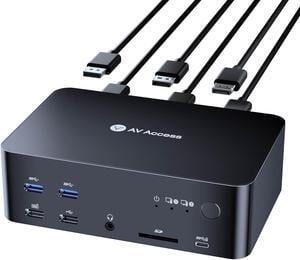
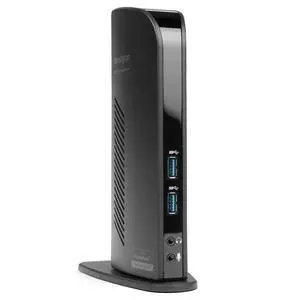
USB 3.0 Dual Display Docking Station for MacBooks, Windows and Surface (K33972US) | For MacBooks, Windows, and Surface, dual monitor support, reliable USB 3.0 connection
Limited time offer, ends 10/05
- Model #: 792860351742
- $147.99
- See price in cart
- Free Shipping
Quick View
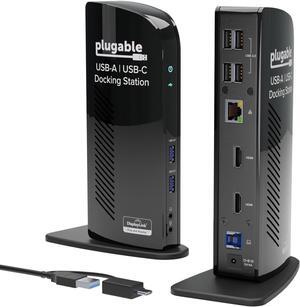
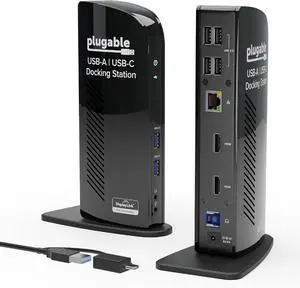
Plugable Universal Laptop Docking Station Dual HDMI Monitor for Windows and Mac (Driver Required), USB 3.0 or USB-C, 2X HDMI, Gigabit Ethernet, Audio, 6 USB Ports (UD-3900)
- Model #: ilepo396239563257QI
- $194.90 –
- Free Shipping
Quick View
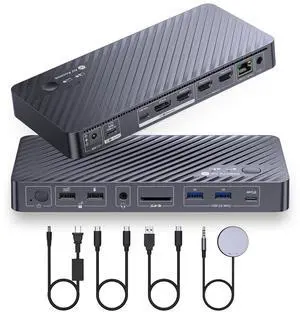
Kensington LD4650P Dual Video USB-C Docking Station with K-Fob Smart Lock - Windows (K38400NA)
- Model #: EQWER249649110767
- $194.49 –
- Free Shipping