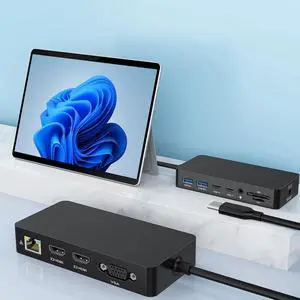
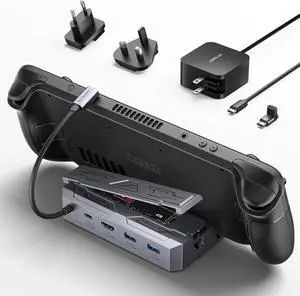
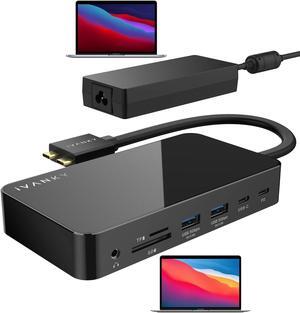
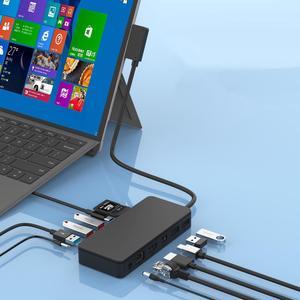
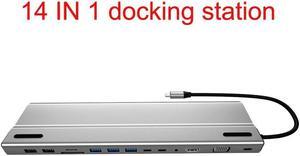
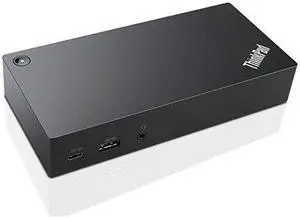
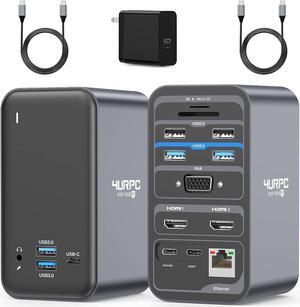
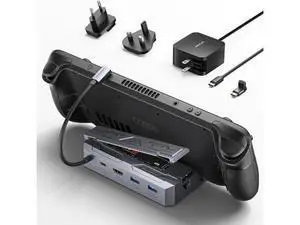
Compatibility: Installation Before using this dock, please make sure that the latest PC/laptop drivers are installed (including USB, graphics card etc) because the network port needs specific drivers. For Windows 10, the system detects and automatically installs them after the dock is connected to the network. If drivers cannot be automatically installed, the network port can’t perform properly. Please install them manually. For MAC OS system, you need to install the network port driver manually, please visit www.wavlink.com > Support > Driver > PC peripherals > USB Docking. 1. The dock is driver free, therefore you don’t need to install any driver before using it. 2. Plug the power adapter of the dock in a power outlet. 3. Connect the USB-C connector of the dock to your host laptop/PC, the LED light on the dock will turn blue. 4. Connect your monitor(s) to video ports of ...
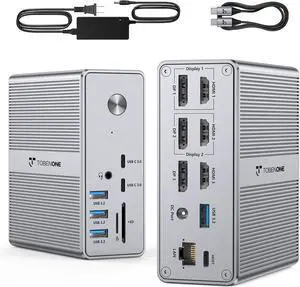
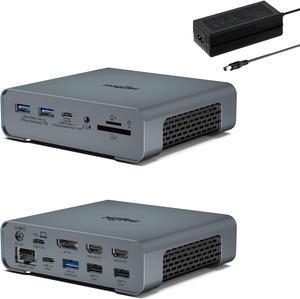
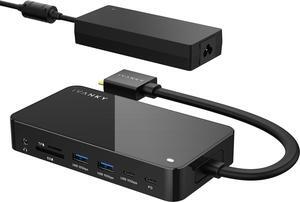
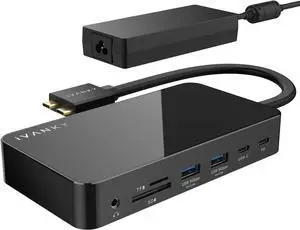
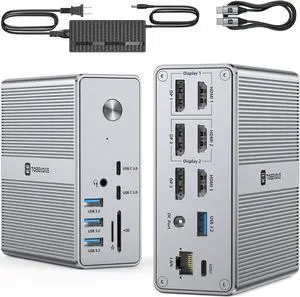
Part Number: 2xDisplayPort++(1.4) &2xHDMI(2.0) ports, 2.5G Ethernet port, USB C 3.2(10Gbps+PD30W), 2xUSB C 3.2(10Gbps), 3xUSB A 3.2(10Gbps), SD4.0 slot(312MB/s), DC in, 100W PD charging port, 3.5mm Audio & Mic jack.
Compatibility: -Windows 11/10
-Mac OS 11.x-13.x or later
-Chrome OS
-Ubuntu
Ports Spec: 2xDisplayPort++(1.4) &2xHDMI(2.0) ports, 2.5G Ethernet port, USB C 3.2(10Gbps+PD30W), 2xUSB C 3.2(10Gbps), 3xUSB A 3.2(10Gbps), SD4.0 slot(312MB/s), DC in, 100W PD charging port, 3.5mm Audio & Mic jack. Driver required for this product, pls go to the displaylink website to download the driver....
Compatibility: OS Required: Microsoft Windows7, Microsoft Windows8; 8.1, 10, Ubuntu 14.04 SP1 (PRTS), RedHat Enterprise Linux v7.2(PRTS)
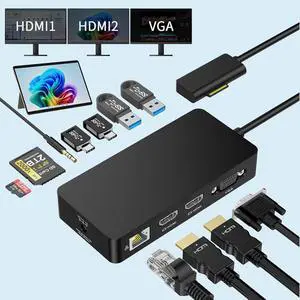
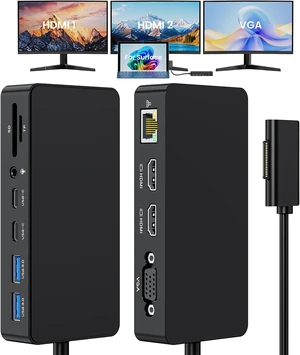
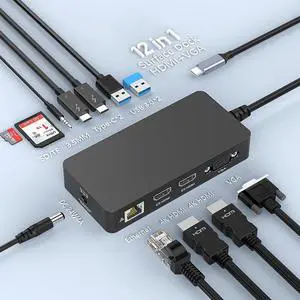
Ports Spec: 2 x USB 2.0 - 4 pin USB Type A 3 x SuperSpeed USB 3.0 - 9 pin USB Type A 1 x display / video - HDMI - 19 pin HDMI Type A 1 x display / video - mini DisplayPort 1 x network - Ethernet 1000 - RJ- 45 1 x headset / headphones / microphone - output - mini-phone 3.5 mm 1 x audio - output - mini-phone 3.5 mm 1 x video - VGA - 15 pin D-Sub (DB-15)
Compatibility: OS Compatibility: OS Independent; No additional drivers or software required
Note: The USB Type-C ports are data only.
USB 3.0 is also known as USB 3.1 Gen 1; this connectivity standard offers speeds up to 5Gbps.
The hub does not support DP Alt Mode or USB Power Delivery.
System and Cable Requirements: Available USB Type-C port - USB 3.0 (5Gbps)
Ports Spec: 4 x USB Type-A (9 pin) USB 3.0 Female
2 x USB Type-C (24 pin) USB 3.0 Female
1 x USB 3.0 A (Fast-Charge, 9 pin, SuperSpeed) Female
1 x USB Type-B (9 pin) USB 3.0 Male
Compatibility: OS Compatibility: Windows 7, 8, 8.1, 10
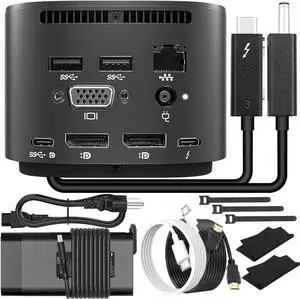
Ports Spec: 1 x USB Type-C (24 pin) USB 3.0 Male
1 x USB-C (24 pin) USB Power Delivery only Female
2 x 20 pin DisplayPort Female
1 x RJ-45 Female
1 x USB Type-A (9 pin) USB 3.0 Female
1 x USB Type-A (4 pin) USB 2.0 Female
Compatibility: Windows 10
macOS Big Sur (11.0)
macOS Catalina (10.15)
macOS Mojave (10.14)
macOS High Sierra (10.13)
Ubuntu 18.04, 20.04
iPadOS
Android 9.0
Ports Spec: 1 - External Ports: Barrel Power Connector (Size M, OD:5.50, ID: 2.10)
2 - External Ports: USB Type-A (4 pin) USB 2.0
1 - Host Connectors: USB Type-C (24 pin) USB 3.0 (5Gbps)
1 - External Ports:
USB 3.1 USB Type-A (9 pin, Gen 1, 5 Gbps)
HDMI
RJ-45