




Take Care of Your Cervical Health
Ergonomic design, so you can play games for a long time without feeling neck discomfort

Provide thermal protection for your Steam deck.
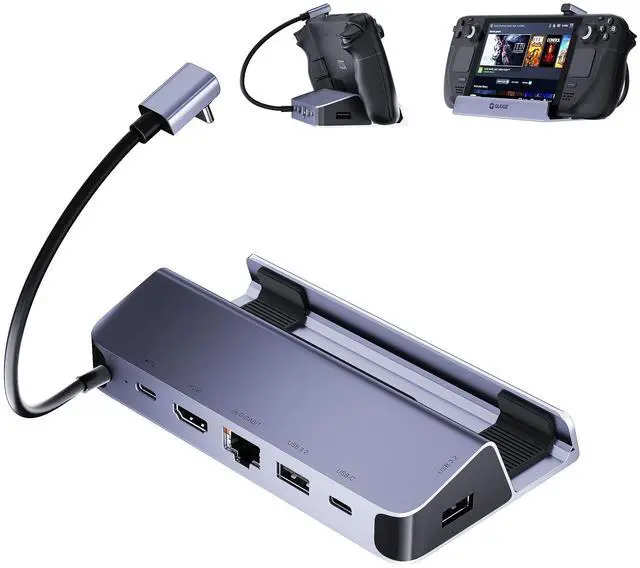
Steam deck tends to get too hot when running large games. This QUUGE Steam dockc is made of aluminum alloy, which can effectively complete the heat transfer, and the design space is left for the heat sink.


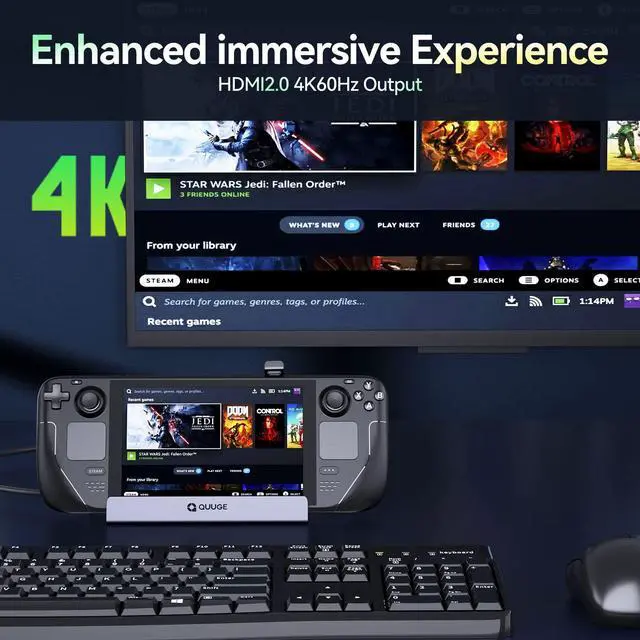
How to ensure the output of 4K@60Hz?
Please use HDMI to HDMI 2.0/2.1 Cable shorter than 15 feet in length and use as few cable adapters as possible. Then manually debug into desktop mode and set 4K@60Hz output. You also need to set it in-game if necessary.
Why do external devices such as mouse and keyboard not work well when docking?
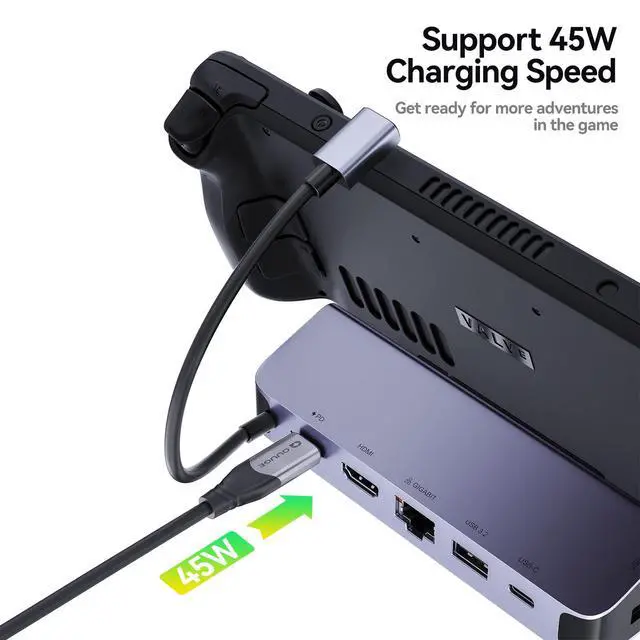
Please use 65W or more or the charging adapter that comes standard with your Steam deck to ensure your Steam deck has sufficient power supply.
Why does the Ethernet not work?
After the SteamOS is upgraded, you need to manually enter the desktop mode and connect the wired network. Turn off Wi-Fi, or set the wired connection priority.
Why does the TV not recognize my sound barrier and deactivate the CEC device?
In the Steam settings, click Audio, there is output, and click "External Devices", and the audio can be transmitted to the TV.
Comparison of 3 QUUGE Steam Deck Docks
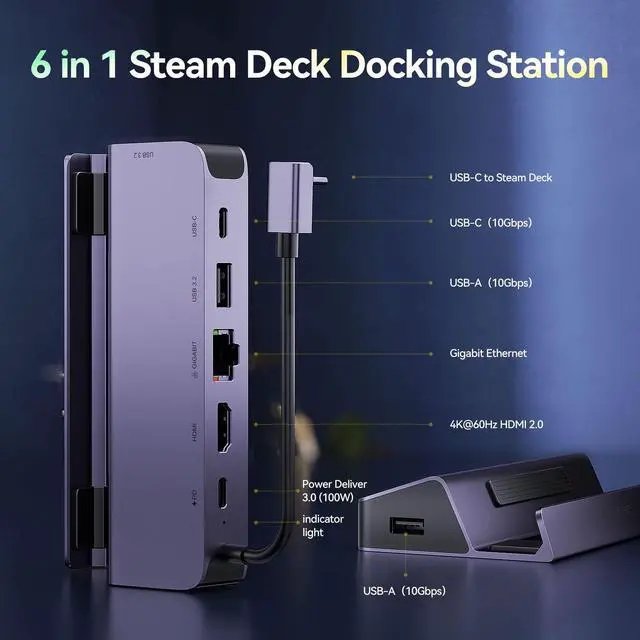
 6 in 1 STEAM DECK DOCK (Gen 2) |  6 in 1 STEAM DECK DOCK (Gen 1) |  7 in 1 STEAM DECK DOCK (Gen 3) |
|---|---|---|
HDMI Output 4K60Hz | HDMI Output 4K60Hz | HDMI Output 4K60Hz |
DisplayPort Output None | DisplayPort Output None | DisplayPort Output 4K60Hz |
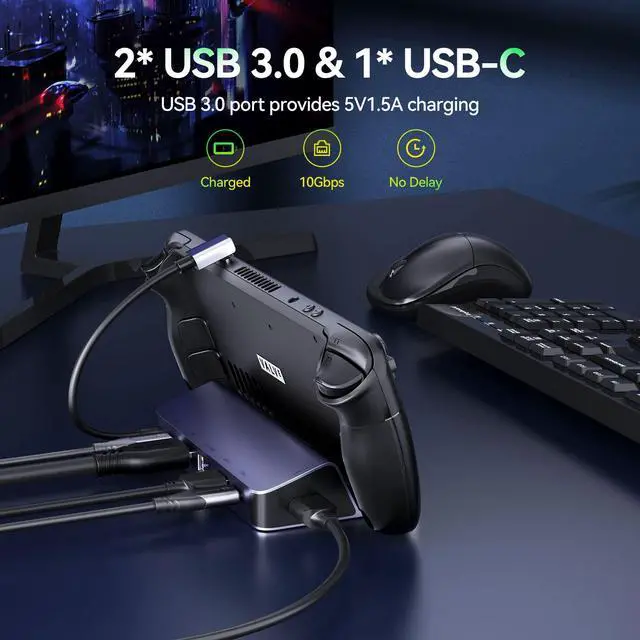
USB Port 2*USB-A & 1*USB-C 5Gbps (Support charging) | USB Port 3*USB-A 5Gbps (Support charging) | USB Port 2*USB-A & 1*USB-C 5Gbps (Support charging) |
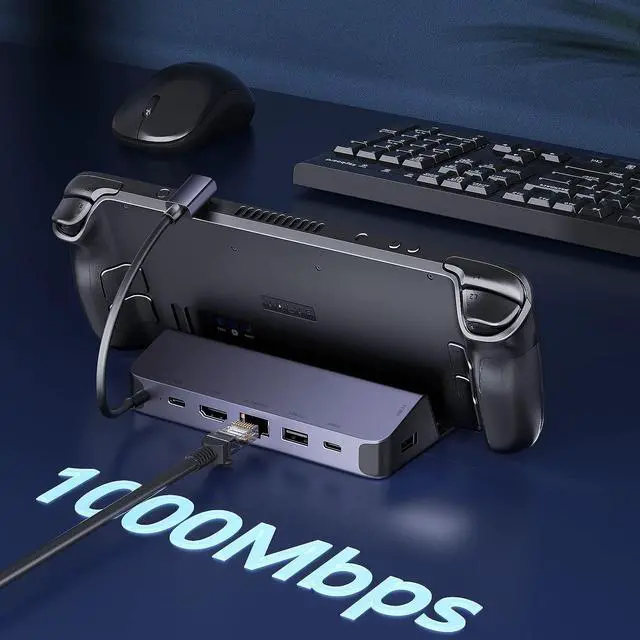
LAN Port 1000Mbps | LAN Port 1000Mbps | LAN Port 1000Mbps |
Max Charging Output 100W | Max Charging Output 100W | Max Charging Output 100W |


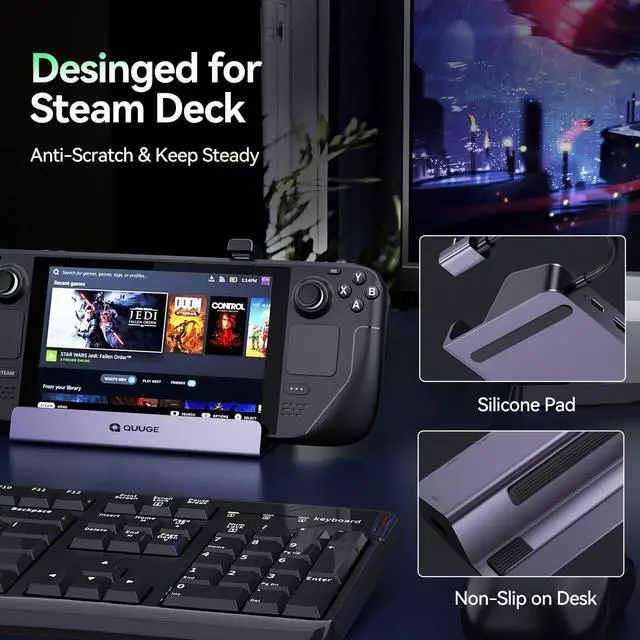
Anti-slip silicone pad design Adapt to any desktop environment without sliding around.


Take Care of Your Cervical Health
Ergonomic design, so you can play games for a long time without feeling neck discomfort
Provide thermal protection for your Steam deck.
Steam deck tends to get too hot when running large games. This QUUGE Steam dockc is made of aluminum alloy, which can effectively complete the heat transfer, and the design space is left for the heat sink.


How to ensure the output of 4K@60Hz?
Please use HDMI to HDMI 2.0/2.1 Cable shorter than 15 feet in length and use as few cable adapters as possible. Then manually debug into desktop mode and set 4K@60Hz output. You also need to set it in-game if necessary.
Why do external devices such as mouse and keyboard not work well when docking?
Please use 65W or more or the charging adapter that comes standard with your Steam deck to ensure your Steam deck has sufficient power supply.
Why does the Ethernet not work?
After the SteamOS is upgraded, you need to manually enter the desktop mode and connect the wired network. Turn off Wi-Fi, or set the wired connection priority.
Why does the TV not recognize my sound barrier and deactivate the CEC device?
In the Steam settings, click Audio, there is output, and click "External Devices", and the audio can be transmitted to the TV.

