Your Browsing History

Any questions? Our AI beta will help you find out quickly.
Try me now
Quick View
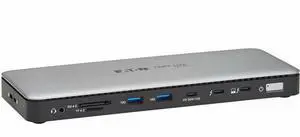
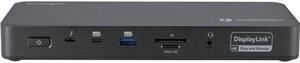
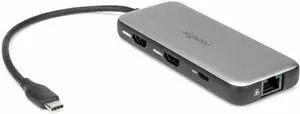
Tripp Lite series MTB4-DOCK01A Docking Station - for Desktop PC, Notebook, Monitor, TV, Projector, Keyboard, Flash Drive, Mouse, Hard Drive, Webcam, Printer, ... - Charging Capability - Memory Card Re
- Parts: 1 Year
- Model #: MTB4-DOCK01A
- $286.99 –
- More options from $286.99 - $310.61
- Free Shipping
Quick View
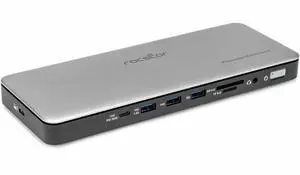
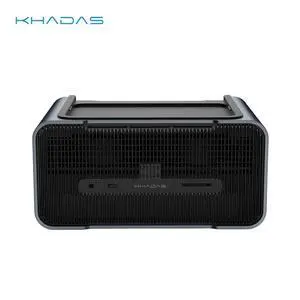
Khadas Graphics 2, External GPU, Docking Station with NV RTX 5060 Ti GDDR7 16GB, Desktop GPU with Speaker/Mic/HDMI 2.1b/Fingerprint/Thunderbolt 4/Mind Link, support 128 GT/s Transfer, 8K Display
Release Date: 02/05/2026
- Brand: Khadas
- Color: Silver
- Compatibility: Khadas Mind 1/2/2s/Mind Pro
- Thunderbolt 3: Yes
- Model #: KG-56T-US

Quick View
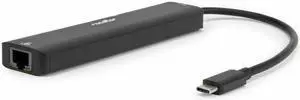
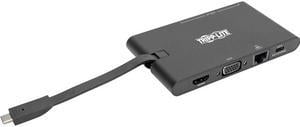
Tripp Lite USB C Docking Station HDMI VGA GbE PD Charging USB Hub 4K Black (U442-DOCK3-B)
- Thunderbolt 3: Yes
- Ports Spec: 1 x HDMI / 1 x Micro SD Card Reader / 1 x RJ-45 / 1 x SD Card Reader / 1 x USB Type-C / 1 x VGA / 2 x USB 3.2 Gen 1
- Dimension: 4.80" x 2.80" x 0.55"
- Weight: 0.20 lb.
- Model #: U442-DOCK3-B
- $52.93 –
- More options from $52.40 - $127.99
- Free Shipping

Quick View
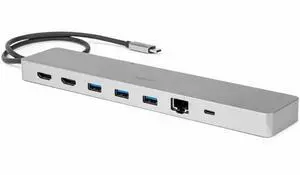
WAVLINK USB C 4K Laptop Docking Station Triple Display With 100W PD3.0 Charging (65W for PC), Dual HDMI, 1 Displayport, 4xUSB-A 3.0 , Gigabit Ethernet, SD&TF Card Slot Audio Jack For Windows, Mac

Limited time offer, ends 02/08
- Compatibility: Installation Before using this dock, please make sure that the latest PC/laptop drivers are installed (including USB, graphics card etc) because the network port needs specific drivers. For Windows 10, the system detects and automatically installs them after the dock is connected to the network. If drivers cannot be automatically installed, the network port can’t perform properly. Please install them manually. For MAC OS system, you need to install the network port driver manually, please visit www.wavlink.com > Support > Driver > PC peripherals > USB Docking. 1. The dock is driver free, therefore you don’t need to install any driver before using it. 2. Plug the power adapter of the dock in a power outlet. 3. Connect the USB-C connector of the dock to your host laptop/PC, the LED light on the dock will turn blue. 4. Connect your monitor(s) to video ports of ...
- Model #: WL-UMD05

Quick View
for Steam Deck Docking Station 10 in 1 for Rog Ally Dock with , Gigabit Ethernet (1000Mbps), Storage Card, Memory Card, 2xUSB3.1 Gen1 (5Gbps), 3xUSB2.0,PD Charging 100W
- Model #: SBTAAOESQJS033080
- $100.60
- $100.56 –
- More options from $100.08
- Free Shipping
Quick View
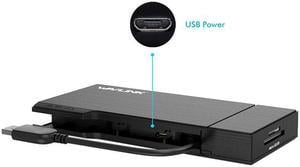
Wavlink Universial USB 3.0 Mini Docking Dual Monitor HDMI+VGA with Gigabit Ethernet,USB 3.0, Removable SD/TF Card Reader, HDMI up to 2560x1440, VGA 1920x1200, For Apple M1, Intel Macs,Dell XPS 13/15
Limited time offer, ends 02/08
- Part Number: Input: 1 x USB 3.0 Cable1 x HDMI1 x VGA2 x USB 3.01 x RJ45 Gigabit EthernetCombo: 1 x SD Card Reader,1 x Micro SD Card Reader
- Compatibility: System Support: Windows 11, 10, 7, 8.1, Mac OS 10.14 or higher, Chrome OS, Android 7.1 and above, Android devices only support mirroring mode with resolutions up to 1080P. Att: iOS, Linux, Unix are not supported. It's worth noting that siliconmotion driver installation is required. You can connect multiple USB
- Ports Spec: Upstream USB3.0 foldable extension cable designed for Mini Dock handy travelling Built in HDMI port maximum resolution up to 2560x1600 and VGA port reach at 1080p Two USB-A ports extended USB3.0 (5Gbps) data transferring, and USB2.0 compliance Gigabit Ethernet with devices wake up function Combo built in USB3.0 SD and TF / Micro SD...
- Model #: WL-UG39DH2

Quick View
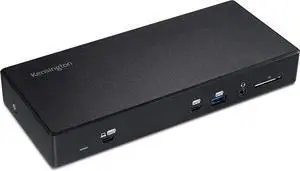
VisionTek VT4000 Universal DUAL 4K USB Laptop Docking Station Mac & Windows
- Compatibility: System Requirements: Intel Core i7 reccomended 4GB Memory USB 3.0/3.1 port (Type A or C) Supported Operating Systems: Windows 10 Windows 8.1 Windows 7 OS X
- Ports Spec: Supports 2 x Displays via HDMI or DisplayPort 6 x USB 3.0 Ports 2 Chanel Headphone Jack Audio Line In (Microphone) Gigabit Ethernet - RJ 45 (10/100/1000) Built In USB 3.0 GPU, plug and play certified by DisplayLink
- Weight: 1.95
- Features: Supports dual displays with resolutions up to 4096 x 2160 @ 60 Hz (4K). Ideal for graphic and web designers, animators, CAD engineers, and professionals who work with highly detailed graphics. The ability to scale your desktop across multiple displays makes this dock perfect for government, finance, medical imagery, marketing and sales
- Model #: 901005
- $199.99 –
- More options from $141.49 - $366.99
- Free Shipping
Quick View
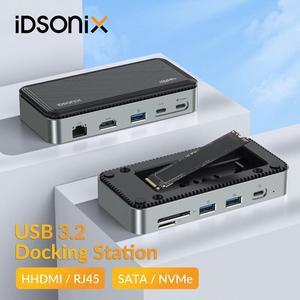
iDsonix USB HUB with M.2 NVMe SSD Enclosure Docking Station Adapter to HDMI-compatible Card Reader RJ45 SATA Case for Laptop PC
- Part Number: 6941788898936
- Compatibility: Compatible with M.2 NVMe & SATA SSD
- Ports Spec: 10-IN-1 Docking Station
- Dimension: 17.8*8.5*2.5cm
- Model #: IDSONIX-IDM2P9-BK-BP
- $64.99 –
- Free Shipping
Quick View
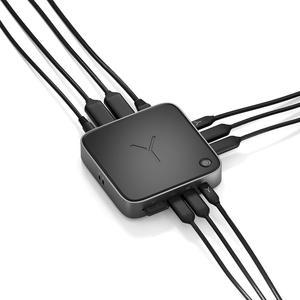
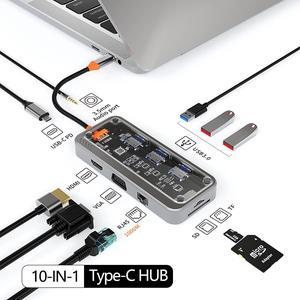
Perspective Version 10-in-1 USB C Laptop Docking Station Dual Monitor,10 in 1 Docking Station with 4K HDMI,VGA,3 USB 3.0,100W PD,1000M Ethernet,TF/SD and 3.5mm audio port USB C Hub for Laptop
Limited time offer, ends 02/04
- Part Number: SW10V-Pro
- Compatibility: Smartphones, Tablets, Keyboards, Laptops, Card Readers, Televisions, Desktops
- Thunderbolt 3: Yes
- Ports Spec: 10-in-1 Type-C Port: 4K HDMI,VGA,3 USB 3.0,100W PD,1000M Ethernet,TF/SD and 3.5mm audio port
- Model #: A-SW10V-Pro
Quick View
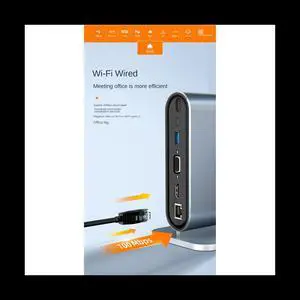
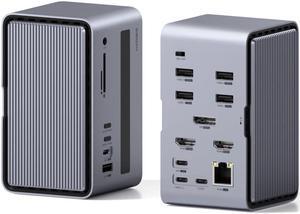
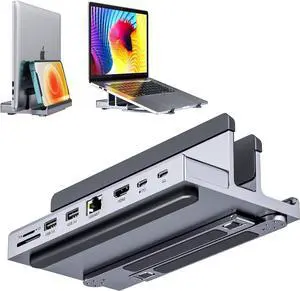
12 in 1 Type C HUB USB 3.0 Vertical Dock Station USB-C Splitter TF Reader Ethernet Adapter 4K PD 100W for Laptop PC
- Type: Accessories
- Model #: ff-tt-049
- $122.00 –
- Free Shipping
Quick View
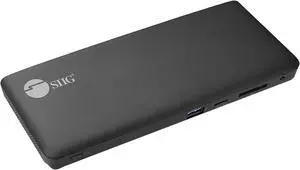
SIIG Black JU-DK0R11-S1 USB-C Triple Video MST Docking Station with PD
- Compatibility: Desktop or laptop with an available USB-C port with DP 1.4 Alt mode or Thunderbolt 3/4 port Windows 11/ (32-/64-bit) /10 (32-/64-bit) / 8.1 (32-/64-bit) / 8 (32-/64-bit) / 7 (32-/64-bit) macOS 12 / 11 / 10.15 t10.13 *Note: - macOS 10.13.4 t10.13.6 is not supported, it’s recommended tupgrade to10.14 or later or stay with 10.13.3 and earlier - macOS only supports Mirror mode
- Ports Spec: Input: 1 x 24-pin, USB-C with PD 65W, Female (Host) 1 x DC power jack, 20V/5A 1 x Power button, on/off Output 1 x 20-pin, DisplayPort with MST, Female 2 x 19-pin, HDMI with MST, Female 1 x 9-pin, USB-A 3.2 Gen 1, 5Gbps, 5V/1.5A charging, Female 3 x 9-pin, USB-A 3.2 Gen 1, 5Gbps, Female 1 x 8-pin, Gigabit Ethernet, RJ45 1 x 3.5mm, Headset jack, stereaudi& mic 1 x SD 3.0 memory card slot, UHS-1, up t104MB/s 1 x MicrSD/TF 3.0 memory card slot, UHS-1, up t...
- Model #: JU-DK0R11-S1
- $165.23 –
- Free Shipping
![LINKUP [Certified] Thunderbolt 3 Dock HDMI2.0 4K 135W (PD 60W) SD UHS II Card Reader 1G LAN 4xUSB3-A(5G) 3.5mm Audio 2xUSB3-C(10G)for Windows PC & 2021 MacBook M1 Mac mini (TB3/TB4/USB4.0)](https://c1.neweggimages.com/productimage/nb300/BA1HD2310240O4FU484.jpg "LINKUP [Certified] Thunderbolt 3 Dock HDMI2.0 4K 135W (PD 60W) SD UHS II Card Reader 1G LAN 4xUSB3-A(5G) 3.5mm Audio 2xUSB3-C(10G)for Windows PC & 2021 MacBook M1 Mac mini (TB3/TB4/USB4.0)")
Quick View
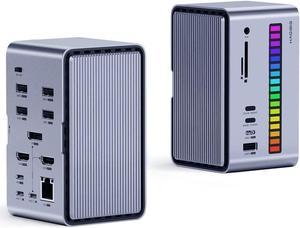
Hagibis Dual USB C Docking Station Triple Monitor, LED Strip Light USB-C Hub Type-C Adapter with 8K DP&HDMI, M.2 SSD Enclosure, 100W PD, USB 3.1, 1000Mbps RJ45 for MacBook Air Pro, Laptop (U100 Ultra)
Limited time offer, ends 02/04
- Model #: CLATB0BLR8Y7VV
- $308.99 –
- Free Shipping
Quick View
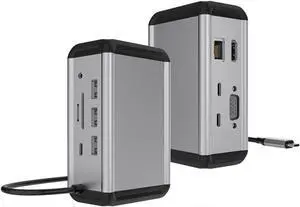
12-in-1 Type-c Docking Station USB hub hub usb3.0/PD100W Vertical Desktop Docking Station
- Model #: MB0CVL5FYGT
- $719.99 –
- Free Shipping
Quick View
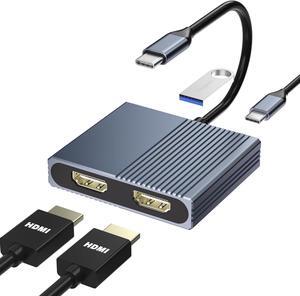
Laptop Docking Station Dual Monitor, USB C Docking Station for /HP/Lenovo/Mac, Dual HDMI Adapter for 2 Monitors, USB Type-C Hub with USB3.0/PD, USB C to Double HDMI Adapter
Limited time offer, ends 02/10
- Model #: STARWELL961141208543Lan
- $31.59 –
- More options from $31.59 - $35.80
- Free Shipping
Quick View
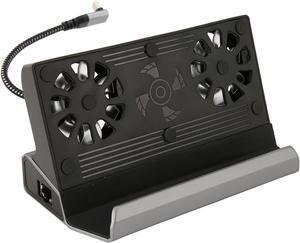
Docking Station Compatible with Steam Deck, 10 in 1 for Rog Ally Dock, Station with 5 USB 3.0 2.0 Dual Cooling Fan HD Multimedia Interface 4K at 60Hz 100W Charging
- Model #: LIUEB0CW1JT9JW
- $93.99 –
- Free Shipping