

Your Browsing History

Any questions? Our AI mode will help you find out quickly.
Try me now
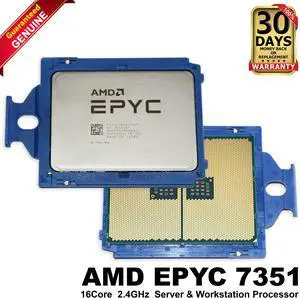
Quick View

- Brand: Dell
- Part Number: 4N6MD
- Compatible Models: For Systems supporting AMD EPYC 7351 / SP3 socket
- Color: Silver
- Model #: 04N6MD
- $41.00 –
- Free Shipping
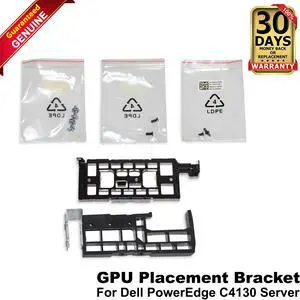
Quick View
- Brand: Dell
- Part Number: P5W6P
- Compatible Manufacturer: For Dell
- Compatible Models: For Dell PowerEdge C4130
- Model #: 0P5W6P
- $17.99 –
- Free Shipping
Quick View
- Model #: 0R3WTH CN-0R3WTH
- $11.99 –
- Free Shipping
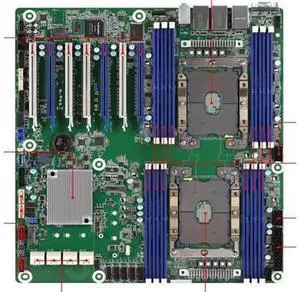
Quick View
LGA3647 Platm Rack EP2C621D12 WS Supports High Power ES Display
Limited time offer, ends 08/16
- Model #: 20260720ZP6212C5JS
- $469.36 –
- Free Shipping
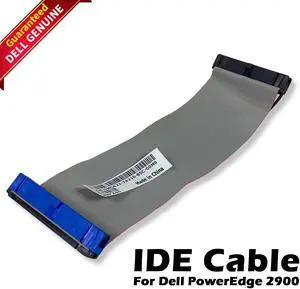
Quick View
- Model #: MC423 0MC423 CN-0MC423
- $9.99 –
- Free Shipping
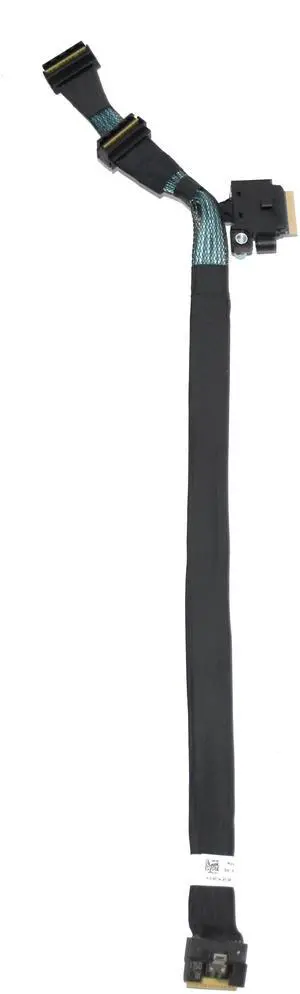
Quick View
- Brand: Dell
- Part Number: 1RP2W
- Compatible Manufacturer: For Dell
- Compatible Models: For Dell PowerEdge C6520
- Model #: 1RP2W
- $37.99 –
- Free Shipping

Quick View
- $145.99 –
- Free Shipping
Quick View
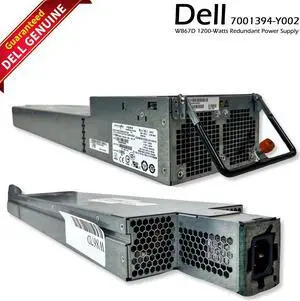
- Model #: W867D, 0W867D, CN-W867D
- $49.99 –
- More options from $49.79
- Free Shipping
Quick View
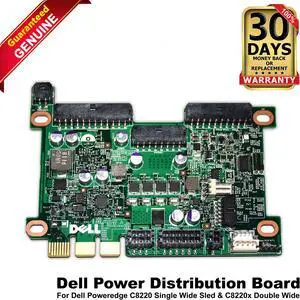
- Brand: Dell
- Part Number: TX8WP
- Compatible Manufacturer: Dell
- Compatible Models: PowerEdge C8000, PowerEdge C8220X
- Model #: 0TX8WP
- $22.00 –
- More options from $21.80
- Free Shipping
Quick View
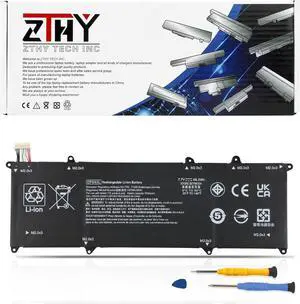
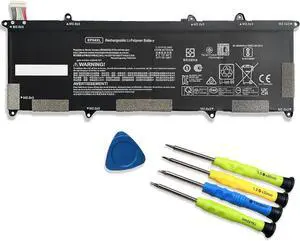
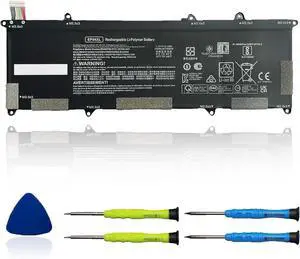
EP04XL 56.2Wh Laptop Battery Replacement for HP Elite Dragonfly G1 2019 Dragonfly G2 2020 Series Notebook EP04056XL HSTNN-IB8Y HSTNN-DB9J L52448-1C1 7.7V 7000mAh
- Model #: RCCPB0DQL3WXZL
- $86.99 –
- Free Shipping

Quick View
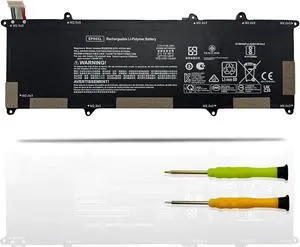
EP04XL Laptop Battery Replacement for HP Elite Dragonfly G1 2019 G2 2020 Series Notebook HSTNN-IB8Y L52448-1C1 Black 7.7V 56.2Wh 7000mAh
- Model #: RCCPB09L82SY5Y
- $83.99 –
- Free Shipping

Quick View
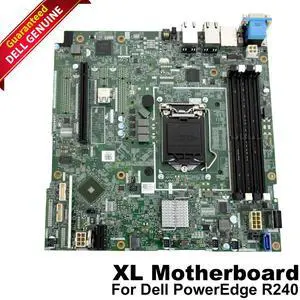
- Brand: Dell
- Part Number: 0KFFK
- Compatible Manufacturer: For Dell
- Compatible Models: For Dell PowerEdge R240 XL Server
- Model #: 00KFFK
- $99.99 –
- Free Shipping
| Buying an AMD EPYC 4005 | |
|---|---|
Understanding the AMD EPYC 4005The AMD EPYC 4005 is part of AMD’s EPYC 4000 series, designed for entry-level servers and edge applications. Built on a 7 nm process, the EPYC 4005 features 8 cores and 16 threads, with a base clock of 2.0 GHz and a maximum boost of 3.0 GHz. Its single-socket design offers up to 64 lanes of PCIe 4.0 connectivity, enabling high-bandwidth networking and storage options. With a 120 W TDP, this processor balances performance and power efficiency for tasks such as virtualization, web hosting, and lightweight database workloads. Key technical details include 64 MB of L3 cache, DDR4-3200 support in dual-channel mode (up to 3200 MT/s), and integrated Infinity Fabric for coherent memory access across chiplets. When selecting a compatible motherboard, look for server boards with SP3 sockets, support for ECC memory, and robust VRM designs to ensure stability under sustained loads. Popular board partners include Supermicro , ASRock , which offer a range of options for 1U, 2U, and tower chassis. Before purchasing, verify compatibility with your chassis—many EPYC 4005 motherboards require specific rear I/O layouts and cooling profiles. Standard air-cooled heatsinks supporting SP3 sockets are widely available. If you plan to deploy the EPYC 4005 in a dense rack , consider passive heatsink solutions with direct-to-chassis airflow. For current listings, visit Newegg’s AMD EPYC 4005 category. Filter by seller ratings and review counts to find models with reliable shipping and support. Once you receive your shipment, follow the manufacturer’s installation guide to seat the CPU , install compatible ECC DDR4 DIMMs, and configure the BIOS. |
Getting the Most Out of Your EPYC 4005After installing the EPYC 4005, update your BIOS/UEFI to the latest version provided by the motherboard manufacturer. This ensures full support for memory speed and power management features. Enable “Secure Boot” and verify that your operating system—whether it’s a Linux distribution or Windows Server—recognizes the processor and all installed memory. For Linux deployments, confirm that you’re using a kernel version that supports EPYC 4000-series optimizations. To optimize performance, configure BIOS settings for NUMA mode and PCIe bifurcation if you’re using NVMe RAID or high-port network adapters. Adjust power profiles to “Performance” for maximum throughput in virtualization or database tasks. Monitor core temperatures with IPMI utilities or motherboard-provided software; if you notice sustained high temperatures, improve chassis airflow or switch to higher-capacity fans. FAQs about the AMD EPYC 4005
|