




CD Player
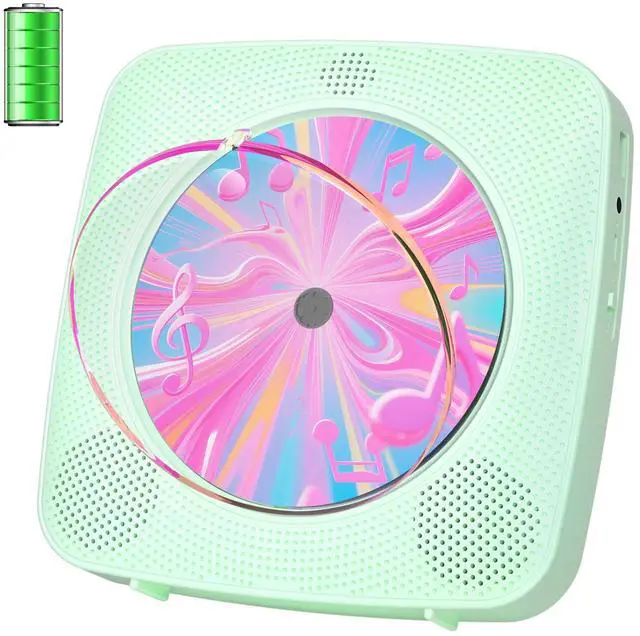
Portable CD Players for Home with Bluetooth
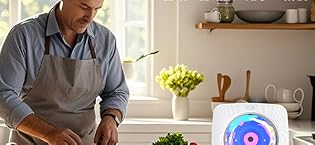
Kegaudio: Where Timeless Sound Meets Modern Soul
In a world of fleeting digital streams, Kegaudio rekindles the soul of music. Each Kegaudio device marries retro elegance with cutting-edge engineering. We’re more than mechanics—we’re custodians of moments. The crackle before a vinyl-warm track, the glow of analog meters dancing to your childhood mixtape. Here, CDs aren’t relics; they’re time capsules, and our players are the key.
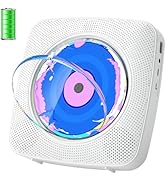
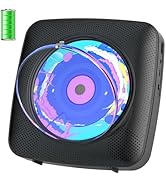
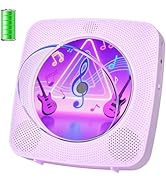
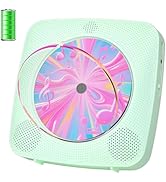
CD Player Portable
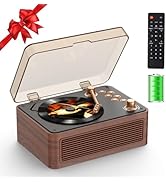
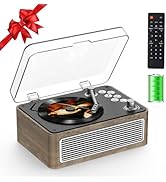
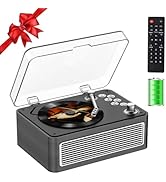
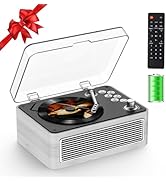
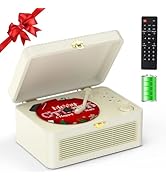
Retro CD Player Portable
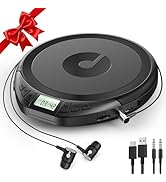
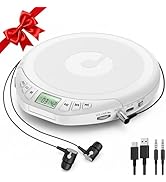
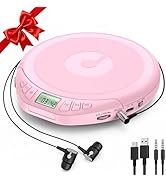
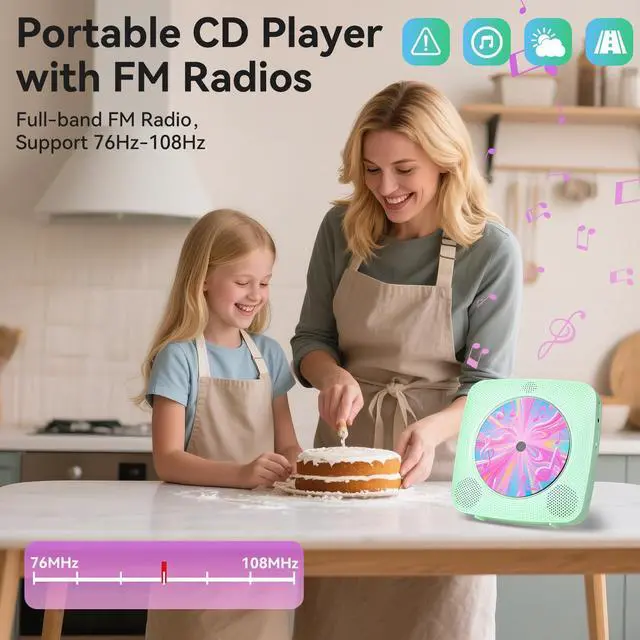
Portable CD Player
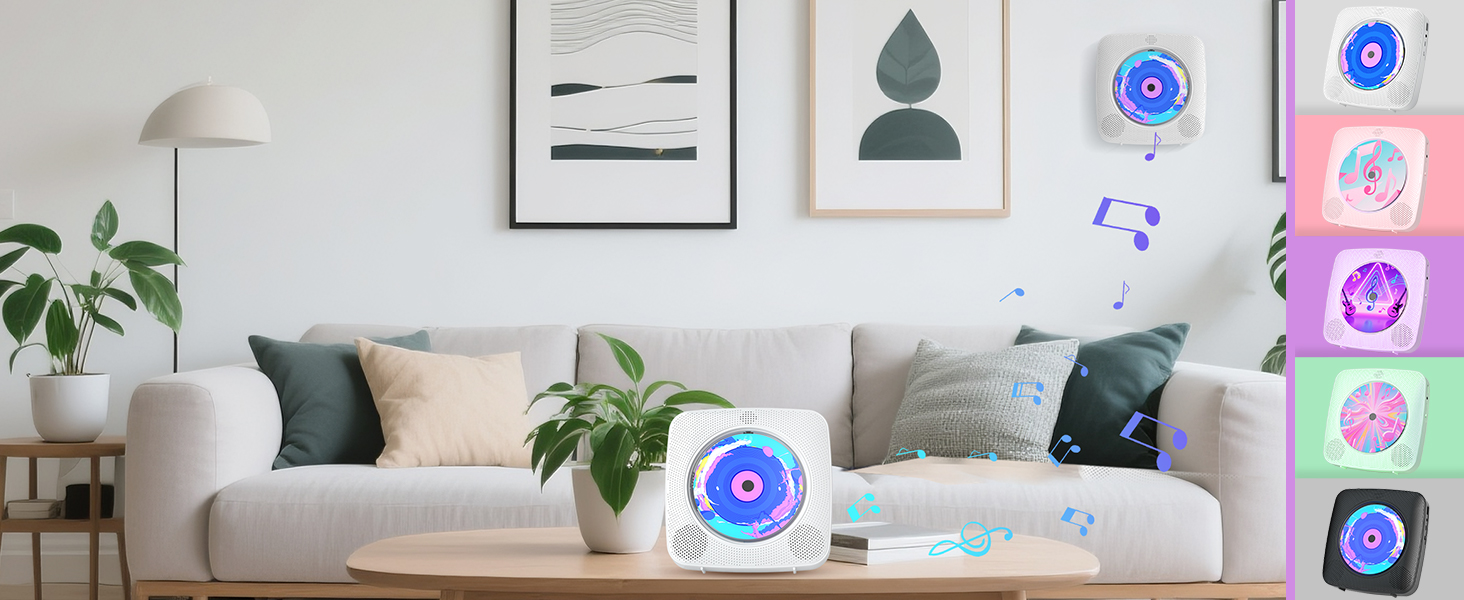
Kegaudio CD Player
- CD Players for Home
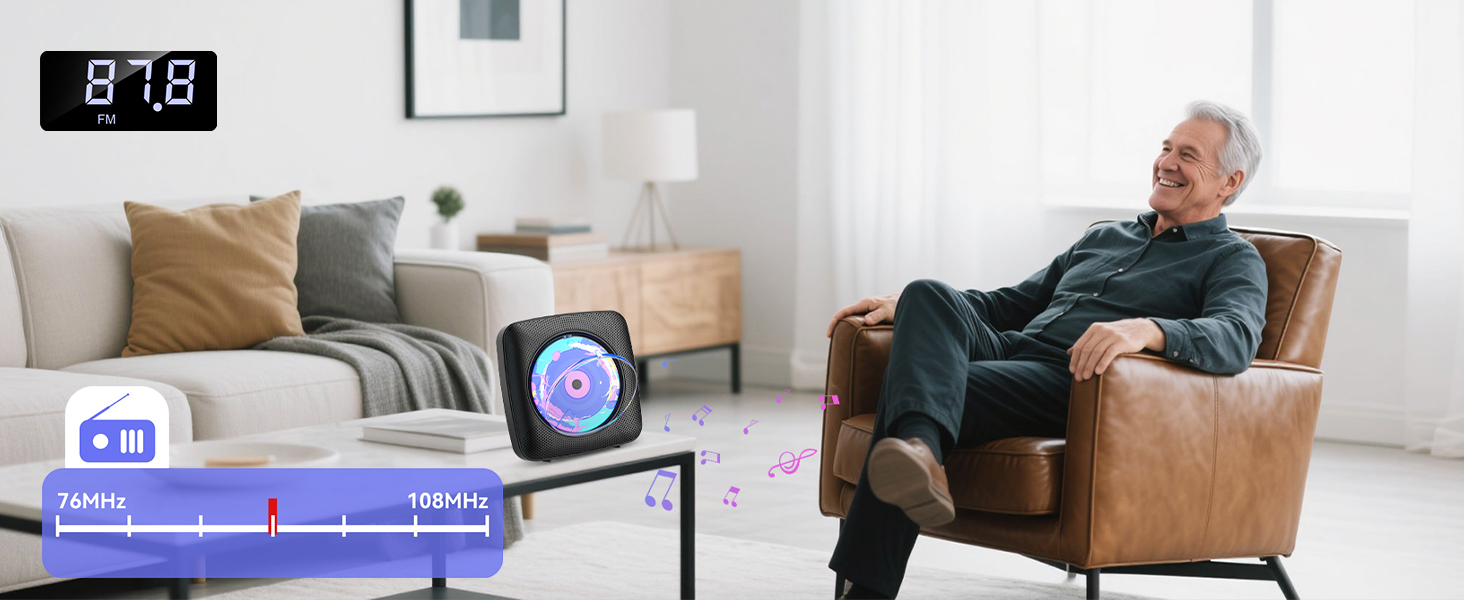
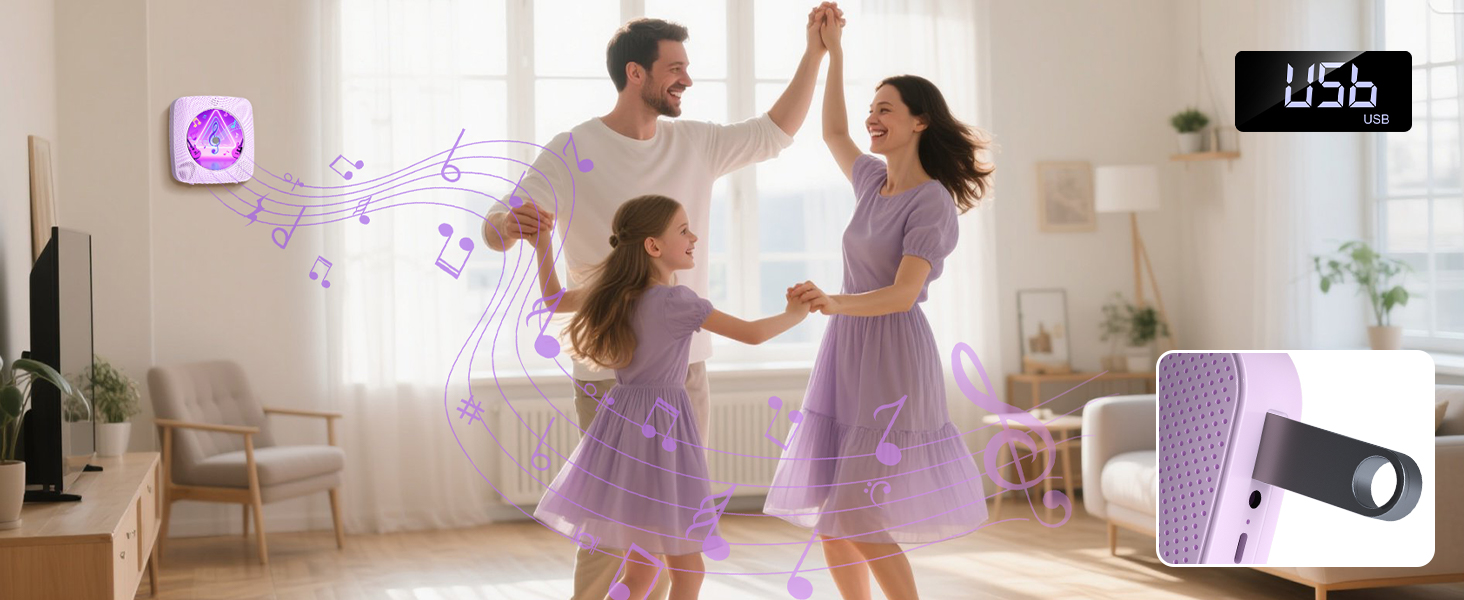
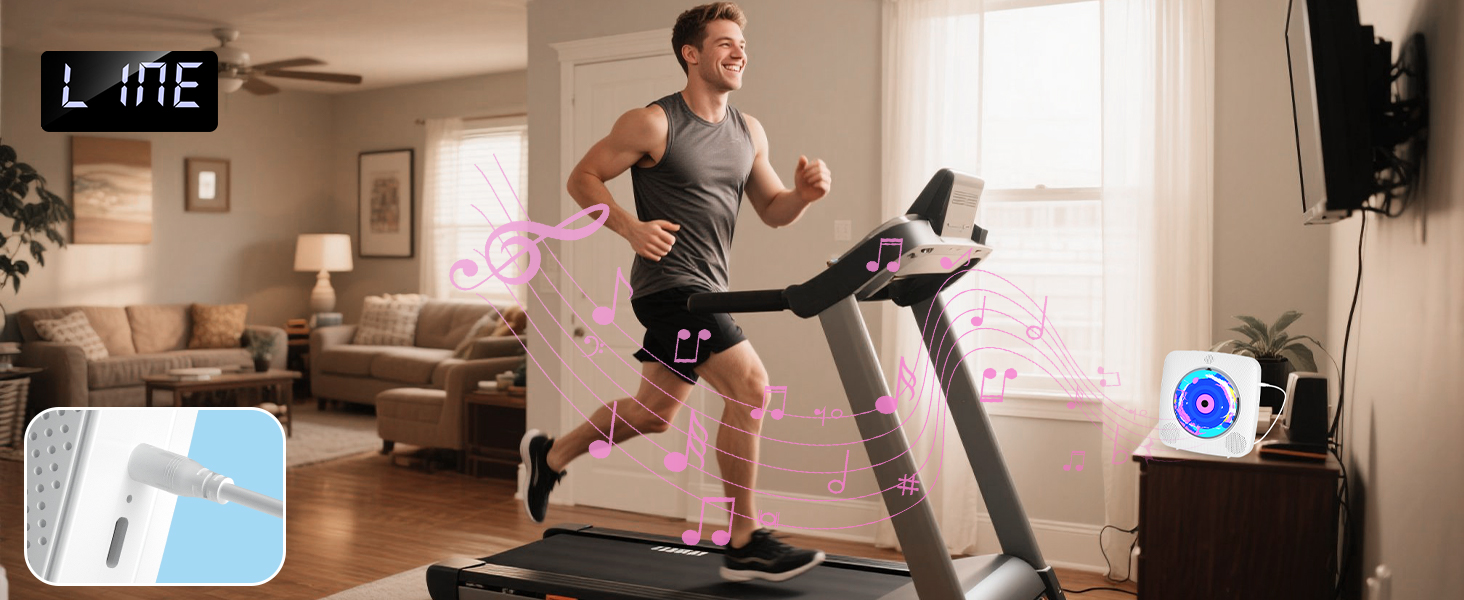
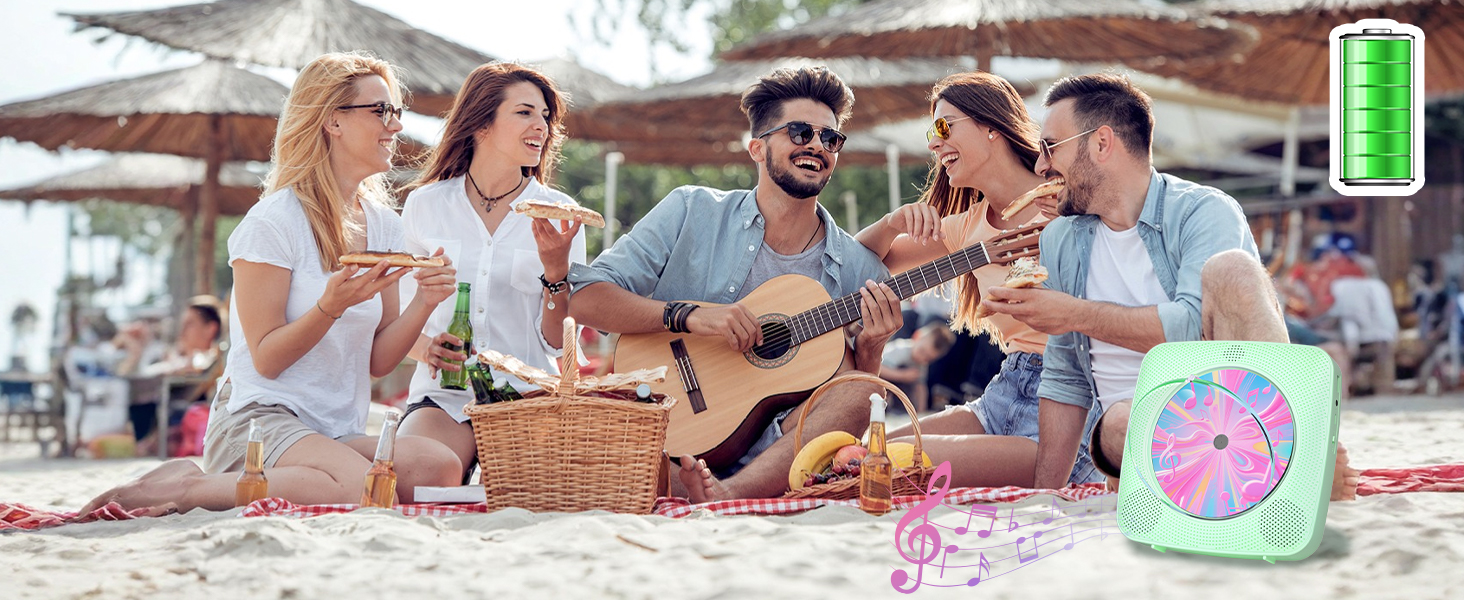
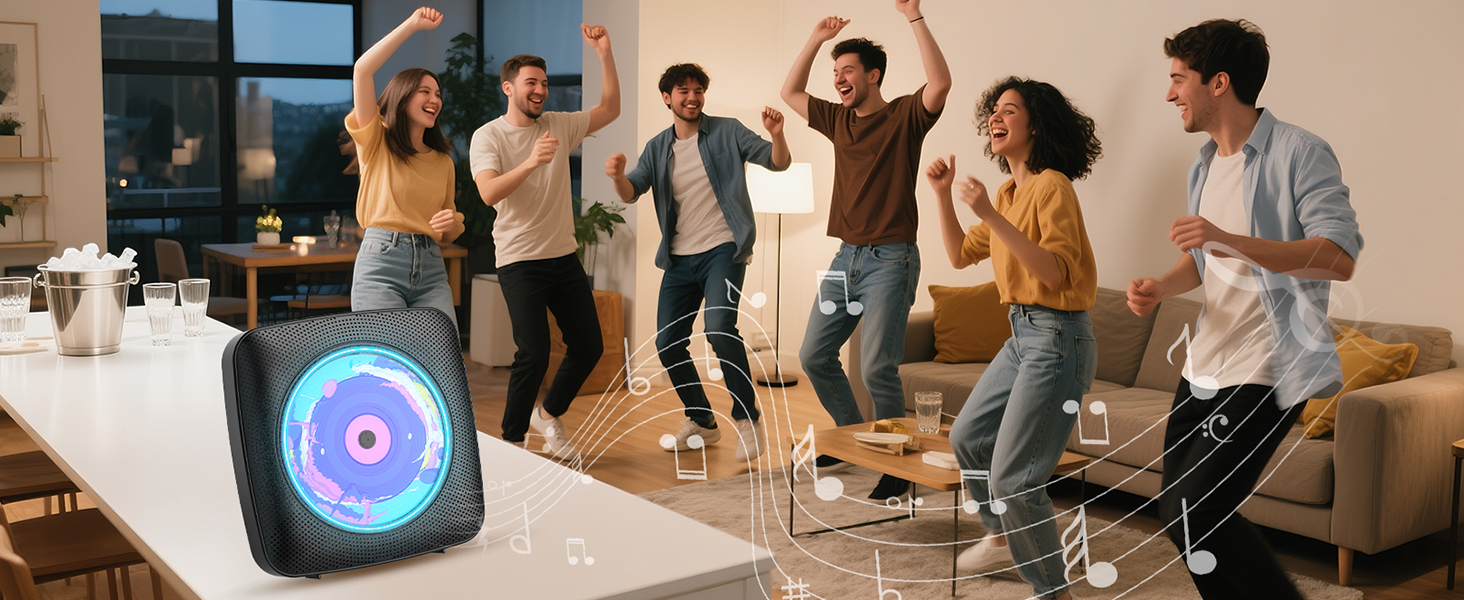
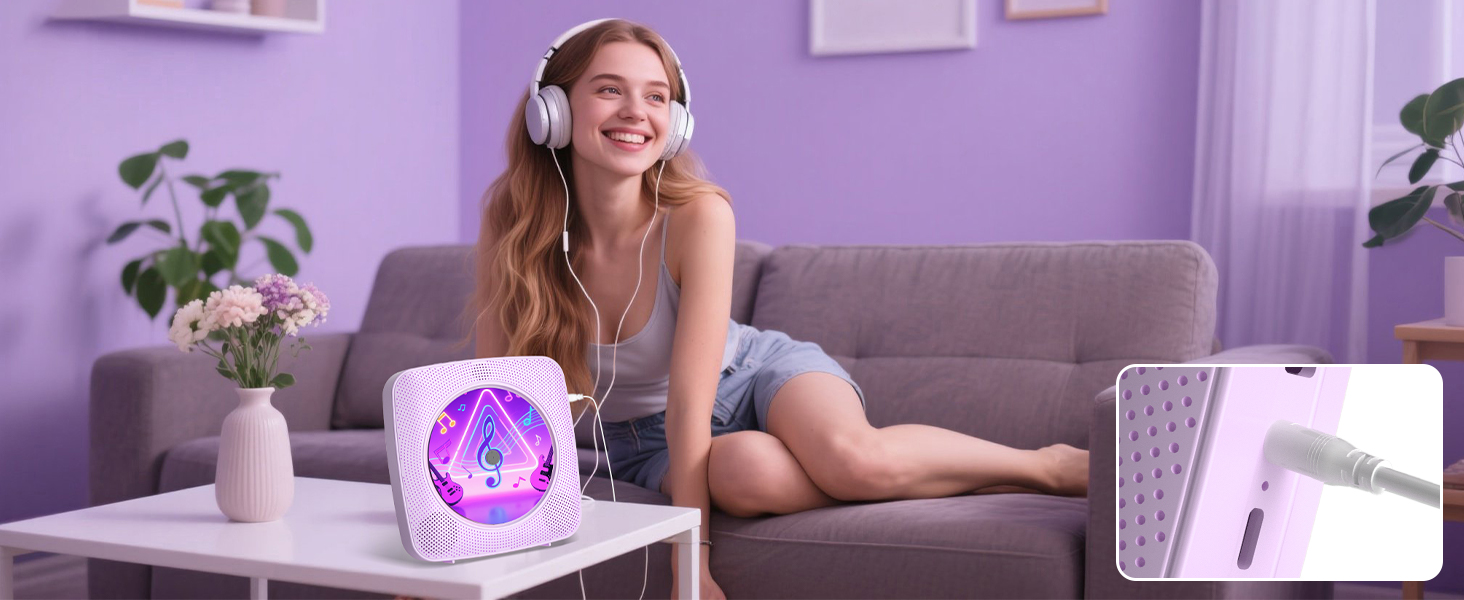
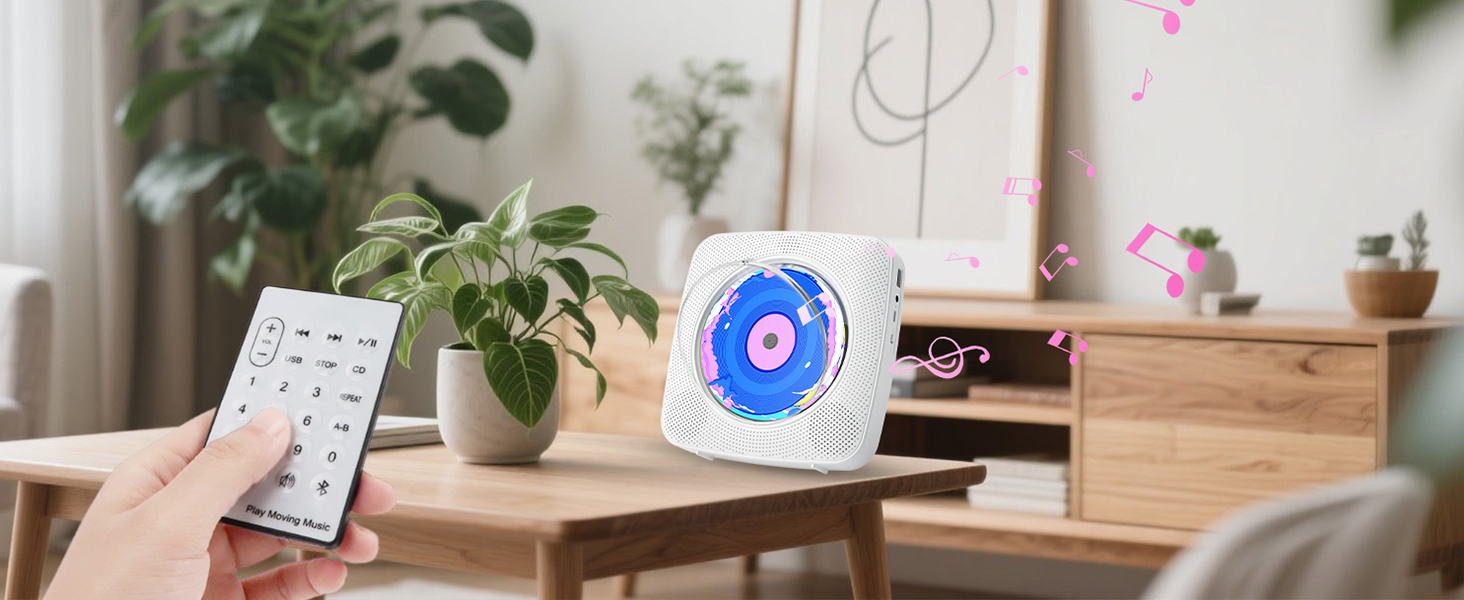
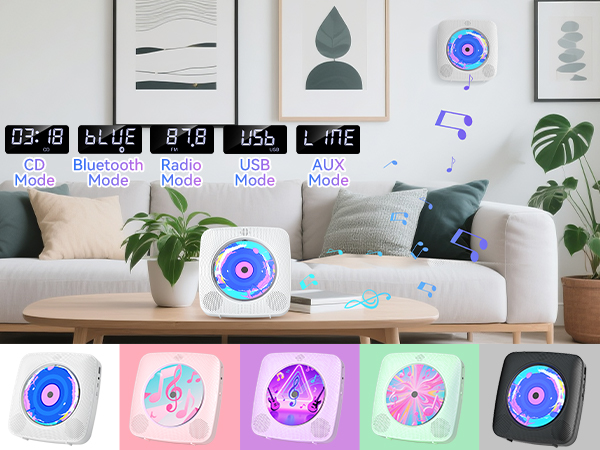
- With FIVE modes to meet different needs
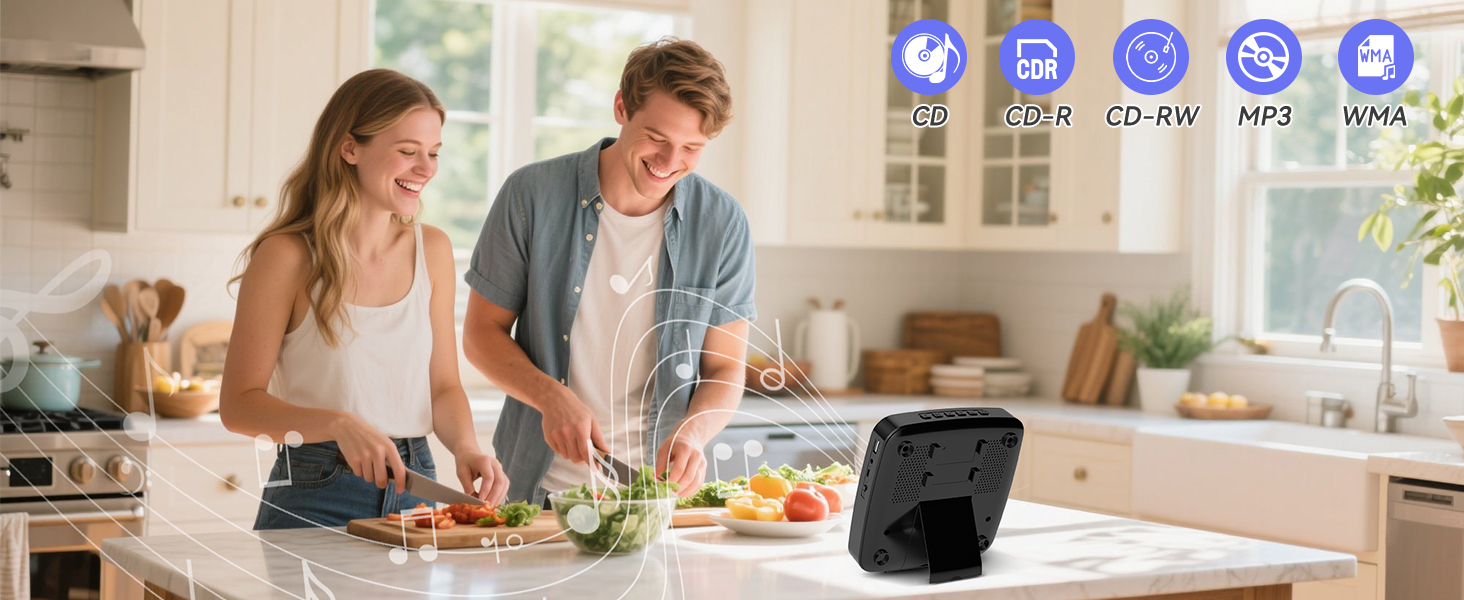
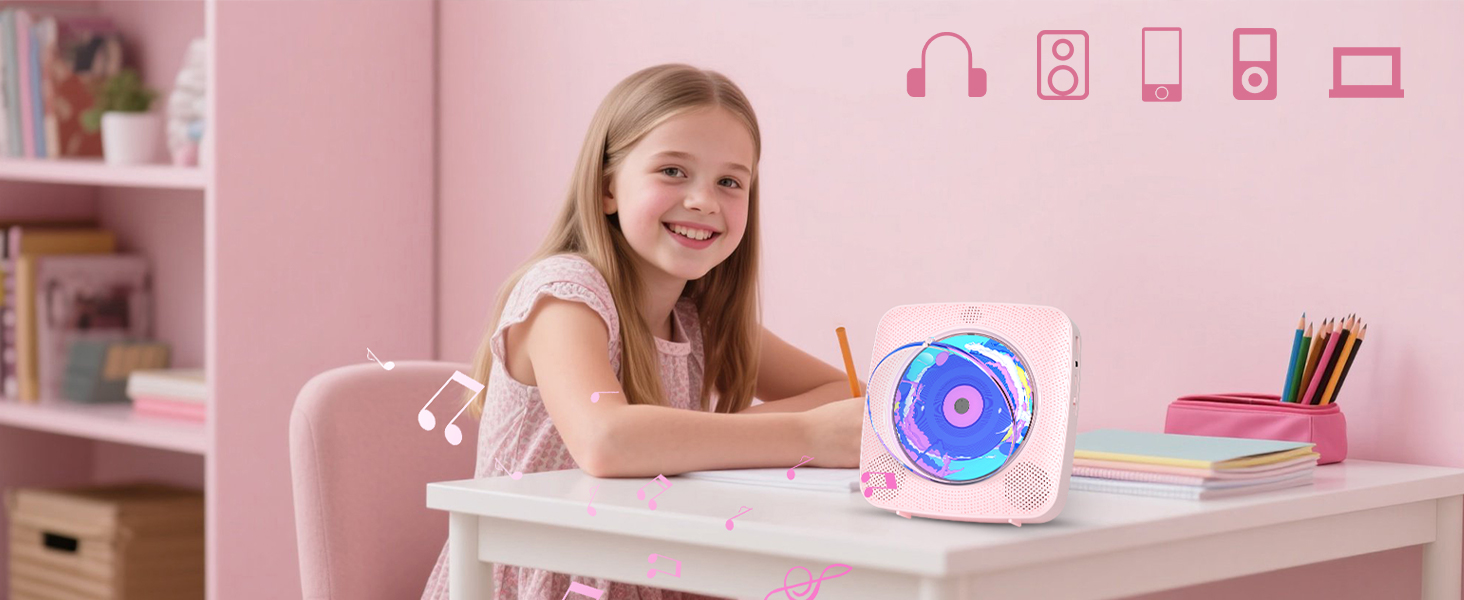

CD Player Portable
Merchant VideoHow to use Bluetooth Receive Mode?
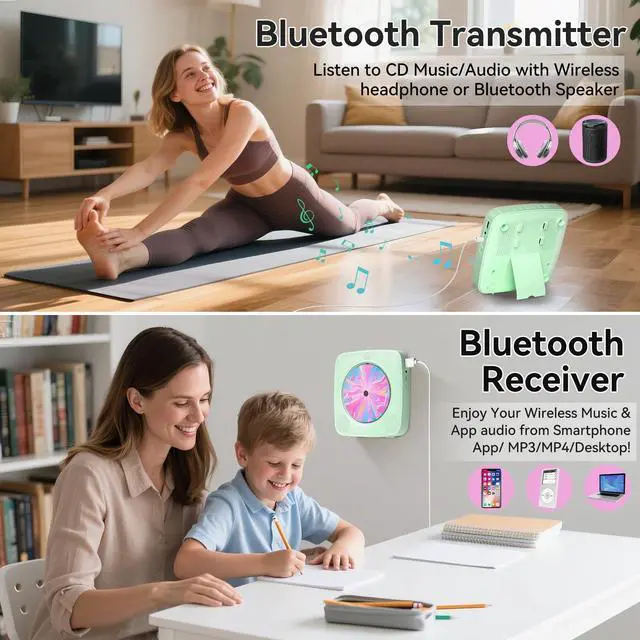
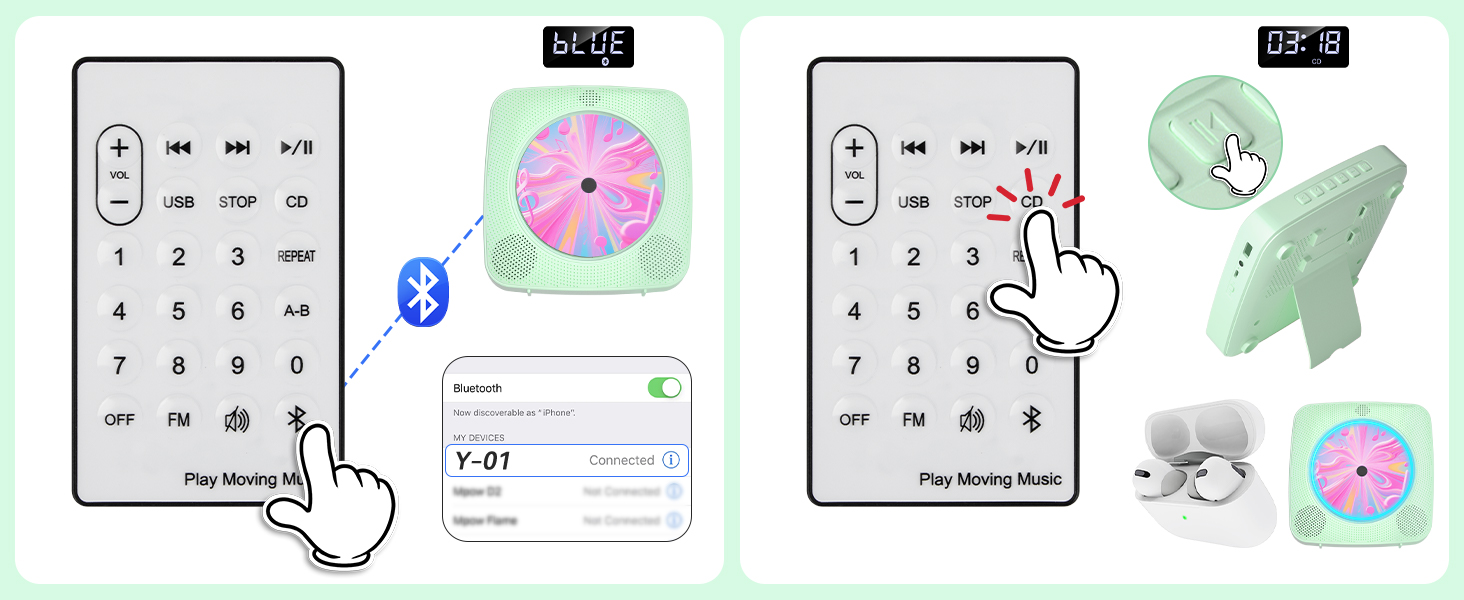
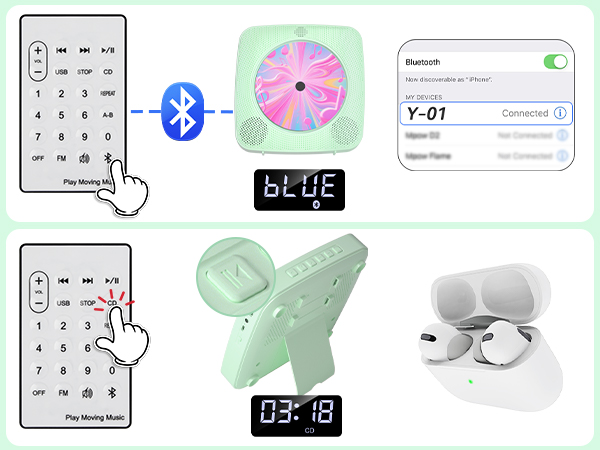
1. Press Bluetooth button on the remote to switch to Bluetooth mode or switch the "mode" key (on the device) to the Bluetooth mode, then the CD Player will be ready to pair other Bluetooth devices such as mobile phones, pads etc., and its indicator light color will change to dark blue.
2. Long press 3s play pause button to activate Bluetooth Receive Mode.
3. Activate the Bluetooth in your mobile phone and choose the named “y-01" device in your mobile phone Bluetooth device list to pair.
4. Your mobile phone will be paired / connected to the CD Player in a few seconds.
5. Playing music on your mobile phone and the audio will be transmitted to the CD Player speaker through Bluetooth.
How to use Bluetooth Transmit Mode ? 1.Press the CD/USB button on the remote to switch to CD/USB mode or switch the "Mode" key (on the device) to CD USB mode, then the CD Player will be ready to pair other Bluetooth devices such as earphones.
2.Long press 3s play/pause button to activate Bluetooth Transmit Mode, Or short-press the Bluetooth transmission button on the remote control.
3 .Activate the Bluetooth device and the player will automatically be paired with it.
- CD Players for Home
- With FIVE modes to meet different needs
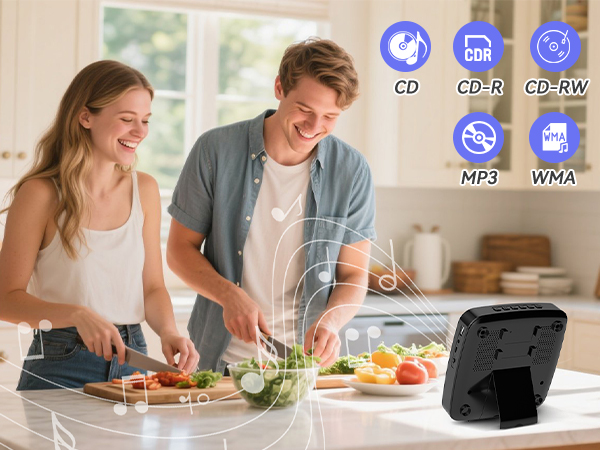
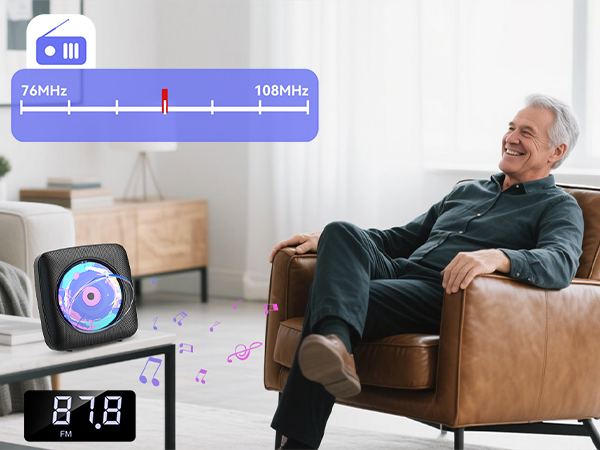
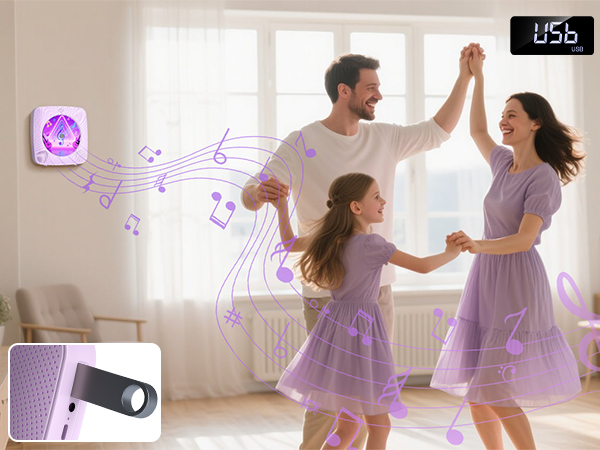
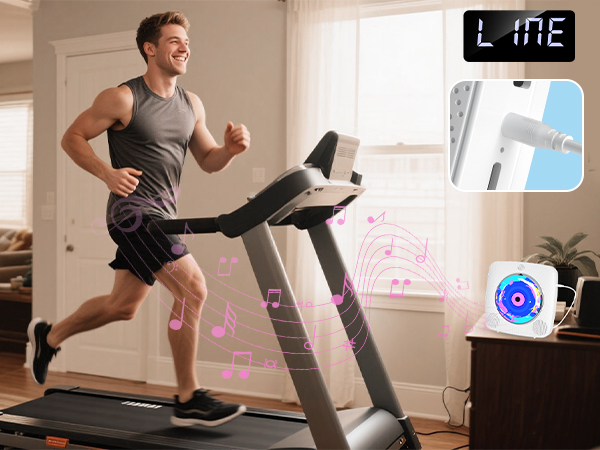
CD Player Rechargeable
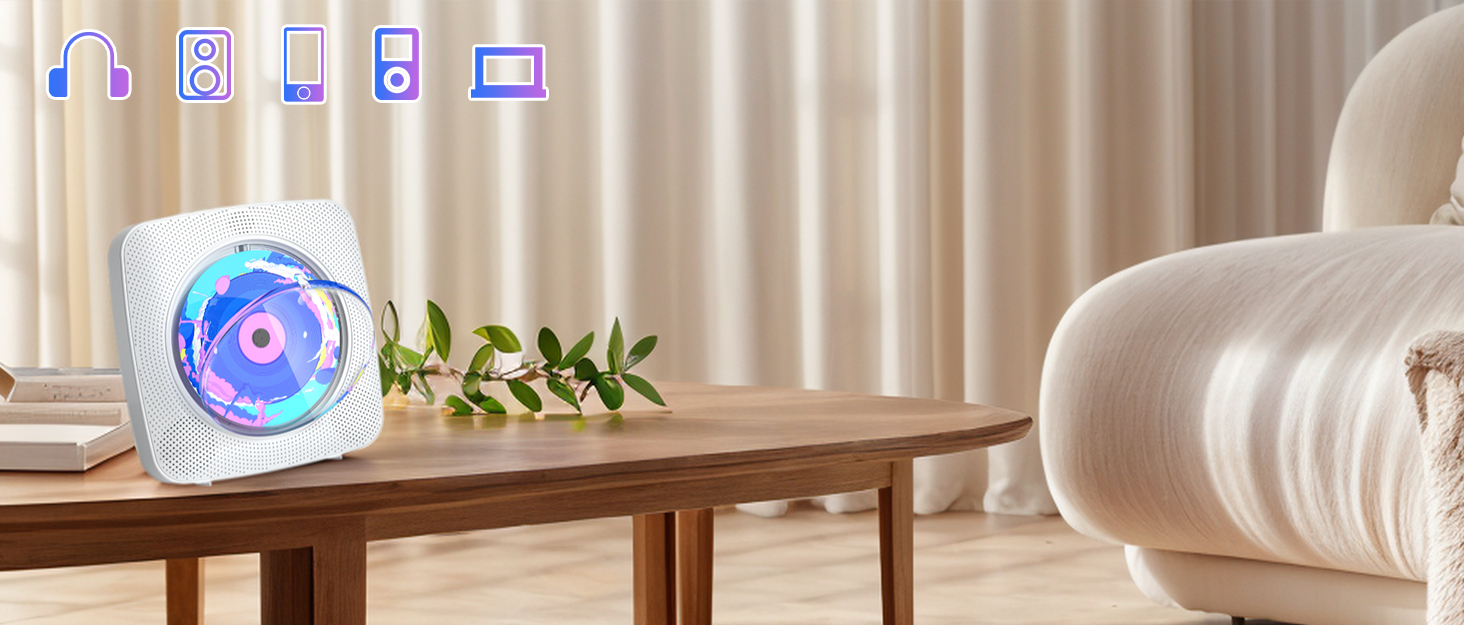
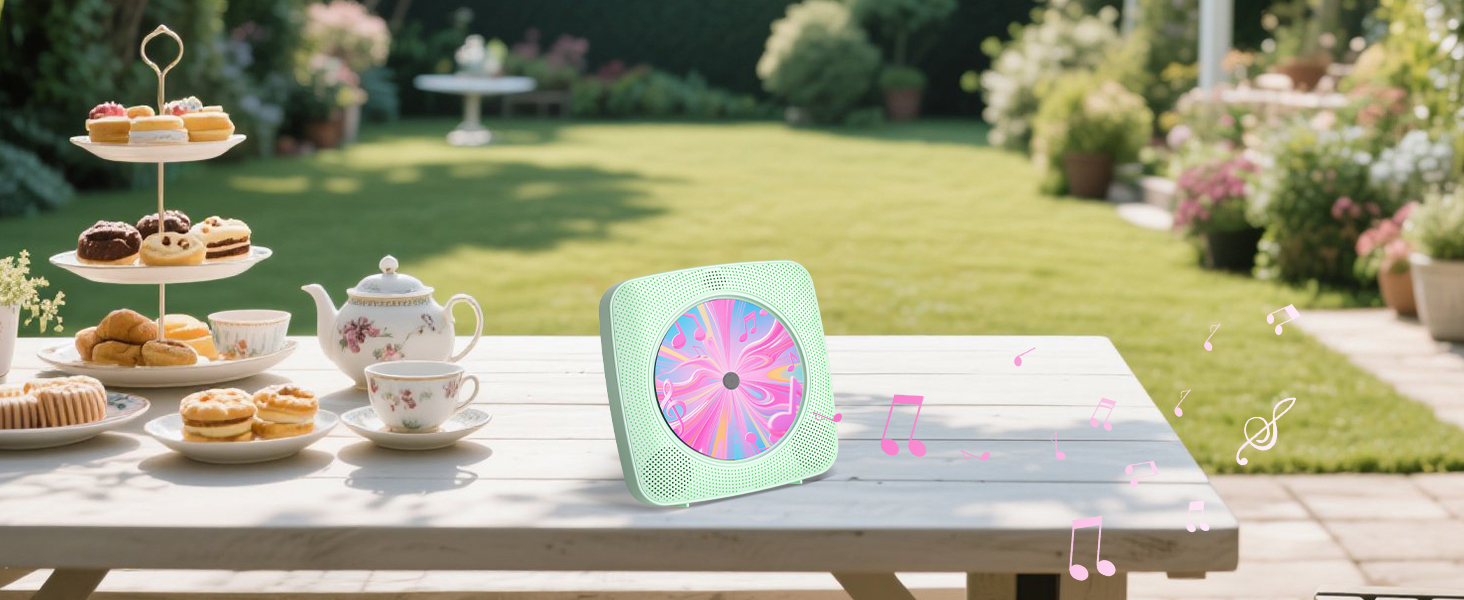
Desktop CD Player
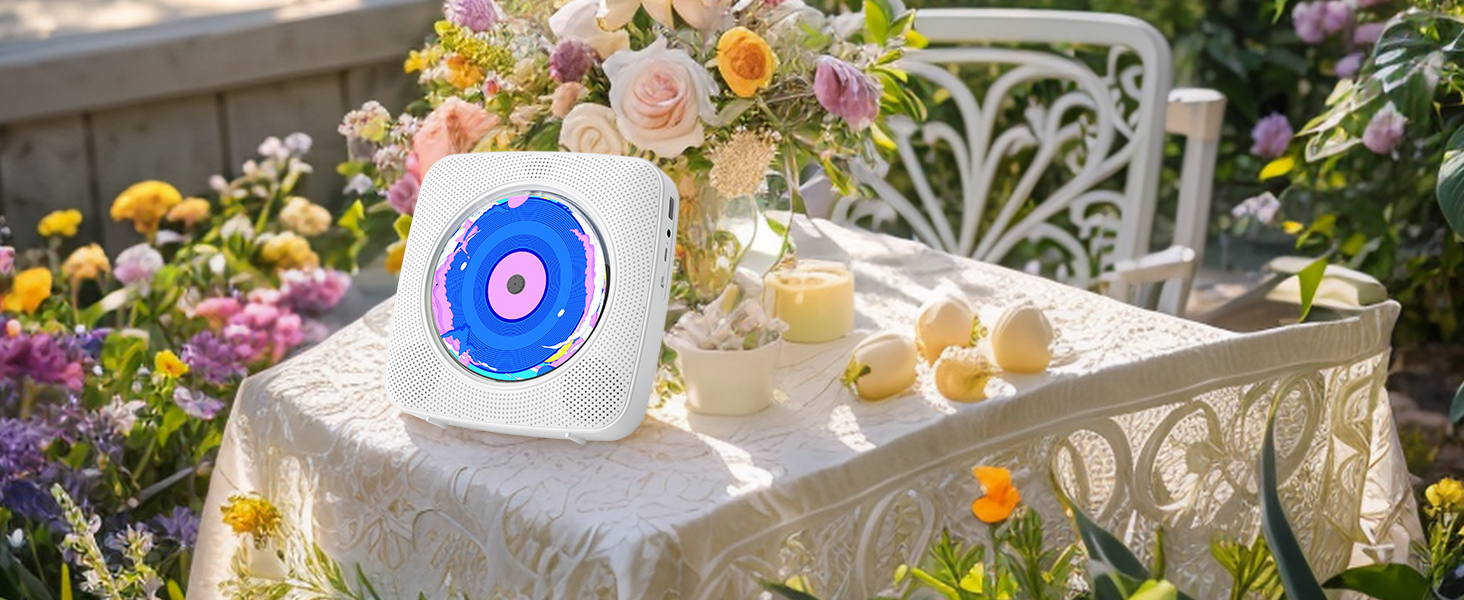
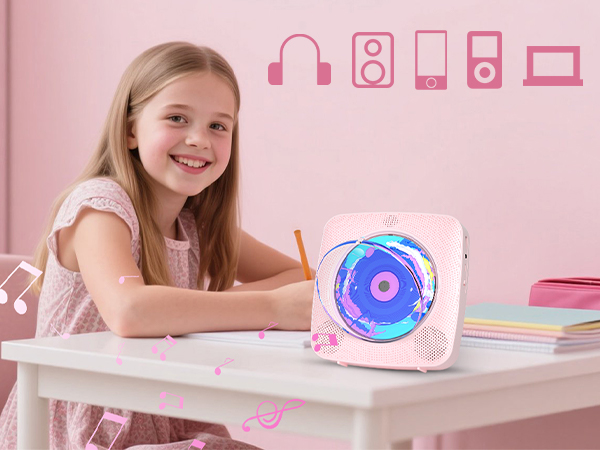
Perfect gift for everyone
Wall CD Player
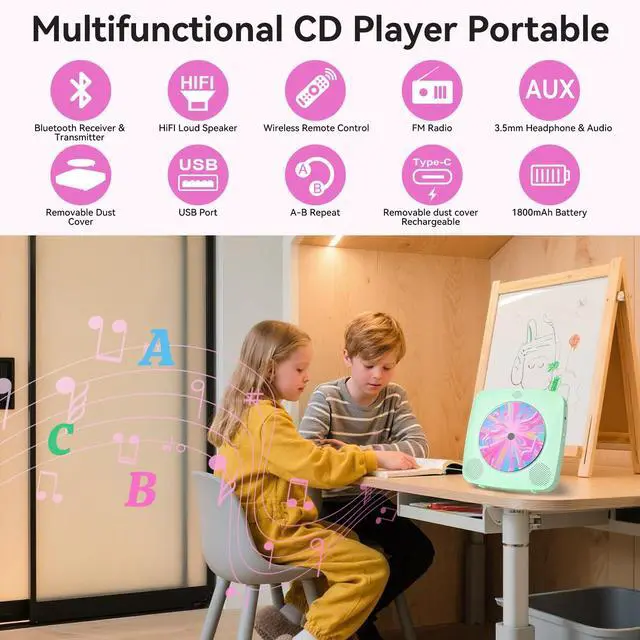
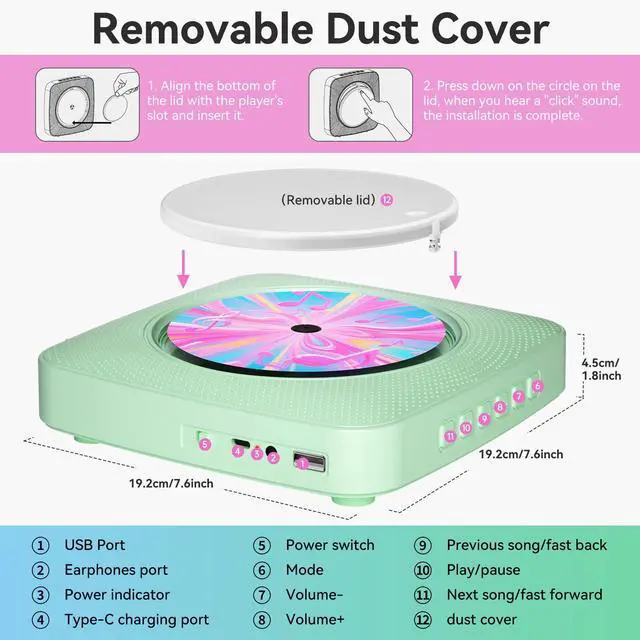
Removable Dust Cover
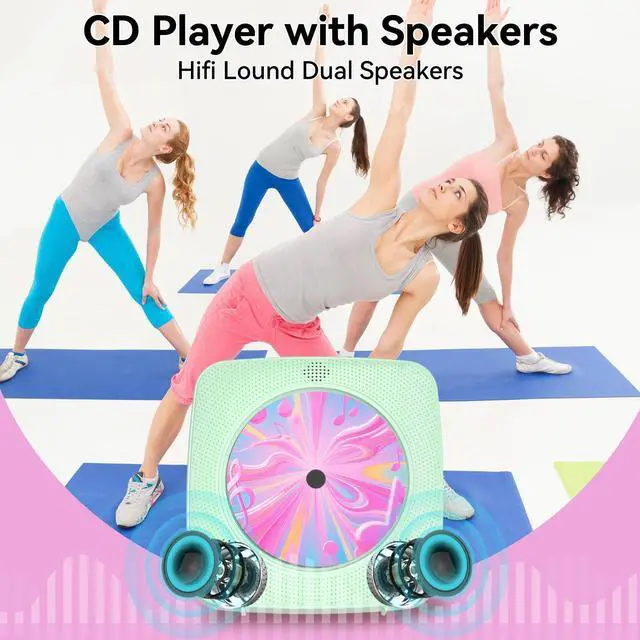
Loudspeakers
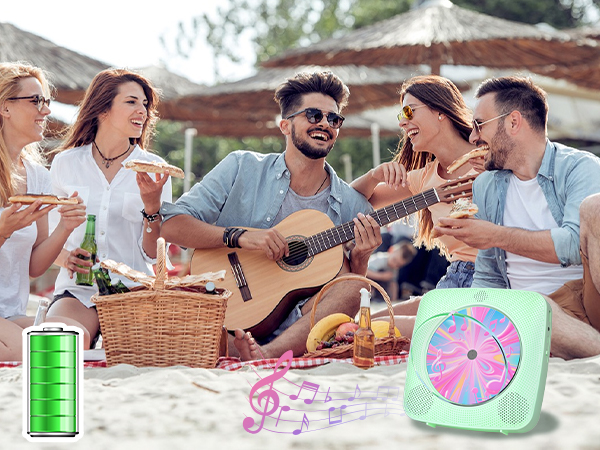
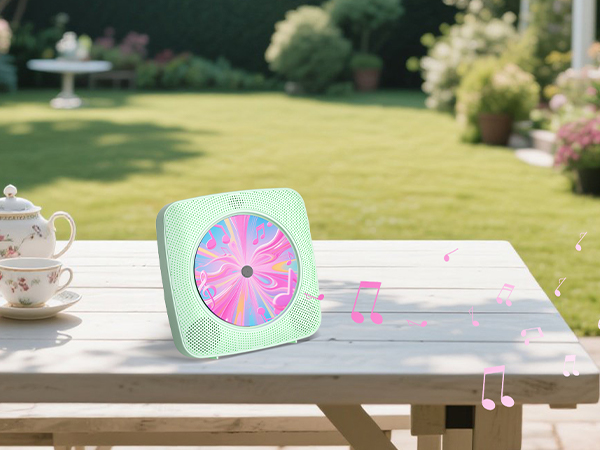
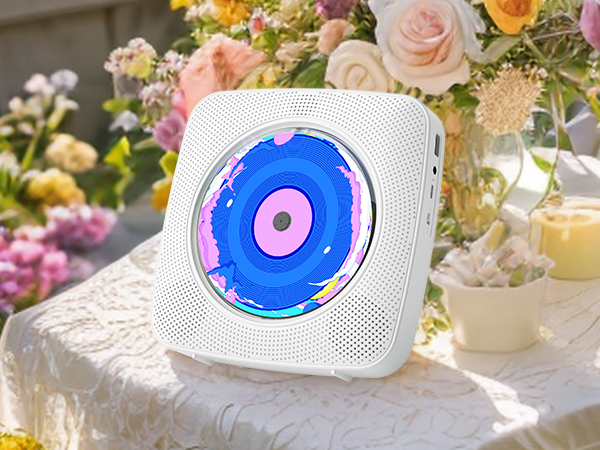
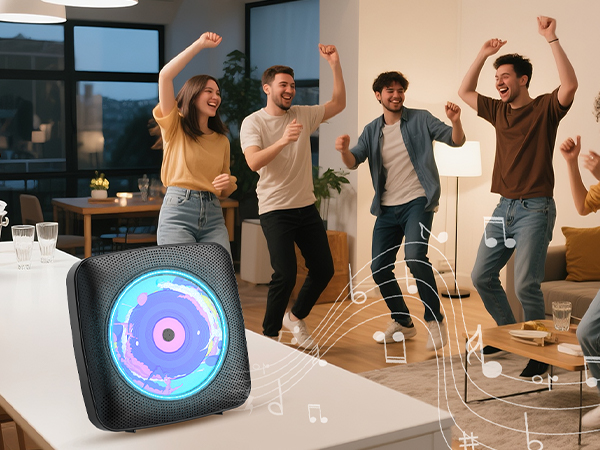
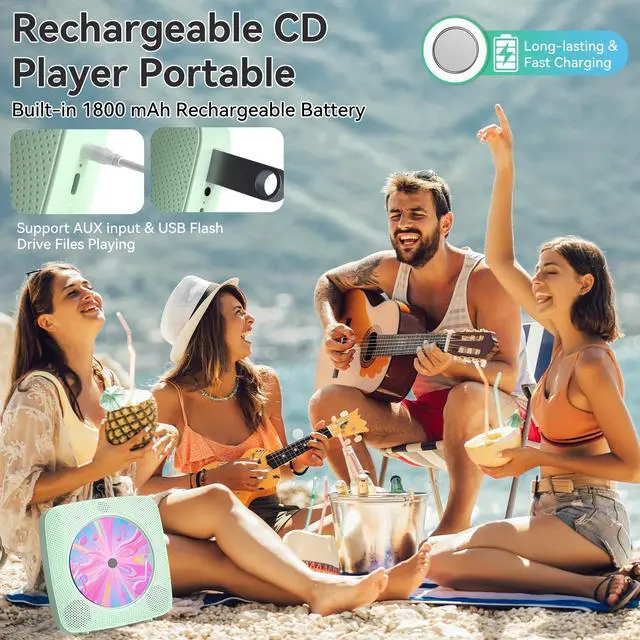
- Rechargeable 1800mAh CD Player portable
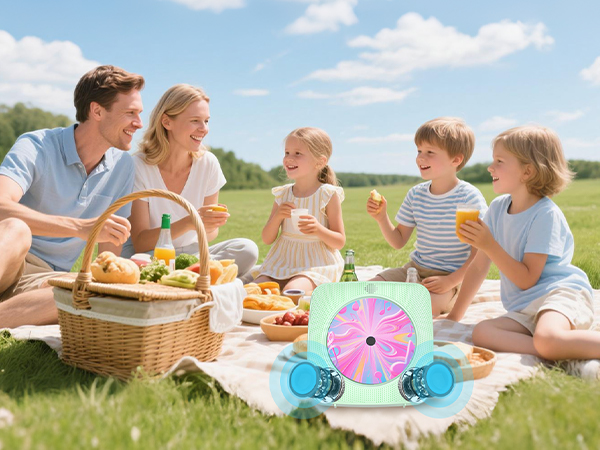
- Rechargeable 1800mAh CD Player portable, Portable and convenient for you enjoy music outdoor.
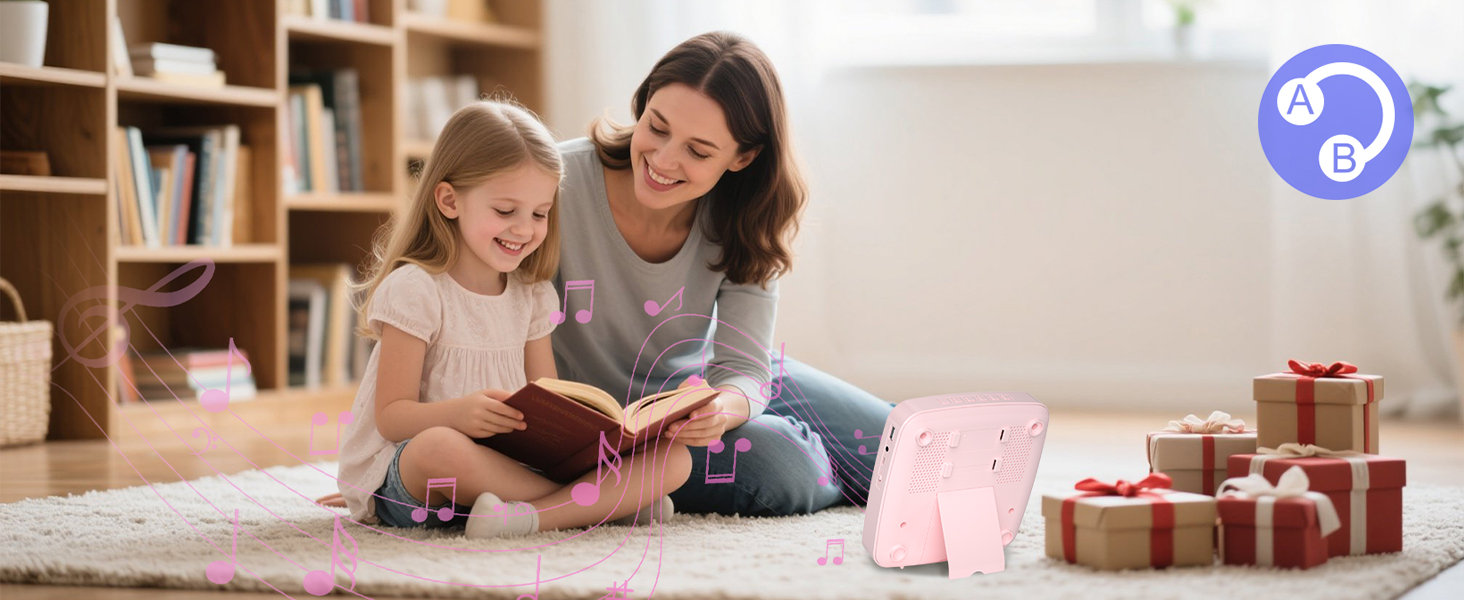
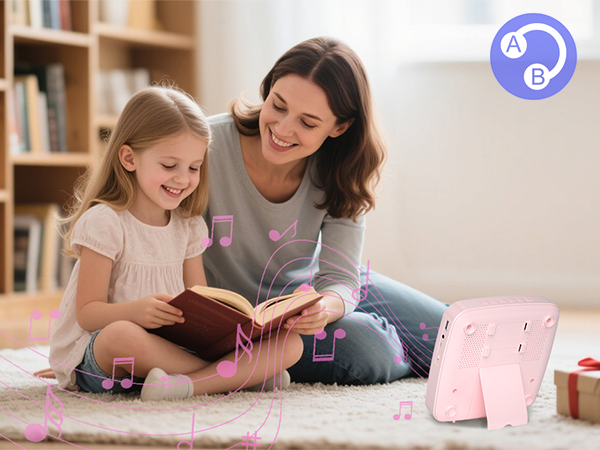
Support A-B Repeat
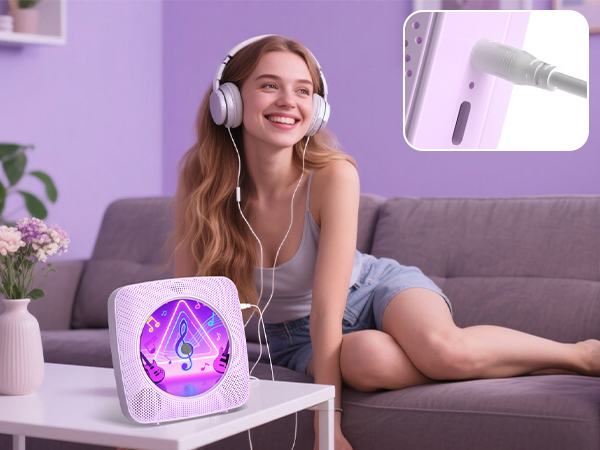
- It's a Bluetooth transmitter and receiver.
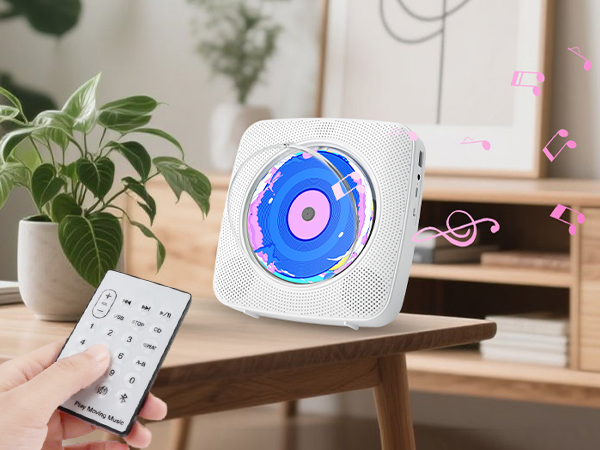
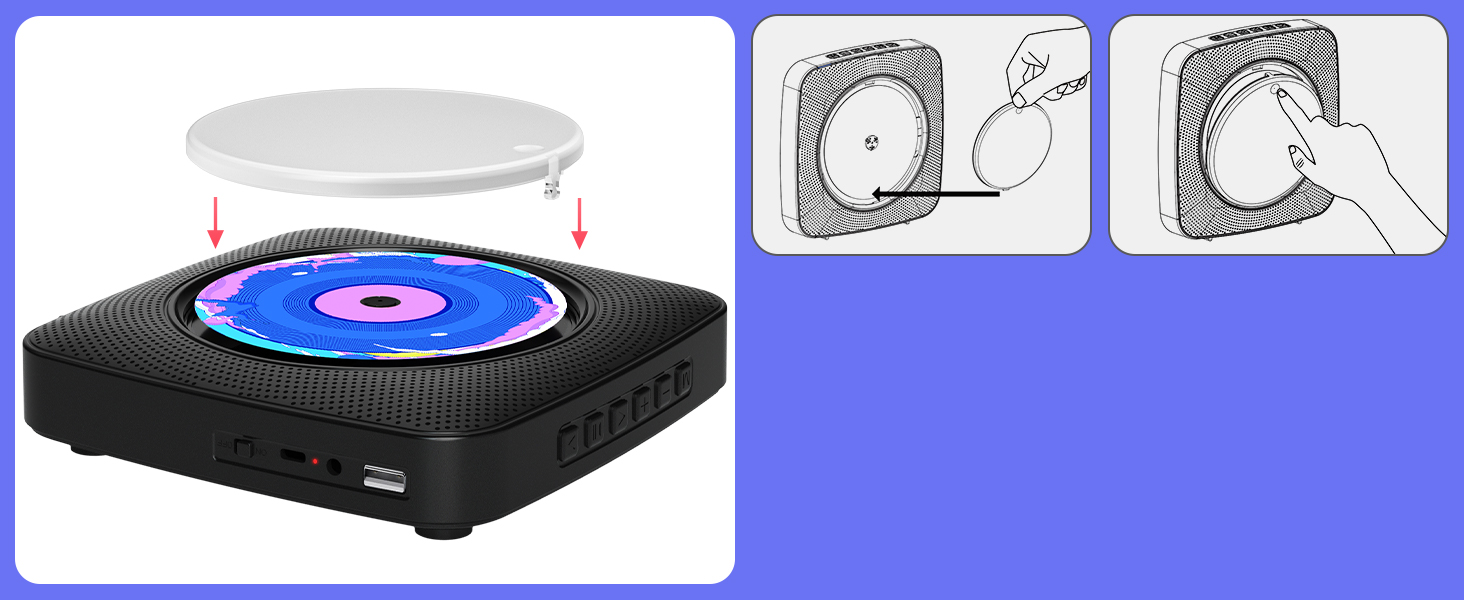
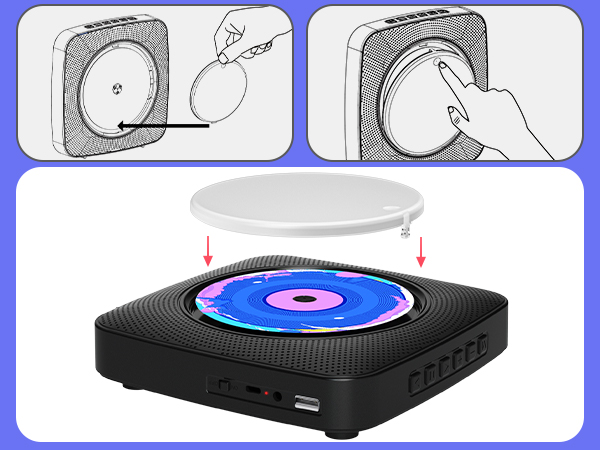
How to play a disc with detachable dust cover?
Detachable dust cover
- Press down on the circle on the lid
- Remove the cover and put a disc on
- Align the bottom of the lid with the slot and insert the cover
- Press down on the circle on the lid again
How to use dual Bluetooth modes?
Bluetooth transmitter and Bluetooth receiver
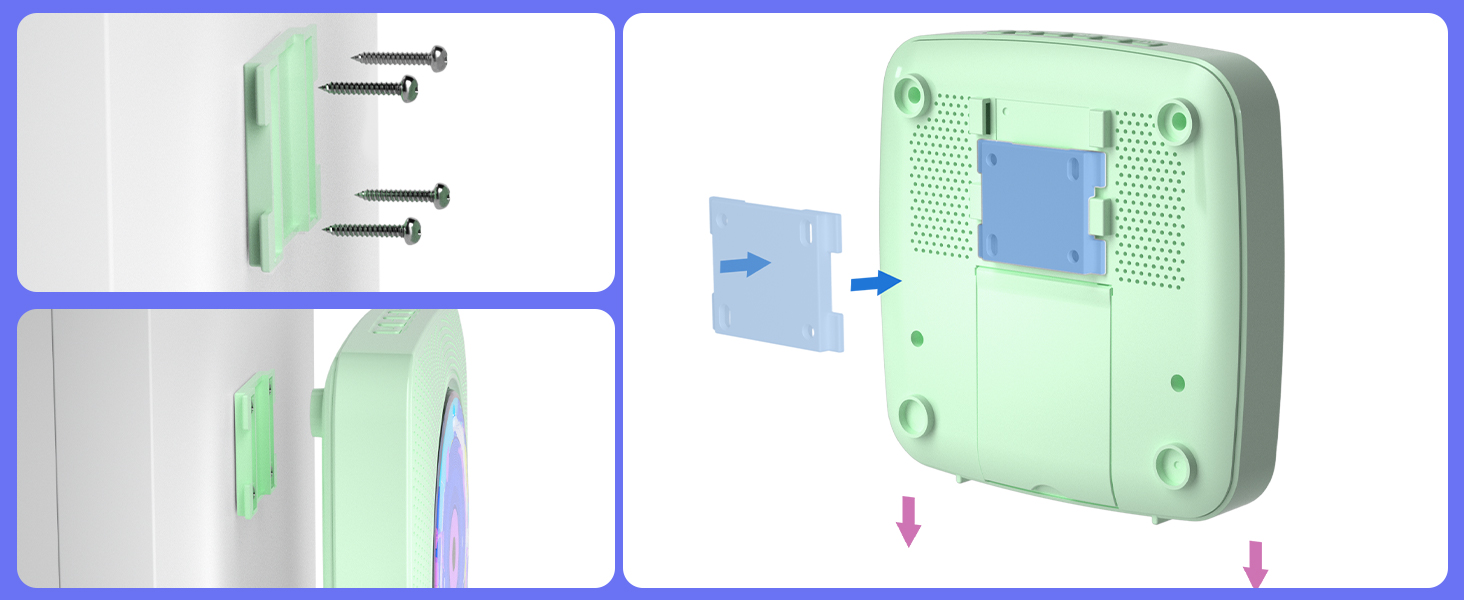
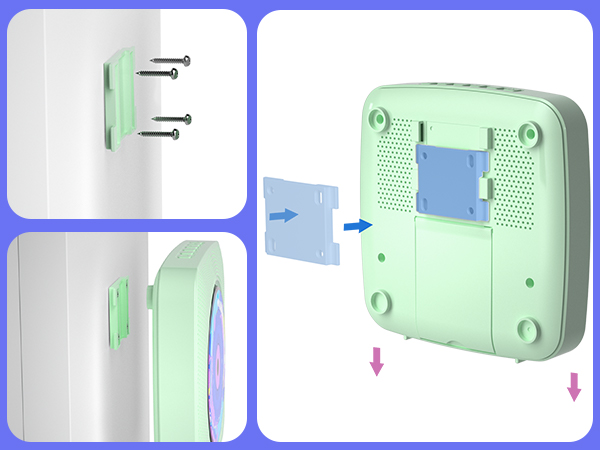
How to hang the player on the wall?
Wall CD Player
- Fix the wall-mounted plate on the wall with 4 included screws
- Hang the player on the plate
- Note: Pay attention to alignment before hanging
CD Player Portable
Merchant VideoHow to use Bluetooth Receive Mode?
1. Press Bluetooth button on the remote to switch to Bluetooth mode or switch the "mode" key (on the device) to the Bluetooth mode, then the CD Player will be ready to pair other Bluetooth devices such as mobile phones, pads etc., and its indicator light color will change to dark blue.
2. Long press 3s play pause button to activate Bluetooth Receive Mode.
3. Activate the Bluetooth in your mobile phone and choose the named “y-01" device in your mobile phone Bluetooth device list to pair.
4. Your mobile phone will be paired / connected to the CD Player in a few seconds.
5. Playing music on your mobile phone and the audio will be transmitted to the CD Player speaker through Bluetooth.
How to use Bluetooth Transmit Mode ? 1.Press the CD/USB button on the remote to switch to CD/USB mode or switch the "Mode" key (on the device) to CD USB mode, then the CD Player will be ready to pair other Bluetooth devices such as earphones.
2.Long press 3s play/pause button to activate Bluetooth Transmit Mode, Or short-press the Bluetooth transmission button on the remote control.
3 .Activate the Bluetooth device and the player will automatically be paired with it.
CD Player
Portable CD Players for Home with Bluetooth
Kegaudio: Where Timeless Sound Meets Modern Soul
In a world of fleeting digital streams, Kegaudio rekindles the soul of music. Each Kegaudio device marries retro elegance with cutting-edge engineering. We’re more than mechanics—we’re custodians of moments. The crackle before a vinyl-warm track, the glow of analog meters dancing to your childhood mixtape. Here, CDs aren’t relics; they’re time capsules, and our players are the key.
CD Player Portable
Retro CD Player Portable
Portable CD Player