






We've always believed in the power of sound. In 1989, we changed how people experienced audio with sound blaster. For the first time, computers had a voice.
Today, we carry that legacy forward. Our headphones, speakers, and sound cards are designed for how people live, work, and create. Whether it's a quiet moment alone or a shared experience that matters, we build audio that inspires.
Audio that becomes part of your story.

Pebble Series
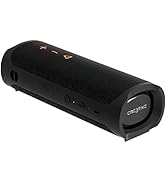
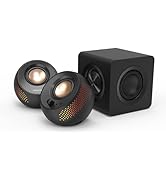
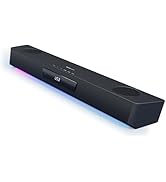
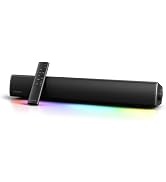
Soundbars & Speakers
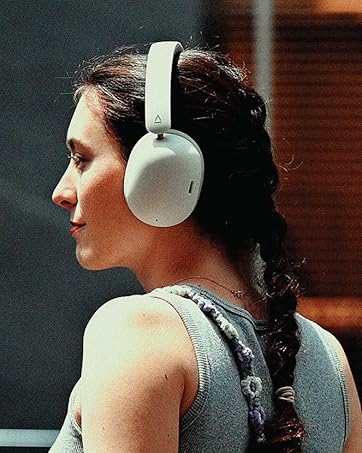
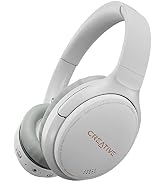
Headphones
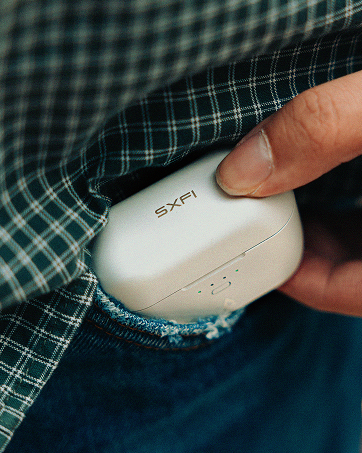
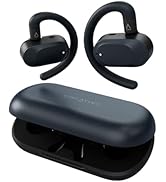
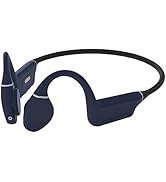
True Wireless
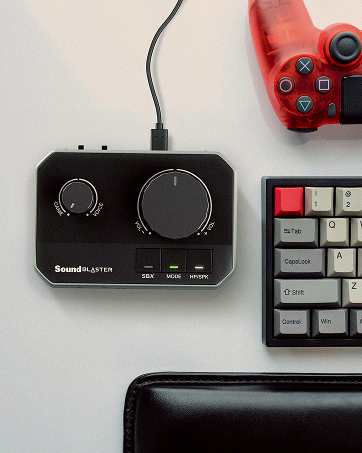
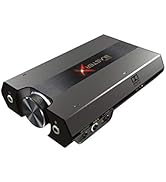
Sound Blasters
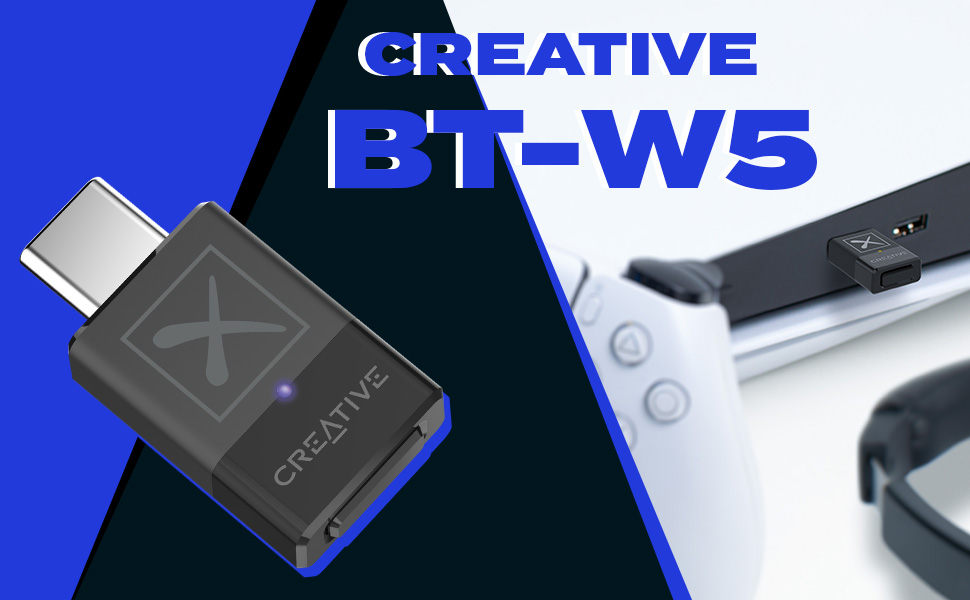
Smart Bluetooth 5.3 Audio Transmitter with aptX Adaptive
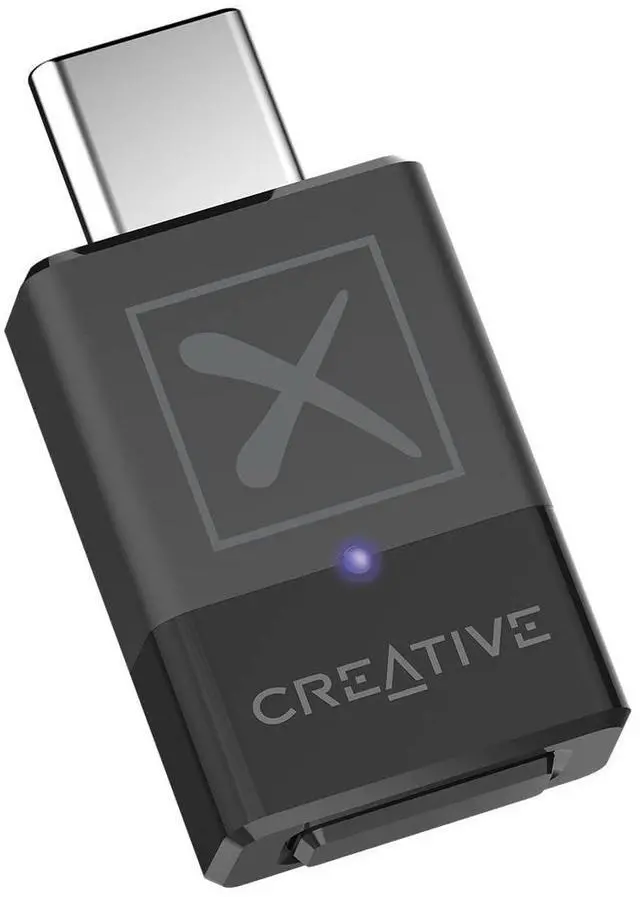
Enjoy seamless wireless audio streaming like no other with the Creative BT-W5. Equipped with Bluetooth 5.3, aptX Adaptive codec that allows users to toggle priority for audio quality, and a convenient device-switching function, Creative BT-W5 makes your Bluetooth experience enjoyable for entertainment, work, and more!
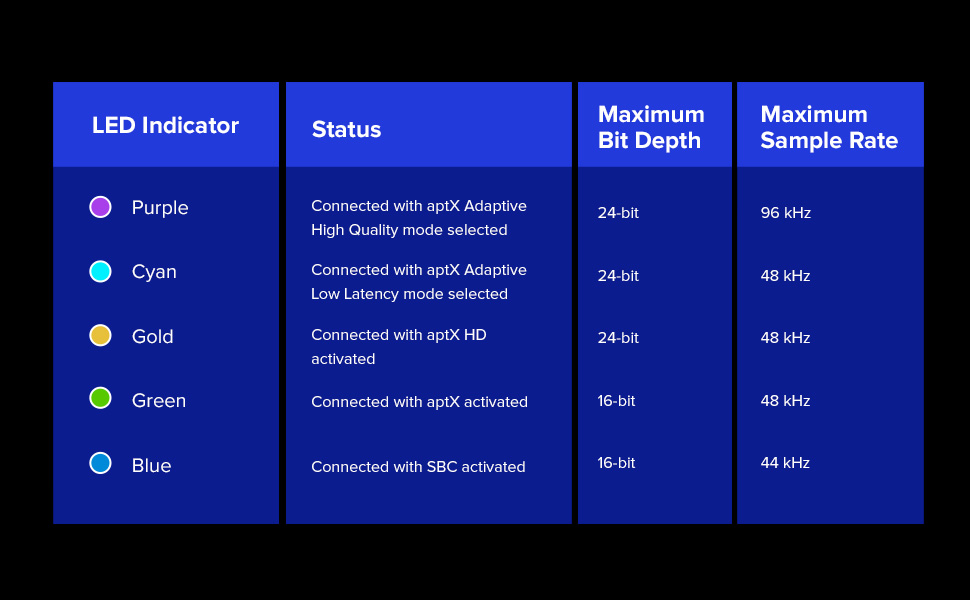
IT’S SMART AND ADAPTABLE
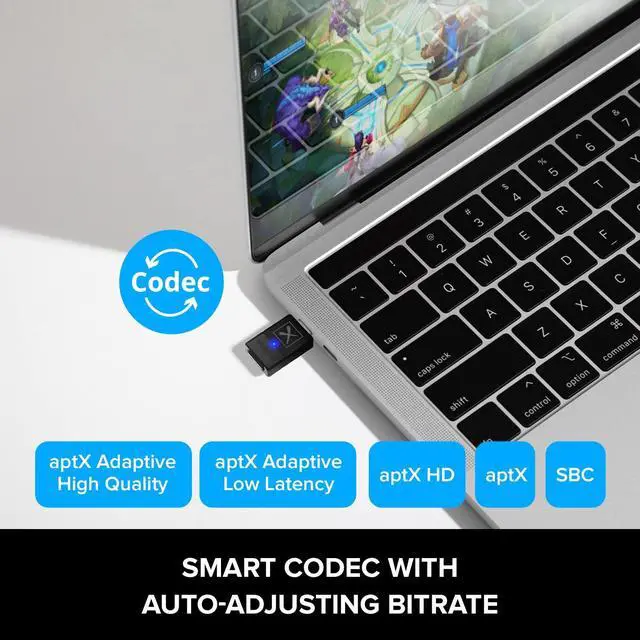
When connected, the codec allows you to prioritize between a selection of dynamic bit-rate (High Quality) or dynamic latency (Low Latency) adaptation based on your needs. The selection is accessible within the Creative app.
aptX Adaptive Low Latency mode effectively brings down latency to an approximate of 50 ms*, perfect for games and movies where latency requirements are a lot more demanding.
*Latency measurements are obtained from Qualcomm’s aptX Adaptive documents.
aptX Adaptive High Quality mode supports exceptional audio quality even at lower bit rates. With aptX Adaptive High Quality, you can enjoy aptX HD quality scaling up to 420 kbps, great for high-resolution music.
For PC users, the Creative BT-W5 will be detected in Windows Device Manager under Audio inputs and outputs and Sound, video and game controllers.
1.Select Creative BT-W5 (Speakers) as the default playback device.
2. Test your Microphone in Windows Sound Settings > Input > select Microphone (Creative BT-W5). Make sure to turn on HFP mode on the BT-W5.
For Mac users, Go to Systems Settings > General > System Report... to check that the BT-W5 is detected in the USB Device Tree.
1.Go to System Settings > Sound. Select BT-W5 as the sound output, and you can configure accordingly.
For PS5 users, connect the BT-W5 into the USB-C port of the PS5.
1.Go to Settings > Sound. Ensure that USB Headset (Creative BT-W5) is selected under Sound > Microphone > Input Device.
2.Go to Adjust Microphone Level to set the Microphone level for the USB Headset (Creative BT-W5).
3.Select All Audio for Output to Headphones. Go to Sound > Volume > Headphones to adjust your Headphones volume level.

HIGH-RESOLUTION AUDIO
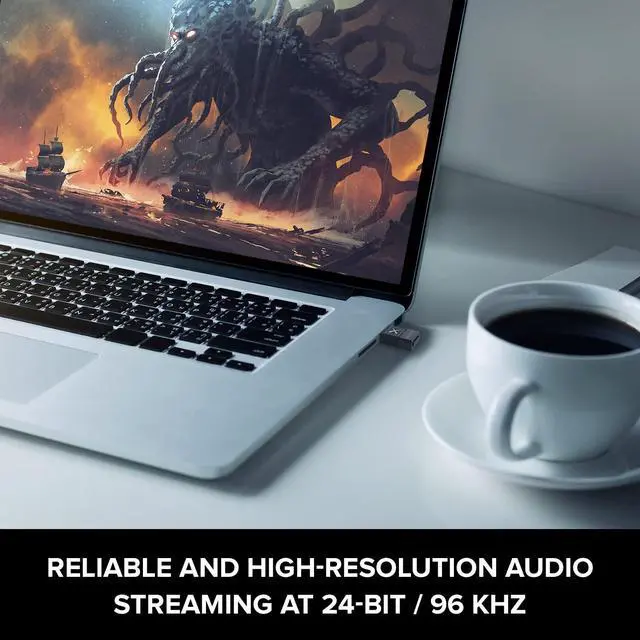
Creative BT-W5 offers high-resolution 24-bit audio at up to 96 kHz when streaming. Along with Bluetooth 5.3, enjoy stable, high-quality, and reliable connection for your music, movies, and games.

EASY DEVICE SWITCH
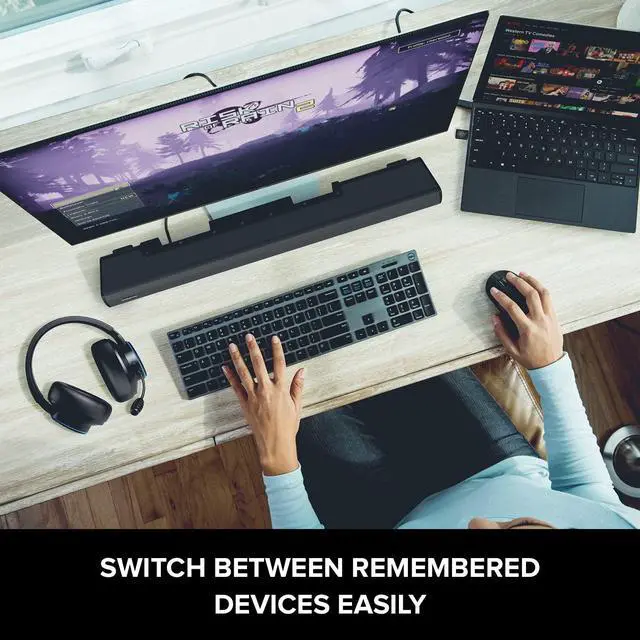
Creative BT-W5 remembers up to 4 devices for easy switching and allows you to easily change the output device you are connected to, with literally just press of a button.

HANDS-FREE CALLS
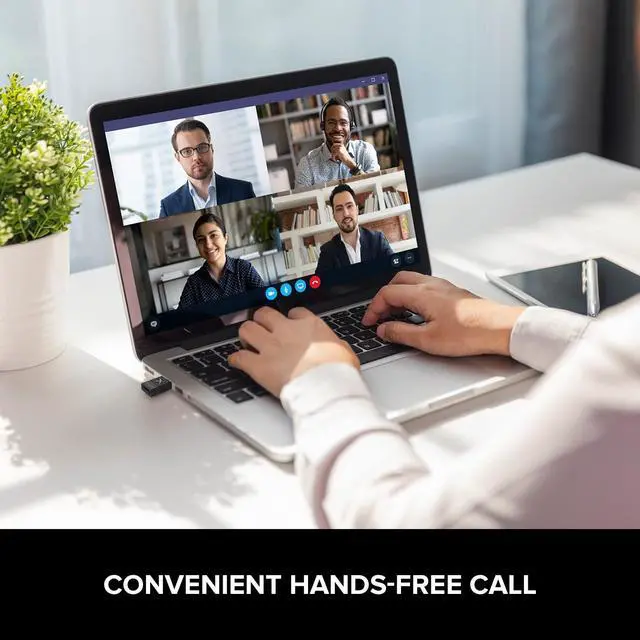
Double press on the Bluetooth button on Creative BT-W5 to enter HFP mode, and use voice chat with the built-in microphone on your Bluetooth headset.
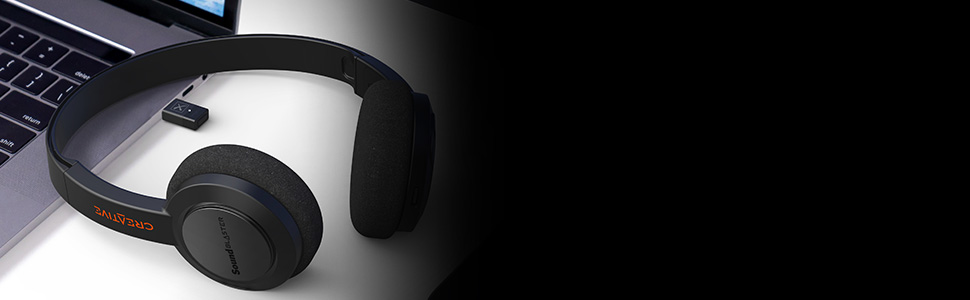
LIGHTWEIGHT AND PORTABLE
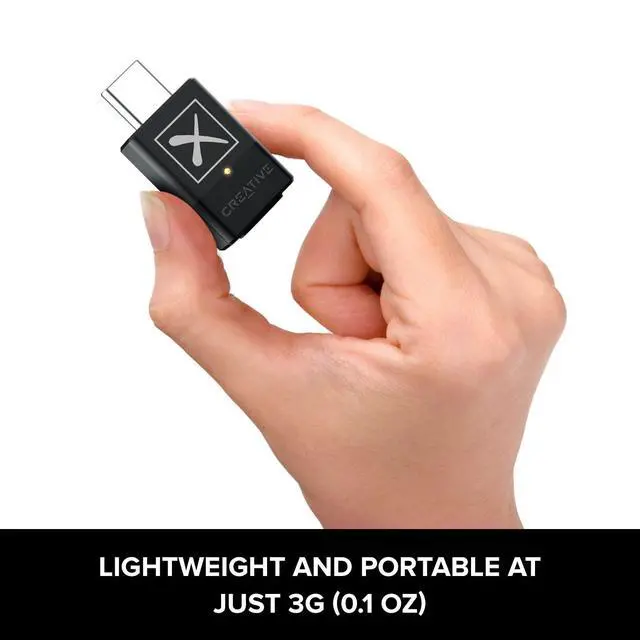
Creative BT-W5 is extremely lightweight at just 3g and features a small build. It is also powered via USB-C and draws minimal power from your device so that you can continue to listen to high-resolution 24-bit audio on your Bluetooth receivers or devices.
 Creative BT-W5 |  Creative BT-W3X | 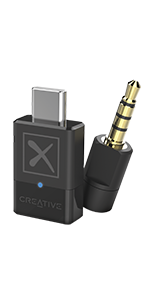 Creative BT-W4 | 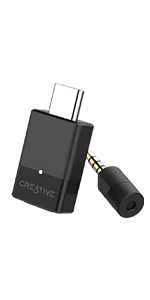 Creative BT-W3 | |
|---|---|---|---|---|
| Customer Reviews | — | — | — | — |
| Price | — | — | — | — no data |
| Codecs Supported | aptX Adaptive, aptX HD, aptX, SBC | aptX HD, aptX, SBC | aptX Adaptive, aptX, SBC | aptX LL, aptX HD, aptX, SBC |
| USB Audio Resolution | Up to 24-bit / 96 kHz | Up to 24-bit / 48 kHz | Up to 24-bit / 96 kHz | Up to 16-bit / 48 kHz |
| Wireless Audio Resolution | Up to 24-bit / 96 kHz | Up to 24-bit / 48 kHz | Up to 24-bit / 48 kHz | Up to 16-bit / 48 kHz |
| Device Switch | Yes, up to 4 devices | Yes, up to 4 devices | Yes, up to 4 devices | X |
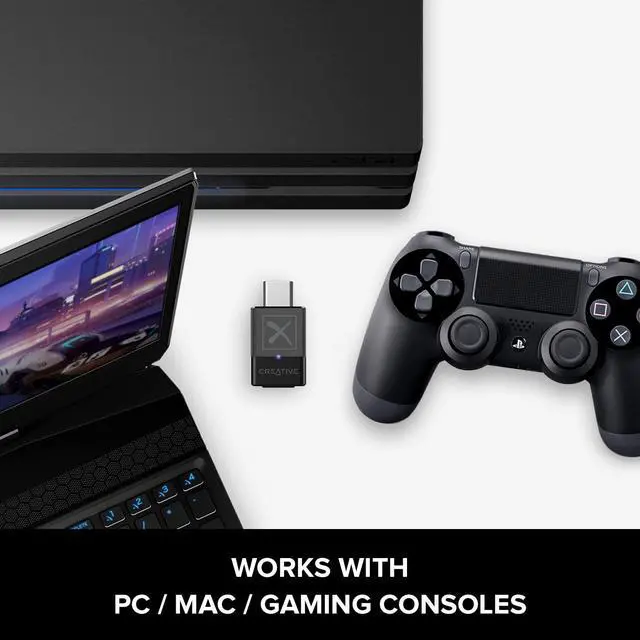
| Device Compatibility | PC, Mac, PS5, PS4, Nintendo Switch | PC, Mac, PS5, PS4, Nintendo Switch | PC, Mac, PS5, PS4, Nintendo Switch | PC, Mac, PS5, PS4, Nintendo Switch |
| Operating Range | Up to 50m / 165 ft | Up to 50m / 165 ft | Up to 50m / 165 ft | Up to 30m / 100 ft |
| Bluetooth Version | 5.3 | 5.3 | 5.2 | 5.0 |
| Codec Selection | Auto selection, assigned in real-time by Creative BT-W5 | Auto selection, assigned in real-time by Creative BT-W3X | Auto selection, assigned in real-time by Creative BT-W4 | Manual selection, user triggered by button press |
| Connectivity | USB-C | USB-C | USB-C | USB-C |
| Creative app | ? | ? | ? | X |
Smart Bluetooth 5.3 Audio Transmitter with aptX Adaptive
Enjoy seamless wireless audio streaming like no other with the Creative BT-W5. Equipped with Bluetooth 5.3, aptX Adaptive codec that allows users to toggle priority for audio quality, and a convenient device-switching function, Creative BT-W5 makes your Bluetooth experience enjoyable for entertainment, work, and more!
IT’S SMART AND ADAPTABLE
When connected, the codec allows you to prioritize between a selection of dynamic bit-rate (High Quality) or dynamic latency (Low Latency) adaptation based on your needs. The selection is accessible within the Creative app.
aptX Adaptive Low Latency mode effectively brings down latency to an approximate of 50 ms*, perfect for games and movies where latency requirements are a lot more demanding.
*Latency measurements are obtained from Qualcomm’s aptX Adaptive documents.
aptX Adaptive High Quality mode supports exceptional audio quality even at lower bit rates. With aptX Adaptive High Quality, you can enjoy aptX HD quality scaling up to 420 kbps, great for high-resolution music.
For PC users, the Creative BT-W5 will be detected in Windows Device Manager under Audio inputs and outputs and Sound, video and game controllers.
1.Select Creative BT-W5 (Speakers) as the default playback device.
2. Test your Microphone in Windows Sound Settings > Input > select Microphone (Creative BT-W5). Make sure to turn on HFP mode on the BT-W5.
For Mac users, Go to Systems Settings > General > System Report... to check that the BT-W5 is detected in the USB Device Tree.
1.Go to System Settings > Sound. Select BT-W5 as the sound output, and you can configure accordingly.
For PS5 users, connect the BT-W5 into the USB-C port of the PS5.
1.Go to Settings > Sound. Ensure that USB Headset (Creative BT-W5) is selected under Sound > Microphone > Input Device.
2.Go to Adjust Microphone Level to set the Microphone level for the USB Headset (Creative BT-W5).
3.Select All Audio for Output to Headphones. Go to Sound > Volume > Headphones to adjust your Headphones volume level.
HIGH-RESOLUTION AUDIO
Creative BT-W5 offers high-resolution 24-bit audio at up to 96 kHz when streaming. Along with Bluetooth 5.3, enjoy stable, high-quality, and reliable connection for your music, movies, and games.
EASY DEVICE SWITCH
Creative BT-W5 remembers up to 4 devices for easy switching and allows you to easily change the output device you are connected to, with literally just press of a button.
HANDS-FREE CALLS
Double press on the Bluetooth button on Creative BT-W5 to enter HFP mode, and use voice chat with the built-in microphone on your Bluetooth headset.
LIGHTWEIGHT AND PORTABLE
Creative BT-W5 is extremely lightweight at just 3g and features a small build. It is also powered via USB-C and draws minimal power from your device so that you can continue to listen to high-resolution 24-bit audio on your Bluetooth receivers or devices.
Creative BT-W5 | Creative BT-W3X | Creative BT-W4 | Creative BT-W3 | |
|---|---|---|---|---|
| Customer Reviews | — | — | — | — |
| Price | — | — | — | — no data |
| Codecs Supported | aptX Adaptive, aptX HD, aptX, SBC | aptX HD, aptX, SBC | aptX Adaptive, aptX, SBC | aptX LL, aptX HD, aptX, SBC |
| USB Audio Resolution | Up to 24-bit / 96 kHz | Up to 24-bit / 48 kHz | Up to 24-bit / 96 kHz | Up to 16-bit / 48 kHz |
| Wireless Audio Resolution | Up to 24-bit / 96 kHz | Up to 24-bit / 48 kHz | Up to 24-bit / 48 kHz | Up to 16-bit / 48 kHz |
| Device Switch | Yes, up to 4 devices | Yes, up to 4 devices | Yes, up to 4 devices | X |
| Device Compatibility | PC, Mac, PS5, PS4, Nintendo Switch | PC, Mac, PS5, PS4, Nintendo Switch | PC, Mac, PS5, PS4, Nintendo Switch | PC, Mac, PS5, PS4, Nintendo Switch |
| Operating Range | Up to 50m / 165 ft | Up to 50m / 165 ft | Up to 50m / 165 ft | Up to 30m / 100 ft |
| Bluetooth Version | 5.3 | 5.3 | 5.2 | 5.0 |
| Codec Selection | Auto selection, assigned in real-time by Creative BT-W5 | Auto selection, assigned in real-time by Creative BT-W3X | Auto selection, assigned in real-time by Creative BT-W4 | Manual selection, user triggered by button press |
| Connectivity | USB-C | USB-C | USB-C | USB-C |
| Creative app | ? | ? | ? | X |
We've always believed in the power of sound. In 1989, we changed how people experienced audio with sound blaster. For the first time, computers had a voice.
Today, we carry that legacy forward. Our headphones, speakers, and sound cards are designed for how people live, work, and create. Whether it's a quiet moment alone or a shared experience that matters, we build audio that inspires.
Audio that becomes part of your story.
Pebble Series
Soundbars & Speakers
Headphones
True Wireless
Sound Blasters
