

Your Browsing History
- Free 30-day Returns
$248.17

Meet Your Seller

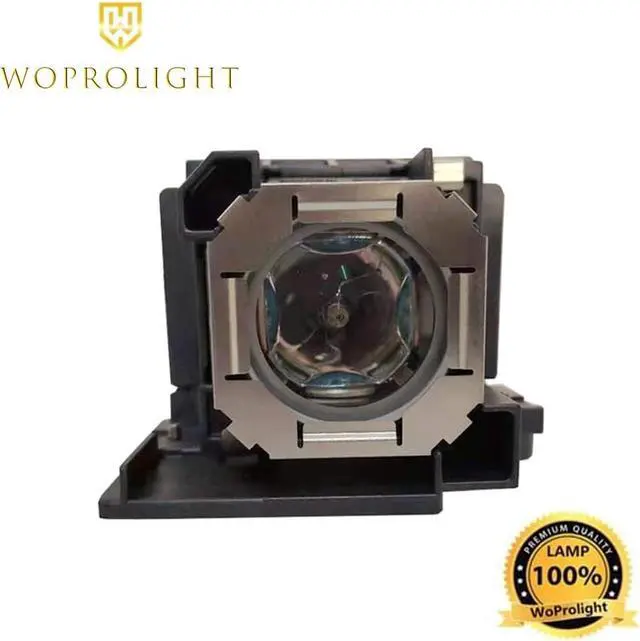
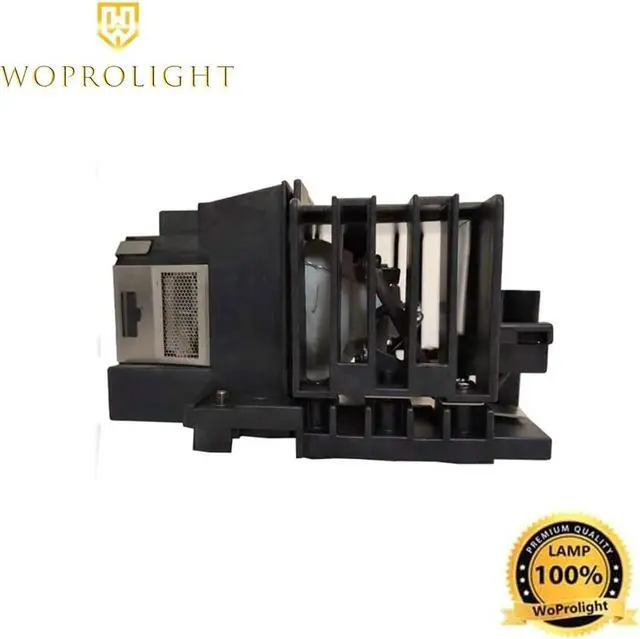


WoProlight RS-LP08/8377B001 Replacement Lamp Bulb with Housing for Canon REALiS WUX400ST,WUX450,WUX450ST-D,WUX500,WX450ST,WX520 Projectors
- Type: Woprolight Projector Repalcement Bare Bulb 100% new compatible lamp and easy installation
- Quality replacement projector bulb life expectancy: 2500 Hours
- The professional replacement lamp provides bright and sharp pictures for home theater,school presentation,business meeting,etc
- 180 days warranty and 30 days 100% Money Back Guarantee
- Fit projector:Canon REALiS WUX400ST,Canon WUX400ST-D,Canon WUX450,Canon WUX450-D,Canon WUX450ST,Canon WUX450ST-D,Canon WUX500,Canon WX450ST,Canon WX450ST-D,Canon WX520,Canon WX520-D
+
+
Overview
Specs
Reviews

Any questions? Our AI beta will help you find out quickly.
Try me now
WoProlight Replacement Projector Lamp - Amazon's best Replacement Projector Lamp bulb Premium quality wick, high brightness, long life replacement projector lamp, installed in your projector, so you appreciate the effect of the original lights
This will be your best choice at work, so you and your family to experience a better entertainment
Easy to Install 1
Use a screwdriver to remove the screw from the cover
2
Push up and remove the cover
3
Remove the lamp protection film 4
Remove the screw that secures the lamp module 5
Disconnect the lamp connector from the projector
Lift the handle so that it stands up
Pull out the lamp module by force
Warning To reduce the risk of personal injury, do not drop the lamp module or touch the lamp bulb
The bulb may shatter and cause injury if it is dropped
When exchanging the lamp,be sure to mount it securely,or it could cause overheating and even fire
Products related to this itemSponsored Hide feedbackPage 1 of 1Start overPage 1 of 1Previous page of related Sponsored ProductsFeedback
This will be your best choice at work, so you and your family to experience a better entertainment
Easy to Install 1
Use a screwdriver to remove the screw from the cover
2
Push up and remove the cover
3
Remove the lamp protection film 4
Remove the screw that secures the lamp module 5
Disconnect the lamp connector from the projector
Lift the handle so that it stands up
Pull out the lamp module by force
Warning To reduce the risk of personal injury, do not drop the lamp module or touch the lamp bulb
The bulb may shatter and cause injury if it is dropped
When exchanging the lamp,be sure to mount it securely,or it could cause overheating and even fire
Products related to this itemSponsored Hide feedbackPage 1 of 1Start overPage 1 of 1Previous page of related Sponsored ProductsFeedback
Warranty & Returns
Warranty, Returns, And Additional Information
Warranty
- Please contact the Seller directly for warranty information. Warranty information may also be found on the Manufacturer's website.
- CONTACT
Return Policies
- Return for refund within: 30 days
- Return for replacement within: 30 days
- This item is covered by Halo Electronics Return Policy
Manufacturer Contact Info
- For a directory of all our manufacturers, please click below.
- Manufacturers Directory
LOADING...