Your Browsing History
Best Sellers
- $129.99
- + FREE SHIPPING
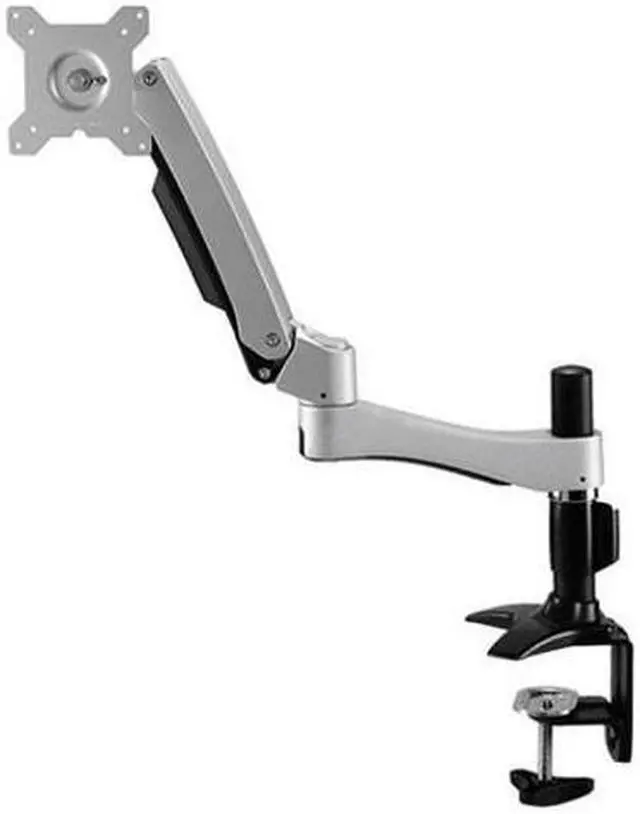
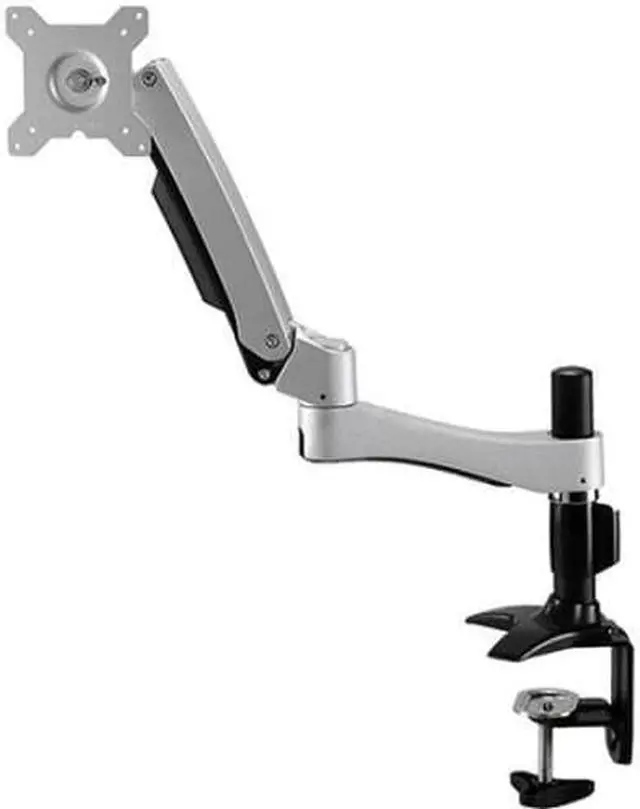
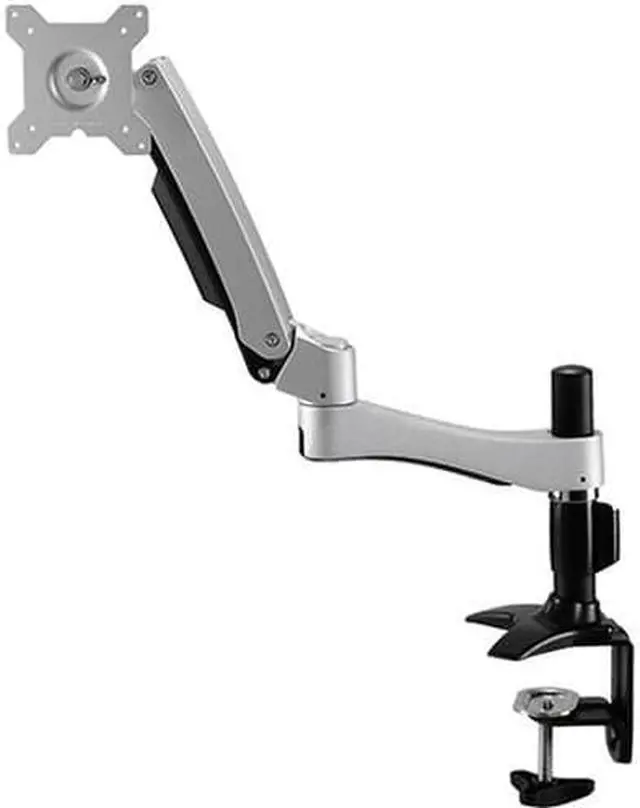
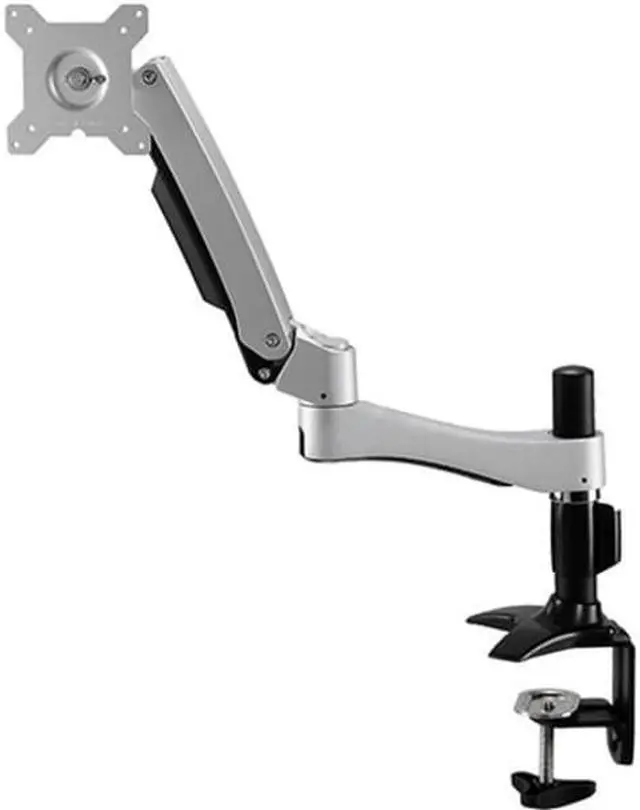
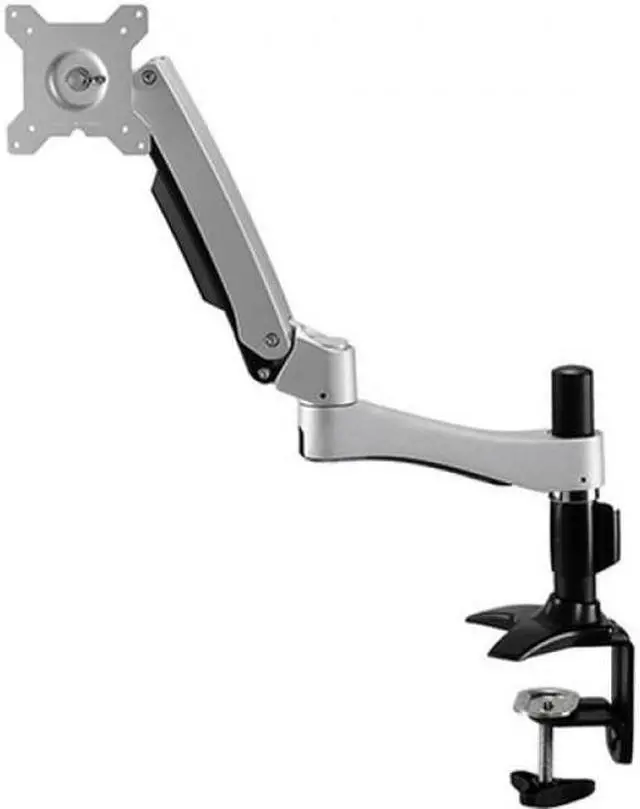
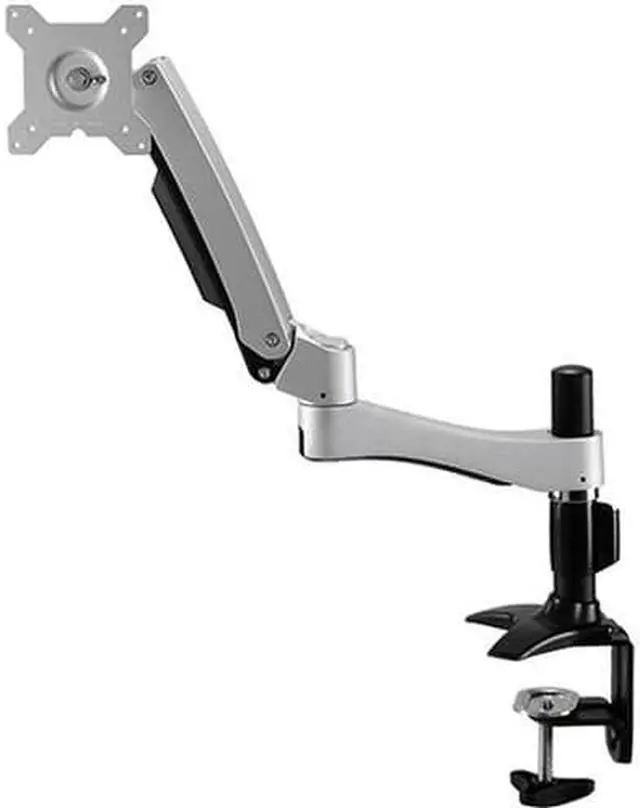
Amer Networks Long Arm Articulating Single Monitor Mount. - AMR1ACL
- AMR1ACL
+
+
Overview
Specs
Reviews
See all Q & A
Any questions? Ask CelesteSM will help you find out quickly.
Try me now
This incredibly versatile product supports up to 26" monitors with a maximum individual weight of 22.1 lbs. Not only will this strong and sturdy mount have no trouble holding VESA certified 75x75 or 100x100 monitors (fitting the above criteria) it is also extremely adjustable! Each monitor can be placed at a different height to accommodate different sized monitorsThe monitor has 360? rotation meaning landscape portrait or anything in-betweenTilt and Swivel and Rotation is provided in 5 places ensuring maximum adjustability: Swivel
in the hinge: +/-
90?Tilt in the hinge: +90?/-20?Tilt
in the arm: +65?/-30?Rotation about the pole and main arm: 360?Height adjustable with a maximum height of 19.63" (from the desk to the center of the mounting device) Extendable with a max horizontal extension of 24.4" from the rear edgeBenefits of
Clamp Mounting: Clamp Bases are an excellent mounting option! They are screwed onto the edge of a desk for maximum space. (Clamp bases require a lip on the desk 8-50 mm thick and 85 mm deep)They are the sturdiest mount of the three kinds (stand clamp and grommet) They take up the least amount of desk space (So much more room for activities! )Sustains a maximum load capacity of 22.10 lbSupports the screen size of 26"Suits the screens with 75 x 75 mounting hole pattern
Warranty & Returns
Warranty, Returns, And Additional Information
Return Policies
- Return for refund until: January 31, 2026
- Return for replacement until: January 31, 2026
- This item is covered by Newegg.com's Extended Holiday Return Policy.
- Read full return policy for details.
We want to ensure your holiday shopping this year is hassle-free. That’s why we’re automatically extending our return policies on almost every product! For purchases placed between November 1st, 2025 and December 31, 2025 you will have until January 31, 2026 to return your product.
Manufacturer Contact Info
- Manufacturer Website
- Support Phone: 1-888-501-9971
- Support Email: support@amer.com
- Support Website
- View other products from Amer Networks
LOADING...
LOADING...
The Amer Networks AMR1ACL is a long-arm articulating mount for one monitor, suited to desk users who want to reposition their display and free up workspace. Its clamp base and adjustable arm support flexible monitor placement.
Recommended For
- Desk users who regularly pull a single monitor closer or push it back need the AMR1ACL’s long articulating arm, which extends up to 24.4 inches from the desk’s rear edge.
- People who switch between portrait and landscape work, or adjust their screen angle during the day, can use its 360-degree rotation and multiple tilt and swivel points.
- Users who want to clear space beneath a single monitor can choose this desk-clamp mount instead of keeping the monitor on its original stand.
- People setting up a compatible VESA monitor weighing 22.1 lb or less can use the arm’s 75×75 mm or 100×100 mm mounting pattern and adjustable positioning.
Real-World Use Scenarios
- When a desk feels crowded by a monitor’s original stand, clamp the AMR1ACL to the desk edge and position the screen over the work area; the stand no longer occupies the same patch of desktop.
- For a shared desk or changing tasks, swivel or extend the monitor to bring it closer, shift it aside, or angle it toward another person; the screen can be repositioned without moving its desk clamp.
- When alternating between spreadsheets and reading long documents or web pages, rotate a compatible VESA monitor to portrait orientation; more of the vertical page can be visible at once.
- For a home-office setup, adjust the monitor’s height, tilt, and angle to suit the user’s seating position; this makes it easier to set a comfortable viewing position than with a fixed monitor stand.
- When clearing the desk for writing, paperwork, or cleaning, push the monitor toward the back or side of the workspace; the articulating arm lets the screen move without removing the mount.
Spec Summary
| Attribute | Value |
|---|---|
| Best For | Monitor setups requiring a tabletop mount with tilt adjustment |
| Mounting And Movement | Tabletop mount with tilt adjustment for monitors |
| Dimensions And Weight | 24.4 × 21.9 × 4.8 in; item weight 6.39 lb |
| Brand And Model | Amer Networks, Inc. AMR1ACL |