here!
I’m your shopping assistant for PC builds, upgrades, and everything tech.
Got questions? Ask away!
Start a conversation
here!
I’m your shopping assistant for PC builds, upgrades, and everything tech.
Got questions? Ask away!
Start a conversation



Any questions? Ask CelesteSM will help you find out quickly.
|
CPU |
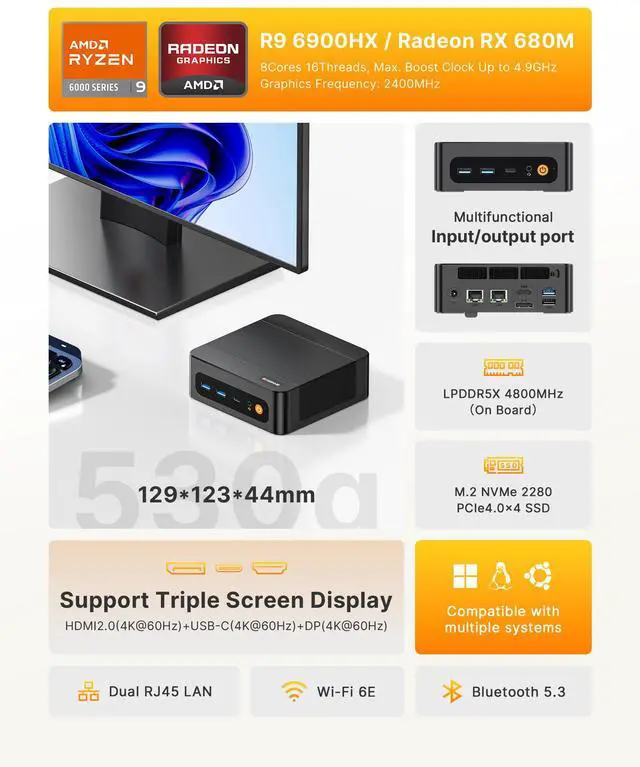
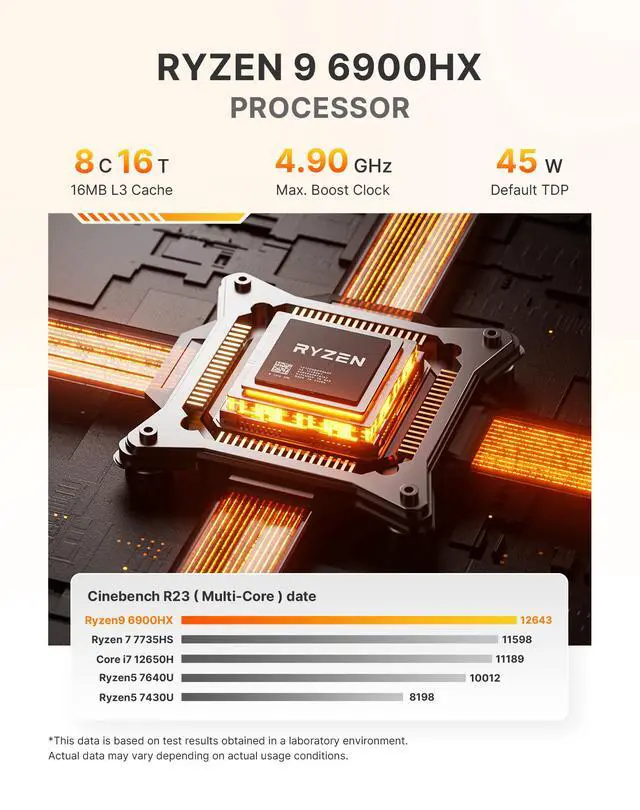
AMD Ryzen 9 6900HX(8C/16T) |
|---|---|
|
Graphics |
AMD Radeon 680M(Max Graphics Frequency 2400MHz) |
|
Memory |
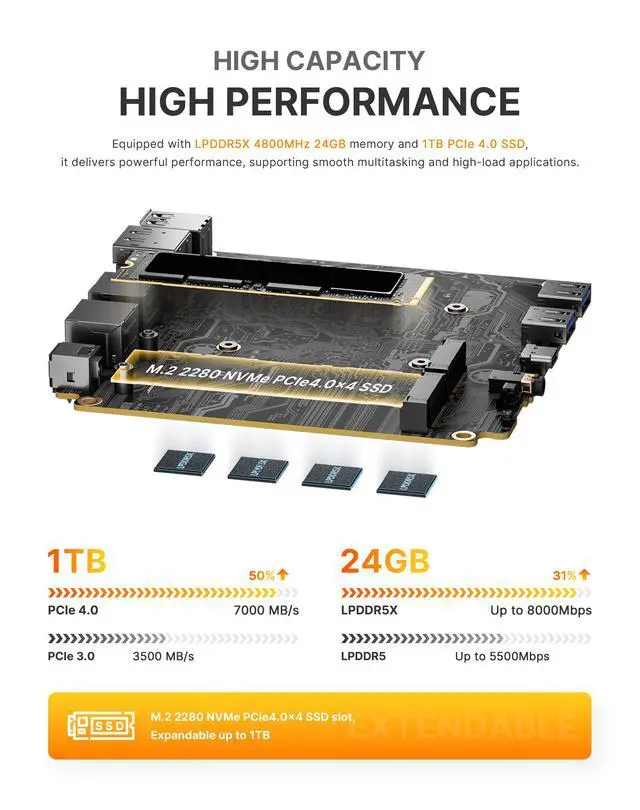
24G LPDDR5X 4800MT/s |
|
Storage |
1TB M.2 2280 NVMe PCIe 4.0 x4 SSD (pre-installed); one additional M.2 slot for expansion |
|
Connectivity |
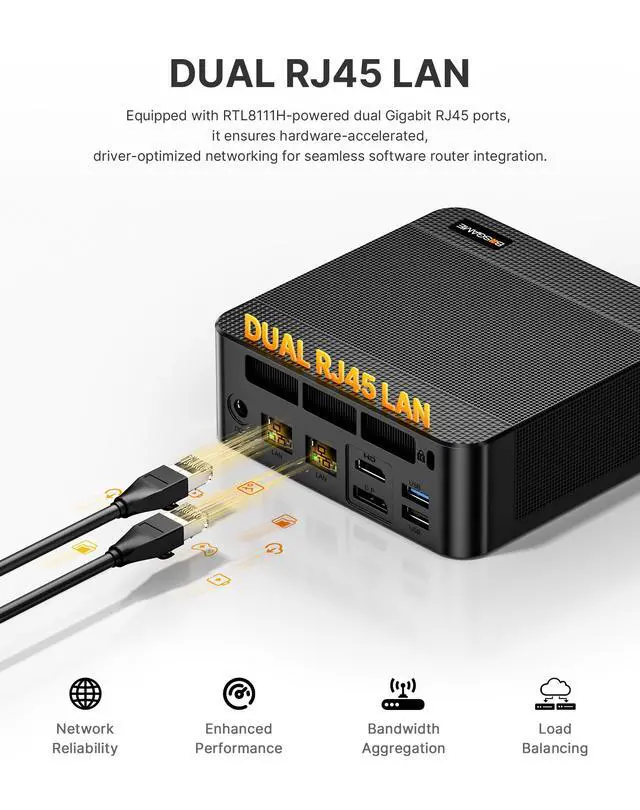
Dual LAN |
|
Video Output |
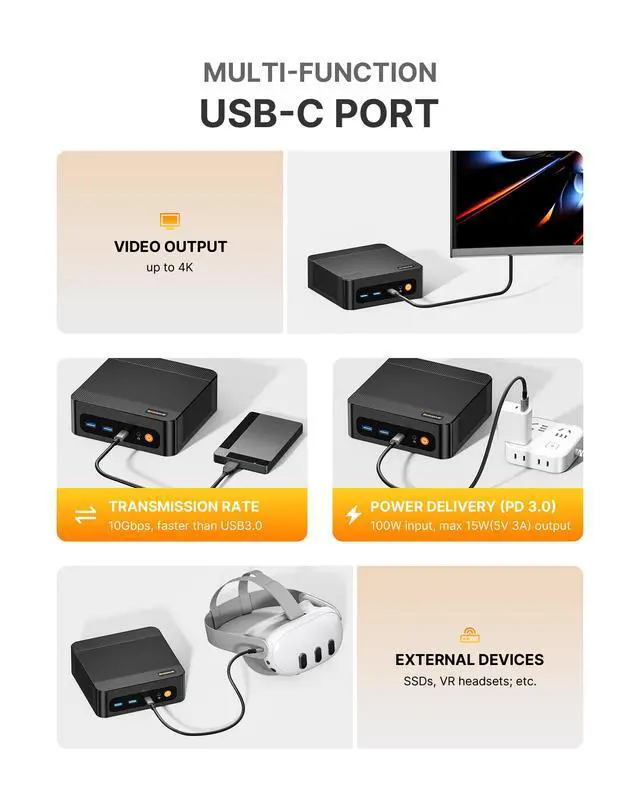
HDMI2.0 x1 (4K@60Hz) DPx1 (4K@60Hz) |
|
Operating System |
|
|
Package Included |
1x Mini PC, 1x Power adapter, 1x VESA mount with screws, 1x HDMI cable, 1x User Manual |


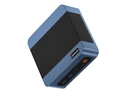
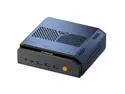
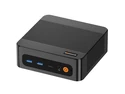
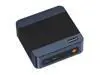
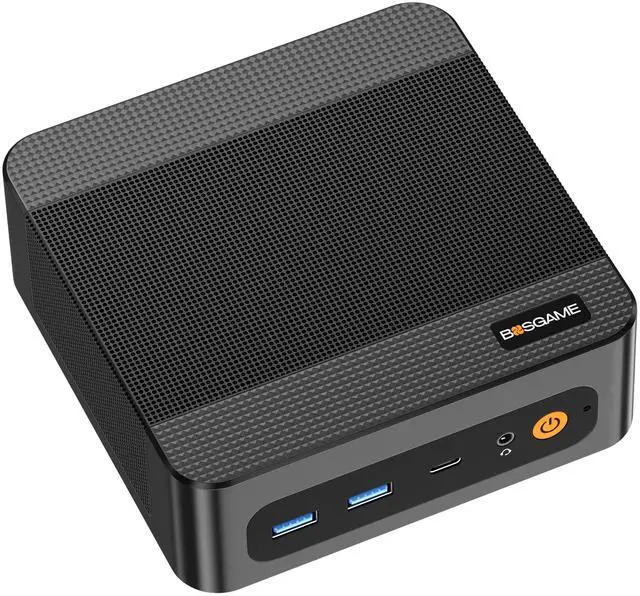
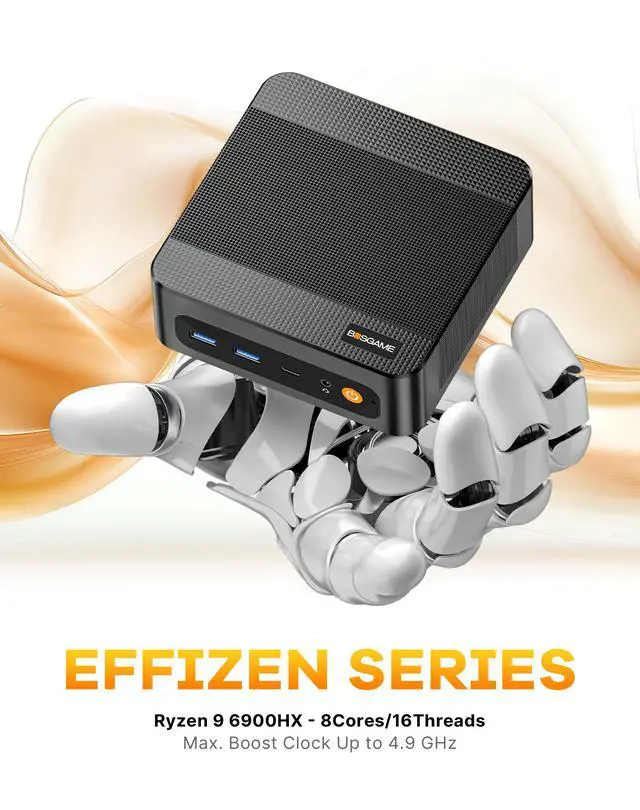
The BOSGAME P6 is a compact Windows 11 Pro mini PC with an 8-core, 16-thread Ryzen 9 6900HX, 24GB LPDDR5X memory, and a 1TB PCIe 4.0 SSD, suited to multitasking, productivity, and home or office computing.
| Attribute | Value |
|---|---|
| Best For | Compact home and office computing with Ryzen 9 processing and integrated Radeon graphics |
| Processor | AMD Ryzen 9 6900HX |
| Graphics | Integrated AMD Radeon 680M graphics with a maximum graphics frequency of 2400MHz |
| Memory | 24GB onboard LPDDR5X memory at 4800MT/s |
| Storage | 1TB PCIe 4.0 SSD |
| Wired And Wireless Networking | Two RJ45 ports with 1Gbps LAN, Wi-Fi 6E, and Bluetooth 5.3 |
| Operating System | Windows 11 Pro |
Q: BOSGAME P6 vs. BOSGAME P3 with Ryzen 9 6900HX: which configuration should I choose?
A: Choose the P6 when you want the listed 24GB of LPDDR5X memory and 1TB PCIe 4.0 SSD in one configuration. The P3 is a fit if you prefer its listed DDR5 SODIMM memory, which BOSGAME says can be upgraded, and want to choose among its memory and storage configurations. Both use the Ryzen 9 6900HX and Radeon 680M graphics.
Q: BOSGAME P6 vs. P6 Neo: which one should I get?
A: Choose the P6 if you want the Ryzen 9 6900HX and 24GB LPDDR5X configuration listed for this model. Choose the P6 Neo if you prioritize its Ryzen 7 6800H configuration and the listed dual 2.5GbE LAN ports. Both models are listed with Radeon 680M graphics and 1TB PCIe 4.0 storage.
Q: BOSGAME P6 vs. P3 Plus: is the P3 Plus a worthwhile step up?
A: Choose the P6 if your priority is its listed 24GB of memory and Ryzen 9 6900HX. Choose the P3 Plus if you prioritize its Ryzen 7 7840HS, Radeon 780M graphics, and upgradeable DDR5 memory. Both listings include a 1TB PCIe 4.0 SSD; the P3 Plus is positioned by BOSGAME for gaming and creative workloads.
Q: Can it run three monitors at once?
A: Yes. The product information lists three display outputs—HDMI, DisplayPort, and USB4—and says it supports up to three 4K displays. Check that your monitors and cables match the required connections.
Q: Can I add more storage later?
A: Yes. In addition to its 1TB PCIe 4.0 SSD, the product information lists an extra M.2 2280 slot for storage expansion. It does not specify the maximum supported capacity for that slot.
Q: Is it suitable for office work and light gaming?
A: It is suited to office work and multitasking, with a Ryzen 9 6900HX, 24GB of memory, and Windows 11 Pro. Its integrated Radeon 680M graphics are specified for light gaming; the product information does not establish performance for demanding games.
Q: Is the BOSGAME P6 a good fit for office work and multitasking?
A: It is a reasonable fit for office workloads: the listed Ryzen 9 6900HX has 8 cores and 16 threads, and the system supports up to three 4K displays. A Reddit buyer considering it as an office all-rounder reported that their P6 had been running fine for a month, though that is only one owner’s experience.
Q: Can the BOSGAME P6 handle gaming?
A: It is intended for light gaming, not as a substitute for a PC with a dedicated graphics card. The P6’s Radeon 680M is integrated graphics; check performance for the specific games and settings you want. Reddit discussion of the P6 describes it as suitable for lighter gaming, while noting its graphics limits.
Q: Can you upgrade the P6’s RAM later?
A: Do not assume you can. A Reddit discussion about the P6 says its RAM is not expandable, and the supplied product information describes onboard memory. If future RAM upgrades matter, verify the exact listing or choose a model with user-accessible memory.
Q: Is the BOSGAME P6 worth buying?
A: It may suit buyers seeking a compact office PC with a capable multi-core processor, 24GB RAM, a 1TB SSD, and multiple display outputs. Whether it is worth buying depends on its price and your needs; its integrated graphics are aimed at light gaming, and Reddit users have flagged RAM upgradeability as a trade-off.