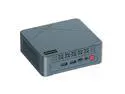
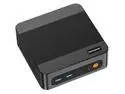
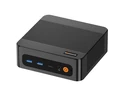
here!
here!
I’m your shopping assistant for PC builds, upgrades, and everything tech.
Got questions? Ask away!
Start a conversation
here!
I’m your shopping assistant for PC builds, upgrades, and everything tech.
Got questions? Ask away!
Start a conversation



Any questions? Ask CelesteSM will help you find out quickly.
|
CPU |
|
|---|---|
|
GPU |
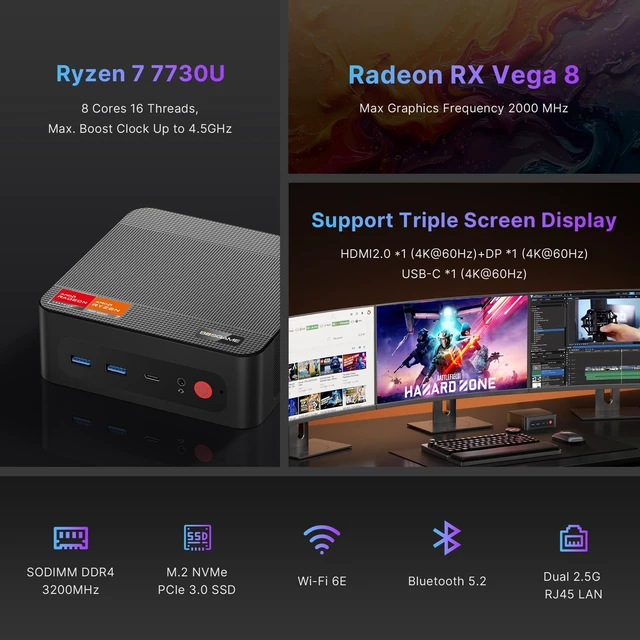
AMD Radeon RX Vega8, Max Frequency 2000MHz |
|
Memory |
16GB DDR4 3200MHz installed, upgradeable up to 64GB |
|
Storage |
|
|
Ethernet |
|
|
Video Output |
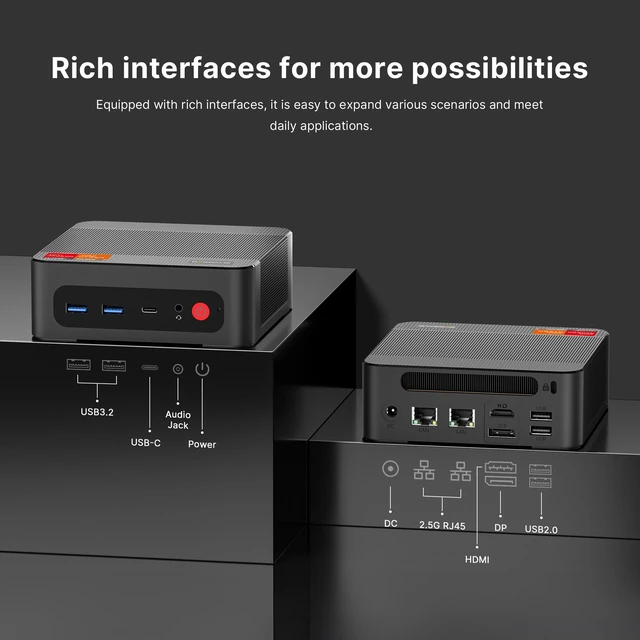
HDMI2.0x1 + DPx1 + USB-C (4K@60Hz) |
|
WiFi |
Wi-Fi 6E (802.11 a/b/g/n/ac/ax), Bluetooth 5.2 |
|
Power Adapter |
Input 100-240V 50/60Hz , Output 19V/3.42A DC |
|
Other Functions |
Auto Power ON, Wake On Lan, PXE |
|
Package Included |
|


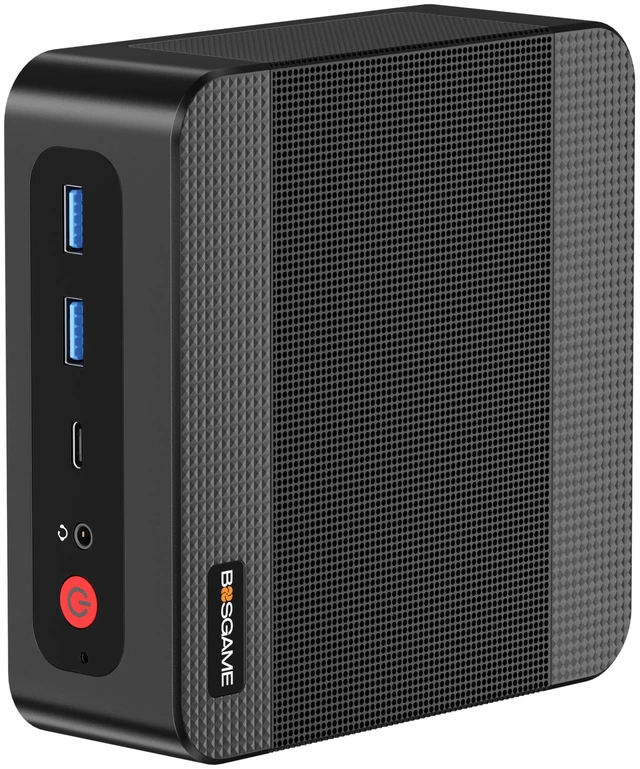
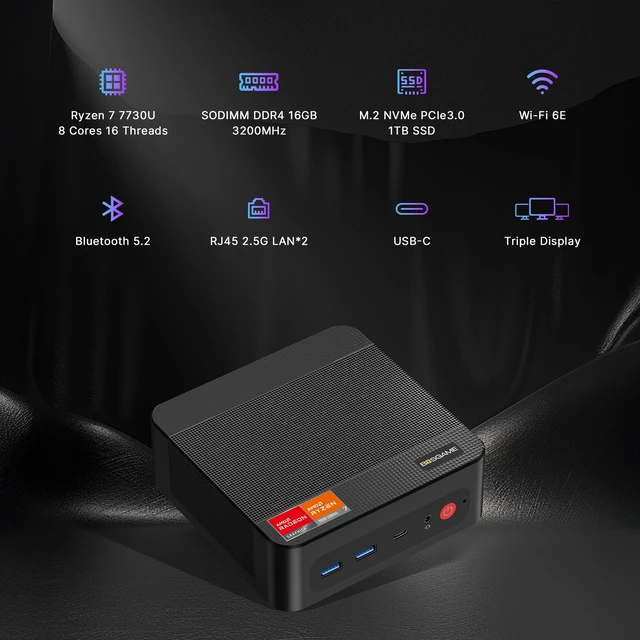
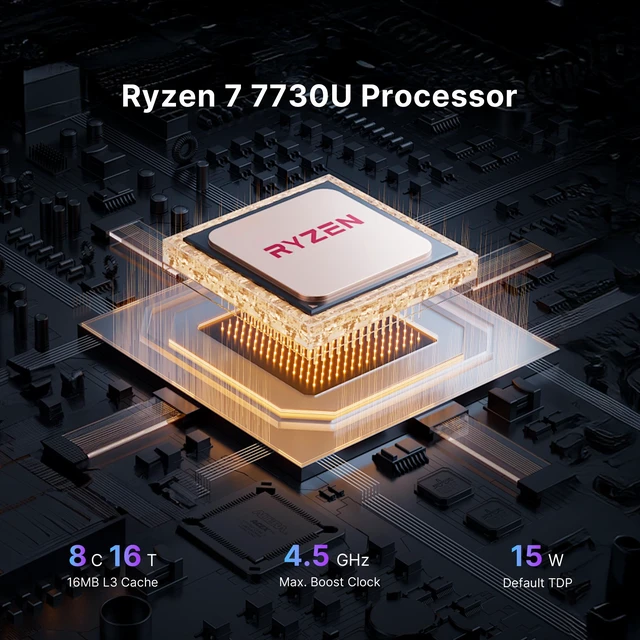
The BOSGAME P4 Ultra is a compact Windows 11 Pro mini PC for business users, developers, and multitaskers, powered by an 8-core/16-thread AMD Ryzen 7 7730U, 16GB DDR4 RAM, and a 1TB NVMe SSD. It is well suited for office productivity, coding, media work, and everyday multitasking across up to three 4K displays.
| Attribute | Value |
|---|---|
| Best For | Business users seeking a compact mini PC with an AMD Ryzen 7 processor, 16GB of memory, 1TB of storage, and Windows 11 Pro |
| Processor | AMD Ryzen 7 7730U |
| Graphics | Integrated AMD Radeon Graphics with a maximum graphics frequency of 2000MHz |
| Memory Configuration | 16GB DDR4 memory running at 3200MT/s in SODIMM format, with 2 total slots, 1 available slot, and support for up to 64GB |
| Storage | 1TB SSD storage |
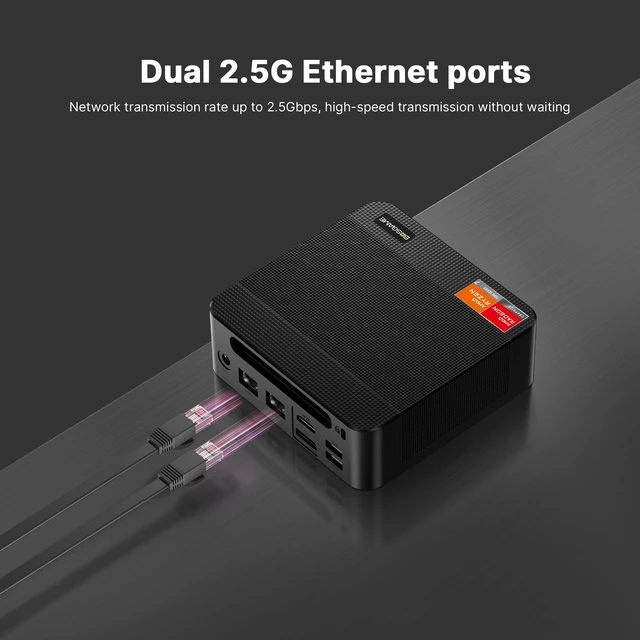
| Wired And Wireless Networking | Two RJ45 ports with 2.5Gbps LAN, plus Wi-Fi 6E 802.11 a/b/g/n/ac/ax and Bluetooth 5.2 |
| Operating System | Windows 11 Pro |
| Power Supply | 19V 3.42A adapter supporting AC 100–240V input |
| Form Factor | Mini PC |
| Model Identifiers | BOSGAME |
Q: Is the BOSGAME P4 Ultra better than an Intel N100 mini PC?
A: Choose the BOSGAME P4 Ultra for heavier multitasking, coding, virtual machines, light content creation, and integrated-graphics performance. Its Ryzen 7 7730U has 8 cores and 16 threads, compared with the Intel N100's 4 cores and 4 threads. The P4 Ultra also provides 16GB RAM, a 1TB SSD, and dual 2.5GbE ports. Choose an N100 mini PC instead when the priority is basic browsing, office work, media playback, or a low-power home server.
Q: Should I buy the P4 Ultra or a cheaper Ryzen 5 7530U or 7430U mini PC?
A: The P4 Ultra is the better choice when you regularly run many applications, compile code, use productivity software alongside browser tabs, or need more CPU headroom. The Ryzen 7 7730U provides 8 cores and 16 threads, while the Ryzen 5 7530U and 7430U generally provide 6 cores and 12 threads. A cheaper Ryzen 5 model is sufficient for office work, web browsing, streaming, and routine remote-work tasks, especially if it includes similar RAM and storage.
Q: Is the BOSGAME P4 Ultra a better choice than an 8845HS or 7840HS mini PC?
A: Choose an 8845HS or 7840HS mini PC for stronger integrated-graphics performance, demanding creative applications, heavier sustained workloads, or more serious gaming. Those processors use newer Zen 4-class designs and Radeon 780M graphics, while the P4 Ultra uses the Zen 3 Ryzen 7 7730U with Radeon graphics. Choose the P4 Ultra when office productivity, browsing, media playback, light development, lower power use, and dual 2.5GbE networking matter more than maximum CPU or GPU performance.
Q: Is the P4 Ultra a meaningful upgrade over a Ryzen 7 5825U mini PC?
A: The P4 Ultra is not a major CPU-generation upgrade over a Ryzen 7 5825U mini PC because the Ryzen 7 7730U is also based on Zen 3 and has the same 8-core, 16-thread class of design. Upgrade to the P4 Ultra when you need its dual 2.5GbE ports, triple-display connectivity, Windows 11 Pro, additional M.2 storage expansion, or a newer complete system. If your existing 5825U mini PC already meets your performance and connectivity needs, the upgrade benefit is limited.
Q: Should I get the P4 Ultra or a laptop for portable work?
A: Choose the P4 Ultra for a fixed desk, multi-monitor workstation, home lab, or office setup where compact size, upgradeable memory and storage, Windows 11 Pro, and dual 2.5GbE networking are useful. Choose a laptop when battery operation, an integrated display, keyboard, camera, and frequent travel are more important. The P4 Ultra is a desktop replacement rather than a battery-powered portable computer.
Q: Is this mini PC suitable for office work, meetings, note-taking, and multitasking?
A: Yes. The BOSGAME P4 Ultra is suitable for office applications, web browsing, video meetings, note-taking, coding, and multitasking. Its Ryzen 7 7730U processor, 16GB of RAM, 1TB NVMe SSD, Windows 11 Pro, Wi-Fi 6E, Bluetooth 5.2, and multiple USB ports support typical business workflows. It does not include a built-in display, keyboard, camera, microphone, or battery, so those must be connected separately.
Q: Can I connect three 4K monitors to this mini PC?
A: Yes. The P4 Ultra supports up to three 4K monitors at 60Hz through its HDMI 2.0, DisplayPort, and full-function USB-C outputs. The USB-C port also supports data transfer and PD 3.0 charging. Actual monitor support can depend on the cables, adapters, and display inputs used.
Q: Can the RAM and storage be upgraded later?
A: Yes. The system includes 16GB of DDR4-3200 memory in two SODIMM slots, with one slot available, and supports up to 64GB of RAM. It includes a 1TB M.2 NVMe PCIe 3.0 SSD and has an additional M.2 slot for storage expansion. Upgrade compatibility should be checked before purchasing replacement components.
Q: Is this a good travel work computer?
A: It can work well as a portable computer for moving between offices, home workspaces, or fixed workstations because it is more compact than a conventional desktop. However, it is not a complete laptop replacement: the P4 Ultra requires an external monitor, keyboard, mouse, and power outlet, and the specifications do not list an internal battery. It is best for travel between prepared workspaces rather than mobile work on the move.
Q: Is this mini PC suitable for a home lab, server, or fast wired network setup?
A: Yes, it is well suited to users who need two wired network connections. The P4 Ultra has dual 2.5Gbps Ethernet ports, which can support faster local networking, router or firewall testing, NAS access, and home-lab setups when the rest of the network also supports 2.5Gbps. It is less suitable for workloads requiring a dedicated graphics card, such as demanding modern gaming or advanced video production.
Q: Is the BOSGAME P4 Ultra suitable for office work, coding, and multitasking?
A: Yes. Its Ryzen 7 7730U, 16GB RAM, 1TB NVMe SSD, and Windows 11 Pro are well suited to office apps, web research, coding, video playback, and general multitasking. The main limitation is that the integrated Radeon graphics are designed for everyday use rather than demanding graphics workloads.
Q: Is the BOSGAME P4 Ultra good for gaming?
A: It is suitable for light gaming, older games, and less demanding esports titles at reduced settings. It is not a strong choice for modern AAA gaming because the Ryzen 7 7730U uses integrated Radeon graphics rather than a dedicated GPU.
Q: Can the BOSGAME P4 Ultra be upgraded later?
A: Yes. The system has two DDR4 SODIMM slots with one available slot and supports up to 64GB of RAM. It also includes an additional M.2 slot for storage expansion. Accessing the internals may require removing the underside fan panel, so upgrades should be performed carefully.
Q: Is the BOSGAME P4 Ultra a good replacement for a desktop tower?
A: It can replace a conventional desktop for office work, browsing, coding, media playback, and light productivity while using much less desk space. It is not a full replacement for a gaming tower or workstation because its integrated graphics and mobile-class processor are not intended for sustained high-end graphics workloads.
Q: What are the main trade-offs of buying the BOSGAME P4 Ultra?
A: The main advantages are its compact size, 16GB of upgradeable RAM, 1TB SSD, dual 2.5GbE ports, and support for up to three 4K displays. The main trade-offs are integrated graphics that limit demanding gaming, a mobile-class CPU platform, and potentially less straightforward internal access than a standard desktop.