




 here!
here!
I’m your shopping assistant for PC builds, upgrades, and everything tech.
Got questions? Ask away!
Start a conversation
here!
I’m your shopping assistant for PC builds, upgrades, and everything tech.
Got questions? Ask away!
Start a conversation



Combo Up Savings Up To $220+
The more you add, the more you'll save!
Any questions? Ask CelesteSM will help you find out quickly.


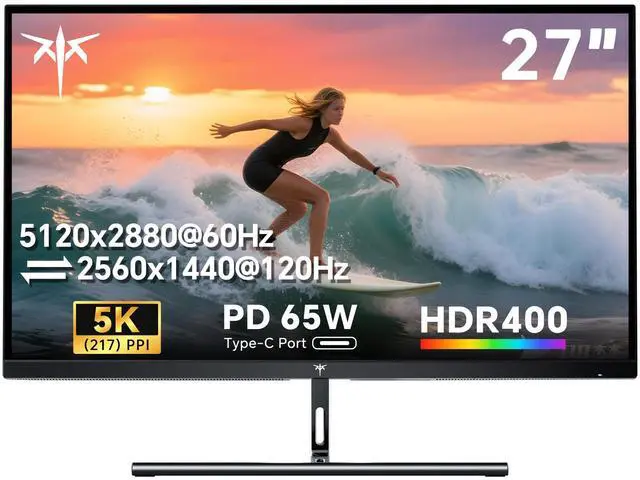
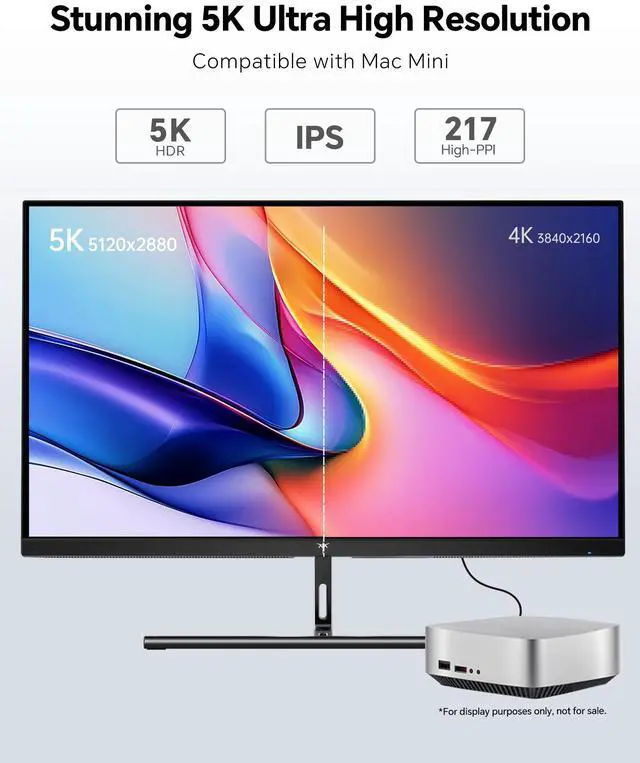
The KTC H27P3 is a 27-inch 5K IPS monitor with 5120 × 2880 resolution, 217 PPI, HDR400, and 100% sRGB coverage, making it suitable for Mac mini users, creative professionals, office work, and anyone who prioritizes sharp, detailed images.
| Attribute | Value |
|---|---|
| Best For | High-resolution desktop work, detailed content creation, and gaming with a 5K 60Hz mode or a 2K 120Hz mode on an IPS panel |
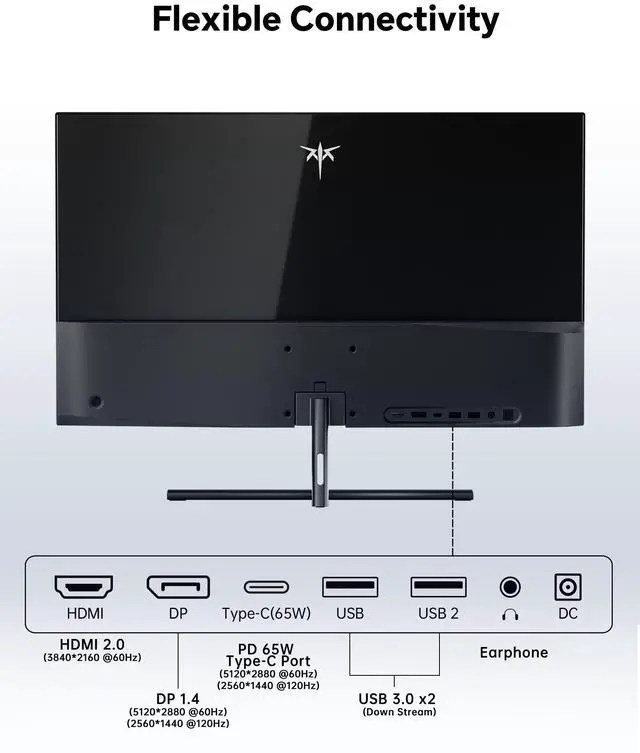
| Panel And Resolution | 27-inch IPS display with a 16:9 aspect ratio and dual resolution modes: 5120 × 2880 (5K) or 2560 × 1440 (2K) |
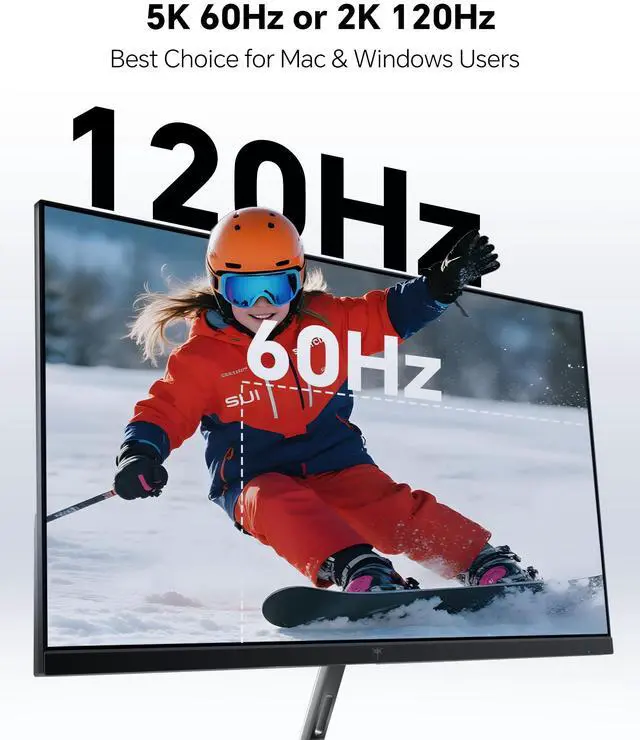
| Refresh Rate And Response | Runs at 60Hz in 5K or 120Hz in 2K, with a 1ms response time |
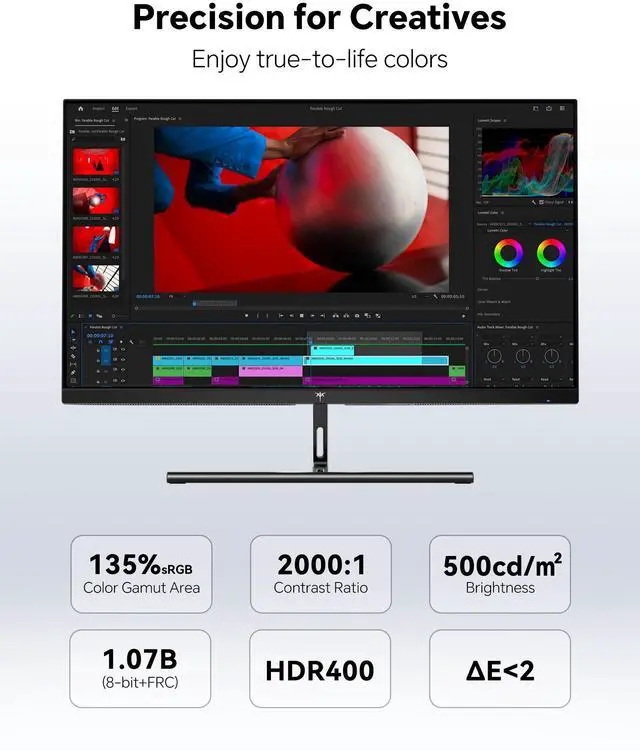
| Brightness, Contrast And HDR | 500 cd/m2 brightness, 2000:1 contrast ratio, and HDR400 support |
| Color And Image Quality | 135% sRGB color gamut with support for 1.07 billion display colors |
| Ports And Connectivity | Includes one HDMI 2.0 port, one DisplayPort 1.4, and two USB 3.0 ports |
| Model Identifiers | KTC H27P3 |
Q: Is the KTC H27P3 a better buy than the Apple Studio Display?
A: Choose the KTC H27P3 when you want 27-inch 5K sharpness plus a 2K 120Hz mode, HDMI and DisplayPort connectivity, and 65W USB-C charging. Choose the Apple Studio Display when macOS integration, a built-in camera, speakers, 600-nit brightness, and Apple’s P3 color workflow matter more than gaming flexibility or connection variety. The KTC is the more feature-focused choice for mixed Mac, Windows, and gaming use; the Apple is the more integrated choice for a Mac-centered workspace.
Q: Should I buy the KTC H27P3 or the LG UltraFine 5K?
A: The KTC H27P3 is the better fit if you need HDMI and DisplayPort inputs, 2K 120Hz operation, and compatibility with more than just a Mac-focused setup. The LG UltraFine 5K is better suited to users who want a Mac-oriented monitor with 94W USB-C power delivery, built-in speakers, and height adjustment. Both provide 27-inch 5120 x 2880 resolution at 60Hz, so the decision mainly depends on connectivity, ergonomics, and whether high-refresh 2K mode is useful.
Q: Is the KTC H27P3 better than a 27-inch 4K 120Hz monitor like the Dell U2725QE?
A: Choose the KTC H27P3 for maximum desktop sharpness, since its 5120 x 2880 panel delivers substantially higher pixel density than a 27-inch 4K display, and use its 2K 120Hz mode when you want smoother motion. Choose the Dell U2725QE when native 4K at 120Hz, Thunderbolt connectivity, higher laptop power delivery, a larger USB hub, and business-monitor features are more important. The KTC favors resolution flexibility; the Dell favors high-refresh productivity and docking functionality.
Q: Should I use the KTC H27P3 in 5K 60Hz mode or 2K 120Hz mode?
A: Use 5K 60Hz for text-heavy work, photo editing, coding, and high-resolution Mac or Windows desktops. Use 2K 120Hz for gaming, scrolling, and motion-focused applications where smoother movement is more valuable than maximum detail. The 2K mode improves refresh rate but reduces image sharpness compared with the monitor’s native 5K mode, so it is a performance option rather than a replacement for 5K desktop work.
Q: Is the KTC H27P3 suitable for professional creative work, or is it mainly a gaming monitor?
A: The KTC H27P3 is suitable for general creative work, design, photo editing, and office use when high pixel density and color accuracy are priorities. Professional buyers should also consider its HDR400 implementation, limited stand adjustment, lack of built-in speakers, and the fact that 5K 60Hz is the primary high-detail mode. It is a better match for creators who value 5K resolution and flexible inputs than for users who require advanced HDR, extensive hardware calibration, or a full professional docking system.
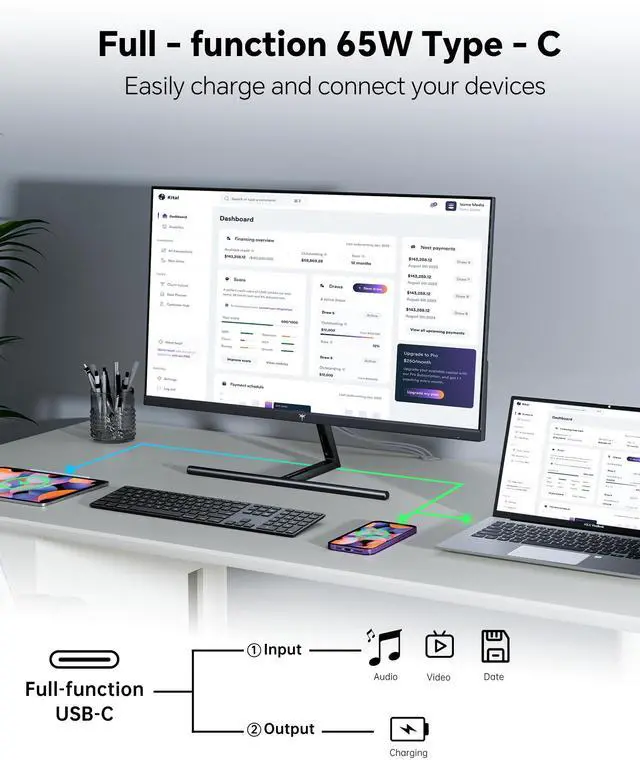
Q: Can this monitor charge a laptop through USB-C while displaying video?
A: The monitor provides up to 65W through its USB-C port, which is suitable for charging many laptops during use. However, the computer and USB-C cable must support video output through DisplayPort Alt Mode. The product listing does not explicitly confirm USB-C DisplayPort Alt Mode, so verify compatibility before relying on a single-cable setup.
Q: Is this monitor good for office work, note-taking, and video meetings?
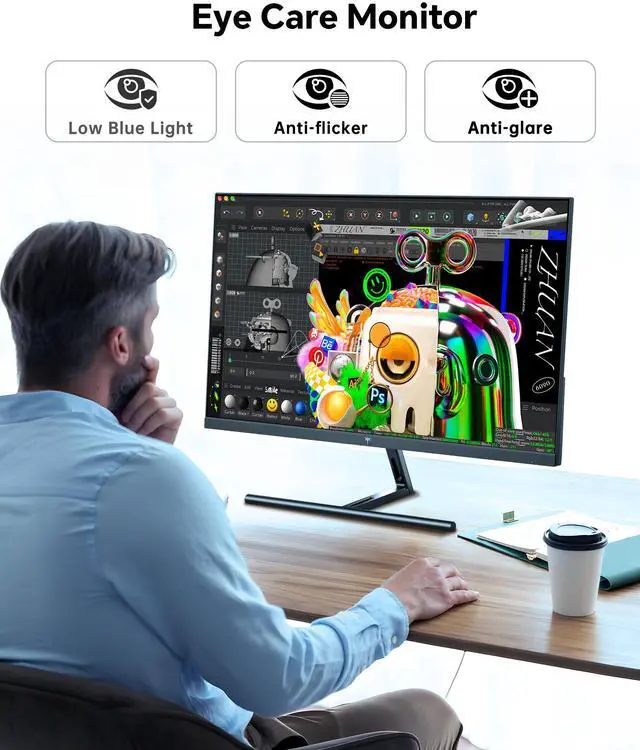
A: Yes, it is well suited to office work and note-taking because its 27-inch IPS panel provides 5120 x 2880 resolution and 217 PPI for sharp text and detailed multitasking. It also includes flicker-free and blue-light-reduction features. The listed specifications do not mention a built-in webcam, microphone, or speakers, so separate meeting peripherals may be required.
Q: Is this monitor suitable for gaming as well as productivity?
A: It supports both high-resolution productivity and faster gaming modes: 5K at 60Hz for maximum detail or 2560 x 1440 at 120Hz for smoother motion. Its 1ms response-time rating and HDR400 support are useful for gaming, but users must switch to 2K resolution to access the 120Hz mode. It is therefore best for users who want one monitor for detailed work and moderate gaming rather than a display focused exclusively on maximum gaming refresh rates.
Q: Who is this 27-inch 5K monitor best suited for?
A: It is best suited for Mac mini and desktop users who prioritize sharp text, detailed creative work, large-resolution office layouts, and accurate sRGB color coverage. The 5K 60Hz mode favors image detail and productivity, while the 2K 120Hz mode adds smoother motion. It is less suitable as a travel monitor because its 27-inch desktop format, external power requirement, and tilt-only adjustment are intended for a fixed workstation.
Q: Is the KTC H27P3 worth buying for Mac productivity?
A: It is a strong fit for Mac users who prioritize sharp text and workspace over premium features. The 27-inch 5120×2880 display provides 217 PPI, while USB-C supports up to 65W charging. The main compromises are a 60Hz limit at 5K, a tilt-only stand, and fewer premium features than an Apple Studio Display.
Q: Is the KTC H27P3 good for both work and gaming?
A: Yes, if you accept switching modes. It runs at 5120×2880 and 60Hz for productivity, then changes to 2560×1440 and 120Hz for smoother gaming. It is better suited to casual or mixed-use gaming than to users who want high refresh rate at native 5K resolution.
Q: What are the main trade-offs compared with a premium 5K monitor?
A: The H27P3 offers the same 27-inch 5K class of resolution at a lower feature level. Its trade-offs include 5K being limited to 60Hz, HDR being specified only as HDR400, a tilt-only stand, and less established brand positioning than Apple or higher-end display brands. It is not a replacement for a 5K monitor with high refresh rate, stronger HDR, or more advanced ergonomics.
Q: Is the KTC H27P3 suitable for video editing and creator work?
A: It is suitable for editing and general creator workflows that benefit from high pixel density, accurate sRGB coverage, and a 5K workspace. The 60Hz 5K mode is appropriate for timeline and office work, while the 2K 120Hz mode can help with smoother navigation or gaming. Users needing stronger HDR performance, wider professional color coverage, or a larger 32-inch canvas may need a different monitor.
Q: Is the H27P3's 27-inch 5K display good for text clarity?
A: The specification is favorable for sharp text: 5120×2880 resolution at 27 inches equals approximately 217 PPI. However, community reports are mixed, with some users describing the text and image quality as very clear and others reporting blur or less convincing clarity. Buyers who are highly sensitive to text rendering should confirm the return policy and test it with their operating system.


