here!
I’m your shopping assistant for PC builds, upgrades, and everything tech.
Got questions? Ask away!
Start a conversation
here!
I’m your shopping assistant for PC builds, upgrades, and everything tech.
Got questions? Ask away!
Start a conversation










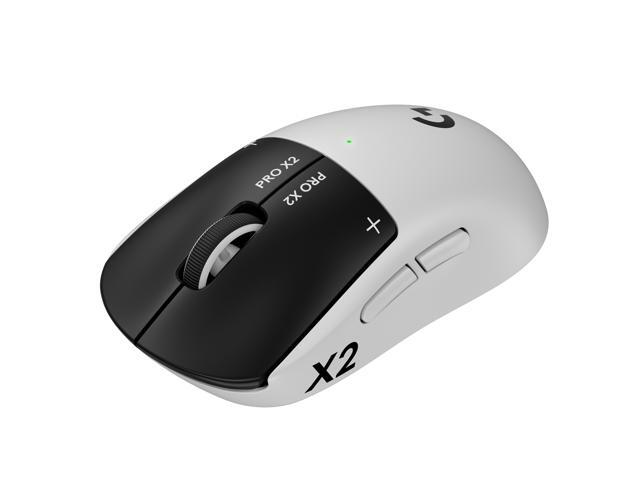
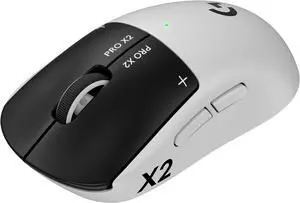
PRO X2 SUPERSTRIKE is a breakthrough in ultra-low click-latency technology. The revolutionary Haptic Inductive Trigger System (HITS) accelerates click speed with tunable actuation and rapid trigger reset points for both main mouse keys.
Stay ahead of the game even when it changes. Built on 17 years of MMO mastery, the Razer Naga V3 Pro is the ultimate wireless MMO gaming mouse: featuring 3 swappable side plates that adapt to any genre you play. Now more customisable, faster and more precise than ever, the multi-genre master is reforged for MMO, Battle Royale, FPS, MOBA and beyond.
+ $15 off w/ promo code BNWF68, limited offer
Save even more w/ combo purchase, limited offer
+ $13 off w/ promo code BNWF72, limited offer

+ $20 off w/ promo code BNWF65, limited offer
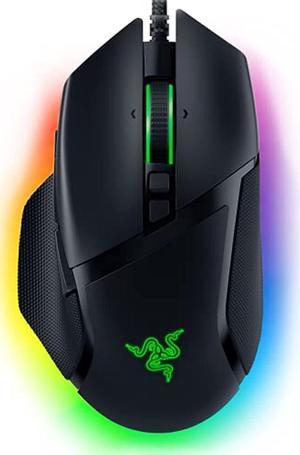
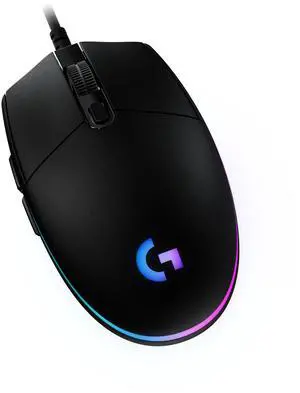
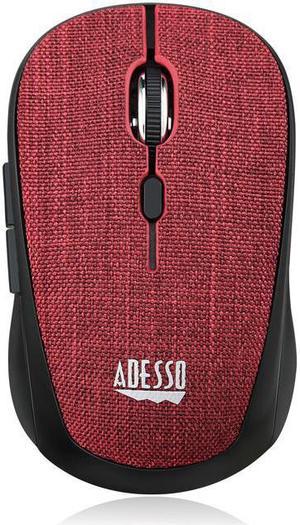
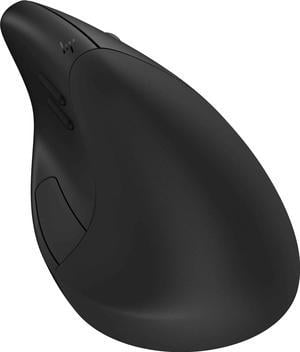

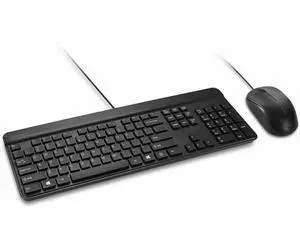
Explore a wide selection of wireless, mechanical, ergonomic, and Bluetooth keyboards and mice. Shop gaming combos and individual devices from top brands like Logitech, Razer, and Corsair with Black November deals and Black Friday deals to enhance your setup.
Mechanical switches remain the cornerstone of high-performance keyboards, especially in gaming and professional typing. Their physical switch mechanisms generate distinct tactile feedback upon actuation, giving users precision and confidence with every keystroke. These switches generally outlast membrane alternatives, maintaining responsiveness through millions of clicks. Many gaming keyboards incorporate variants like Cherry MX, Razer, or Logitech’s proprietary switches, each offering unique actuation force and travel distance. Choosing the right switch affects typing feel, noise level, and speed—critical factors for gamers who depend on millisecond timing as well as for users typing extensively in office settings. Gaming Keyboards often highlight these switches to meet demanding play styles and customization.
For developers, content creators, and multitasking professionals, the integration of specialized keyboards and mice is crucial for boosting efficiency. Mechanical keyboards with programmable macro keys allow complex command sequences and shortcuts to be executed swiftly, streamlining coding or editing workflows. Similarly, mice offering customizable button configurations and adjustable DPI sensors can adapt to varied software tools and monitor setups. Furthermore, tech-savvy users often rely on KVM Switch devices when managing several computers simultaneously, facilitating seamless keyboard and mouse control across systems without hardware clutter. This capability significantly advances productivity in professional environments where switching contexts quickly is essential.
Newegg shopping tip: When choosing a keyboard and mouse combo, consider connection type—wireless options offer more freedom but check for lag if you’re gaming competitively. Also, compare key switch types and mouse sensitivity to match your comfort and playstyle, especially during Black November deals and Black Friday deals.
Mechanical switches, customizable RGB, and macro support make gaming keyboards a must for responsive, precision gameplay.
Explore wired and wireless options with ergonomic designs built for everyday typing and office productivity.
Elevate your aim with high-DPI sensors, adjustable weights, and programmable buttons engineered for competitive gaming.
If you're new to shopping for keyboards and mice, start by determining how you'll primarily use them. Whether it's for casual browsing, office work, or gaming, your needs will guide your choice. Wireless options provide clutter-free setups perfect for living rooms or work-from-home offices, while wired connections often offer the most reliable performance. For everyday typing comfort and productivity, explore different Keyboards with ergonomic layouts, paired with mice built for smooth tracking. Starting with a combo pack can give you a balanced introduction to both components without having to shop separately.
For gamers seeking precision and speed, investing in a gaming keyboard and gaming mouse combo is essential. These peripherals feature mechanical switches for crisp key responses and sensors with adjustable DPI for pixel-perfect accuracy. Wireless gaming combos combine freedom of movement with low-latency connectivity, vital for fast-paced matches. Customize your setup with RGB lighting and macros to enhance gameplay and interface control. Take advantage of Black November deals and Black Friday deals to find combos from top brands like Razer and Corsair that suit your style and elevate your competitive edge.
Long hours at the computer can lead to discomfort or strain, making ergonomic designs a smart choice for office professionals, writers, and anyone focused on health-conscious setups. Look for split keyboards, cushioned wrist rests, and adjustable tilt options to reduce stress on your hands and arms. Similarly, ergonomic mice come shaped to fit your hand naturally, sometimes with vertical grip styles that encourage better wrist posture. Many models also offer wireless functionality to keep your workspace tidy and flexible. Browse ergonomic mice and keyboards with features designed to enhance comfort without sacrificing performance, especially during extended use.
Research more: Looking for the right keyboard and mouse setup? Check out Newegg Insider buying guides to compare features like wireless connectivity, mechanical switches, and ergonomic designs—perfect for finding gear that fits your gaming or everyday needs during Black November deals and Black Friday deals.
Last Updated: November 2026 | Newegg Keyboard & Mouse Buying Guide
Mechanical keyboards usually last longer and provide more tactile feedback with individual switches, making typing more precise. Membrane keyboards are quieter and cheaper but don’t offer the same level of responsiveness or longevity.
Wired mice generally have faster response times and no input lag, which competitive gamers prefer. Wireless mice have improved a lot and are more convenient, but some serious gamers still stick to wired for consistent performance.
Mechanical keyboards use individual switches under each key for faster, more tactile feedback and better durability, while membrane keyboards have a softer feel and are generally quieter but less responsive.
Yes, wireless mice usually connect via Bluetooth or a USB dongle, making them compatible with most laptops and desktops as long as the device supports the connection type.
If you want reliable, lag-free performance and don’t mind the cable, wired is your best bet. For convenience and a cleaner setup, wireless options give you more freedom, but you might need to keep an eye on battery life.
You can find solid entry-level combos for around $30, but if you're after mechanical keyboards or gaming-grade mice, prices usually start around $70 and go up from there depending on features.
Look for reviews that mention long-term use without issues like sticky keys or unresponsive buttons. Materials like metal backplates or braided cables often indicate better build quality.
Yes, some users report issues like double-clicking with mice or key chatter on keyboards. Check recent user feedback to see if these problems pop up frequently on the model you're considering.
Turn on both devices, then use the included USB receiver to plug into your PC, or pair them via Bluetooth in your computer’s settings. Follow any on-screen prompts to complete the setup.
Install the manufacturer’s software to assign macros, change key functions, and adjust DPI settings for your mouse. This lets you tailor your gear to your play style and increase performance.
“ If you like thocky/creamy-sounding keyboards, this is as good as it gets for a reason. ”
EPOMAKER TH87 Wireless Mechanical Keyboard with 10000mAh Battery, BT/2.4GHz/Wired, Hot Swappable Custom, PBT Keycap, RGB Backlit, Gasket, TKL Gaming Keyboard for PC/Mac (Creamy Jade Switch)“ Great Keyboard and Mouse combo for the price. ”
Logitech MK345 Wireless Combo Full-Sized Keyboard with Palm Rest and Comfortable Right-Handed Mouse, 2.4 GHz Wireless USB Receiver, Compatible with PC, Laptop“ The vertical mouse helps me prevent repetitive strain injury (RSI), and as vertical mice go, I think this is the best. ”
Logitech MX Vertical Wireless Mouse – Advanced Ergonomic Design Reduces Muscle Strain, Control and Move Content Between 3 Windows and Apple Computers (Bluetooth or USB), Rechargeable, Graphite“ Been using it for a week now,this keyboard and mouse combo is easy to set up, plug in the USB dongle and you are ready to use. ”
Wireless Rechargable Keyboard and Mouse Ergonomic Combo, Moojay 2.4G Full-Sized Quiet Wave Keyboard Silent Mice Set with Wrist Rest and Phone Holder for Computer, Laptop, PC, Mac, Windows - Black