
Your Browsing History



Any questions? Our AI beta will help you find out quickly.
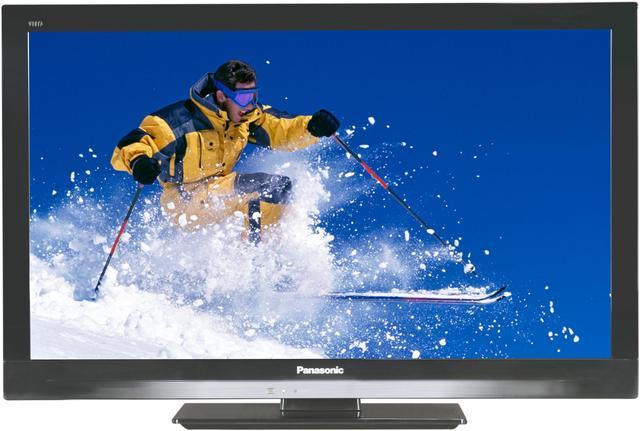
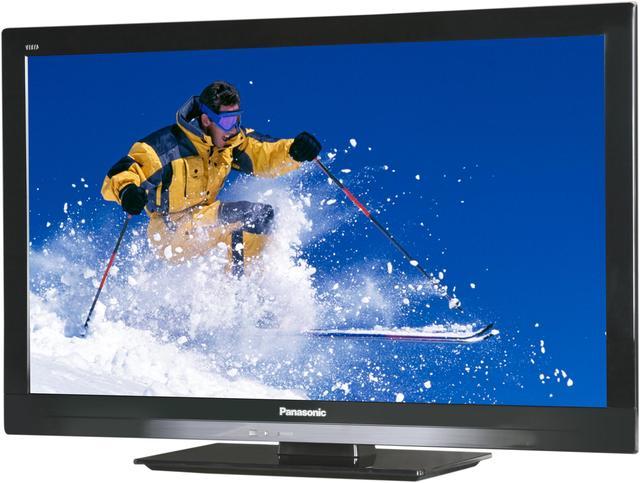
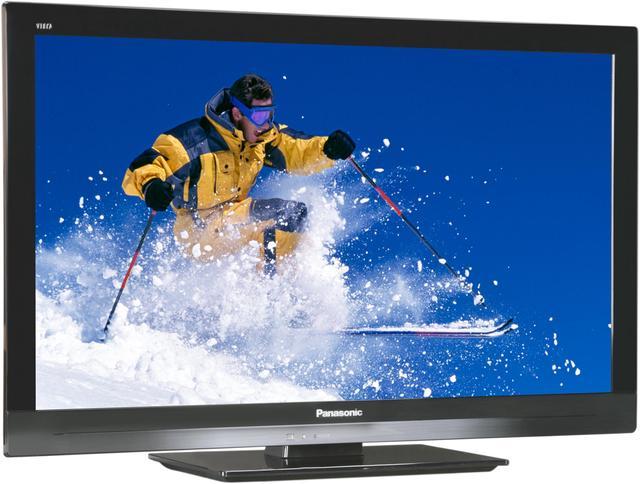
 IPS LED LCD TechnologyThe IPS panel, which is known for its wide viewing angle and excellent light transmittance, is now further enhanced with a bright, energy-saving LED backlight. Images do not fade when viewed from an angle, and contrast is higher than in previous IPS models in spite of using less power. The IPS LED LCD TV offers superb color rendering and also contributes to the display's slim design.
 Brilliant Luminance and Superb BlacksBy combining the highly light-transmissive IPS Panel and high-brightness LED backlight, Panasonic have attained both high contrast and low power consumption. Also, by detecting the contrasting parts of the scene, the backlight is adjusted to maintain a brightness that is optimal for each area. Deep blacks are reproduced with no fading. The contrast between the brilliance of diamond-like stars and the deep black of the night sky produces a sharp, crisp image.
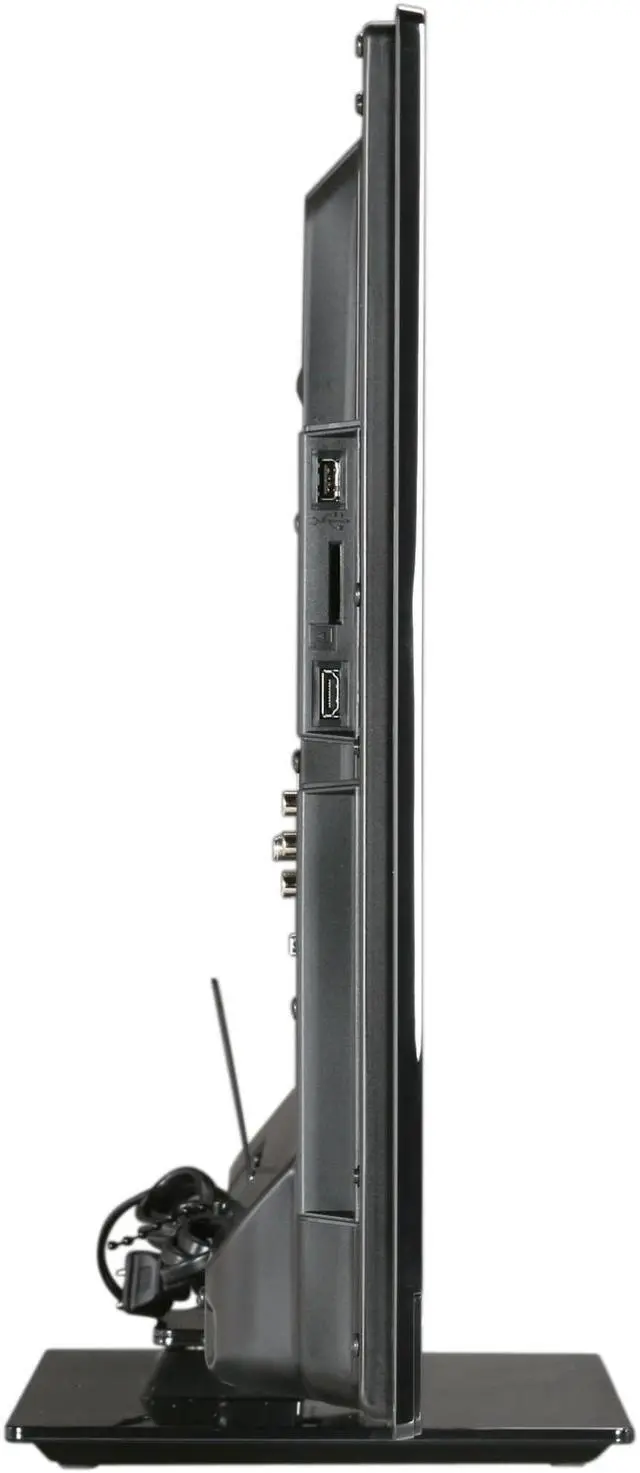
 Easy Viewing of PhotosEquipped with an SD card slot, VIERA makes it easy to view full-HD photos and JPEG images that you shot yourself. Simply insert the SD memory card into the slot, and you're ready to view your photos on the big screen. You can make your slide shows even more impressive by adding background music and attractive frames. With VIERA's big screen and superb image quality, family and friends will love sharing your memories.
 Enjoy Web Entertainment InstantlyThe E3 series features Easy IPTV for convenient web entertainment. Simply press the VIERA Tools button on the remote control to directly access a variety of Internet services. Enjoy online music and movies with ease.
 Home Network ConvenienceConnect a DLNA-compatible VIERA and DLNA-compatible AV equipment to your home network, and you can watch movies, listen to music, and view photos from any room in the house. VIERA's Wi-Fi capability gives you even more layout flexibility.
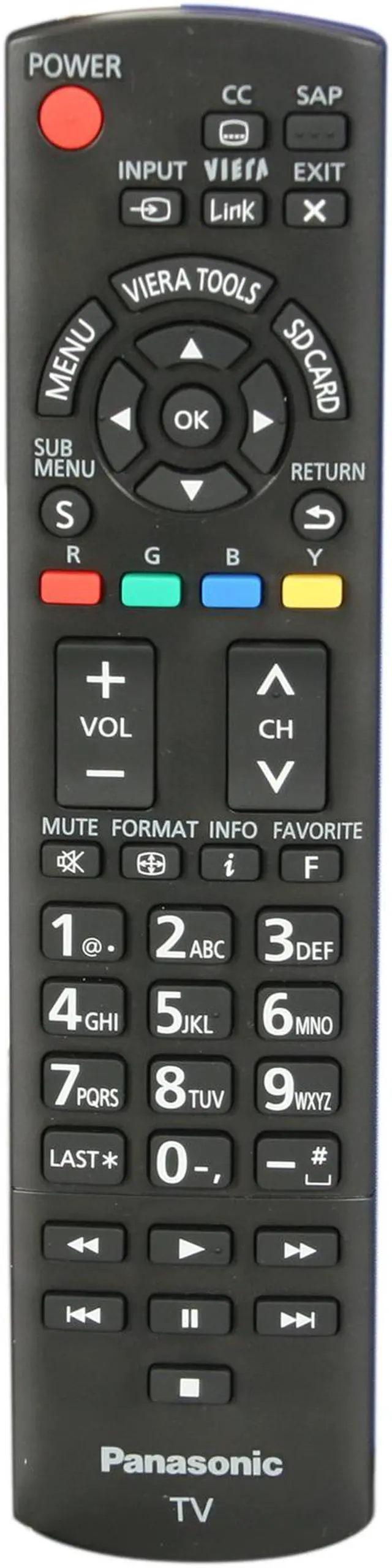
 Intuitive ControlThe VIERA Link interlinks the operation of a variety of AV devices, so you can operate them all using only the VIERA remote control. And, the VIERA Tools user interface makes it easy to access and understand key functions. Simply press a function button, and an explanation appears on the screen.