






PANSEBA---Create Your Own Cinema

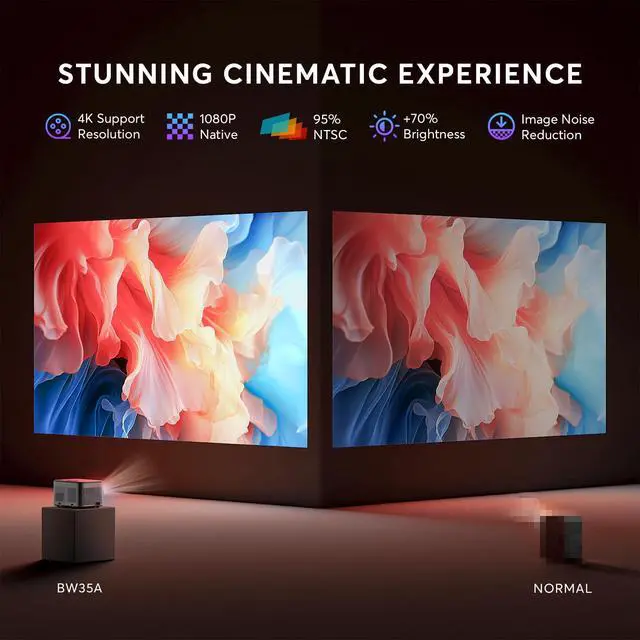
Native FUll HD 1080P

2S Focus with Remote
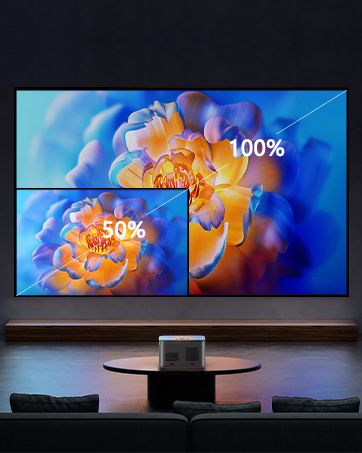
50%-100% Zoom
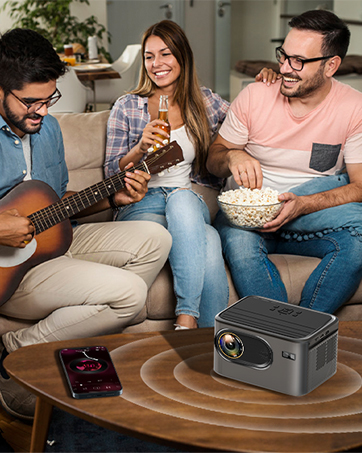
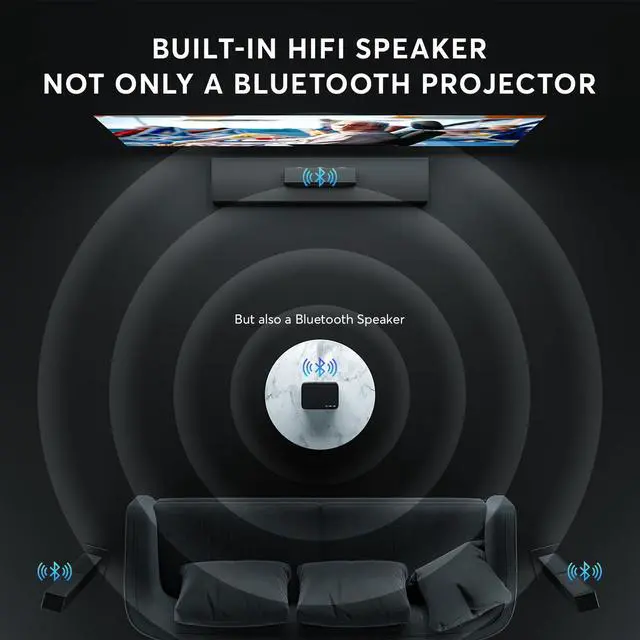
It is also a Bluetooth Speaker
PANSEBA believes in the power of innovation and keeps infusing Latest technology into our home projectors.
There are too many unpredictable in future, what we should do is to grasp the present and enjoy the present. Our mission is to use advanced projection technology to let everyone enjoy the visual feast at Cinema level and enjoy the happy time with family and friends!


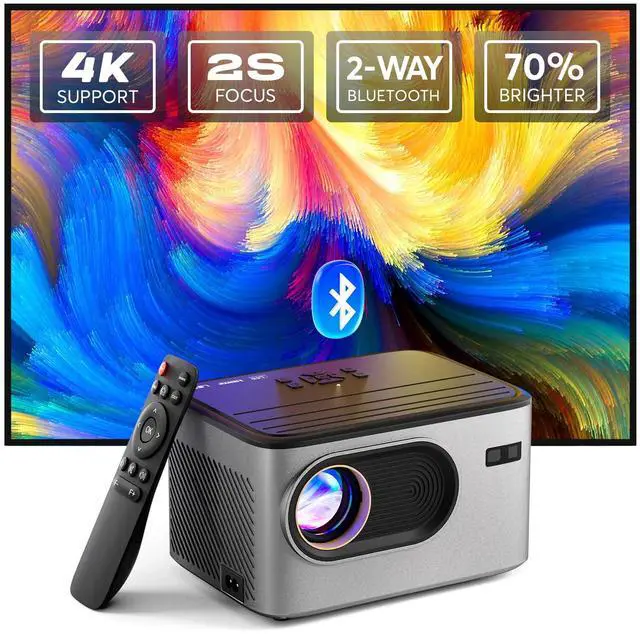
4K projector with 2s focus
Merchant Video


The projector cannot connect with phone via Bluetooth.
Bluetooth function is ONLY for audio transfer with audio devices, NOT supporting video sync with smartphones and computers. The phone, computer, and Alexa cannot connect to the projector Bluetooth.
The projector cannot play Prime Video, Hulu and other videos.
Due to HDCP(High-bandwidth Digital Content Protection) agreement, Copyrighted videos such as Prime Video, and Hulu must be played through Fire TV Stick, Computer, or laptop.
How to connect with ios phones?
For ios device, you need to use the official Lightning to HDMI adapter to connect your phone with the projector.
How to connect with Android phones?
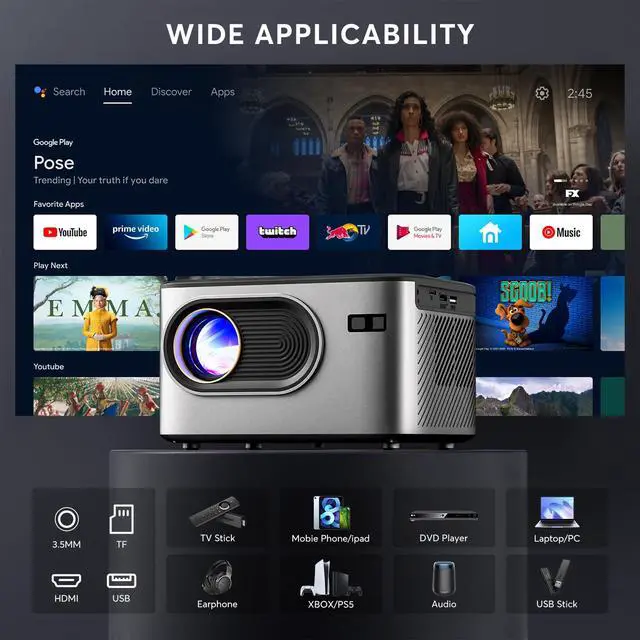
For Android device, if your phone supports MHL, you can use the micro usb/type-c to HDMI cable to connect your phone with the projector. If your phone does not support MHL, you should prepare a Chrome-cast to connect your phone with the projector.
Can not connect with HDMI or HDMI is losse?
Please make sure HDMI interface is properly connected and firmly insert it into the HDMI port of the projector.
4K projector with 2s focus
Merchant Video


Electric Focus
Get a Clear Image accurately within 2s with Remote
Electric Keystone
You can adjust Keystone with remote before watching the film.
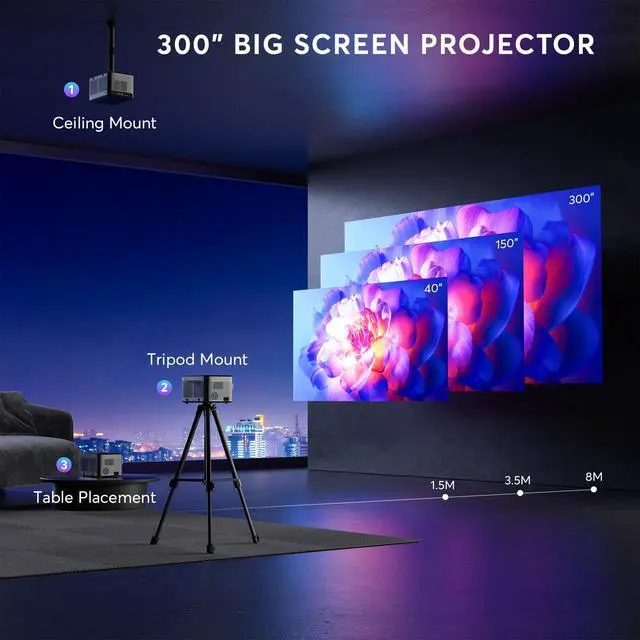
300" Large Screen
- Projection range and size
1.5-8M Distance 60-300 Inches Screen size
- Best throw distance and screen size
1.5M-60 Inches&3.5M-150 Inches
Zoom 100%-50%
The fixed distance of the projector supports screen zoom display 100%-50% .
Bluetooth 5.3
The extra BLUETOOTH function is also supported to connect with your speaker or headphone wirelessly.
Not Support for smartphone.
It is Also a Bluetooth Speaker
You can also use it as a blutooth speaker when you listen the music with your phone.


The projector cannot connect with phone via Bluetooth.
Bluetooth function is ONLY for audio transfer with audio devices, NOT supporting video sync with smartphones and computers. The phone, computer, and Alexa cannot connect to the projector Bluetooth.
The projector cannot play Prime Video, Hulu and other videos.
Due to HDCP(High-bandwidth Digital Content Protection) agreement, Copyrighted videos such as Prime Video, and Hulu must be played through Fire TV Stick, Computer, or laptop.
How to connect with ios phones?
For ios device, you need to use the official Lightning to HDMI adapter to connect your phone with the projector.
How to connect with Android phones?
For Android device, if your phone supports MHL, you can use the micro usb/type-c to HDMI cable to connect your phone with the projector. If your phone does not support MHL, you should prepare a Chrome-cast to connect your phone with the projector.
Can not connect with HDMI or HDMI is losse?
Please make sure HDMI interface is properly connected and firmly insert it into the HDMI port of the projector.
PANSEBA---Create Your Own Cinema
Native FUll HD 1080P
2S Focus with Remote
50%-100% Zoom
It is also a Bluetooth Speaker
PANSEBA believes in the power of innovation and keeps infusing Latest technology into our home projectors.
There are too many unpredictable in future, what we should do is to grasp the present and enjoy the present. Our mission is to use advanced projection technology to let everyone enjoy the visual feast at Cinema level and enjoy the happy time with family and friends!