





1.How to transfer files from PC? 2.How to convert videos into the correct format?
1. Please follow the steps in the instruction manual/or the "Product Video" on the product details page.
2. S2 MP3 includes its own video converter tool to ensure compatibility,please refer to the "product video" guide on the product details page.
1.How to set a scheduled shutdown when playing music and audiobooks? 2.How to set the equalizer / playback mode?
1.Please go to Settings > Time Shutdown > Switch > Timing Shutdown Setting to set the shutdown time
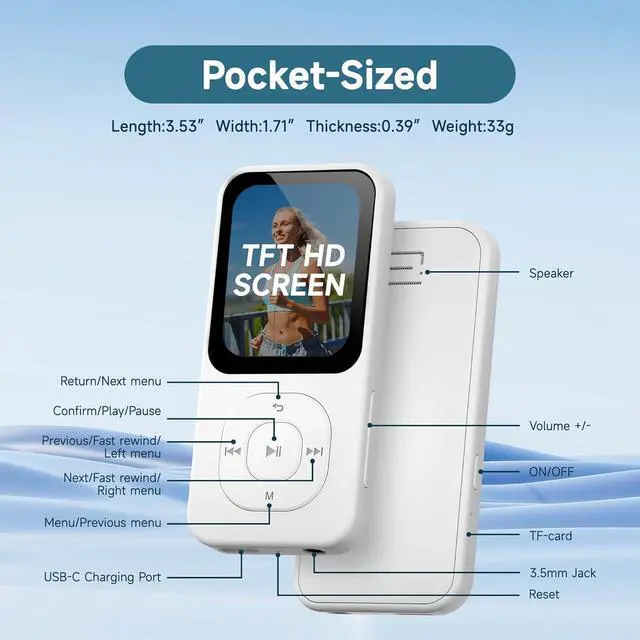
2.Equalizer/Playback Mode Settings: Please click on "Music" and then "All Music". Select any song to play. Press the "M" key you can set various modes
1.What should I do if the device fails to connect to Bluetooth? 2.How to listen to FM Radios?
1.If the device still cannot connect to Bluetooth, don't worry, please try restoring it to factory settings.(or contact our after-sales service.)
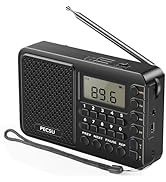
2.It is necessary to plug in headphones, as the headphones can function as an antenna for the FM Radio.
What are the "VAD" (Voice Activity Detection) function?
VAD is a core audio processing technology. It automatically identifies "voice-present" and "voice-absent" (background noise only) segments in audio streams, triggering/stopping recording and optimizing audio storage/transmission efficiency.
What are the "recording monitor" in the recording function?
It is a function in recording that lets users listen in real time to microphone-captured audio via headphones, speakers, etc. It helps users check recording status (e.g., normal sound pickup, noise) directly and avoid post-recording issues.
PECSU MP3/MP4 Music Player Series
 Bluetooth 5.3 64GB MP3 |  Bluetooth 5.3 64GB MP3 |  Android 14 5-inch MP4 |  Android 14 4-inch MP4 |  Android 14 4-inch MP4 |  Android 8.1 4-inch MP4 |  64 GB HiFi MP3 Player | |
|---|---|---|---|---|---|---|---|
Customer Reviews | — | — | — | — | — | — | — |
Price | — | — | — | — | — | — | — |
Model | S2-Black | S2-White | NEW G5(Android 14 New version) | G4S(Android 14 New version) | G4(Android 14 New version) | G5(Android 8.1) | Zpro 12 |
Screen Size | 1.77" | 1.77" | 5.0" HD IPS (Large Screen) | 4.0" HD IPS | 4.0" HD IPS | 5.0" HD IPS (Large Screen) | 2.4" IPS |
Type | Sports | Sports | Octa-core, Android 14.0 | Octa-core, Android 14.0 | Octa-core, Android 14.0 | Octa-core, Android 14.0 | Hifi |
Parental Controls | ? | ? | ?(Google Family Link) | ?(Parental Management) | ?(Google Family Link) | ?(Google Family Link) | ? |
Install APK | ? | ? | ? | ? | ? | ? | ? |
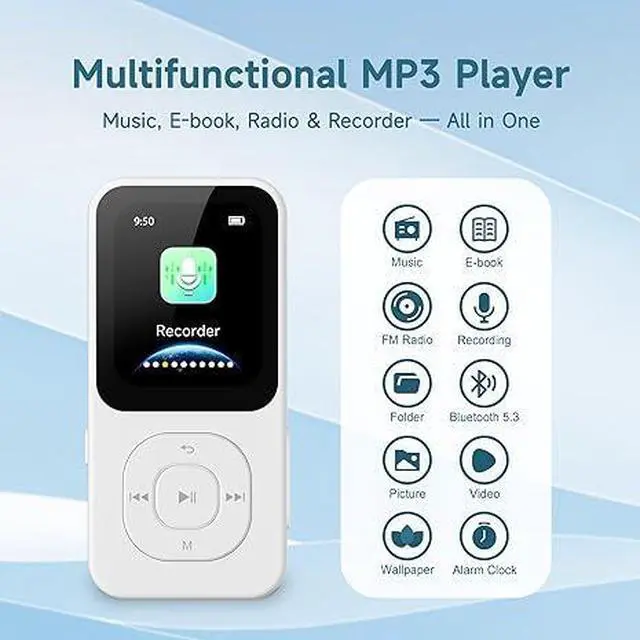
Bluetooth | 5.3 | 5.3 | V5.0, 2-WAY | V5.0 | V5.0, 2-WAY | V5.0, 2-WAY | 5.1 |
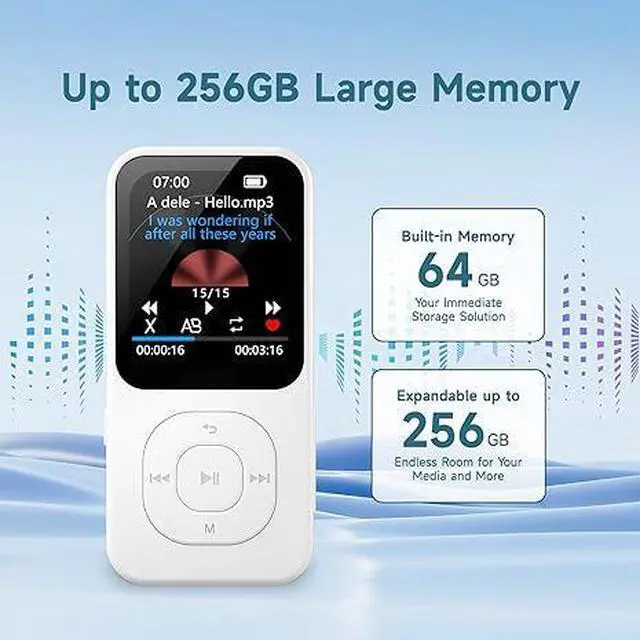
Storage Capacity | 64GB TF | 64GB TF | 4+64+64(128GB) | 3+32+64(96GB ) | 3+32+64(96GB ) | 3+32+128(160GB ) | 8GB+64GB |
Max. SD Card Supported | 256GB | 256GB | 512G | 1TB | 512G | 1TB | 256GB |

PECSU MP3 & MP4 PLAYERS
Designed for audio lovers
PECSU focus on the R&D audio devices, including music players, radios, CD& Vinyl Record players, etc. Among them, our audio player products are divided into three series:
Basic series, (model Q7, Q7S, S2)
Smart series, (model G4, G5, P5, P5S)
HiFi series, (model Z12Pro, Z15)
We hope that through our efforts, more and more customers can enjoy music in a more freely and convenient way.
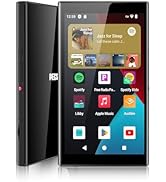
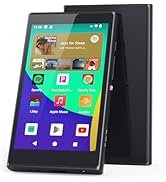
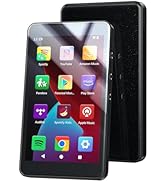
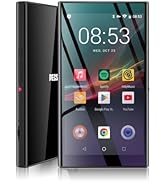
Smart MP3 & MP4 Player
Sporty MP3 Player
Portable MP3 Player
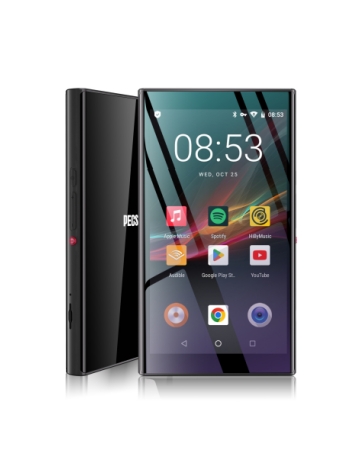
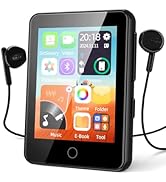
Android 14 5" MP4 Player
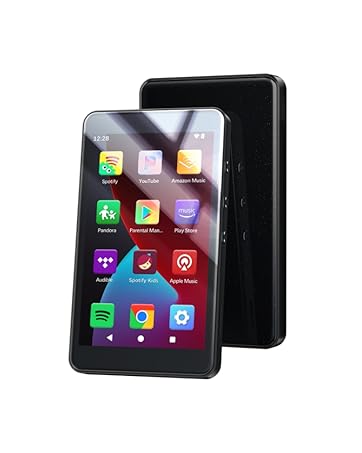
Android 14 4" inch MP4 Player
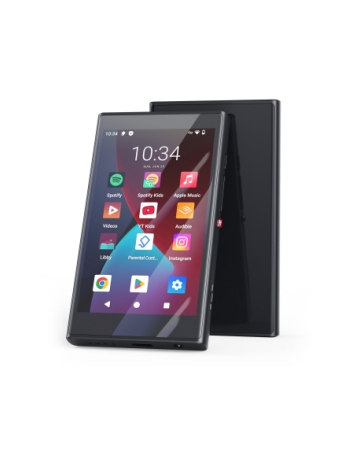
Android 14 4" MP4 Player
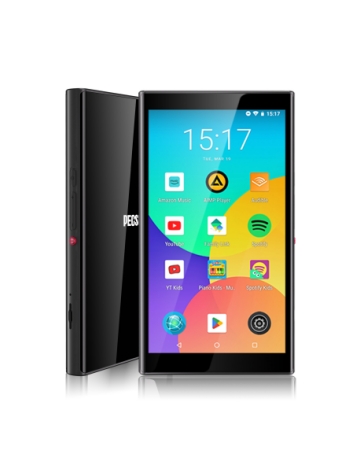
Kids MP3 Player with Spotify
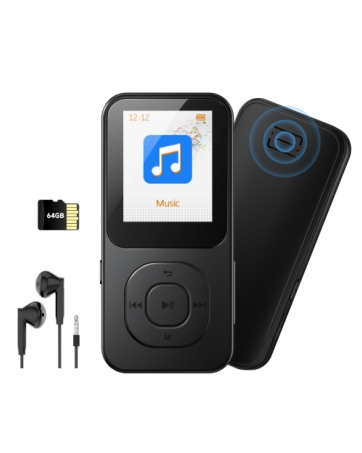
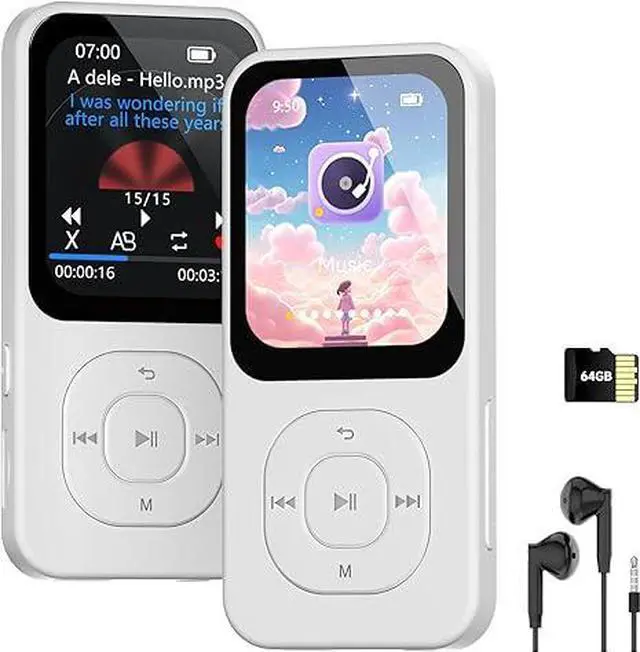
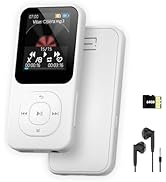
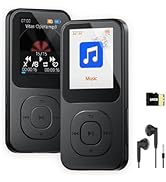
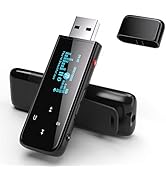
S2 MP3 Player-Black
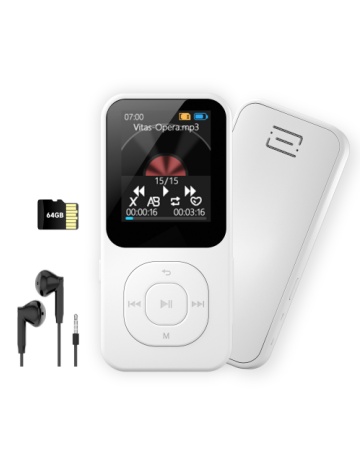
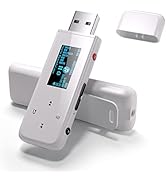
S2 MP3 Player-White
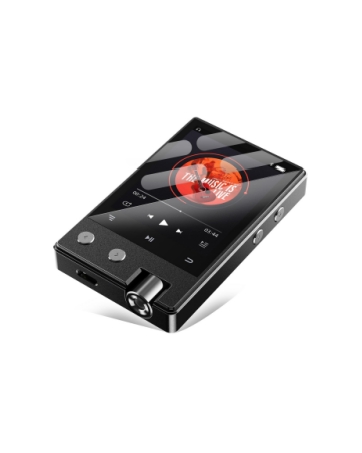
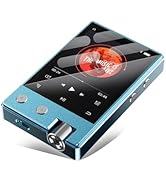
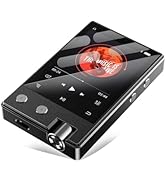
ZPro12-Black
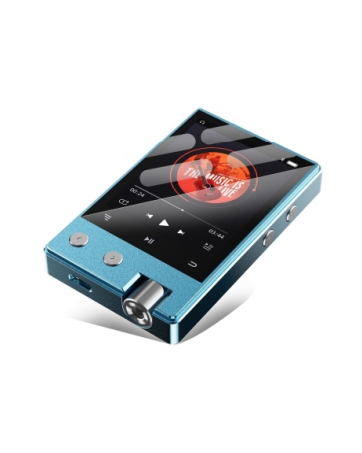
ZPro12-Blue
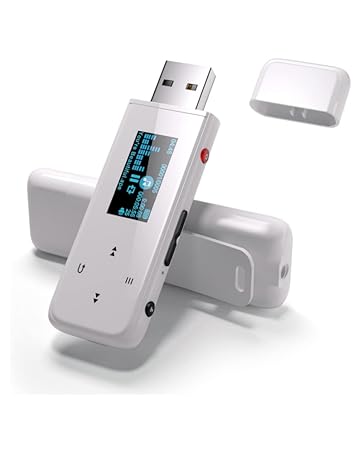
Q7S-White
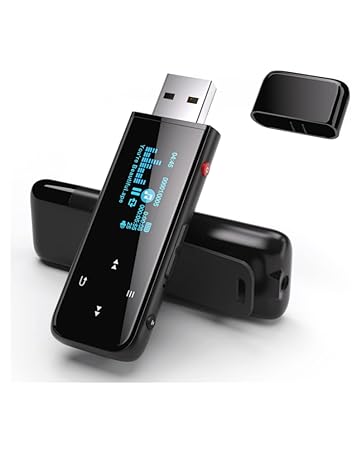
Q7S-Black
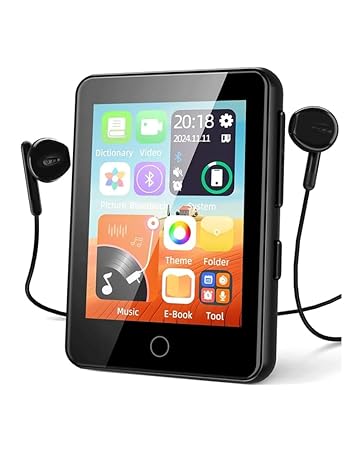
PECSU S5
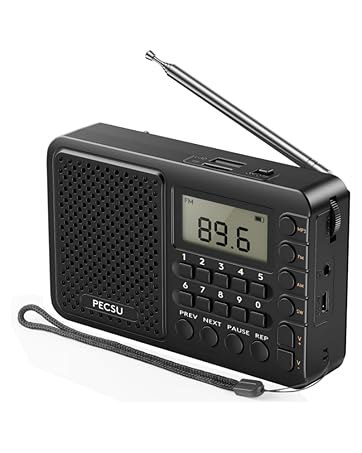
PECSU FAS2

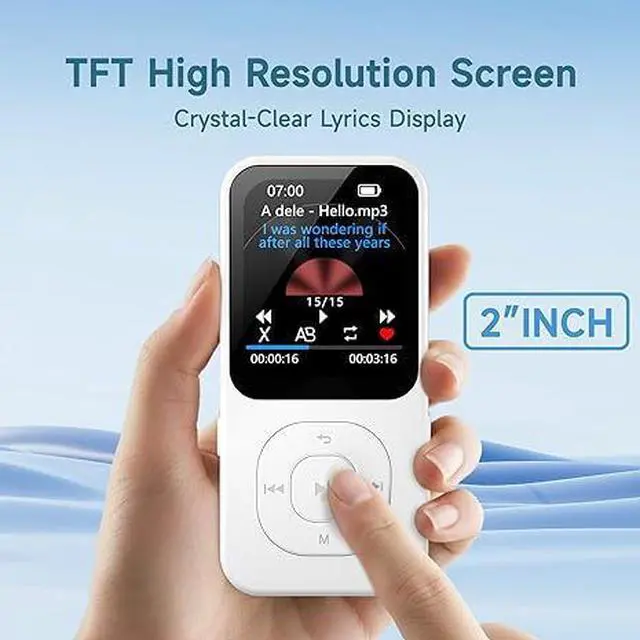
The built-in timer-off function allows you to set the listening time for music.


1.How to transfer files from PC? 2.How to convert videos into the correct format?
1. Please follow the steps in the instruction manual/or the "Product Video" on the product details page.
2. S2 MP3 includes its own video converter tool to ensure compatibility,please refer to the "product video" guide on the product details page.
1.How to set a scheduled shutdown when playing music and audiobooks? 2.How to set the equalizer / playback mode?
1.Please go to Settings > Time Shutdown > Switch > Timing Shutdown Setting to set the shutdown time
2.Equalizer/Playback Mode Settings: Please click on "Music" and then "All Music". Select any song to play. Press the "M" key you can set various modes
1.What should I do if the device fails to connect to Bluetooth? 2.How to listen to FM Radios?
1.If the device still cannot connect to Bluetooth, don't worry, please try restoring it to factory settings.(or contact our after-sales service.)
2.It is necessary to plug in headphones, as the headphones can function as an antenna for the FM Radio.
What are the "VAD" (Voice Activity Detection) function?
VAD is a core audio processing technology. It automatically identifies "voice-present" and "voice-absent" (background noise only) segments in audio streams, triggering/stopping recording and optimizing audio storage/transmission efficiency.
What are the "recording monitor" in the recording function?
It is a function in recording that lets users listen in real time to microphone-captured audio via headphones, speakers, etc. It helps users check recording status (e.g., normal sound pickup, noise) directly and avoid post-recording issues.
PECSU MP3/MP4 Music Player Series
Bluetooth 5.3 64GB MP3 | Bluetooth 5.3 64GB MP3 | Android 14 5-inch MP4 | Android 14 4-inch MP4 | Android 14 4-inch MP4 | Android 8.1 4-inch MP4 | 64 GB HiFi MP3 Player |
|---|---|---|---|---|---|---|
| Customer Reviews | ||||||
| — | — | — | — | — | — | — |
| Price | ||||||
| — | — | — | — | — | — | — |
| Model | ||||||
| S2-Black | S2-White | NEW G5(Android 14 New version) | G4S(Android 14 New version) | G4(Android 14 New version) | G5(Android 8.1) | Zpro 12 |
| Screen Size | ||||||
| 1.77" | 1.77" | 5.0" HD IPS (Large Screen) | 4.0" HD IPS | 4.0" HD IPS | 5.0" HD IPS (Large Screen) | 2.4" IPS |
| Type | ||||||
| Sports | Sports | Octa-core, Android 14.0 | Octa-core, Android 14.0 | Octa-core, Android 14.0 | Octa-core, Android 14.0 | Hifi |
| Parental Controls | ||||||
| ? | ? | ?(Google Family Link) | ?(Parental Management) | ?(Google Family Link) | ?(Google Family Link) | ? |
| Install APK | ||||||
| ? | ? | ? | ? | ? | ? | ? |
| Bluetooth | ||||||
| 5.3 | 5.3 | V5.0, 2-WAY | V5.0 | V5.0, 2-WAY | V5.0, 2-WAY | 5.1 |
| Storage Capacity | ||||||
| 64GB TF | 64GB TF | 4+64+64(128GB) | 3+32+64(96GB ) | 3+32+64(96GB ) | 3+32+128(160GB ) | 8GB+64GB |
| Max. SD Card Supported | ||||||
| 256GB | 256GB | 512G | 1TB | 512G | 1TB | 256GB |
PECSU MP3 & MP4 PLAYERS
Designed for audio lovers
PECSU focus on the R&D audio devices, including music players, radios, CD& Vinyl Record players, etc. Among them, our audio player products are divided into three series:
Basic series, (model Q7, Q7S, S2)
Smart series, (model G4, G5, P5, P5S)
HiFi series, (model Z12Pro, Z15)
We hope that through our efforts, more and more customers can enjoy music in a more freely and convenient way.
Smart MP3 & MP4 Player
Sporty MP3 Player
Portable MP3 Player
Android 14 5" MP4 Player
Android 14 4" inch MP4 Player
Android 14 4" MP4 Player
Kids MP3 Player with Spotify
S2 MP3 Player-Black
S2 MP3 Player-White
ZPro12-Black
ZPro12-Blue
Q7S-White
Q7S-Black
PECSU S5
PECSU FAS2