




 here!
here!
I’m your shopping assistant for PC builds, upgrades, and everything tech.
Got questions? Ask away!
Start a conversation
here!
I’m your shopping assistant for PC builds, upgrades, and everything tech.
Got questions? Ask away!
Start a conversation
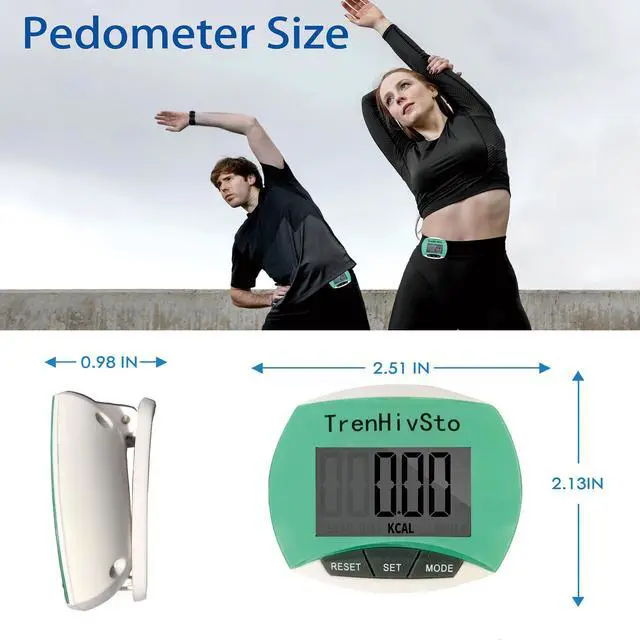




Any questions? Ask CelesteSM will help you find out quickly.



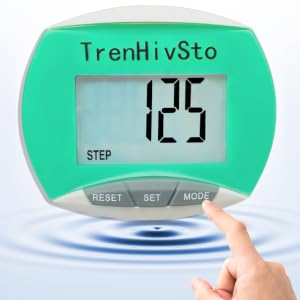
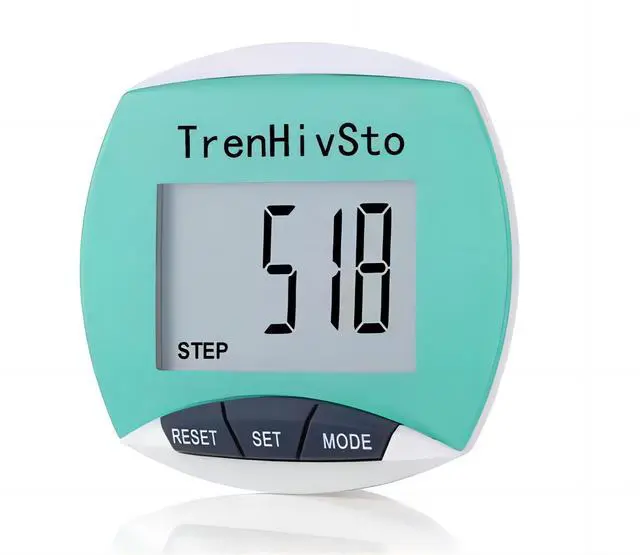
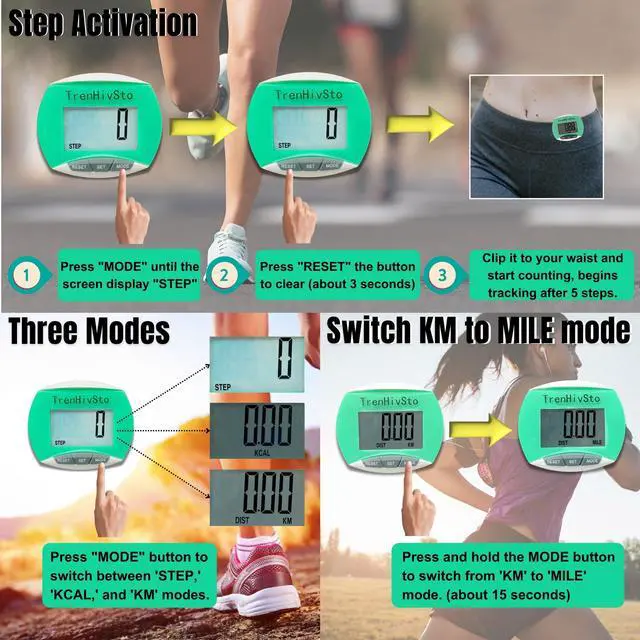
Press the 'MODE' button to switch to step counting mode. When ‘STEP’ appears on the screen, you’re in step mode and ready to track your steps.
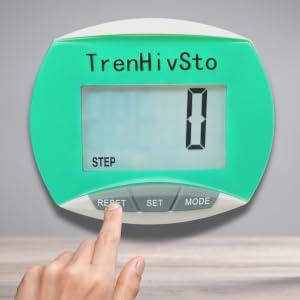
Press and hold the 'RESET' button for 3-5 seconds to clear your steps.
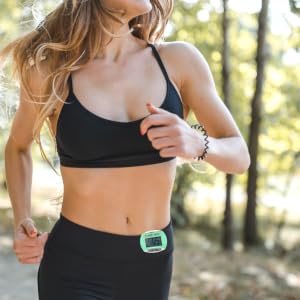
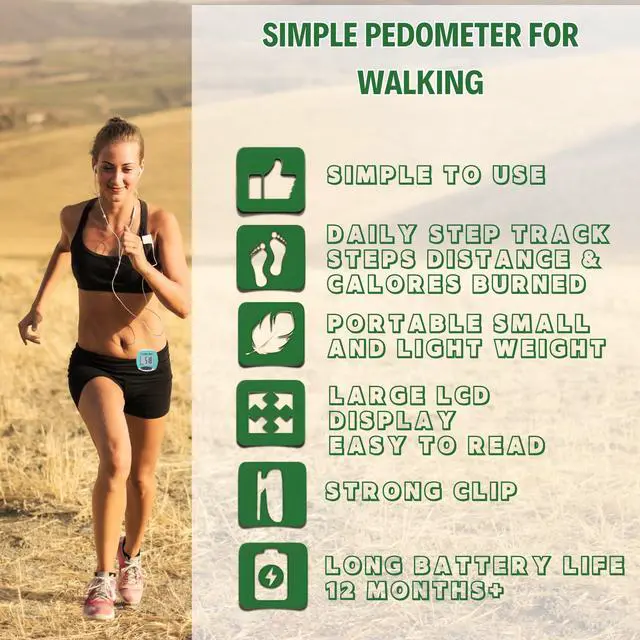
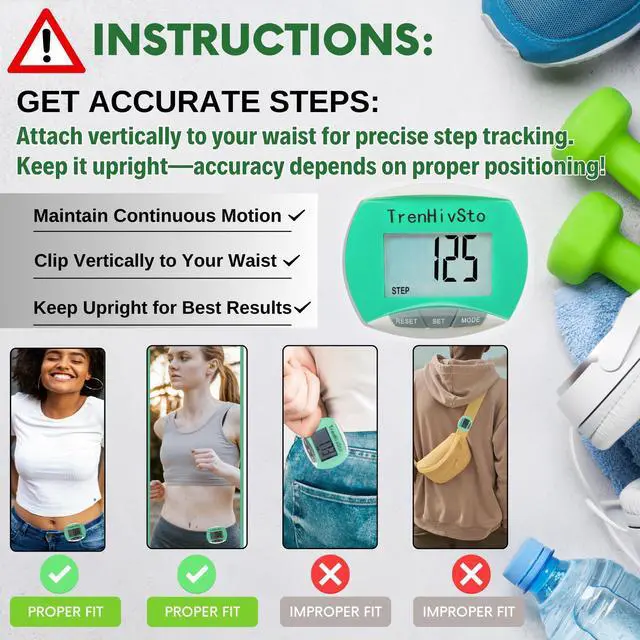
Clip the pedometer to your waist, then start running. It will automatically track your steps.

1.Irregular movements, such as swinging or vibrations.
2.Biking, or when taking slow or light steps.
3.While using buses, trains, and cars
Accuracy: For optimal accuracy, use this pedometer during continuous and consistent walking activities.


Press the 'MODE' button to switch to step counting mode. When ‘STEP’ appears on the screen, you’re in step mode and ready to track your steps.
Press and hold the 'RESET' button for 3-5 seconds to clear your steps.
Clip the pedometer to your waist, then start running. It will automatically track your steps.

1.Irregular movements, such as swinging or vibrations.
2.Biking, or when taking slow or light steps.
3.While using buses, trains, and cars
Accuracy: For optimal accuracy, use this pedometer during continuous and consistent walking activities.


