







How to set up 5K video and 75MP photos?
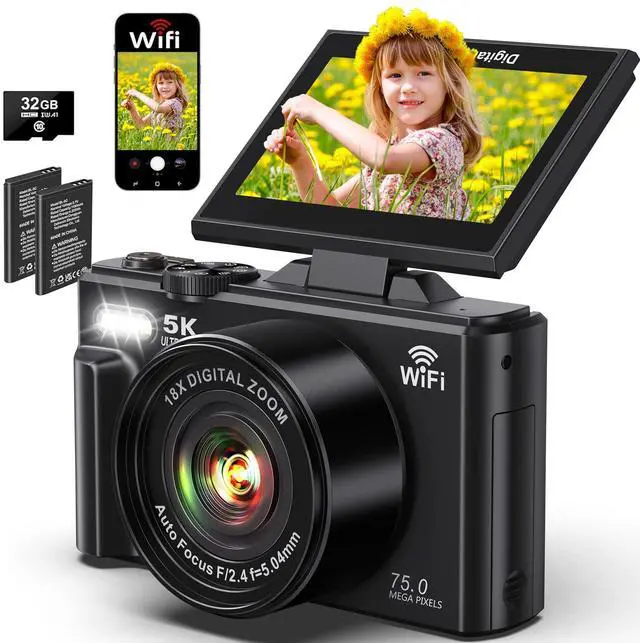
1. Video Mode: MENU -- Rec Resolution -- Select 5K
2. Photo Mode: MENU -- Image Resolution -- Select 75MP
How to connect the camera to your phone via Wi-Fi?
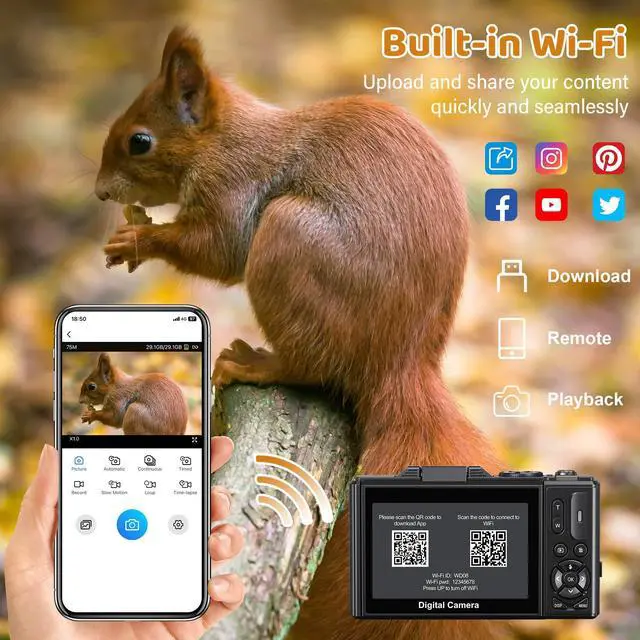
1. Download the "HDV CAM" app.
2. Press and hold the UP/Flash button for 3s to activate the WiFi function.
3. On your phone, connect to camera's Wi-Fi(WD08) with password(12345678).
4. Open the app, tap "Connect to the camera".
Why can’t my phone connect to the camera via Wi-Fi or control it through the app?
1. Restart the camera and re-enable Wi-Fi mode.
2. Make sure the app is connected to the camera’s Wi-Fi, not home Wi-Fi.
3. Allow the app to access local network, photos, and location.
How to take clear pictures with autofocus?
1. Half-press the shutter button.
2. The focus frame changes from white to green.
3. Full-press the shutter button to shoot a true HD picture.
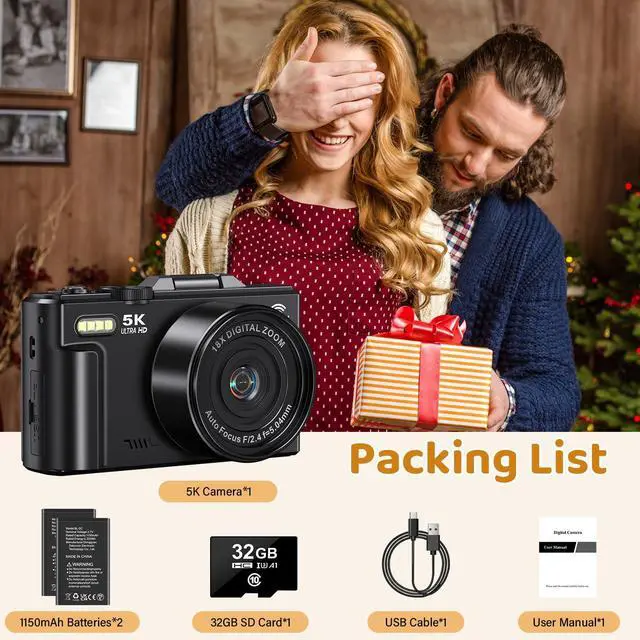
Missing accessories, there's no memory card in my package?
The memory card is installed in the camera. Please open the "USB/TF" cover on the side of the camera to check.
(Note: Do not insert the storage card while the device is powered on, as thismay damage the card or result in data loss.)


How to set up 5K video and 75MP photos?
1. Video Mode: MENU -- Rec Resolution -- Select 5K
2. Photo Mode: MENU -- Image Resolution -- Select 75MP
How to connect the camera to your phone via Wi-Fi?
1. Download the "HDV CAM" app.
2. Press and hold the UP/Flash button for 3s to activate the WiFi function.
3. On your phone, connect to camera's Wi-Fi(WD08) with password(12345678).
4. Open the app, tap "Connect to the camera".
Why can’t my phone connect to the camera via Wi-Fi or control it through the app?
1. Restart the camera and re-enable Wi-Fi mode.
2. Make sure the app is connected to the camera’s Wi-Fi, not home Wi-Fi.
3. Allow the app to access local network, photos, and location.
How to take clear pictures with autofocus?
1. Half-press the shutter button.
2. The focus frame changes from white to green.
3. Full-press the shutter button to shoot a true HD picture.
Missing accessories, there's no memory card in my package?
The memory card is installed in the camera. Please open the "USB/TF" cover on the side of the camera to check.
(Note: Do not insert the storage card while the device is powered on, as thismay damage the card or result in data loss.)