




Frequently Asked Questions
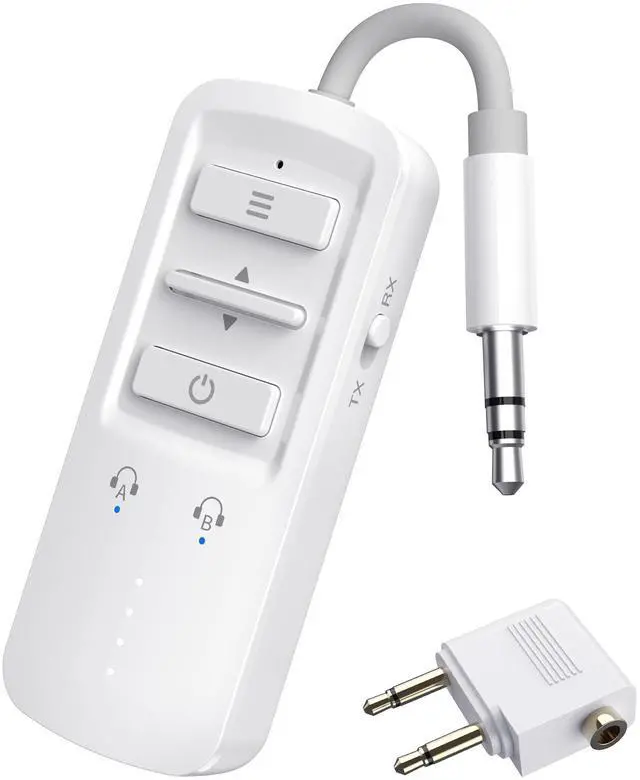
Wireless Bluetooth Adapter
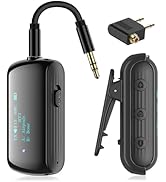
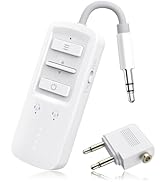
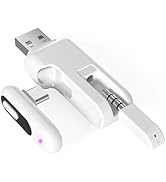
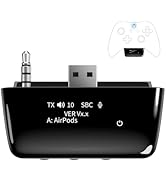
 BT Transmitter Receiver |  BT Transmitter Receiver |  PS5 Bluetooth Adapter |  Xbox Bluetooth Adapter |  Bose QC15 BT Adapter |  Bose QC25 BT Adapter |  Philips SHP9500 Adapter | |
|---|---|---|---|---|---|---|---|
Customer Reviews | — | — | — | — | — | — | — |
Price | — | — | — | — | — | — | — |
Compatibility | Airplane/TV/Car/Home Stereo | Airplane/TV/Car/Home Stereo | PS4/PS5/Switch/PC | Xbox Controllers | Bose QC15 Headphones | Bose QC25 Headphones | Philips SHP9500 Headphones |
Charging Interface | Type C | Type C | No Charging Required | No Charging Required | Micro USB | Micro USB | Type C |
Screen | ? | ? | ? | ? | ? | ? | ? |
Support aptX | ? | ? | ? | ? | ? | ? | ? |
Support aptX-LL | ? | ? | ? | ? | ? | ? | ? |
Built-In Microphone | ? | ? | ? | ? | ? | ? | ? |

Click on the slider to view other products we sell.
Wireless Bluetooth Adapter
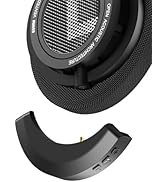
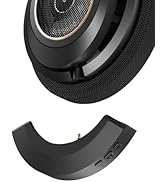
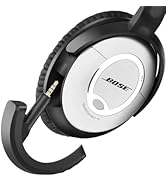
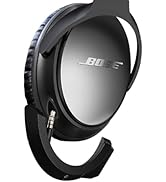
Wireless Bluetooth Adapter
Ear Pads for Bose
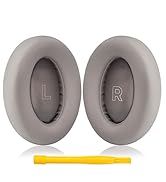
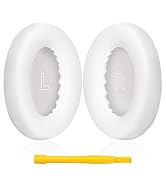
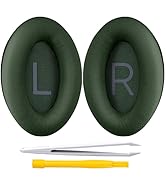
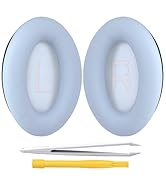
Earpads for Bose
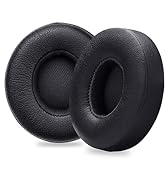
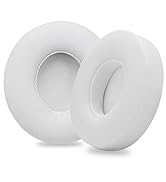
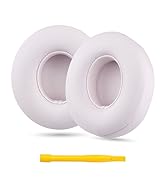
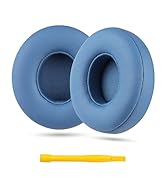
Earpads for Solo
Who we are?
We are a professional headphone accessories seller, who has headphone parts including replacement ear pads and wireless bluetooth adapters. For details, please browse the brand store.
Are our products of high quality?
We want consumers to feel unparalleled comfort and convenience when using headphones, so superior product quality has always been our brand belief.
How is our after-sales service?
We are very concerned about the customer's product experience, and after-sales service is an important part of our business work.


Frequently Asked Questions
| Q: | Can it be used with musical instruments like a guitar? |
|---|---|
| A: | Not recommended. Musical performances have strict requirements for audio quality and latency. Bluetooth transmission may cause slight delays. |
| Q: | Why isn't the latency rate as low as advertised? |
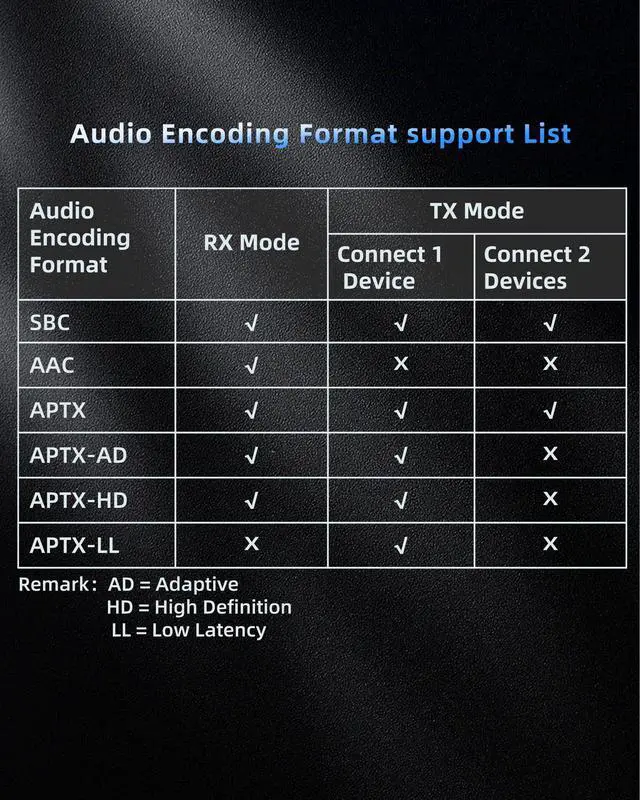
| A: | The latency rate depends on the encoding format supported by the headphones. To use aptX low latency, the paired headsets must also support aptX low latency (aptX-LL). |
| Q: | What should I do if I can't connect the headphones? |
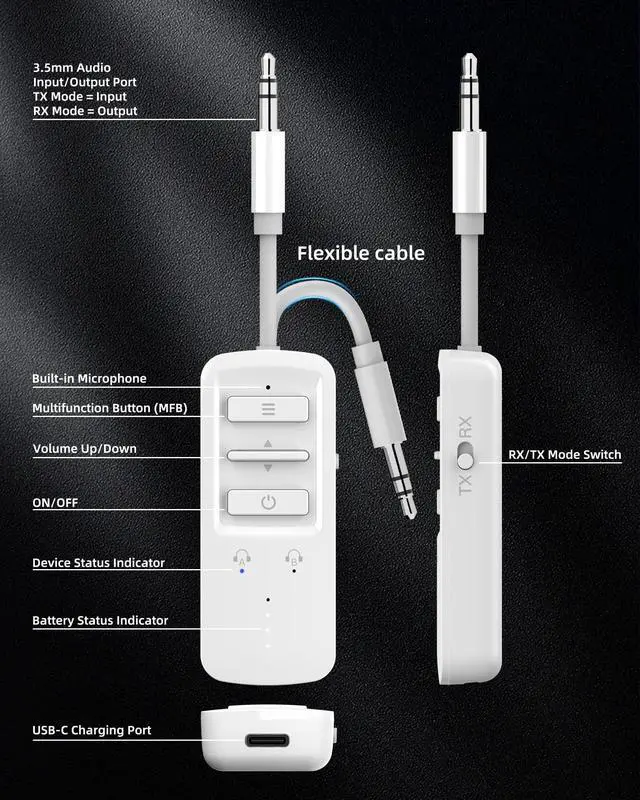
| A: | Make sure the adapter and the paired headphones are both in pairing mode. If you still can't pair them, press and hold the 'MFB' button for 10 seconds to reset the device, then try to reconnect. |
| Q: | Why is there no sound after connecting TV? |
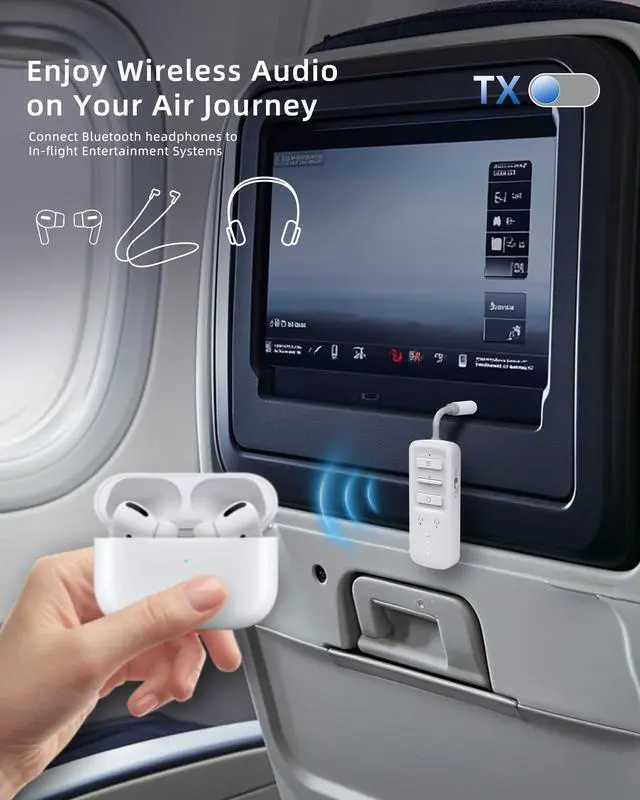
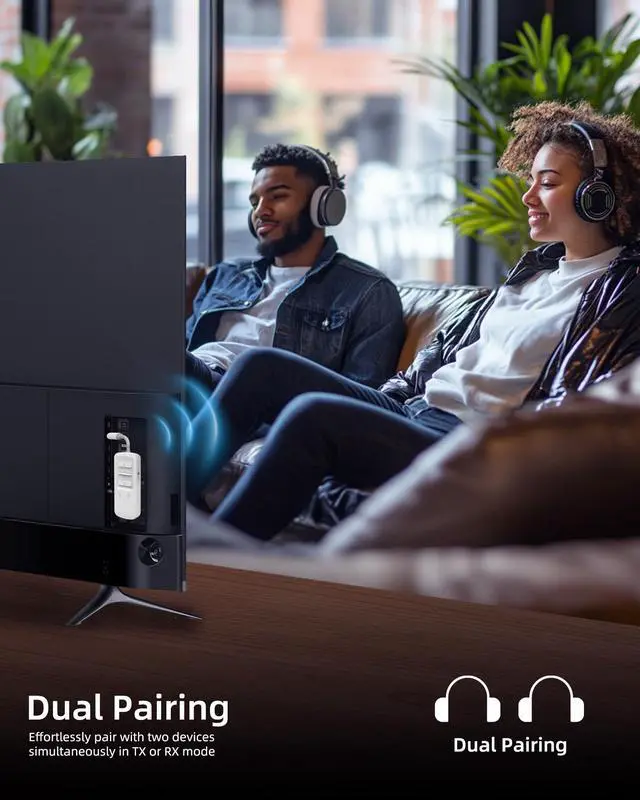
| A: | Make sure the audio cable is securely inserted into the "AUDIO OUT" or headphone jack on the TV, and confirm that the TV and adapter have successfully paired. Then, adjust the TV's audio settings from "TV Speakers" to "Audio Output." |
| Q: | Why did the sound from the headphones suddenly cut off? |
| A: | Make sure there are no other Bluetooth devices interfering in the vicinity. Sometimes, the headphones may be occupied by a frequently paired phone, causing the connection to be interrupted. |
| Q: | Does the device support voice calls? |
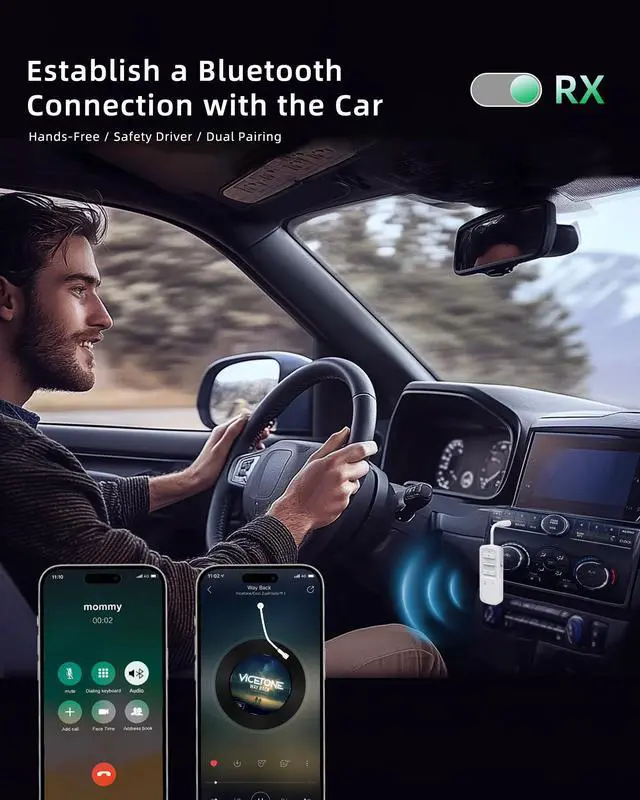
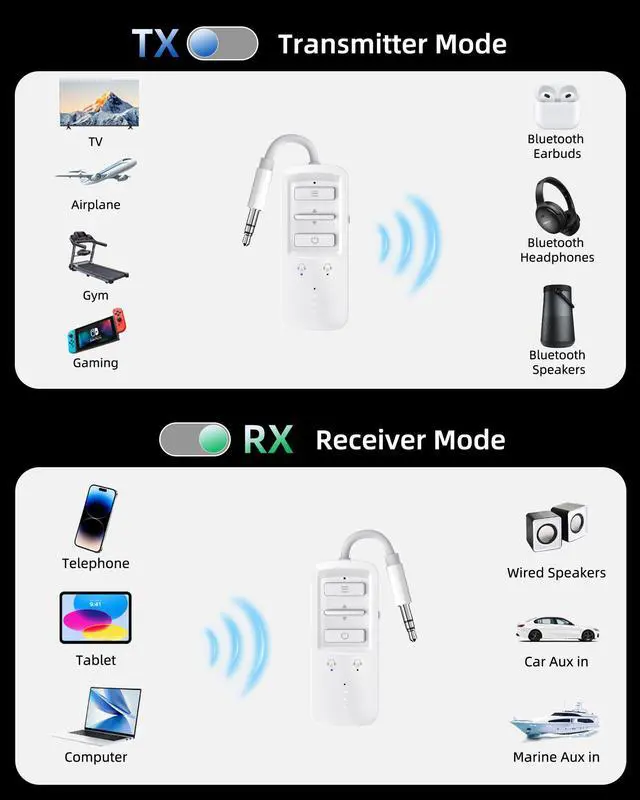
| A: | YOCOWOCO adapter supports voice calls in RX mode, but not in TX mode. |
| Q: | Does the adapter support aptX-LL in RX mode? |
| A: | No. The adapter only supports aptX-LL in TX mode. |
| Q: | How can I adjust the audio volume? The sound is too low. |
| A: | Check both the device's volume and the headphones' volume. Start by turning up the volume on the device the adapter is connected to. For example, if it's a TV, use the remote to increase the TV volume. |
Wireless Bluetooth Adapter
BT Transmitter Receiver | BT Transmitter Receiver | PS5 Bluetooth Adapter | Xbox Bluetooth Adapter | Bose QC15 BT Adapter | Bose QC25 BT Adapter | Philips SHP9500 Adapter |
|---|---|---|---|---|---|---|
| Customer Reviews | ||||||
| — | — | — | — | — | — | — |
| Price | ||||||
| — | — | — | — | — | — | — |
| Compatibility | ||||||
| Airplane/TV/Car/Home Stereo | Airplane/TV/Car/Home Stereo | PS4/PS5/Switch/PC | Xbox Controllers | Bose QC15 Headphones | Bose QC25 Headphones | Philips SHP9500 Headphones |
| Charging Interface | ||||||
| Type C | Type C | No Charging Required | No Charging Required | Micro USB | Micro USB | Type C |
| Screen | ||||||
| ? | ? | ? | ? | ? | ? | ? |
| Support aptX | ||||||
| ? | ? | ? | ? | ? | ? | ? |
| Support aptX-LL | ||||||
| ? | ? | ? | ? | ? | ? | ? |
| Built-In Microphone | ||||||
| ? | ? | ? | ? | ? | ? | ? |
Click on the slider to view other products we sell.
Wireless Bluetooth Adapter
Wireless Bluetooth Adapter
Ear Pads for Bose
Earpads for Bose
Earpads for Solo
Who we are?
We are a professional headphone accessories seller, who has headphone parts including replacement ear pads and wireless bluetooth adapters. For details, please browse the brand store.
Are our products of high quality?
We want consumers to feel unparalleled comfort and convenience when using headphones, so superior product quality has always been our brand belief.
How is our after-sales service?
We are very concerned about the customer's product experience, and after-sales service is an important part of our business work.