





FXWONTY – Unlocking the Power of Sound
FXWONTY is committed to delivering exceptional audio experiences through innovative technology and craftsmanship. We believe sound connects hearts, and our products are designed for both superior sound quality and user comfort. Guided by "Innovating through technology, touching hearts with sound," we continuously strive to create devices that resonate deeply with users worldwide.



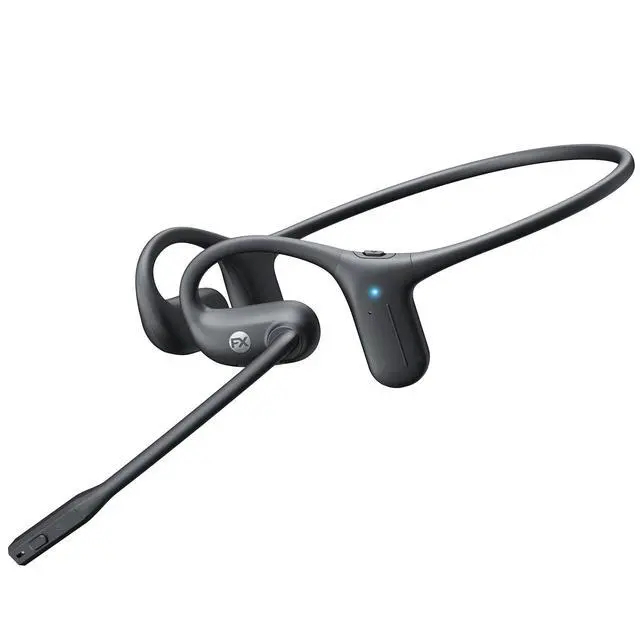
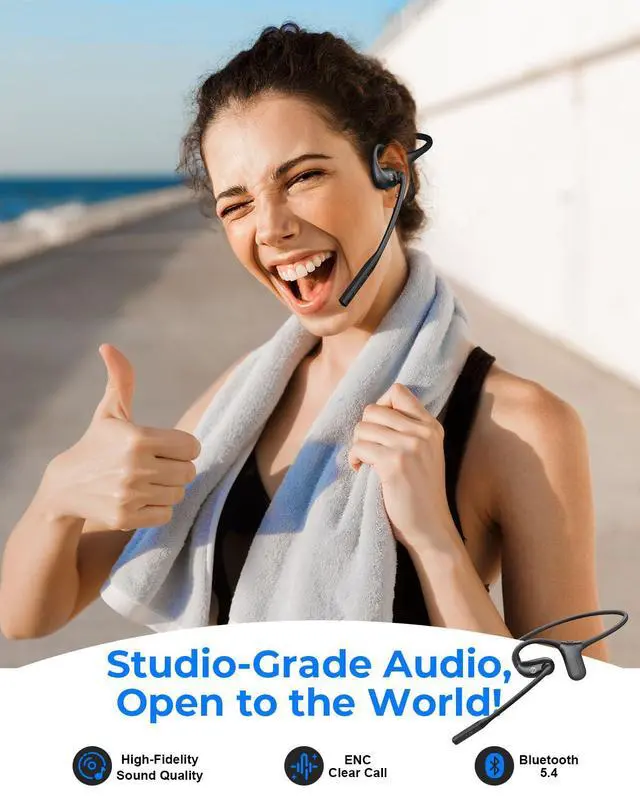
Open Ear Headphones with Mic
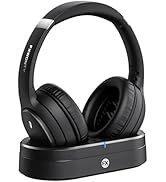



Wireless TV Headphones
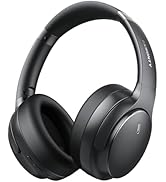

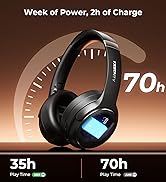

Noise Cancelling Headphones
Wireless Headset: FX-HS012




Ready for Anywhere
How did we begin?
FXWONTY started as a small manufacturer, fueled by a passion for sound and innovation. This drive led us to develop high-quality products, including high-fidelity headphones and wireless audio solutions.
What makes our products unique?
Our expert team upholds the highest standards, believing that sound connects hearts. We emphasize user comfort, advanced technology, and superior sound quality in every design.
What is our mission?
FXWONTY is committed to continuous innovation with the mission: "Innovating through technology, touching hearts with sound."


How to Pair Two Devices (Multipoint e.g., Laptop + Phone)
1. Pair Device A: With the headset off, hold the MFB button for 3–5 seconds until the light flashes red/blue. Connect on Device A’s Bluetooth menu. You’ll hear "Connected."
2. Disconnect Device A: Turn off Bluetooth on Device A.
3. Pair Device B: Connect in Device B’s Bluetooth menu.
4. Reconnect: Turn Bluetooth back ON for Device A and select the headset to finish.
You’re all set! Your headset will now automatically switch between both devices.
Quick Tips:
- Incoming Calls: Music on one device pauses automatically when a call comes in on the other. Tap MFB to answer.
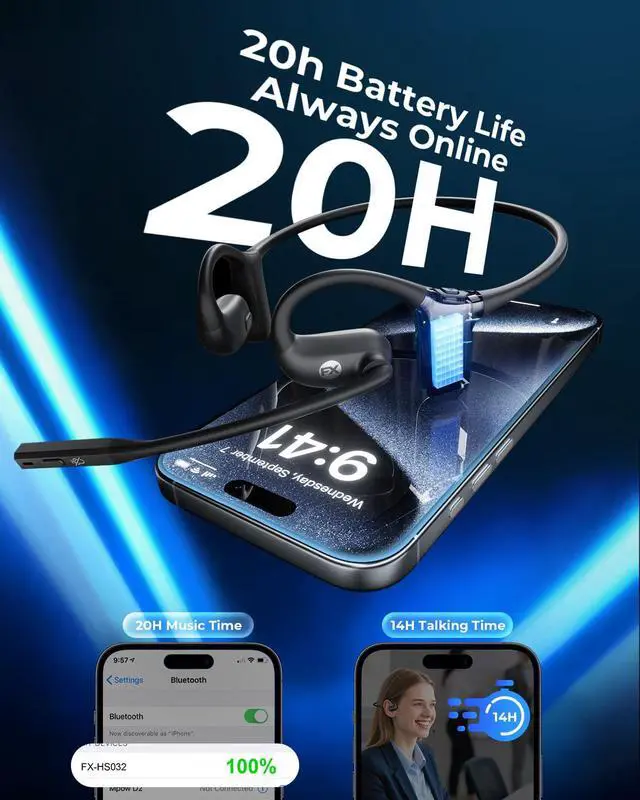
- Computer Meetings: If using Zoom or Teams, make sure the bluetooth headset [FX-HS032] is selected as your "Default Input/Mic" and "Output/Speaker" in your app settings.
- Auto-Link: Your headset remembers both devices and reconnects automatically next time.


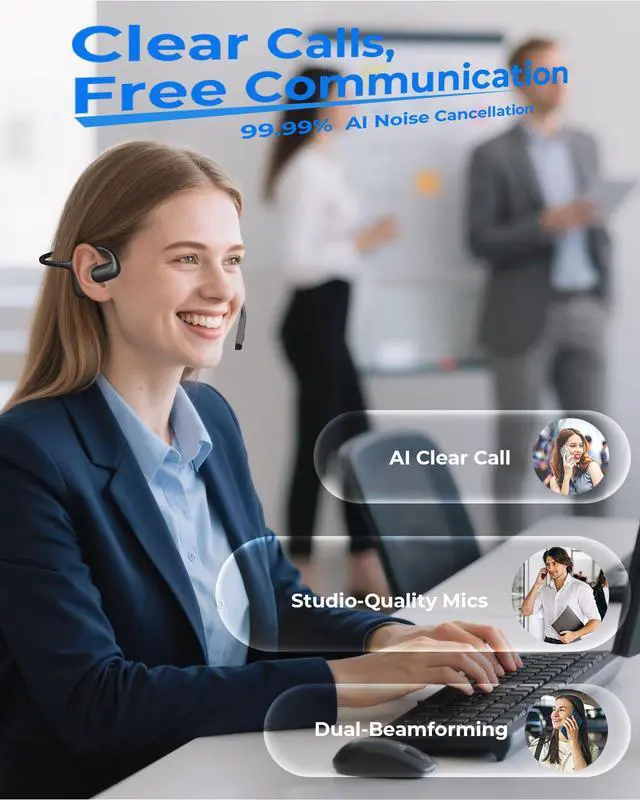
ENC for Perfect Clarity
The ENC system ensures your voice stays crystal-clear, even in noisy streets or crowded offices


How to Pair Two Devices (Multipoint e.g., Laptop + Phone)
1. Pair Device A: With the headset off, hold the MFB button for 3–5 seconds until the light flashes red/blue. Connect on Device A’s Bluetooth menu. You’ll hear "Connected."
2. Disconnect Device A: Turn off Bluetooth on Device A.
3. Pair Device B: Connect in Device B’s Bluetooth menu.
4. Reconnect: Turn Bluetooth back ON for Device A and select the headset to finish.
You’re all set! Your headset will now automatically switch between both devices.
Quick Tips:
- Incoming Calls: Music on one device pauses automatically when a call comes in on the other. Tap MFB to answer.
- Computer Meetings: If using Zoom or Teams, make sure the bluetooth headset [FX-HS032] is selected as your "Default Input/Mic" and "Output/Speaker" in your app settings.
- Auto-Link: Your headset remembers both devices and reconnects automatically next time.
FXWONTY – Unlocking the Power of Sound
FXWONTY is committed to delivering exceptional audio experiences through innovative technology and craftsmanship. We believe sound connects hearts, and our products are designed for both superior sound quality and user comfort. Guided by "Innovating through technology, touching hearts with sound," we continuously strive to create devices that resonate deeply with users worldwide.
Open Ear Headphones with Mic
Wireless TV Headphones
Noise Cancelling Headphones
Wireless Headset: FX-HS012
Ready for Anywhere
How did we begin?
FXWONTY started as a small manufacturer, fueled by a passion for sound and innovation. This drive led us to develop high-quality products, including high-fidelity headphones and wireless audio solutions.
What makes our products unique?
Our expert team upholds the highest standards, believing that sound connects hearts. We emphasize user comfort, advanced technology, and superior sound quality in every design.
What is our mission?
FXWONTY is committed to continuous innovation with the mission: "Innovating through technology, touching hearts with sound."