


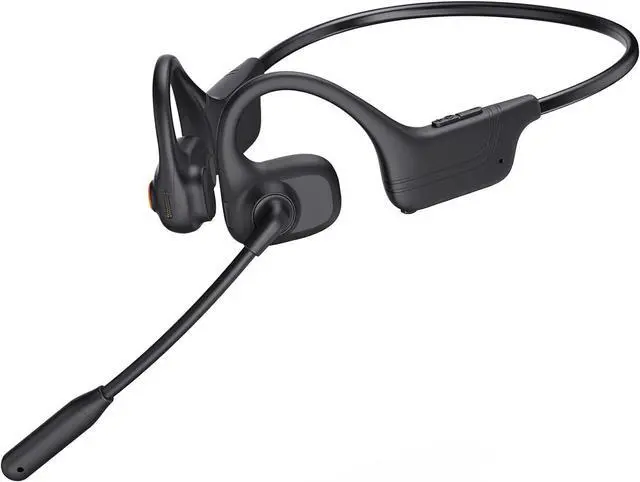




Caymuller Open Ear Headphone with Microphone


Open Ear Comfort
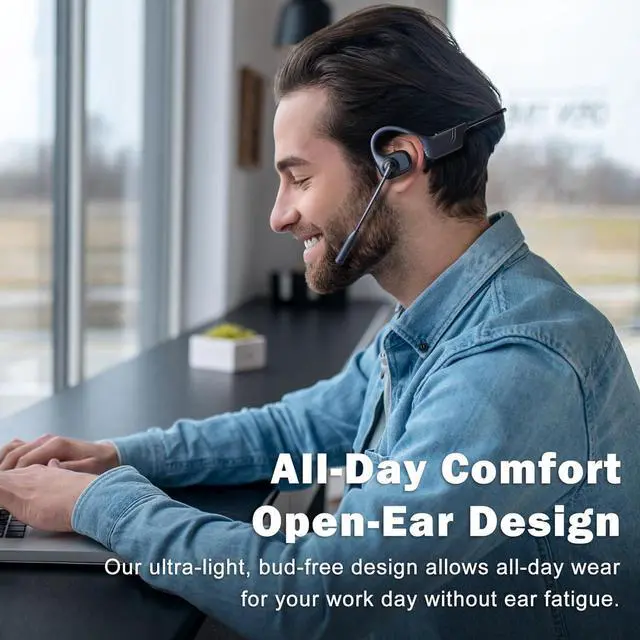
Open ear design and all-day comfort, allowing you to be fully aware of your surroundings for a safe, connected listening experience. Whether you're on your daily commute or heading to the gym, it seamlessly elevates your audio experience.

Reduce sound leakage and enhance the listening experience, allowing you focus on your work, meeting

Feature our best listening experience with clear sound, powerful volume, and a rich bass.

Enjoy music while workout without worrying about earphones falling off and make you all-day comfort

Two Devices Seamless Switching
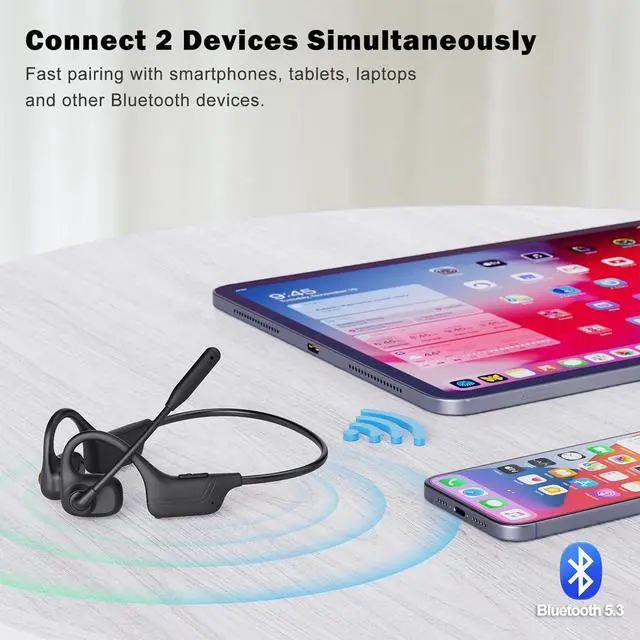
Connect 2 devices simultaneously, easy switching to each device via MFB, no worry missing calls
AI Noise Cancelling Mic
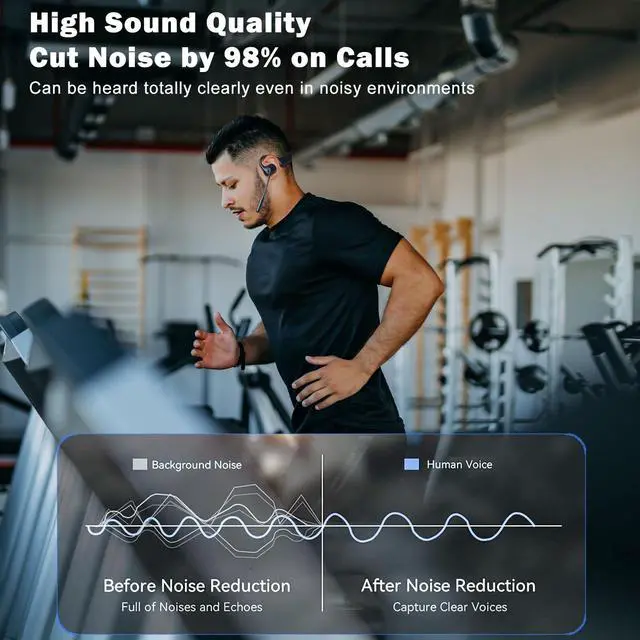
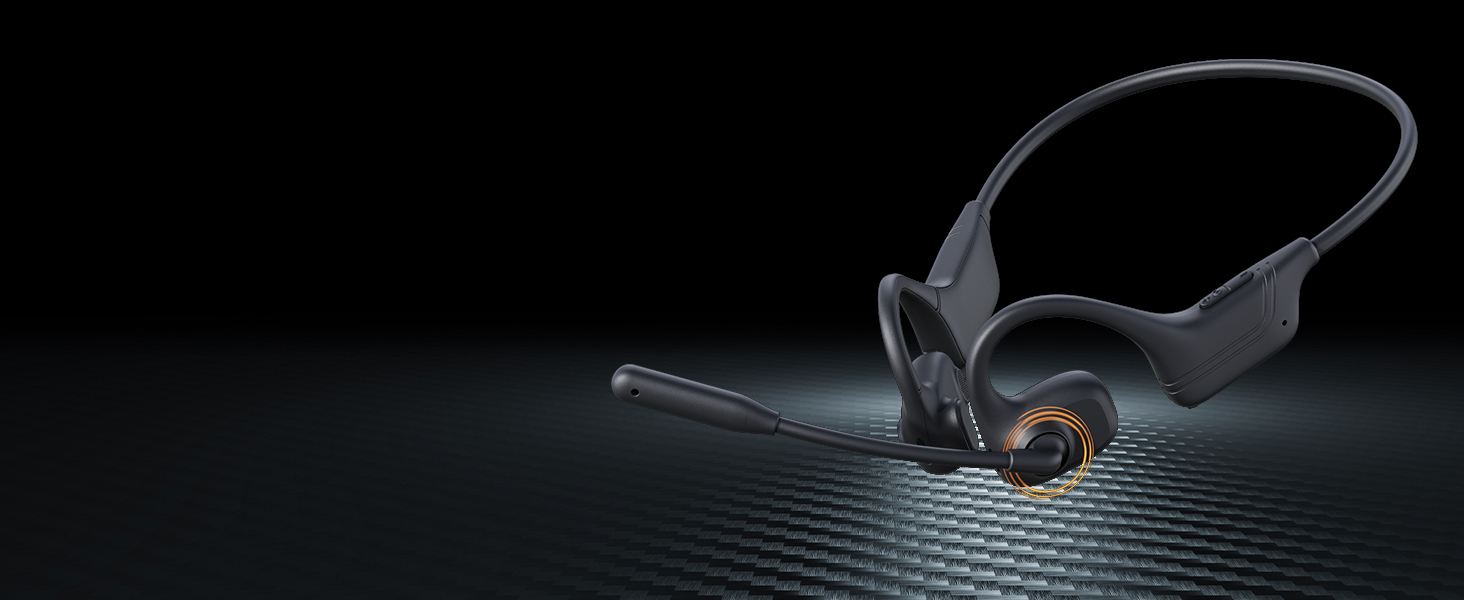
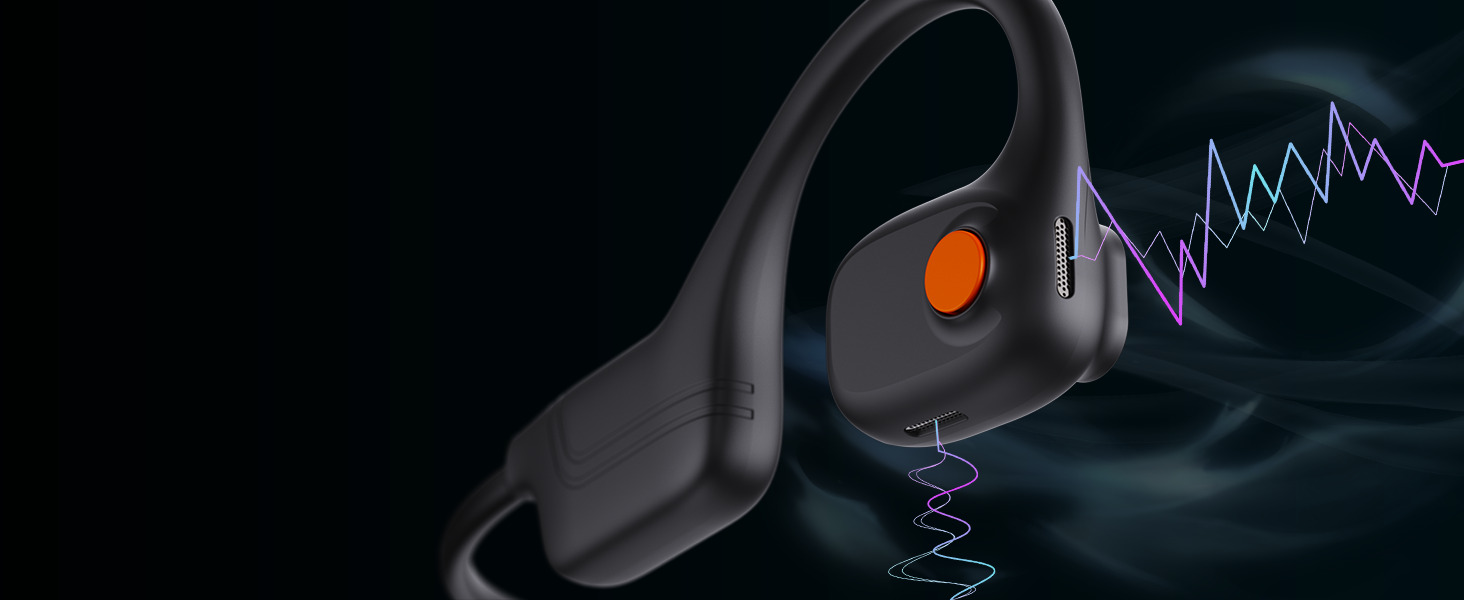
Take calls wherever you are during your workout or other outdoor activities. Equipped with dual noise-cancelling microphones, you can have clear conversations on both sides.
10 Hour Battery Life + Quick Charge
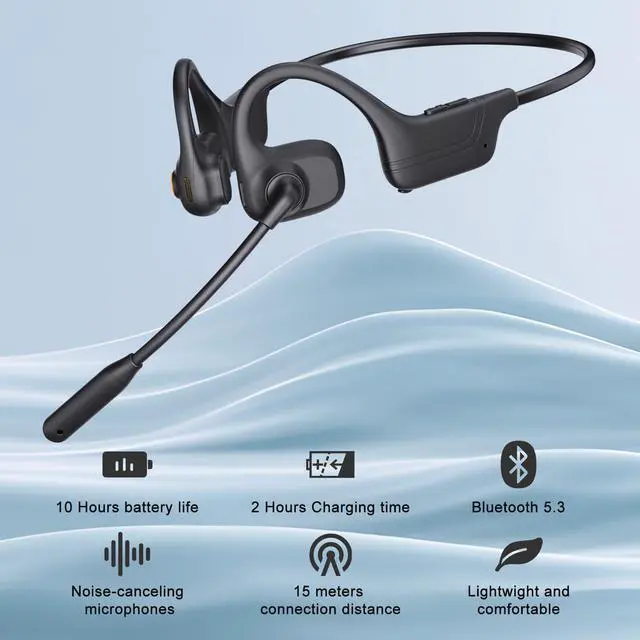
10 hours continuous talking time and 200 hours standby time with a single full charged in just 2 hours.
Comfortable Fit + Deep Bass
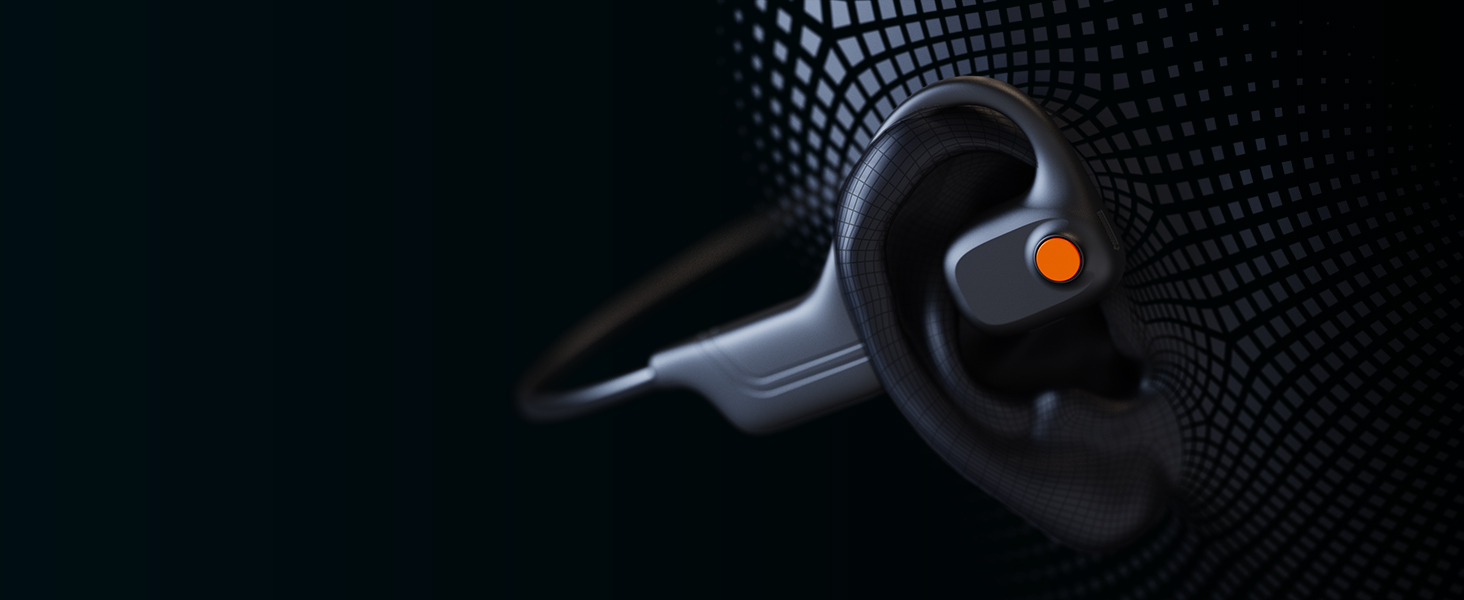
Avoid the discomfort of in-ear headphones with our bud-free design. Make you all-day comfort.Also enhances bass with incredible depth, allow you to experience every note, beat and chorus of the music.
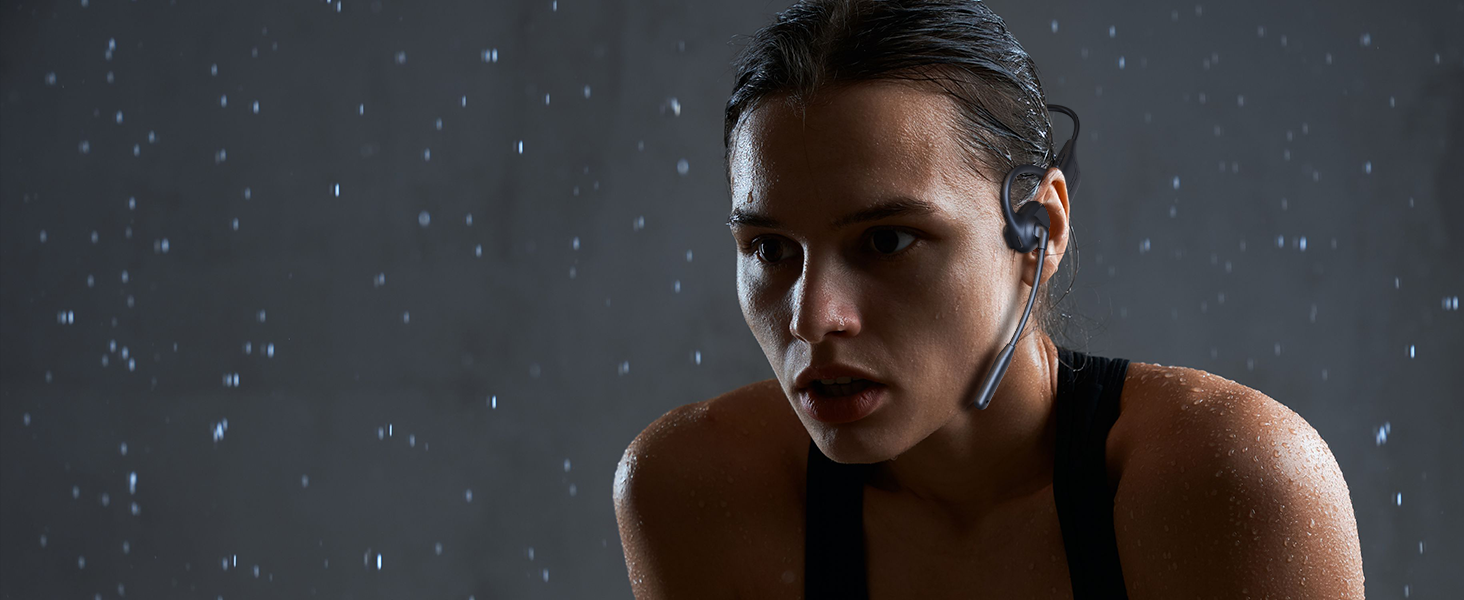
IP65 Water-Resistant
IP65 rating for protection against dust and moisture, making it durable enough to withstand rainy runs, sweaty rides, or other harsh conditions.

Lightweight and Comfortable
Our open-ear headphone with mic features a lightweight and soft design. The 225° rotating microphone optimally positions for better voice pickup.
How to pair DT620 with 2 devices at the same time via Bluetooth?
1. Press and hold the MFB button for 3 seconds to enter the pairing state with red and blue LEDs flickering and reminding tone "Pairing".
2. Turn on the Bluetooth function of device A, search and connect [DT620] in the Bluetooth device list. When you hear "Connected", the LED indicator turns blue and flashes slowly every 3 seconds, indicating that the headset is connected to device A.
3. Turn off the Bluetooth function of device A, and when you hear "Disconnected", and [DT620] re-enters the pairing state.
4. Turn on the Bluetooth function of device B, search and connect [DT620] in the Bluetooth device list, when you hear "Connected" and the LED indicator turns blue and flashes slowly every 3 seconds, it means that headphone is connected to device B.
5. Turn on the Bluetooth function of device A again, search and connect [DT620] in the Bluetooth device list, and when you hear "connected" , it means that the headset has successfully connected to both device A and device B.
Note:
When you are listening to music on device A and there is an incoming call on device B, just click the MFB button to answer the call.
Caymuller Open Ear Headphone with Microphone


Open Ear Comfort
Open ear design and all-day comfort, allowing you to be fully aware of your surroundings for a safe, connected listening experience. Whether you're on your daily commute or heading to the gym, it seamlessly elevates your audio experience.
Reduce sound leakage and enhance the listening experience, allowing you focus on your work, meeting
Feature our best listening experience with clear sound, powerful volume, and a rich bass.
Enjoy music while workout without worrying about earphones falling off and make you all-day comfort
Two Devices Seamless Switching
Connect 2 devices simultaneously, easy switching to each device via MFB, no worry missing calls


AI Noise Cancelling Mic
10 Hour Battery Life + Quick Charge
Comfortable Fit + Deep Bass
IP65 Water-Resistant


Take calls wherever you are during your workout or other outdoor activities. Equipped with dual noise-cancelling microphones, you can have clear conversations on both sides.
10 hours continuous talking time and 200 hours standby time with a single full charged in just 2 hours.
Avoid the discomfort of in-ear headphones with our bud-free design. Make you all-day comfort.Also enhances bass with incredible depth, allow you to experience every note, beat and chorus of the music.
IP65 rating for protection against dust and moisture, making it durable enough to withstand rainy runs, sweaty rides, or other harsh conditions.

Lightweight and Comfortable
Our open-ear headphone with mic features a lightweight and soft design. The 225° rotating microphone optimally positions for better voice pickup.
How to pair DT620 with 2 devices at the same time via Bluetooth?
1. Press and hold the MFB button for 3 seconds to enter the pairing state with red and blue LEDs flickering and reminding tone "Pairing".
2. Turn on the Bluetooth function of device A, search and connect [DT620] in the Bluetooth device list. When you hear "Connected", the LED indicator turns blue and flashes slowly every 3 seconds, indicating that the headset is connected to device A.
3. Turn off the Bluetooth function of device A, and when you hear "Disconnected", and [DT620] re-enters the pairing state.
4. Turn on the Bluetooth function of device B, search and connect [DT620] in the Bluetooth device list, when you hear "Connected" and the LED indicator turns blue and flashes slowly every 3 seconds, it means that headphone is connected to device B.
5. Turn on the Bluetooth function of device A again, search and connect [DT620] in the Bluetooth device list, and when you hear "connected" , it means that the headset has successfully connected to both device A and device B.
Note:
When you are listening to music on device A and there is an incoming call on device B, just click the MFB button to answer the call.