






A3968 Product Video
Merchant Video


Note
1?What should I do if my soundcore Sport X20 feels uncomfortable and/or unstable?
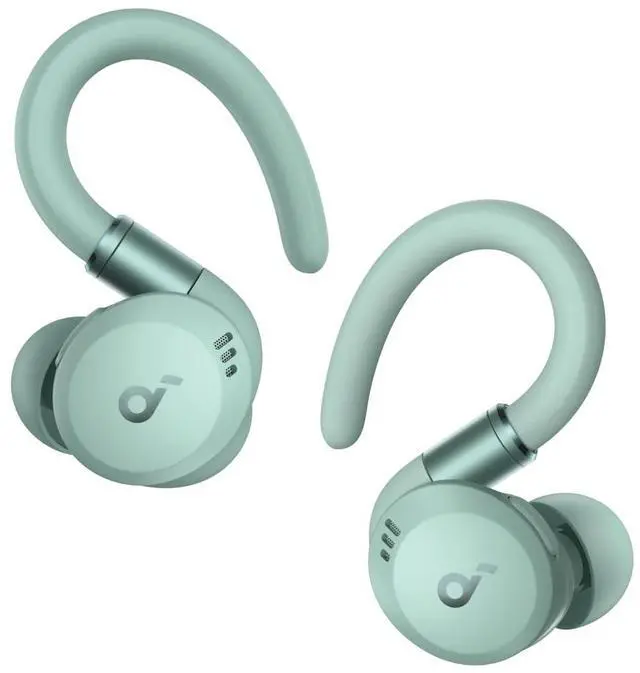
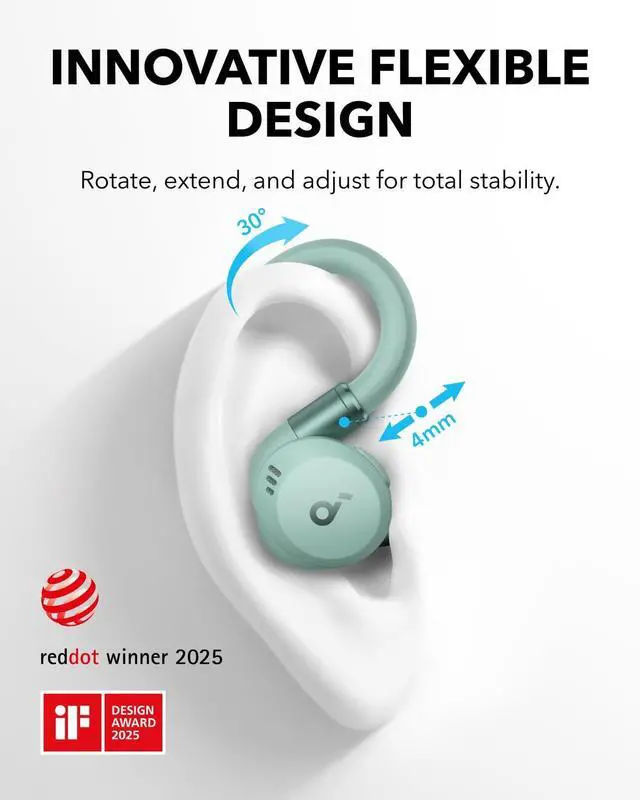
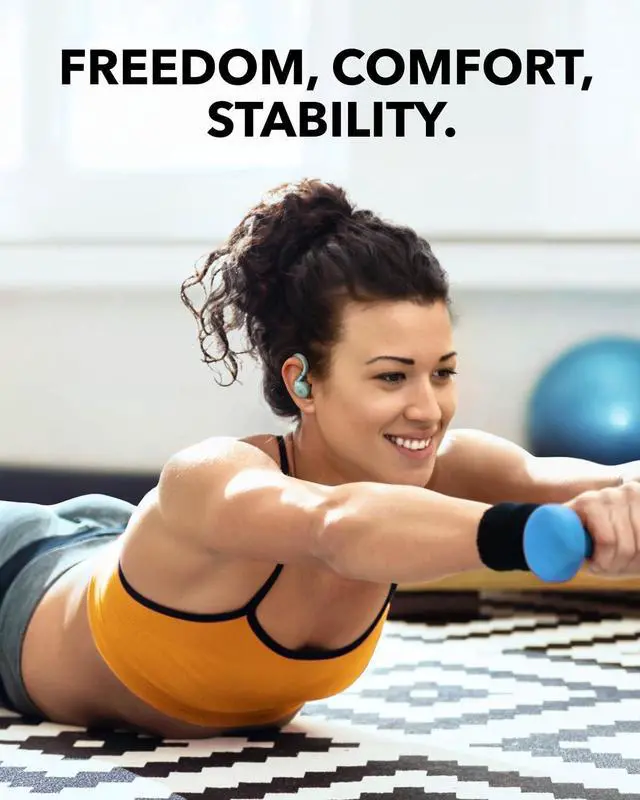
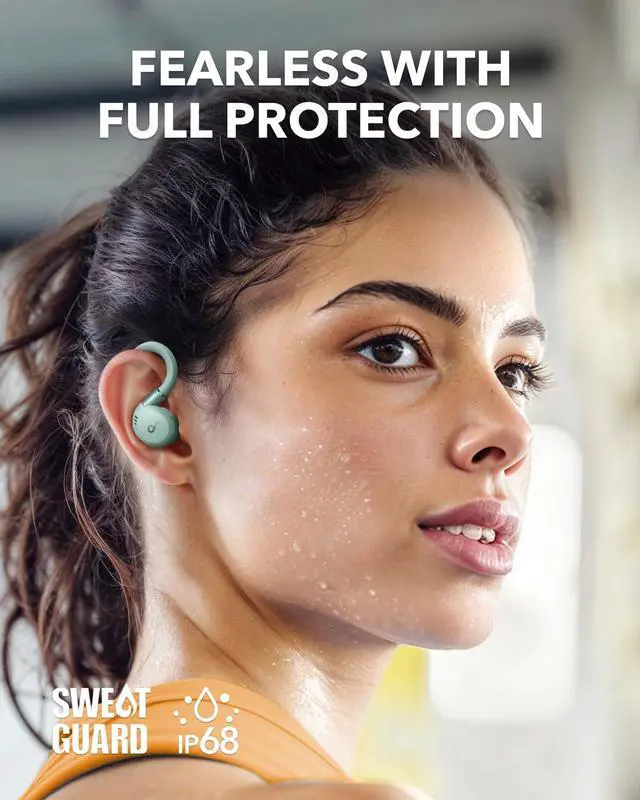
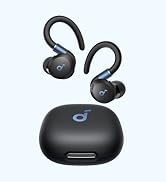
(1)Pull or rotate the ear hooks to the appropriate angle, then secure them onto the outer edge of your ears. (2)Place the earbuds' body into your ear canal and choose an appropriate size of ear tips to create a tight seal. To check if you're wearing the earbuds in the ideal position, take the Fit Test in the soundcore app. (3)Take breaks during extended wear to allow your ears to rest and relax.
2?What should I do if my soundcore Sport X20's noise cancellation does not meet my expectations?
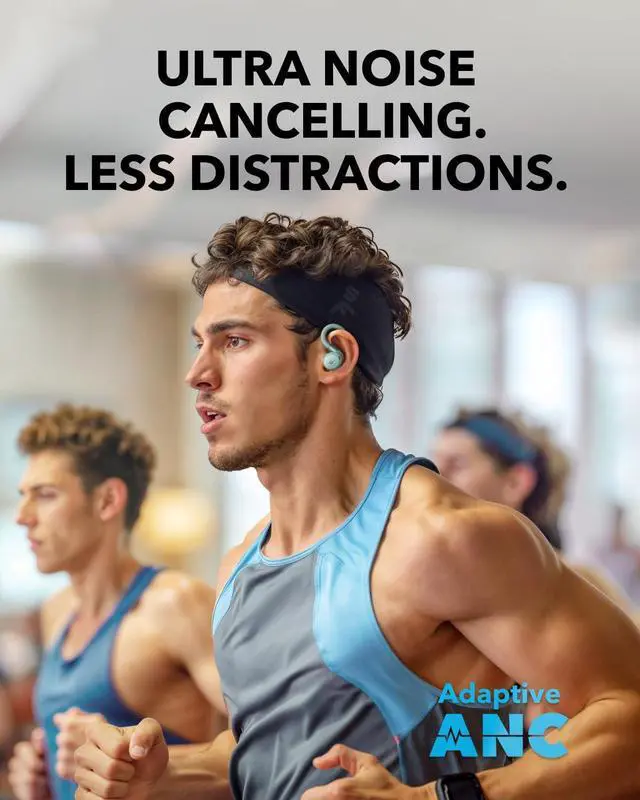
(1)Experiment with different sizes of ear tips to find the best fit and achieve a tight seal. If one earbud doesn't fit well, try using different sizes for each ear, such as medium in one ear and large in the other. (2)Use the Fit Test in the soundcore app to verify that the earbuds are in an ideal position. If the earbuds are not worn properly, you may not experience the optimal noise cancelling performance. (3)Ensure that Active Noise Cancellation is enabled in the soundcore app. (4)When using the earbuds for the first time, select "Adaptive Noise Cancelling" to set the optimal noise reduction parameters based on your fit. (5)Test the earbuds in a different environment and with a different Bluetooth device to see if the situation improves. Note: In noisy environments or at high volumes, noise cancellation might not be as strong.
3?What should I do if my soundcore Sport X20 disconnects or the sound is choppy?
Connectivity issues might not necessarily be due to the earbuds but could be related to the connected device or the environment. Bluetooth signals can be affected by obstructions like walls, pillars, home appliances, and Wi-Fi. To ensure a stable connection, we recommend avoiding these obstructions.To fix this issue, do the following:(1)Fully charge your earbuds and reset them by following these steps: A?Place the earbuds into the charging case and leave the case open. B?Press and hold the touch bar on the charging case for 5 seconds. A function menu will appear on the case's display. Slide to select Reset, then double-tap to confirm. After the reset is completed, a "Reset Successful" prompt will appear along with a single-tone chime, which will fade after 2 seconds. This confirms a successful reset.Note: Ensure the earbuds are properly placed in the charging case and that the battery level is displayed on the charging case's screen for a successful reset. (2)Turn off Dual Connections in the soundcore app. (3)Test the earbuds by playing downloaded music/videos. (4)Test your earbuds with a different Bluetooth device in a different environment to see if the issue persists.











A3968 Product Video
Merchant Video


Note
1?What should I do if my soundcore Sport X20 feels uncomfortable and/or unstable?
(1)Pull or rotate the ear hooks to the appropriate angle, then secure them onto the outer edge of your ears. (2)Place the earbuds' body into your ear canal and choose an appropriate size of ear tips to create a tight seal. To check if you're wearing the earbuds in the ideal position, take the Fit Test in the soundcore app. (3)Take breaks during extended wear to allow your ears to rest and relax.
2?What should I do if my soundcore Sport X20's noise cancellation does not meet my expectations?
(1)Experiment with different sizes of ear tips to find the best fit and achieve a tight seal. If one earbud doesn't fit well, try using different sizes for each ear, such as medium in one ear and large in the other. (2)Use the Fit Test in the soundcore app to verify that the earbuds are in an ideal position. If the earbuds are not worn properly, you may not experience the optimal noise cancelling performance. (3)Ensure that Active Noise Cancellation is enabled in the soundcore app. (4)When using the earbuds for the first time, select "Adaptive Noise Cancelling" to set the optimal noise reduction parameters based on your fit. (5)Test the earbuds in a different environment and with a different Bluetooth device to see if the situation improves. Note: In noisy environments or at high volumes, noise cancellation might not be as strong.
3?What should I do if my soundcore Sport X20 disconnects or the sound is choppy?
Connectivity issues might not necessarily be due to the earbuds but could be related to the connected device or the environment. Bluetooth signals can be affected by obstructions like walls, pillars, home appliances, and Wi-Fi. To ensure a stable connection, we recommend avoiding these obstructions.To fix this issue, do the following:(1)Fully charge your earbuds and reset them by following these steps: A?Place the earbuds into the charging case and leave the case open. B?Press and hold the touch bar on the charging case for 5 seconds. A function menu will appear on the case's display. Slide to select Reset, then double-tap to confirm. After the reset is completed, a "Reset Successful" prompt will appear along with a single-tone chime, which will fade after 2 seconds. This confirms a successful reset.Note: Ensure the earbuds are properly placed in the charging case and that the battery level is displayed on the charging case's screen for a successful reset. (2)Turn off Dual Connections in the soundcore app. (3)Test the earbuds by playing downloaded music/videos. (4)Test your earbuds with a different Bluetooth device in a different environment to see if the issue persists.

Aerofit 2 Pro Available Now
Available Now
Sleep A30 Special
Available Now
Earbuds
Headphones
Speakers
