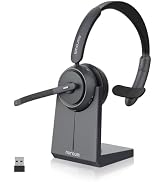
here!
here!
I’m your shopping assistant for PC builds, upgrades, and everything tech.
Got questions? Ask away!
Start a conversation
here!
I’m your shopping assistant for PC builds, upgrades, and everything tech.
Got questions? Ask away!
Start a conversation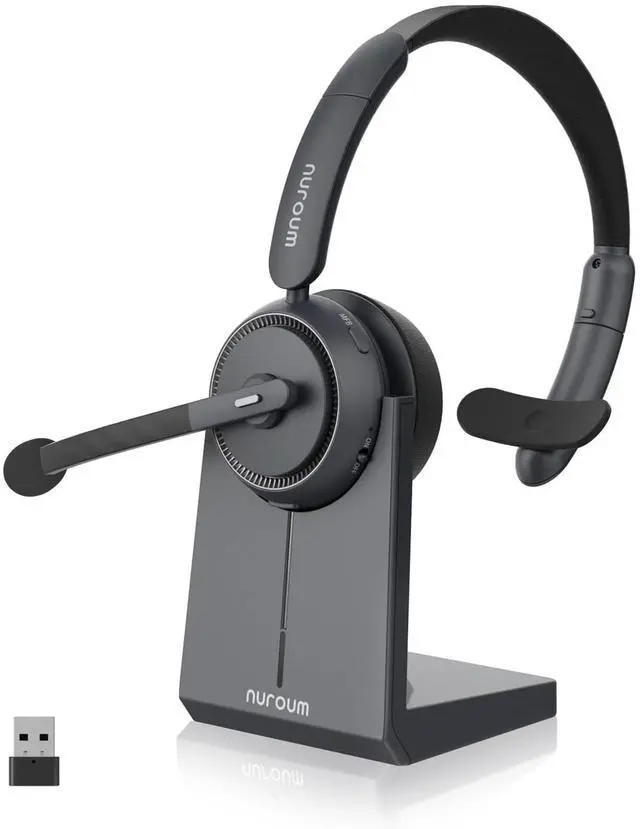



Any questions? Ask CelesteSM will help you find out quickly.

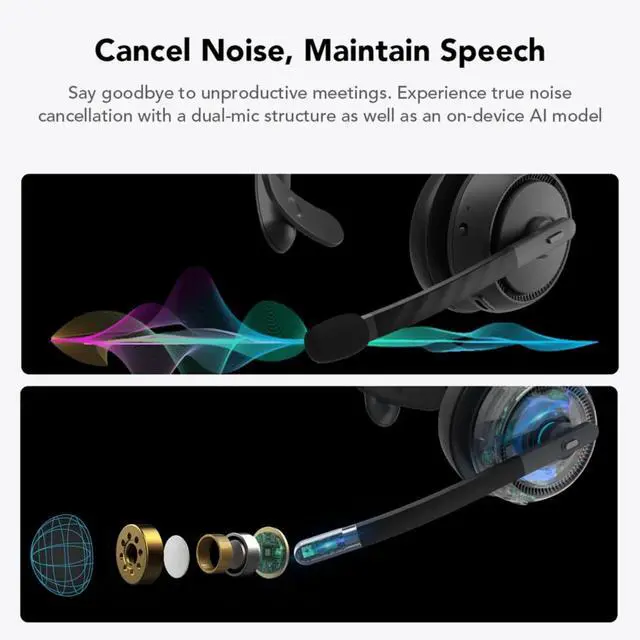
Immerse yourself in your calls through the ENC technology, erasing 99% of background noise.
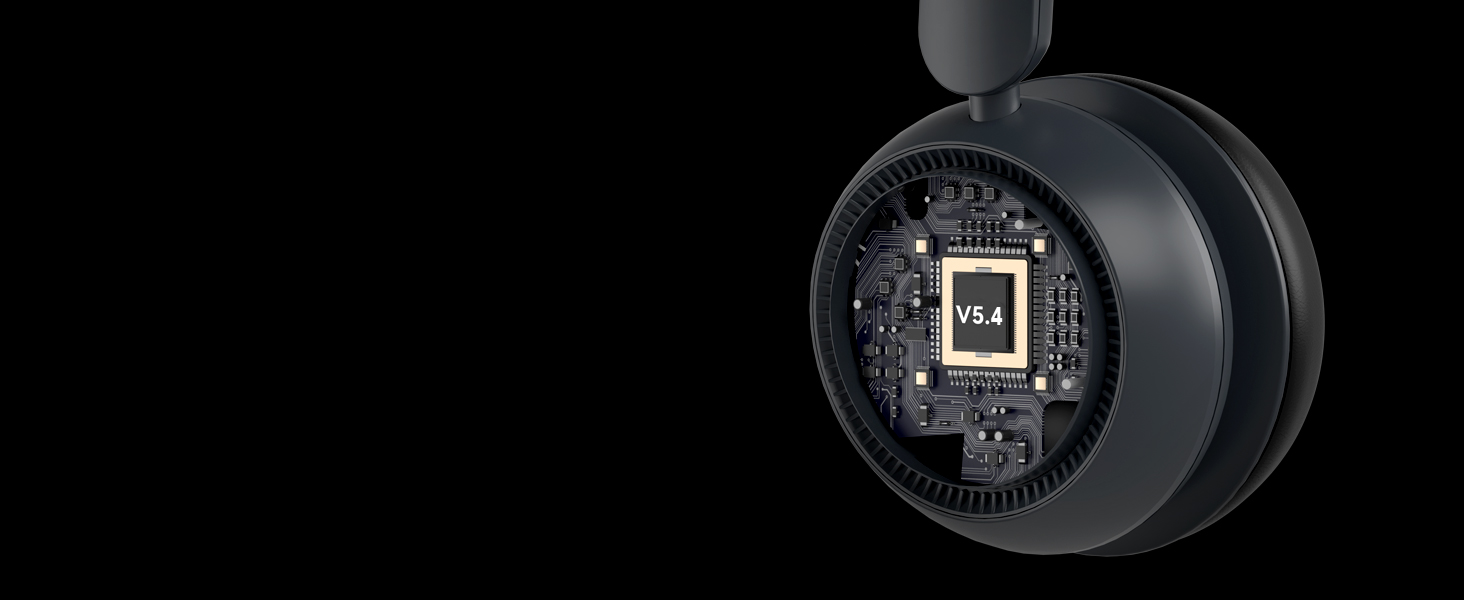
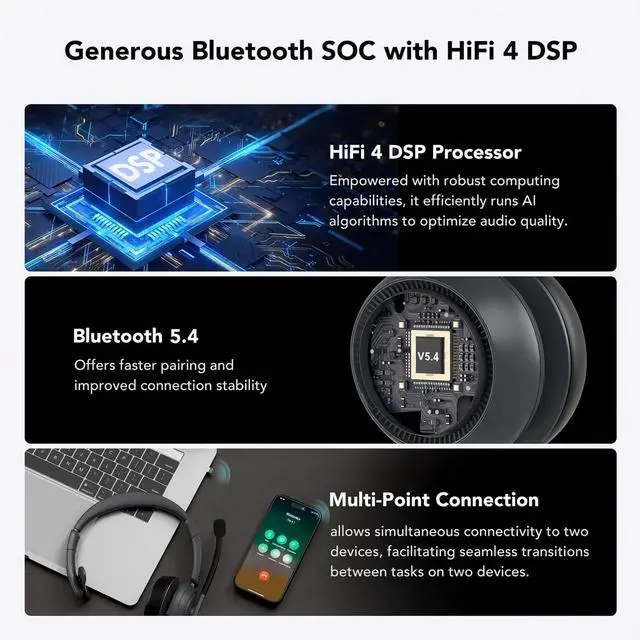
Bluetooth 5.4 of the headset provides with a faster and more stable connection within 33 feet range.

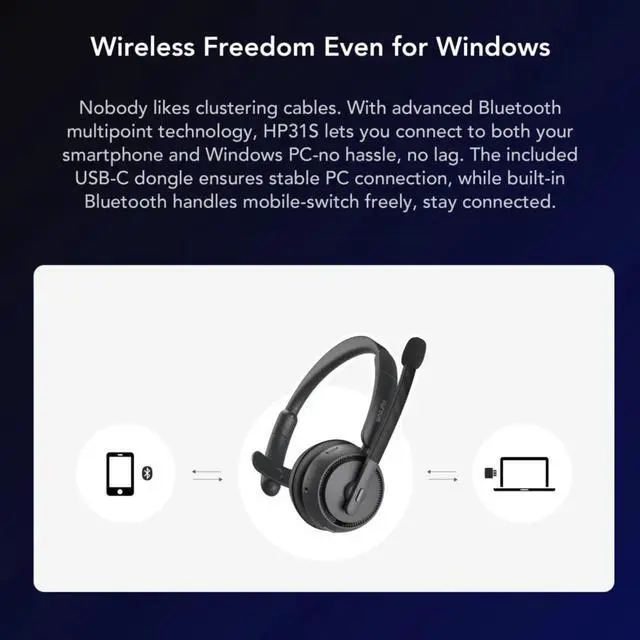
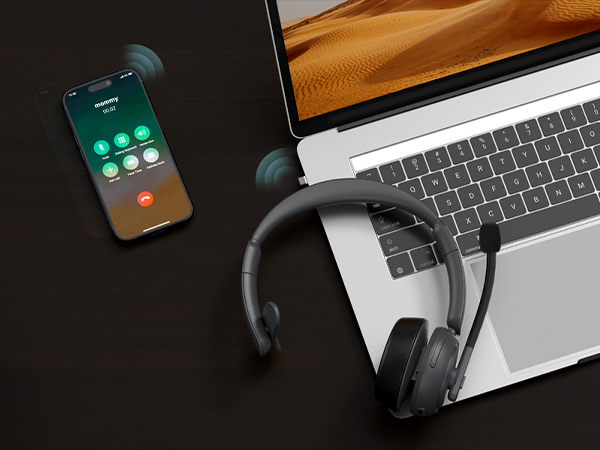
Connect to two devices simultaneously and switch between computer meetings and incoming phone calls.

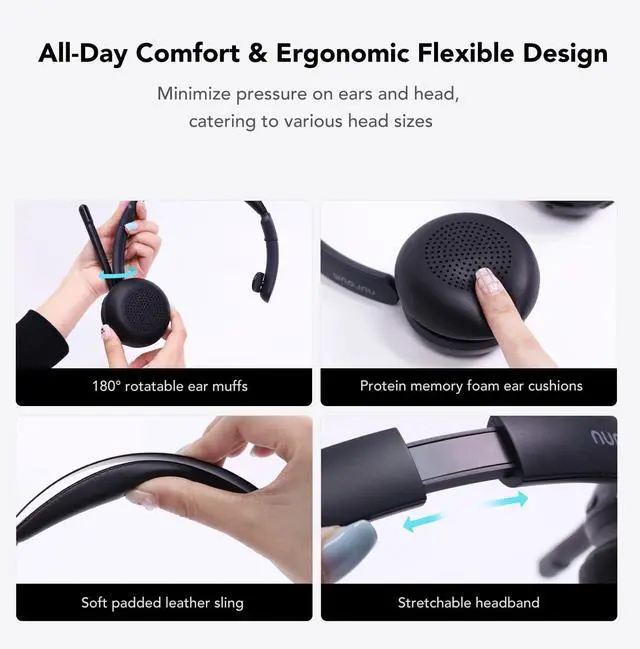
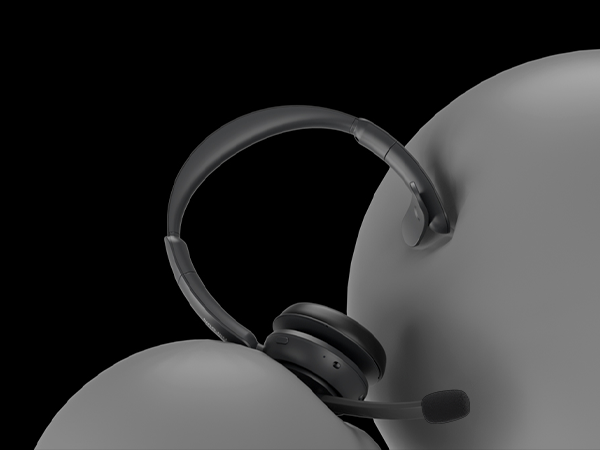
Indulge in comfort with soft ear pads and leather sling for enduring coziness during extended usage.

Harnessing the HiFi4 DSP, this headset achieves an impressive 99.9% background noise suppression.
Why does my headset suddenly disconnect after a period of use?
When connecting to a computer using dongle or Bluetooth, if the computer goes into hibernation, the headset will also disconnect. For battery life reasons, the headset will turn itself off after 15 minutes without any connection.
Why doesn't the mute flag in Teams work when I press the mute button?
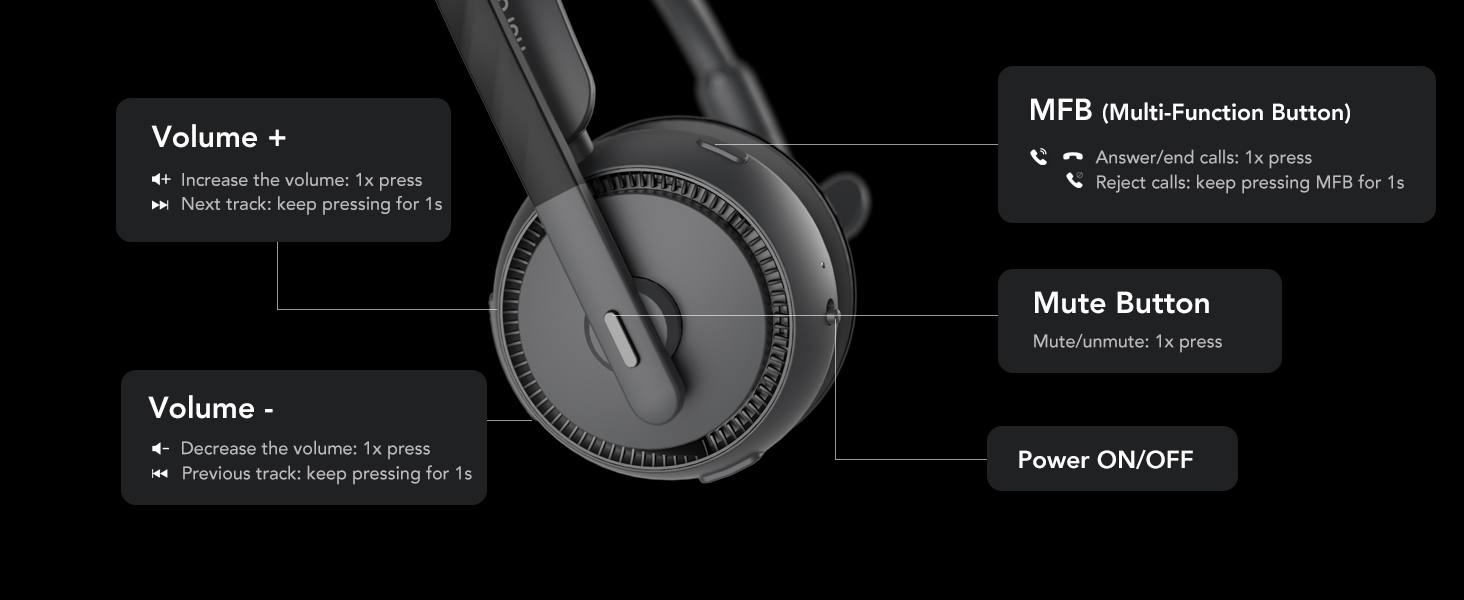
Our products do not have an agreement with conference softwares and therefore do not display the mute logo in the software. Just press the mute button and hear "mute on" tone, the headset will enter the mute state, please feel free to use it.
How can I connect the wireless headset to two devices?
1. Turn on the headset and connect it to device A.
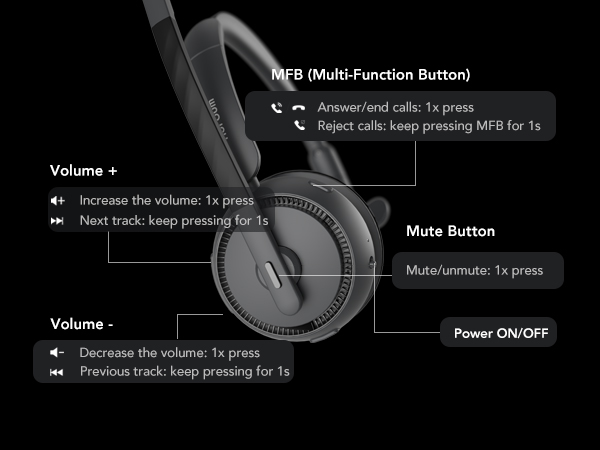
2. Disconnect the headset from device A, then press the MFB button and volume up button simultaneously to make it connectable again.
3. Connect it to device B.
4. Finally, reconnect it to device A.
Why am I unable to hear sound when the headset is connected to my PC?
Please ensure that both the computer's sound settings and the software's settings are correctly configured. Verify that the HP31S is selected as both the default output and input device in the sound settings.
What should I do if the mics suddenly stop picking up sound or cut out, and I must restart the headset to fix it?
1. Download NearSync from Nuroum website and install it on your PC.
2. Connect your headset to your PC via the USB cable and launch NearSync.
3. Choose the latest version V020.2025.04.29 mic000108 to update the firmware of the headset.
 HP31S Single Ear Headset | 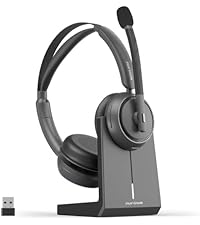 HP31D Wireless Headset | 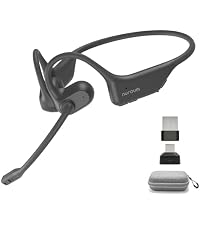 OpenEar Pro 2 Headphones | 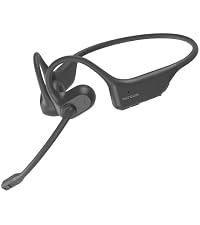 OpenEar Pro Headphones | 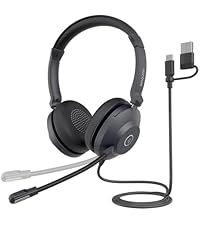 HP21 USB Headset with Mic | 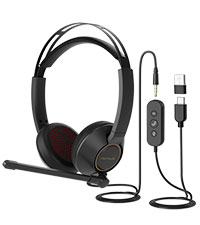 HP11DU USB Headset | 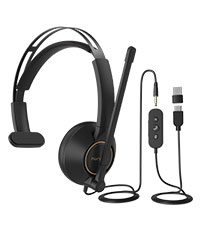 HP11SU USB Headset | |
|---|---|---|---|---|---|---|---|
Customer Reviews | — | — | — | — | — | — | — |
Price | — | — | — | — | — | — | — |
Bluetooth Version | 5.4 | 5.4 | 5.3 | 5.3 | / | / | / |
Bluetooth Effective Range | 33ft/10m | 33ft/10m | 33ft/10m | 33ft/10m | / | / | / |
Dual Connection | ? | ? | ? | ? | ? | ? | ? |
Noise Cancellation | Environmental Noise Cancelling | Environmental Noise Cancelling | Environmental Noise Cancelling | Environmental Noise Cancelling | Environmental Noise Cancelling | Environmental Noise Cancelling | Environmental Noise Cancelling |
Battery Life | 35H for calls, 45H for music | 35H for calls, 45H for music | 12H for calls, 15H for music | 12H for calls, 15H for music | / | / | / |
Charging Time | 2H | 2H | 2H | 2H | / | / | / |
With Charging Base | ? | ? | ? | ? | ? | ? | ? |
Connection Options | Dongle/Bluetooth/USB A&C | Dongle/Bluetooth/USB A&C | Dongle/Bluetooth | Bluetooth | USB A & Type-C | USB A, Type-C, 3,5mm Jack | USB A, Type-C, 3,5mm Jack |
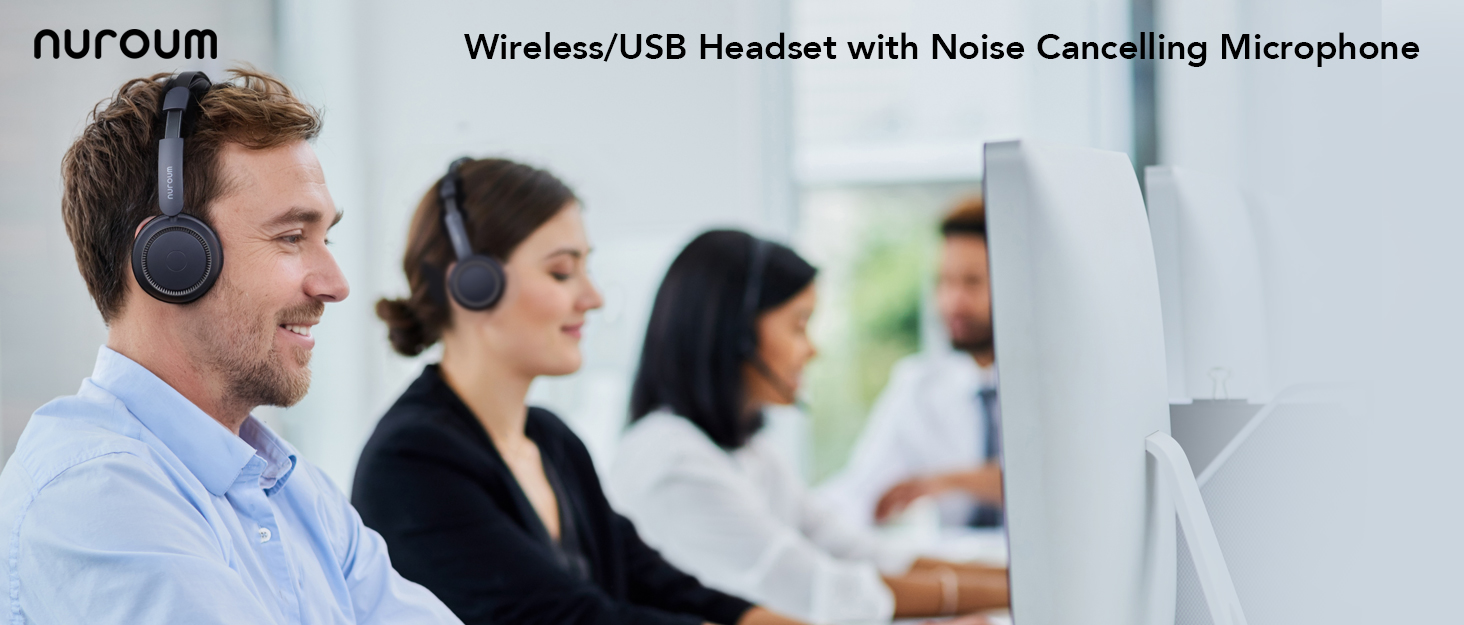

Nuroum is an innovative solution provider for distance collaboration, with audio as its core competency.With Nuroum self-innovated full-duplex, AI noise suppression, de-reverberation, industry-leading beamforming algorithm and technology, being clearly heard is perfectly realized.
Our products can be applied in various markets such as distance conference, remote education, telemedicine, video interview etc. And it’s not the end.

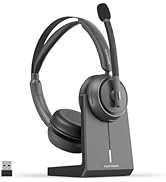
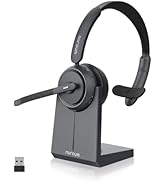


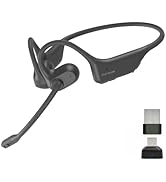

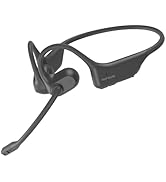
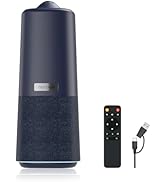
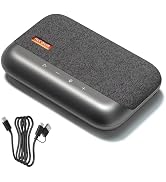
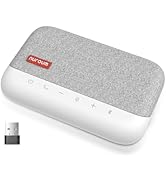
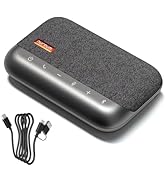
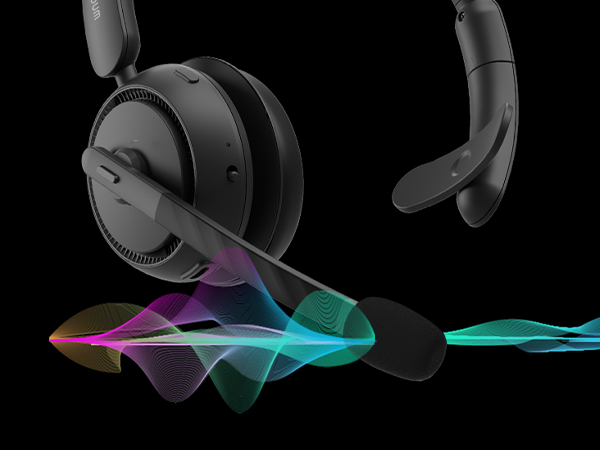
Immerse yourself in your calls through the ENC technology, erasing 99% of background noise.
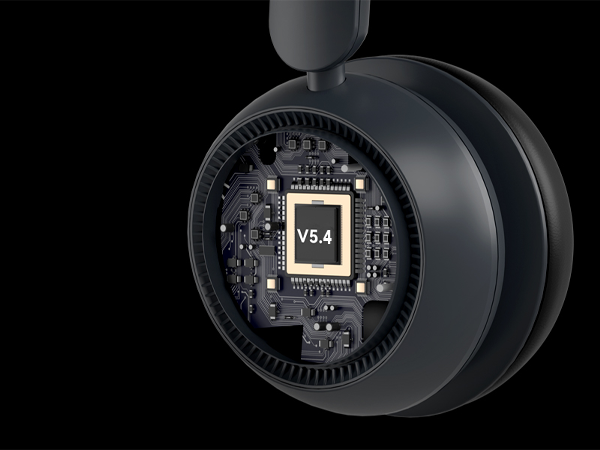
Bluetooth 5.4 of the headset provides with a faster and more stable connection within 33 feet range.
Connect to two devices simultaneously and switch between computer meetings and incoming phone calls.
Indulge in comfort with soft ear pads and leather sling for enduring coziness during extended usage.
Harnessing the HiFi4 DSP, this headset achieves an impressive 99.9% background noise suppression.

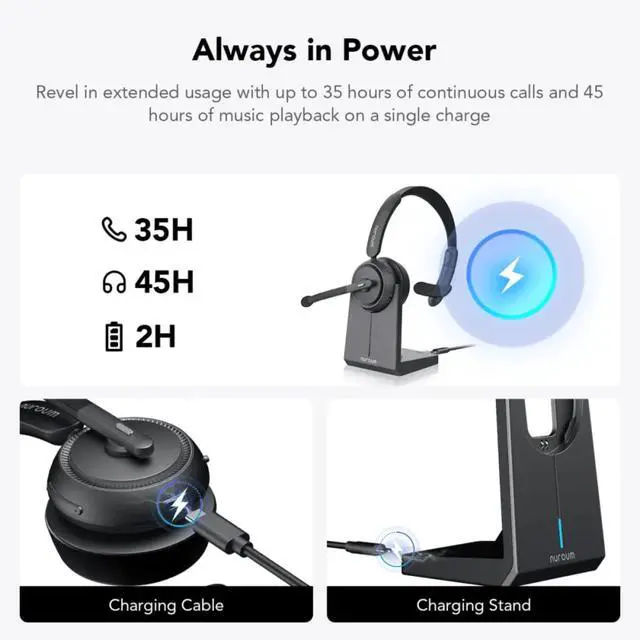
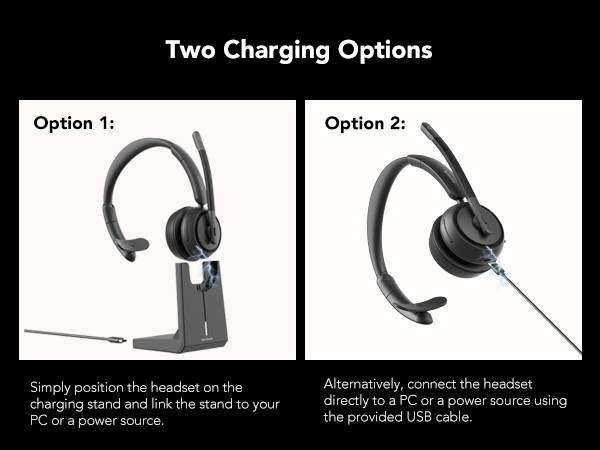
Enjoy 45 hours of playback on just a 2-hour charge! Go the distance without constant recharging.
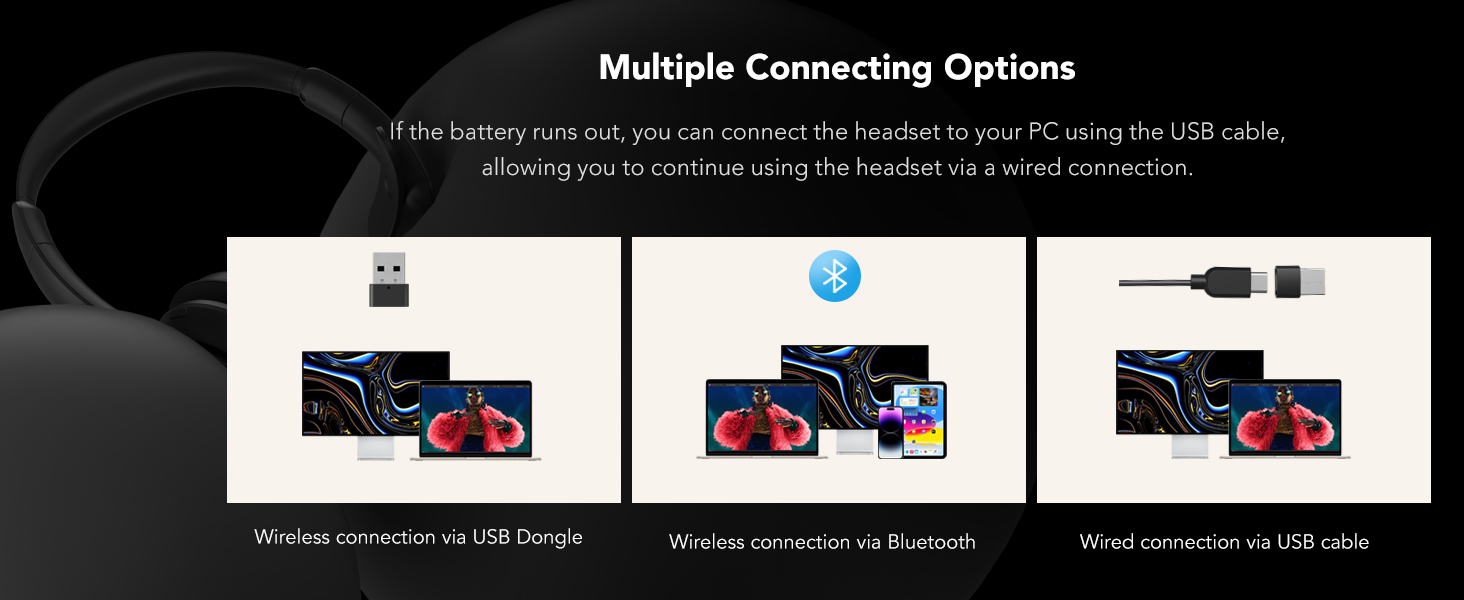
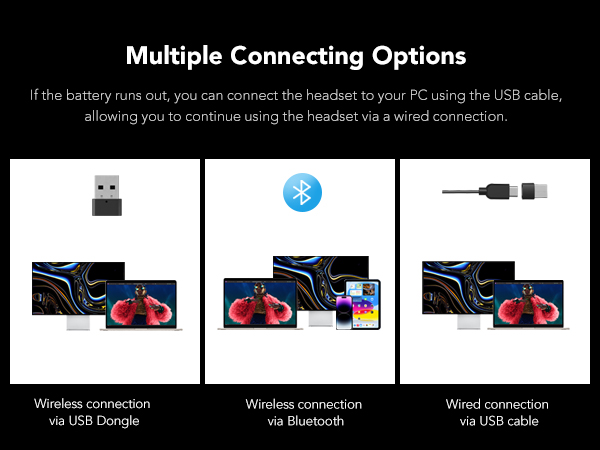
Even if your computer doesn't support Bluetooth, you can also use a Dongle or USB connection.
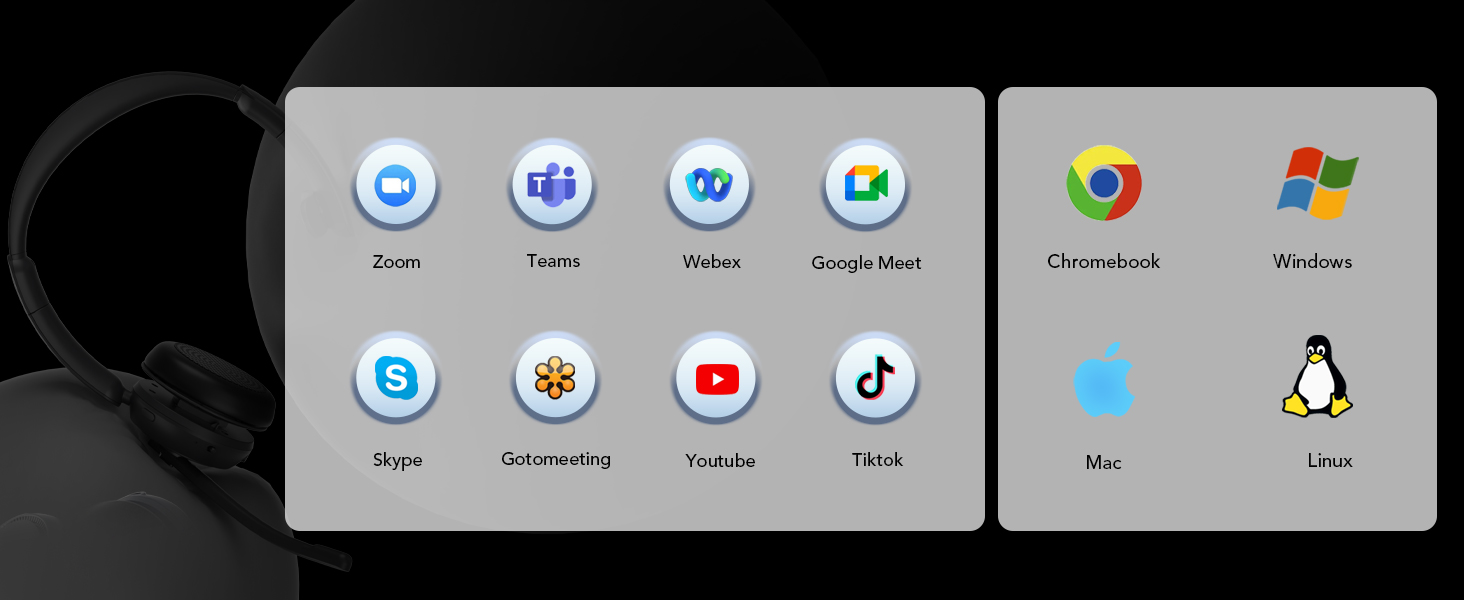
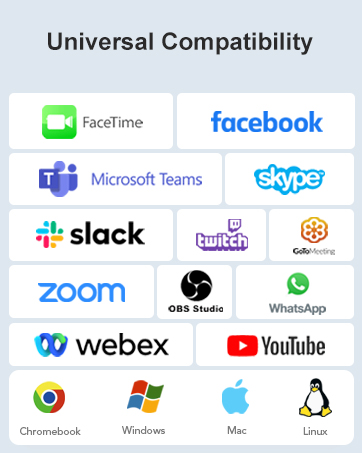
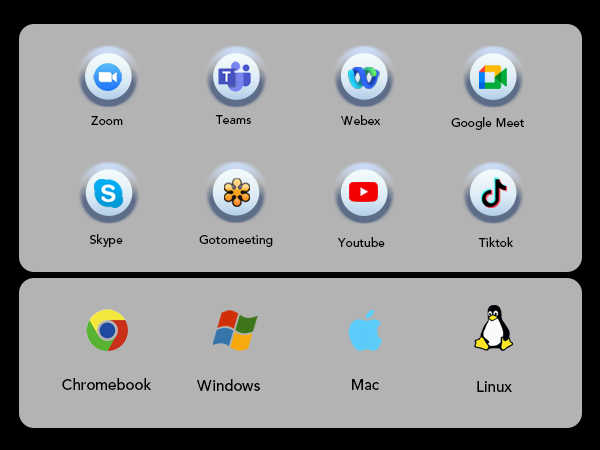
Functions seamlessly with mainstream conferencing platforms such as Zoom, Teams, WebEx and more.






Why does my headset suddenly disconnect after a period of use?
When connecting to a computer using dongle or Bluetooth, if the computer goes into hibernation, the headset will also disconnect. For battery life reasons, the headset will turn itself off after 15 minutes without any connection.
Why doesn't the mute flag in Teams work when I press the mute button?
Our products do not have an agreement with conference softwares and therefore do not display the mute logo in the software. Just press the mute button and hear "mute on" tone, the headset will enter the mute state, please feel free to use it.
How can I connect the wireless headset to two devices?
1. Turn on the headset and connect it to device A.
2. Disconnect the headset from device A, then press the MFB button and volume up button simultaneously to make it connectable again.
3. Connect it to device B.
4. Finally, reconnect it to device A.
Why am I unable to hear sound when the headset is connected to my PC?
Please ensure that both the computer's sound settings and the software's settings are correctly configured. Verify that the HP31S is selected as both the default output and input device in the sound settings.
What should I do if the mics suddenly stop picking up sound or cut out, and I must restart the headset to fix it?
1. Download NearSync from Nuroum website and install it on your PC.
2. Connect your headset to your PC via the USB cable and launch NearSync.
3. Choose the latest version V020.2025.04.29 mic000108 to update the firmware of the headset.
HP31S Single Ear Headset | HP31D Wireless Headset | OpenEar Pro 2 Headphones | OpenEar Pro Headphones | HP21 USB Headset with Mic | HP11DU USB Headset | HP11SU USB Headset |
|---|---|---|---|---|---|---|
| Customer Reviews | ||||||
| — | — | — | — | — | — | — |
| Price | ||||||
| — | — | — | — | — | — | — |
| Bluetooth Version | ||||||
| 5.4 | 5.4 | 5.3 | 5.3 | / | / | / |
| Bluetooth Effective Range | ||||||
| 33ft/10m | 33ft/10m | 33ft/10m | 33ft/10m | / | / | / |
| Dual Connection | ||||||
| ? | ? | ? | ? | ? | ? | ? |
| Noise Cancellation | ||||||
| Environmental Noise Cancelling | Environmental Noise Cancelling | Environmental Noise Cancelling | Environmental Noise Cancelling | Environmental Noise Cancelling | Environmental Noise Cancelling | Environmental Noise Cancelling |
| Battery Life | ||||||
| 35H for calls, 45H for music | 35H for calls, 45H for music | 12H for calls, 15H for music | 12H for calls, 15H for music | / | / | / |
| Charging Time | ||||||
| 2H | 2H | 2H | 2H | / | / | / |
| With Charging Base | ||||||
| ? | ? | ? | ? | ? | ? | ? |
| Connection Options | ||||||
| Dongle/Bluetooth/USB A&C | Dongle/Bluetooth/USB A&C | Dongle/Bluetooth | Bluetooth | USB A & Type-C | USB A, Type-C, 3,5mm Jack | USB A, Type-C, 3,5mm Jack |
Nuroum is an innovative solution provider for distance collaboration, with audio as its core competency.With Nuroum self-innovated full-duplex, AI noise suppression, de-reverberation, industry-leading beamforming algorithm and technology, being clearly heard is perfectly realized.
Our products can be applied in various markets such as distance conference, remote education, telemedicine, video interview etc. And it’s not the end.