here!
here!
I’m your shopping assistant for PC builds, upgrades, and everything tech.
Got questions? Ask away!
Start a conversation
here!
I’m your shopping assistant for PC builds, upgrades, and everything tech.
Got questions? Ask away!
Start a conversation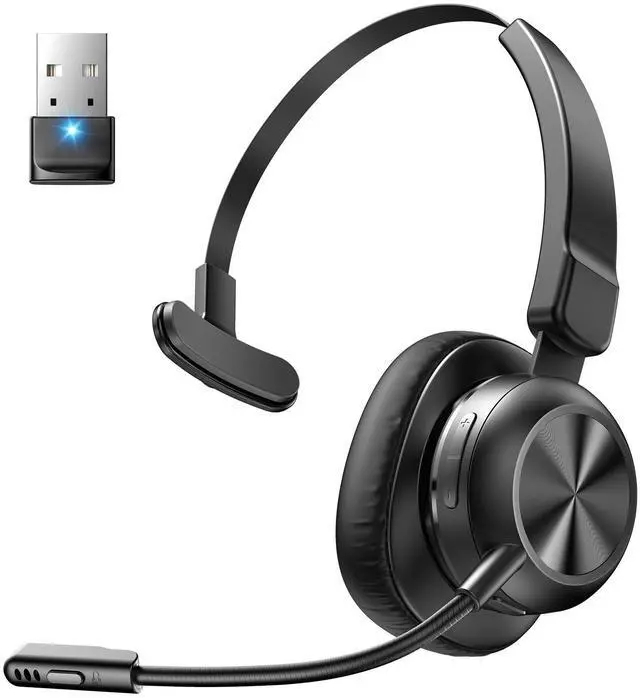
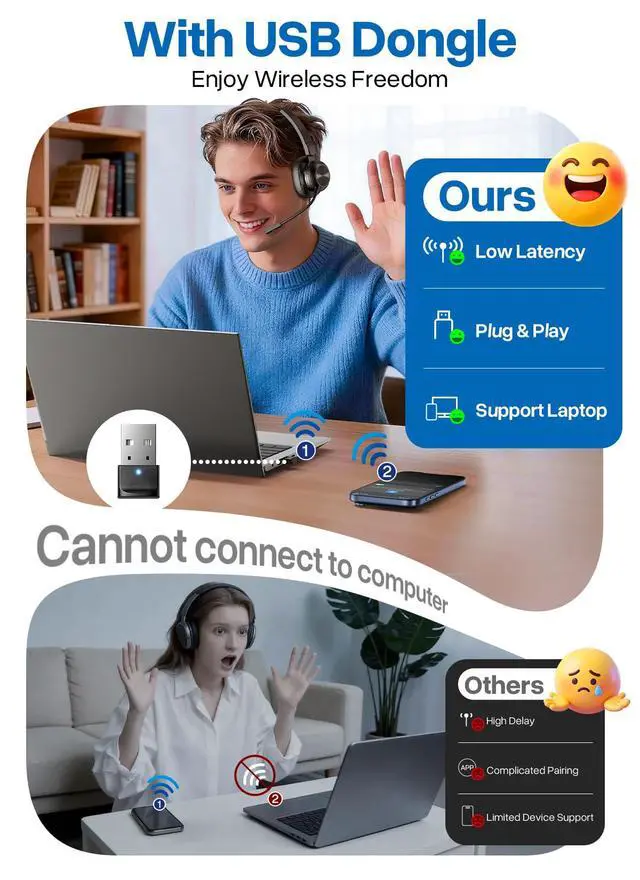

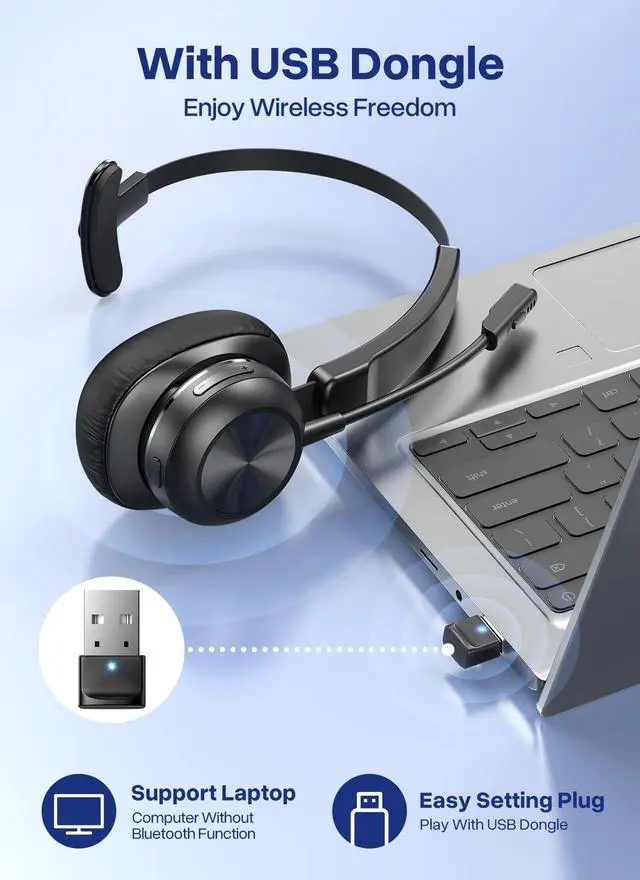





Any questions? Ask CelesteSM will help you find out quickly.

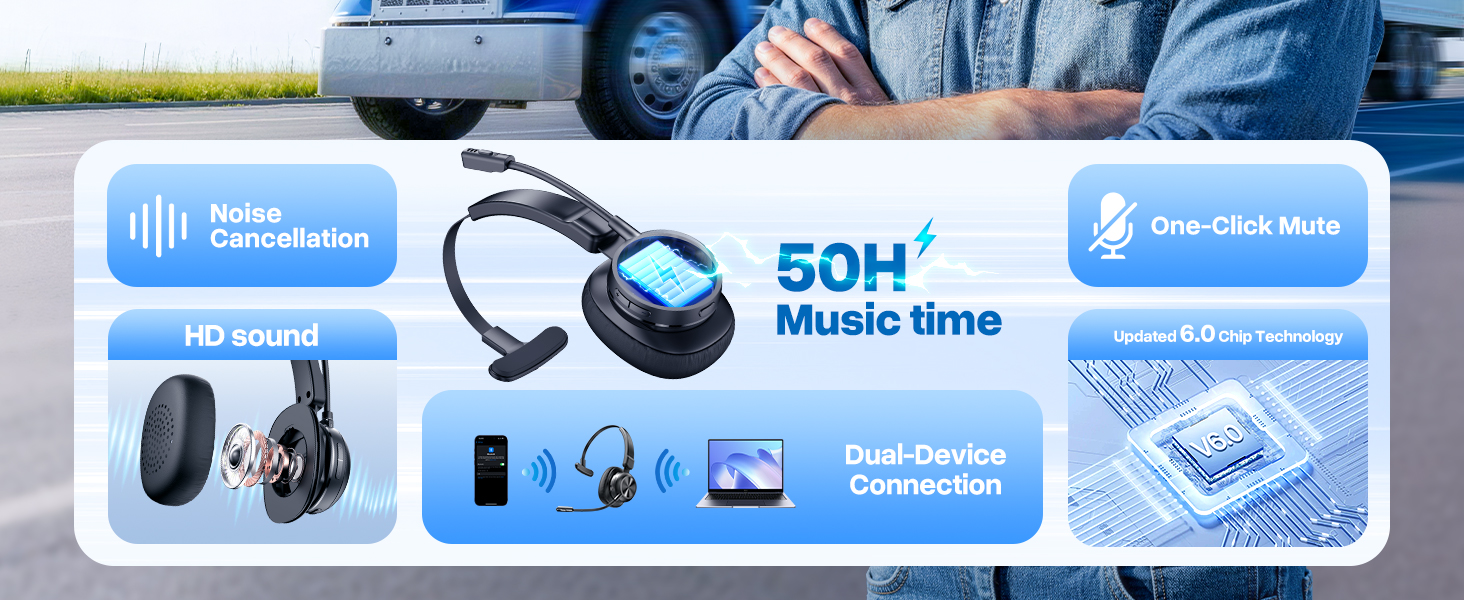
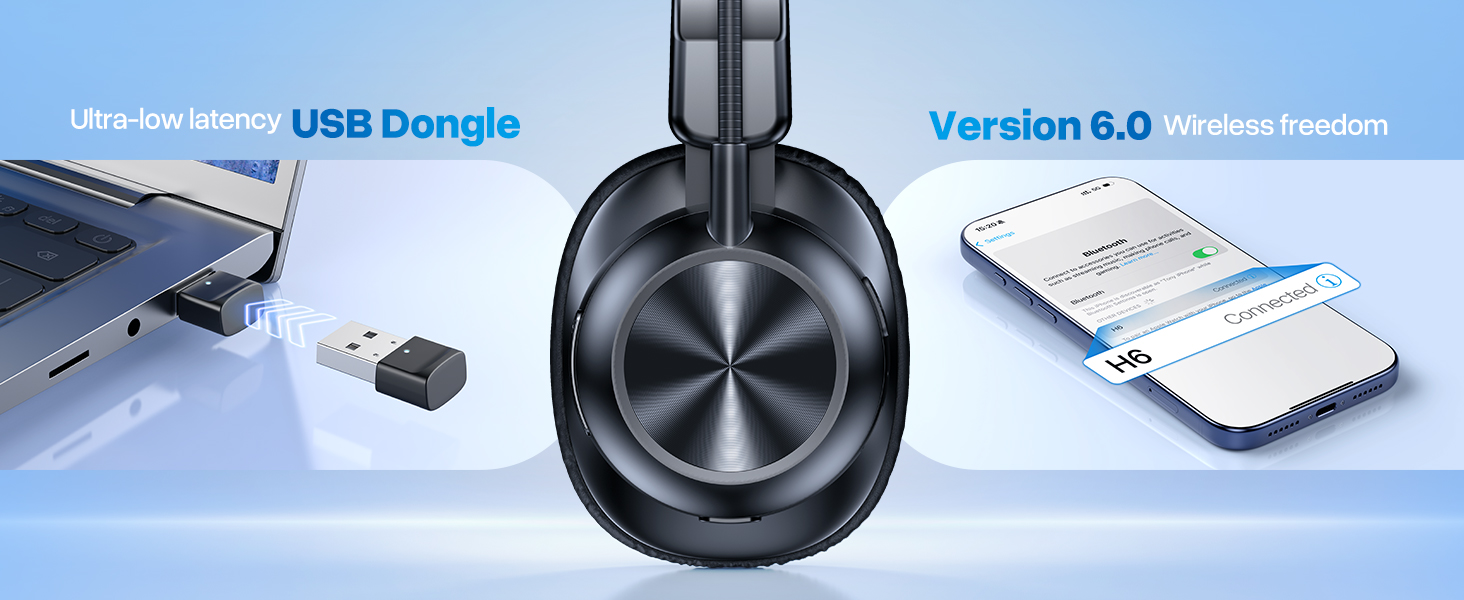
How to connect with the headset H6 & Bluetooth device?
1) Press and hold the Power Button for 2s to power on the headset.
2) Activate Bluetooth on your device & search for nearby Bluetooth connections.
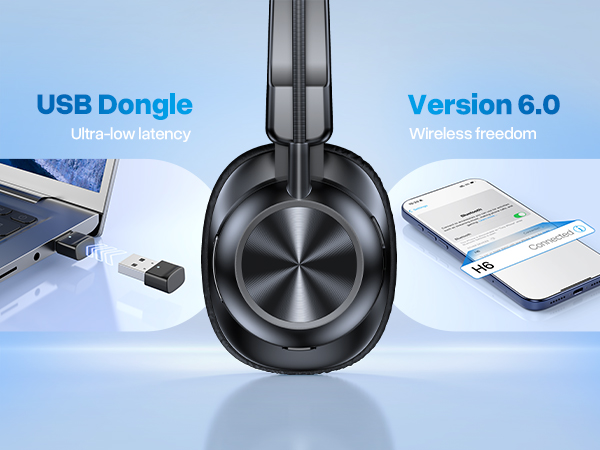
3) Find "H6" in the search results. Tap on the name to connect.
I can't pick up calls through the headset when it's connecting with computer.
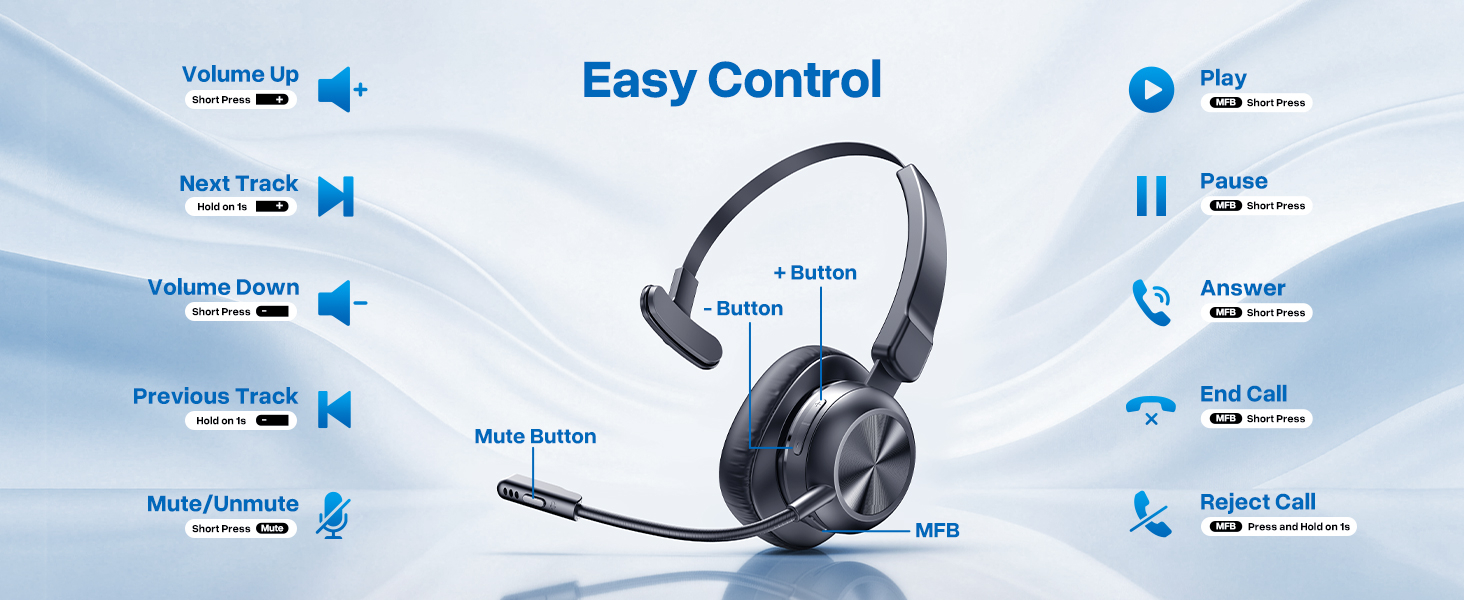
The headset MFB only work on mobile phone calls, not compatible with computer on voice calls or social Apps. You need pick up the calls on your computer then talk though the headset.
What should I do if there is no sound when the headset is connected to the computer?
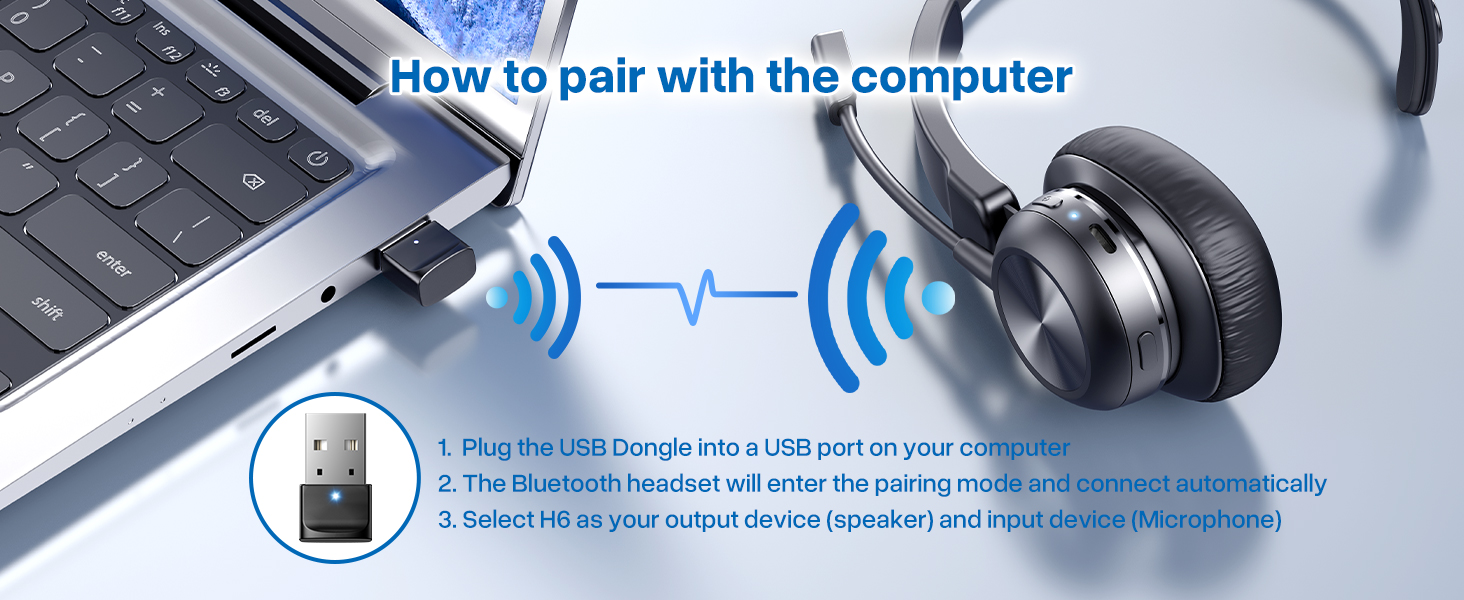
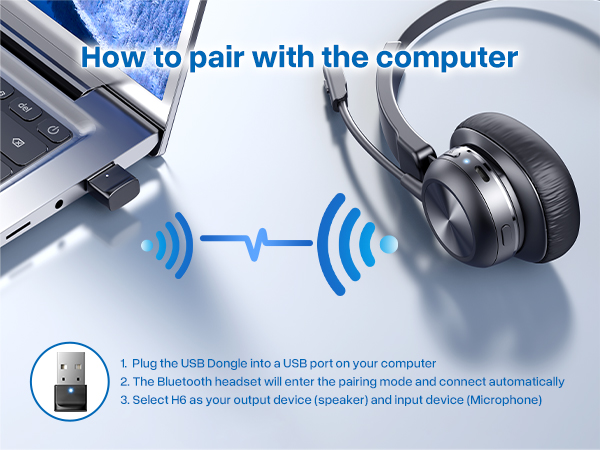
1) Make sure that your headset is connected with computer through Dongle or Bluetooth.
2) Please check the sound settings of both the computer and the software to make sure [H6] is selected as the default output and input device.
How do l use the headset's mute function during a call or online meeting?
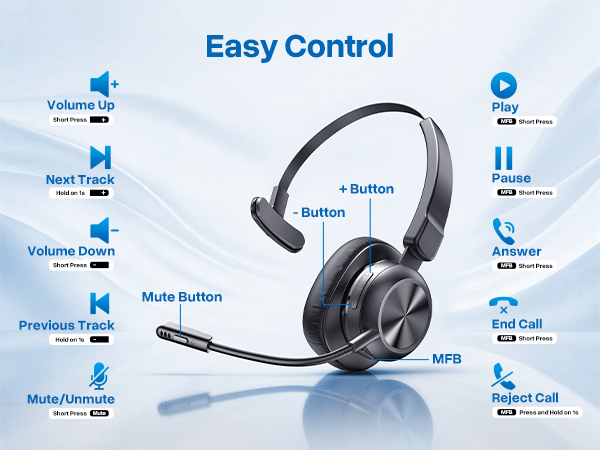
The mute function only works during calls. During a call or online meeting. Press the mute button to mute the headset microphone. Press again to unmute.
Note: The mute function may not be available for phone calls on the computer or certain apps.
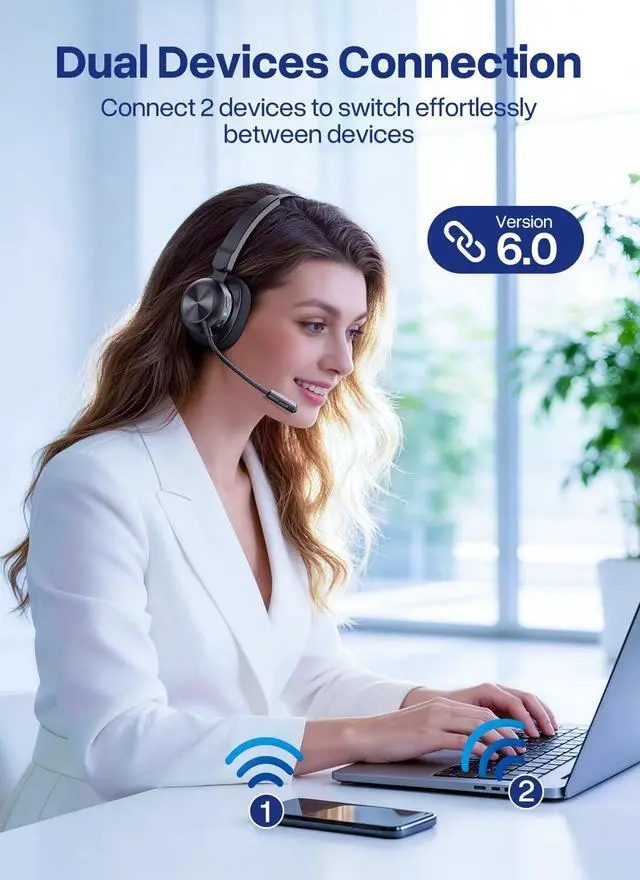
Can the headset connect multiple devices at the same time?
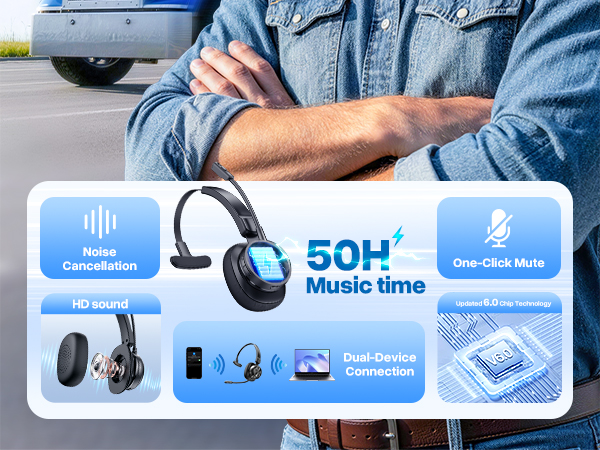
The headset can connect to two devices at the same time. But only one device can play music at a time. To play music from one device, you need to pause or turn off the music from another device.






How to connect with the headset H6 & Bluetooth device?
1) Press and hold the Power Button for 2s to power on the headset.
2) Activate Bluetooth on your device & search for nearby Bluetooth connections.
3) Find "H6" in the search results. Tap on the name to connect.
I can't pick up calls through the headset when it's connecting with computer.
The headset MFB only work on mobile phone calls, not compatible with computer on voice calls or social Apps. You need pick up the calls on your computer then talk though the headset.
What should I do if there is no sound when the headset is connected to the computer?
1) Make sure that your headset is connected with computer through Dongle or Bluetooth.
2) Please check the sound settings of both the computer and the software to make sure [H6] is selected as the default output and input device.
How do l use the headset's mute function during a call or online meeting?
The mute function only works during calls. During a call or online meeting. Press the mute button to mute the headset microphone. Press again to unmute.
Note: The mute function may not be available for phone calls on the computer or certain apps.
Can the headset connect multiple devices at the same time?
The headset can connect to two devices at the same time. But only one device can play music at a time. To play music from one device, you need to pause or turn off the music from another device.