here!
here!
I’m your shopping assistant for PC builds, upgrades, and everything tech.
Got questions? Ask away!
Start a conversation
here!
I’m your shopping assistant for PC builds, upgrades, and everything tech.
Got questions? Ask away!
Start a conversation



Any questions? Ask CelesteSM will help you find out quickly.


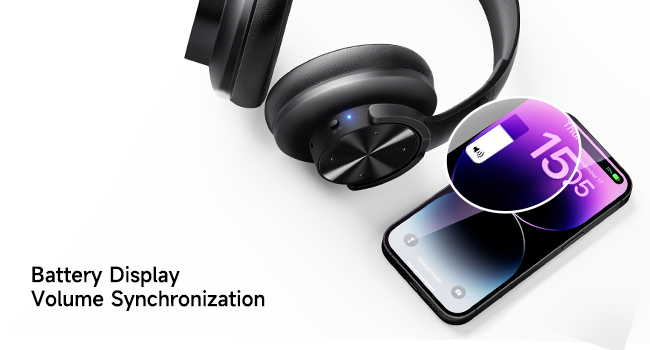
When the bluetooth headset is connected to the IOS device, the current battery level of the headphones is displayed in the upper right corner of the IOS device screen. Press the "+" and "-" buttons on the headphones to synchronously adjust the phone volume. (This feature only supports IOS systems)

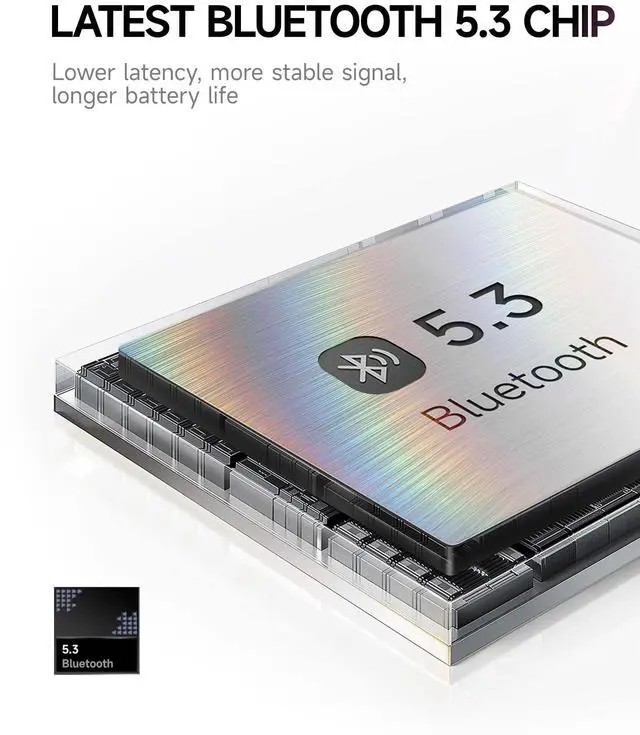
Equipped with the latest Bluetooth 5.3 chip, our Bluetooth headphones are compatible with all Bluetooth devices. When the Bluetooth headset exceeds the Bluetooth range (10m/33ft), it will disconnect. If the headphone return to Bluetooth range within 5 minutes, it will automatically reconnect.

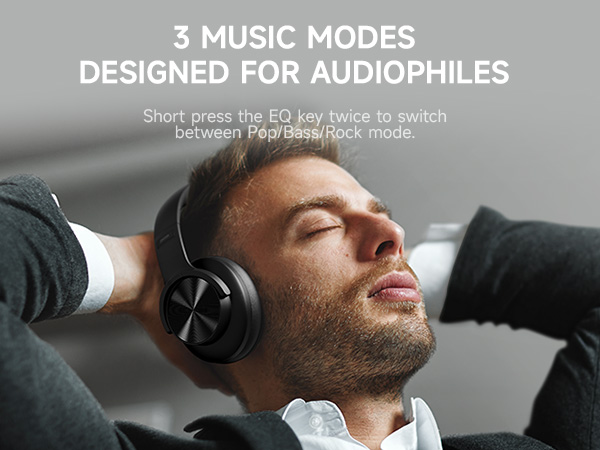
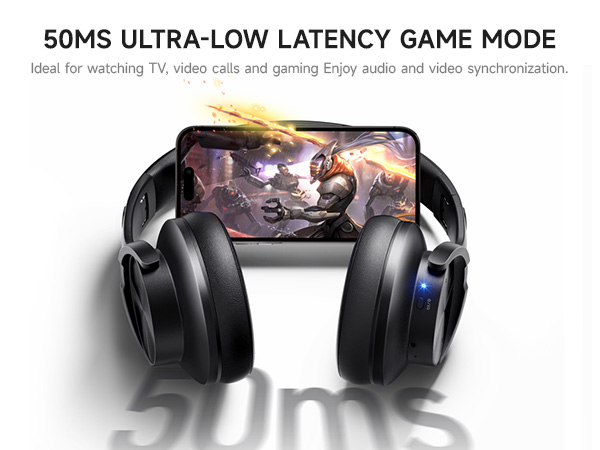

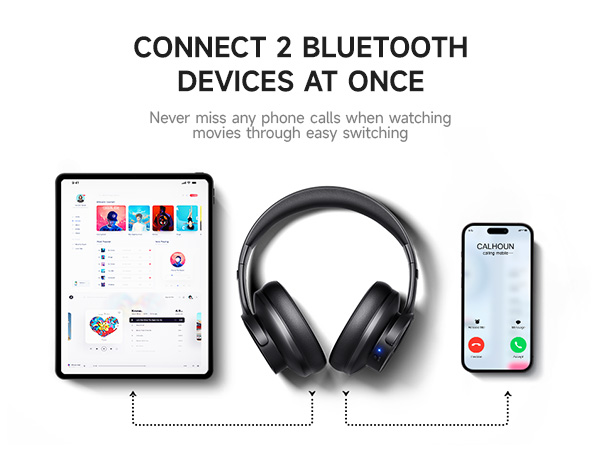
When the bluetooth headset is connected to the IOS device, the current battery level of the headphones is displayed in the upper right corner of the IOS device screen. Press the "+" and "-" buttons on the headphones to synchronously adjust the phone volume. (This feature only supports IOS systems)
Equipped with the latest Bluetooth 5.3 chip, our Bluetooth headphones are compatible with all Bluetooth devices. When the Bluetooth headset exceeds the Bluetooth range (10m/33ft), it will disconnect. If the headphone return to Bluetooth range within 5 minutes, it will automatically reconnect.





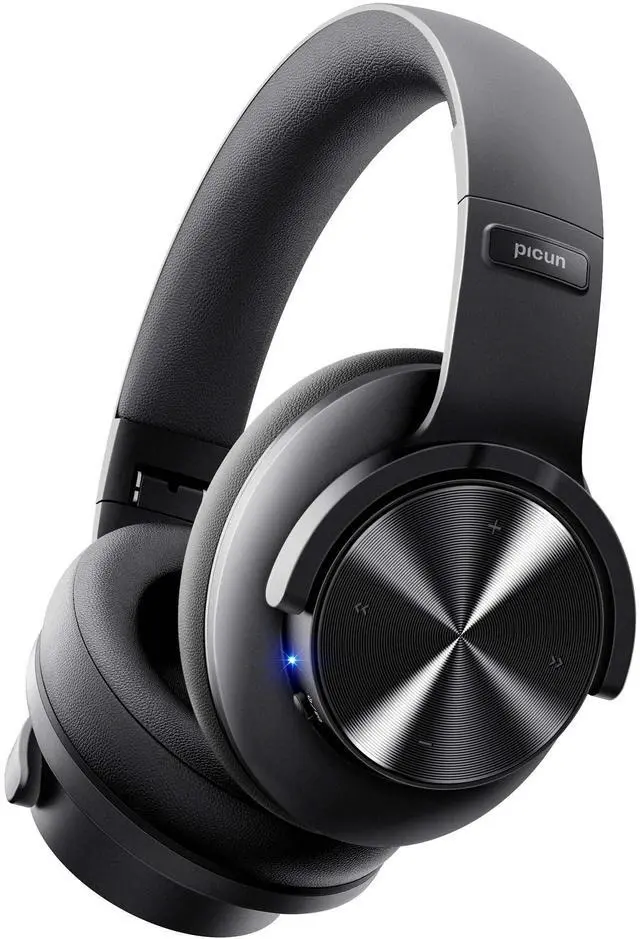
Bluetooth Headphones Wireless Headphones with mic Over Ear headphones bluetooth headset wireless headset with microphone wireless foldable deep bass headphone beats headphones kids headphones for school adult woman man girl boy travel gaming
| Brand | Picun |
| Color | Black |
| Ear Placement | Over Ear |
| Form Factor | Over Ear |
| Impedance | 32 Ohms |
| Noise Control | Sound Isolation |
| Sensitivity | 42 dB |
| Headphones Jack | 3.5 mm Jack |
| Model Name | B8-Black |
| Connectivity Technology | Wireless |
| Wireless Communication Technology | Bluetooth |
| Included Components | 1*headphone, 1*3.5mm audio cable, 1*USB charging cable, 1*user manual |
| Age Range (Description) | Teen and above |
| Material | Polyurethane Leather,Elastic Sponge,Plastic |
| Specific Uses For Product | Travel, Home Office, Cellphone Use, PC Use, Watching Movies, Gaming |
| Charging Time | 3 Hours |
| Recommended Uses For Product | Travel, Home Office, Cellphone Use, PC Use, Watching Movies, Gaming |
| Compatible Devices | Bluetooth-enabled devices |
| Control Type | Volume Control |
| Cable Feature | Detachable |
| Item Weight | 230 Grams |
| Water Resistance Level | Not Water Resistant |
| Customer Package Type | Standard package |
| Unit Count | 1.0 Count |
| Style | Over-Ear |
| Control Method | Touch |
| Number of Items | 1 |
| Controller Type | Touch Control |
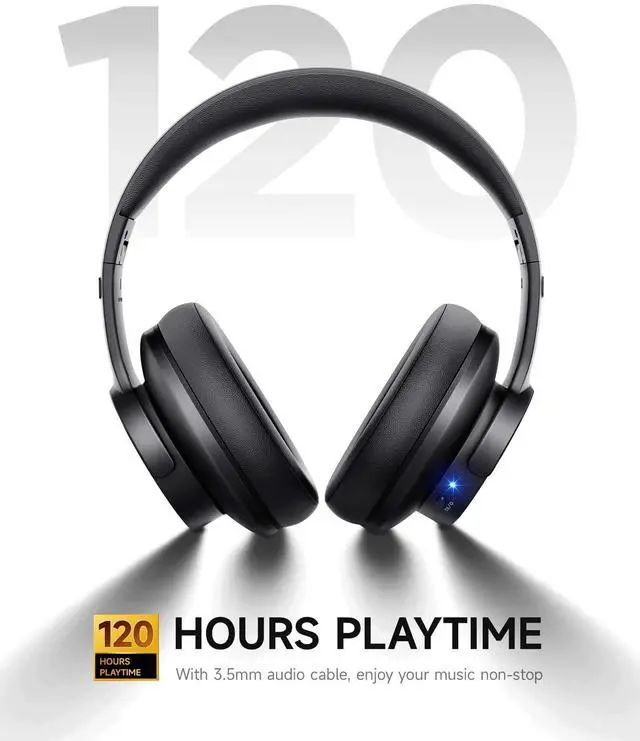
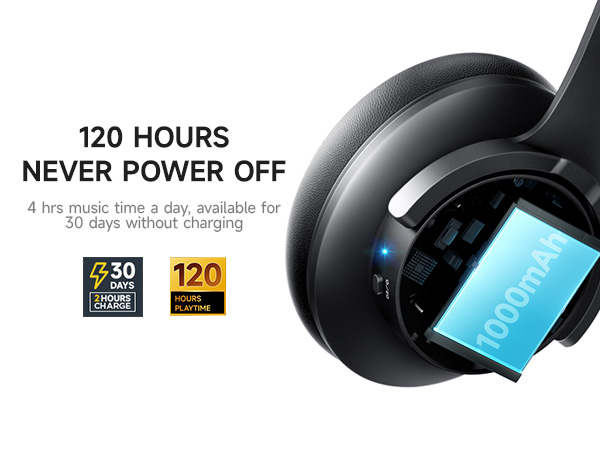
| Battery Life | 120 Hours |
| Audio Driver Type | Dynamic Driver |
| Bluetooth Range | 33 Feet |
| Bluetooth Version | 5.4 |
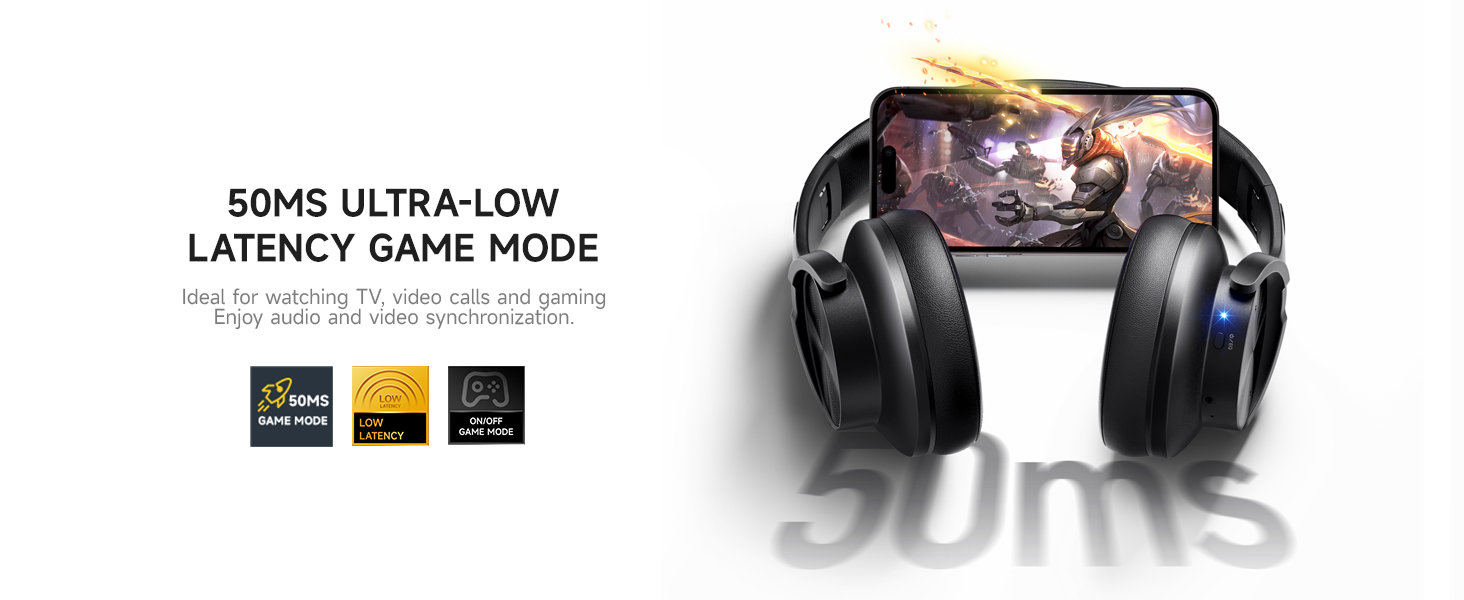
| Audio Latency | 50 Milliseconds |
| Audio Driver Size | 40 Millimeters |
| Earpiece Shape | Oval |
| Series Number | 8 |
| Hardware Interface | Bluetooth |
| Input Device Interface | 3.5mm audio cable |
| Generation | 1st Generation |
| Supports Bluetooth Technology | Yes |
| Special Feature | Foldable, Microphone Included, Multipoint Pairing, Noise Isolation, Touch Control |
| Manufacturer | Picun |
| Package Dimensions | 6.38 x 5.94 x 3.62 inches |
| Item model number | B8 BLACK |
| Batteries | 1 Lithium Polymer batteries required. (included) |
| Date First Available | August 16, 2023 |